dsh-image-annotate
Run the following command in DeepSeek Harness:
dsh plugin install janewas/dsh-image-annotate
Paste the following prompt into your AI chat to install this plugin:
Install the plugin in DeepSeek Harness by running dsh plugin install janewas/dsh-image-annotate (source: https://github.com/janewas/dsh-image-annotate), then restart dsh web and refresh the page.
About this plugin
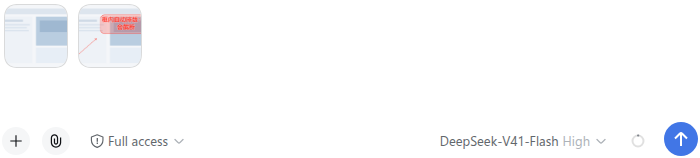
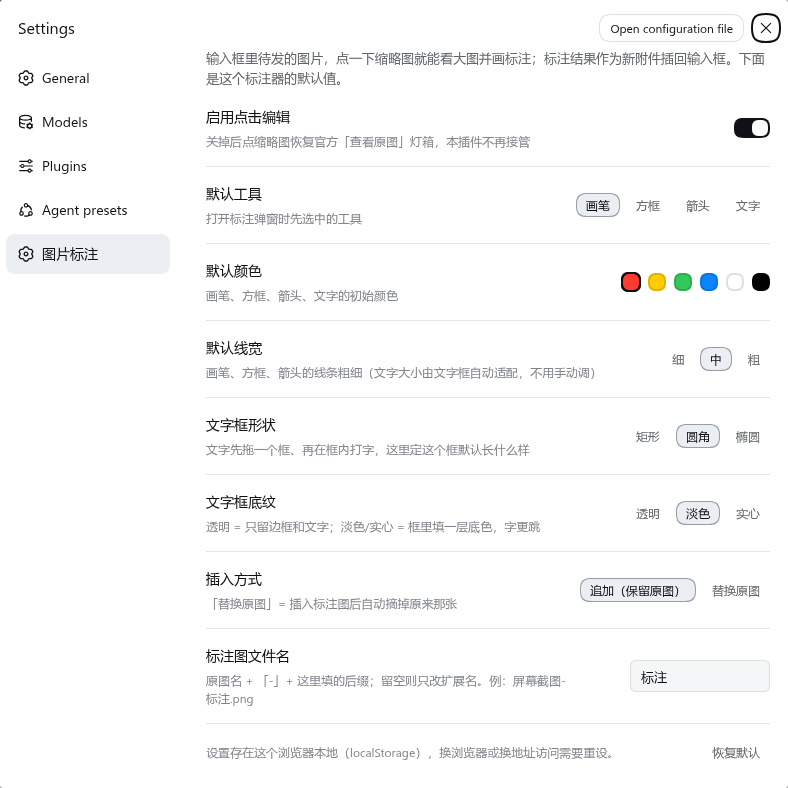
Before sending a screenshot to your agent, you almost always want to circle something, drop an arrow, or jot a quick note. That used to mean leaving the composer, opening a separate drawing app, annotating, and dragging the file back in. dsh-image-annotate folds that step right into the DSH composer: click a pending thumbnail, draw in place, and the annotated copy lands as a new attachment right next to the original.
Screenshots
Use Cases
- Circle the offending line of code before sending an error screenshot to your agent
- Point an arrow at the region that needs revision on a design mockup and label it
- Drop a text frame saying "column 3" on a table screenshot so the agent extracts exactly the right data
Best For
- DSH users who frequently send annotated screenshots to their agents
- Anyone tired of switching between apps just to circle something or add a label
- Plugin users who prefer lightweight, dependency-free tools that leave DSH's UI untouched
Related Plugins

whale-girl is a desktop pet in the DSH Web GUI (bottom-right for instant companionship) — draggable, feedable, playable; completed tasks, sessions and companionship time accrue into seniority levels, titles, and memories.

Renders your local Wallpaper Engine wallpapers as the DSH web background, supporting video, web, and scene wallpapers with a liquid-glass effect and rich customization.

A WebGPU ocean skin for DeepSeek Harness with five-wave Gerstner waves, translucent theme, day/night cycle, and quick controls, installable as plugin or extension.

A Galgame-style conversation view and visual scene editor for DSH web sessions, with a real-time editing mode.