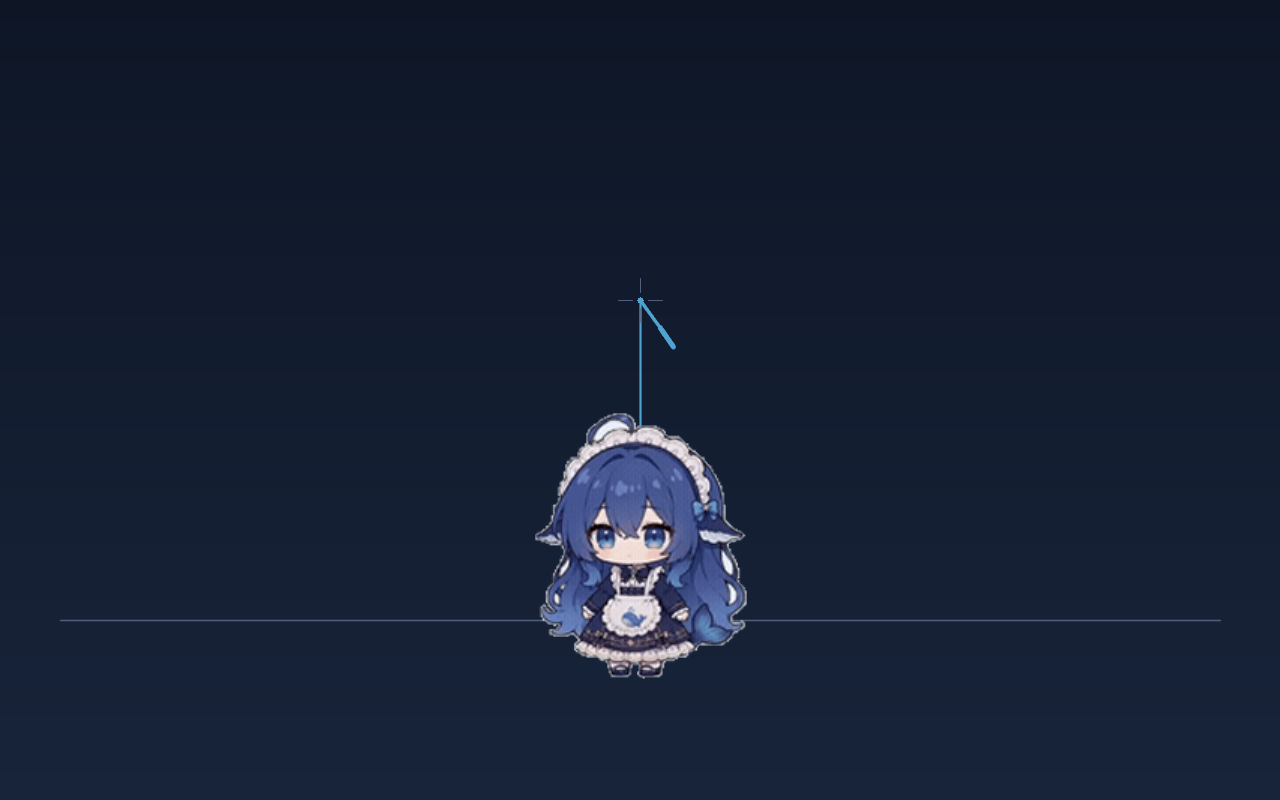
dsh-whale-rod-cursor
Run the following command in DeepSeek Harness:
dsh plugin install xingheyewang-1/dsh-whale-rod-cursor
Paste the following prompt into your AI chat to install this plugin:
Run dsh plugin install xingheyewang-1/dsh-whale-rod-cursor in your terminal; the source lives at https://github.com/xingheyewang-1/dsh-whale-rod-cursor. After installing, restart dsh web and hard-refresh the page to activate.
About this plugin
The cold, system-default cursor in DSH web interface can start to feel flat after a while. dsh-whale-rod-cursor swaps it for a fishing rod whose tip pins exactly to your pointer, with a bouncy elastic line dangling a chibi whale girl as the bait. Pull the mouse and she gets yanked, slingshots out, and settles back with a damped cosine oscillation; pull hard enough and a speech bubble pops up that scales with your force—up to the whale's full height. Let things quiet down and she adds a line of pleading or cuteness; leave the cursor idle long enough and she stages a little fishing-fail comedy all on her own.
Three capabilities do the heavy lifting: a felt-sense physics engine (progressive stiffness plus low damping) where every parameter—stiffness, damping, gravity, rope length—is tunable from the settings page; an interaction hint painted on the rod itself, shifting to bright teal over editable areas, pale gold over buttons, and a 150 ms orange-red flash on click so you always know what is reachable without reading cursor states, and the detection logic never hard-codes any DSH class name; and a pose pack (idle / working / done) that follows the live DSH session state, degrading gracefully to follow-the-swing when the service is unavailable, with zero per-frame rendering overhead. The entire overlay is pointer-events: none, so clicks, drags, and shortcuts work exactly as before, and animation pauses automatically when the tab is hidden.
Best for DSH web users who want a bit of joy in the interface without sacrificing a millisecond of productivity. No build step, no auth—install, restart dsh web, hard-refresh, and you are done. Alt+Esc toggles back to the system cursor at any time, and focus loss, pointer exit, or tab hiding all restore it automatically.
Screenshots
Use Cases
- Using DSH web for long coding sessions, the rod and whale cursor keeps the screen from feeling sterile
- Hovering over input fields and buttons, the rod color-shift gives a subtle cue that says you can hit this
- Sliding the mouse fast during a stressful debug loop, the whale flings out and pops a bubble as a tiny palate cleanser
Best For
- DSH web power users who want a touch of charm without losing a single keystroke
- Fans of cursor micro-toys who insist that no click, drag, or shortcut is ever blocked
- Tinkerers who enjoy dialing in stiffness, damping, and gravity to their exact taste
Related Plugins

whale-girl is a desktop pet in the DSH Web GUI (bottom-right for instant companionship) — draggable, feedable, playable; completed tasks, sessions and companionship time accrue into seniority levels, titles, and memories.

Renders your local Wallpaper Engine wallpapers as the DSH web background, supporting video, web, and scene wallpapers with a liquid-glass effect and rich customization.

A WebGPU ocean skin for DeepSeek Harness with five-wave Gerstner waves, translucent theme, day/night cycle, and quick controls, installable as plugin or extension.

A Galgame-style conversation view and visual scene editor for DSH web sessions, with a real-time editing mode.