dshgo
Run the following command in DeepSeek Harness:
dsh plugin install xiazhi88/dshgo
Paste the following prompt into your AI chat to install this plugin:
Run dsh plugin install xiazhi88/dshgo in DeepSeek Harness to install; source code is at https://github.com/xiazhi88/dshgo
About this plugin
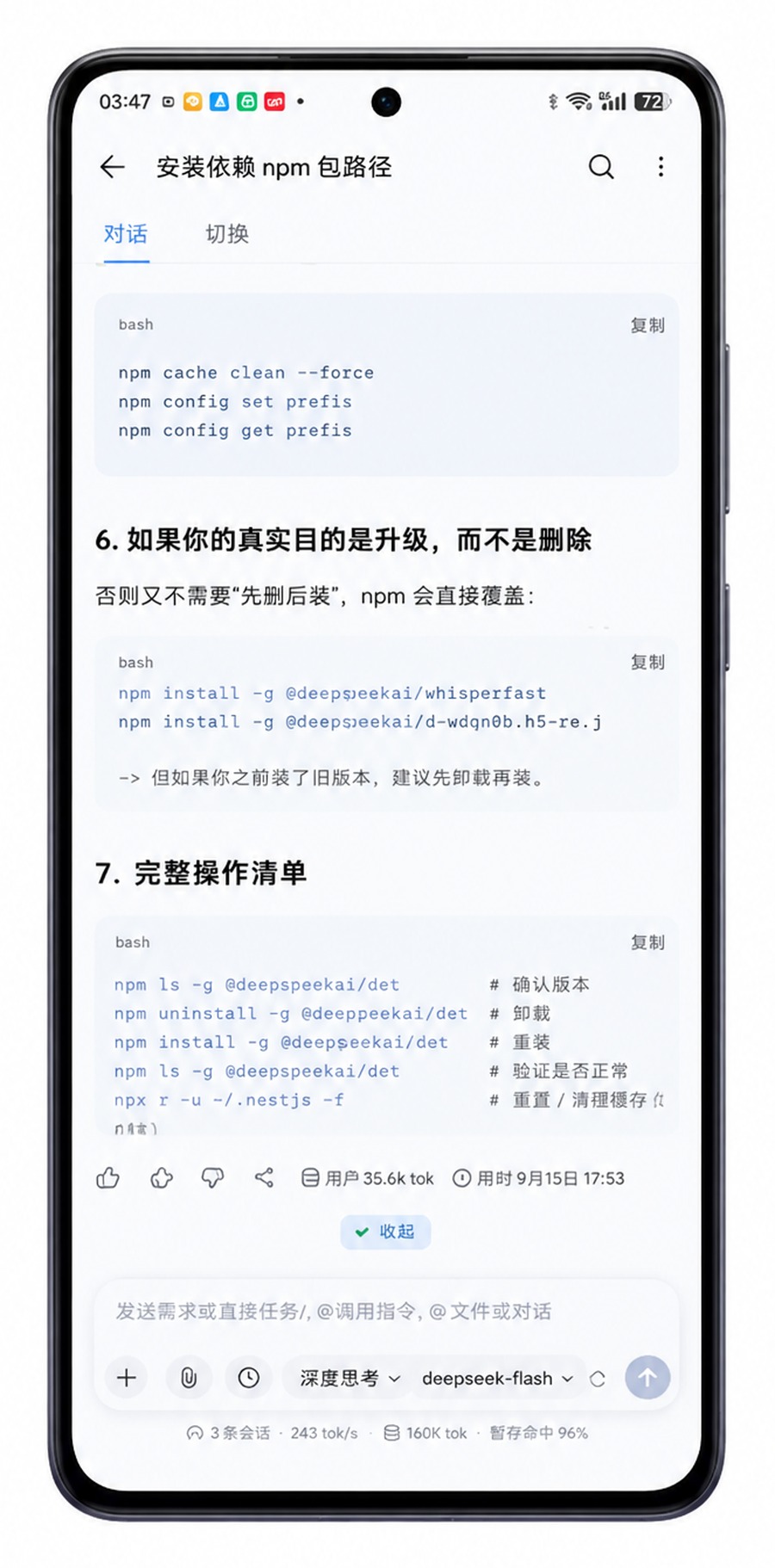
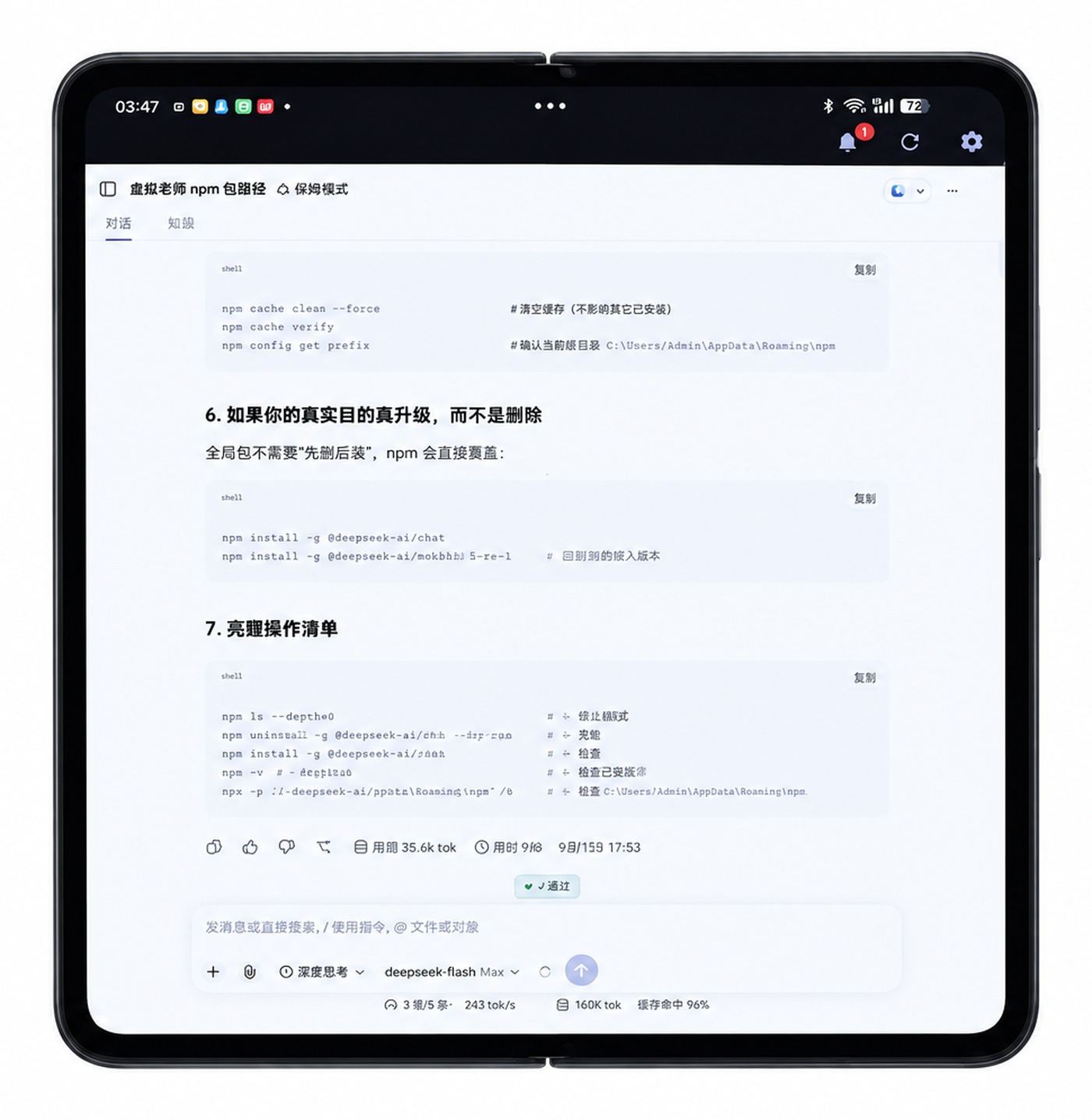
DSH web is hardwired to 127.0.0.1, guarded by a Host/Origin fence, and its session cookie is bound to the original authority. Even on the same WiFi, a phone or tablet is met with a 401 the moment it tries to connect. dshgo closes that gap on two fronts. A client plugin rewrites every incoming Host and Origin to loopback before forwarding, so the fence always sees localhost; it also injects the per-boot launch token and the polyfills (crypto.randomUUID, AbortSignal.any) that older WebViews lack, removing the last blockers to a working mobile session. An Android app then delivers a real phone experience: when a run finishes or the agent is stuck on approval, a native notification appears with a one-tap Approve button that never yanks the app into the foreground.
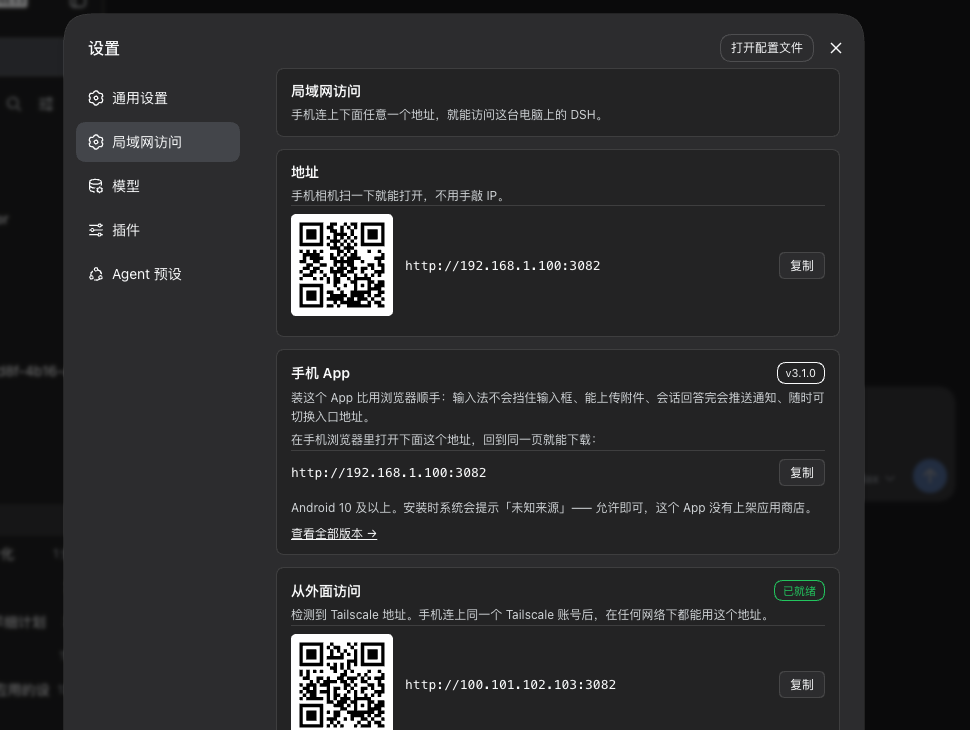
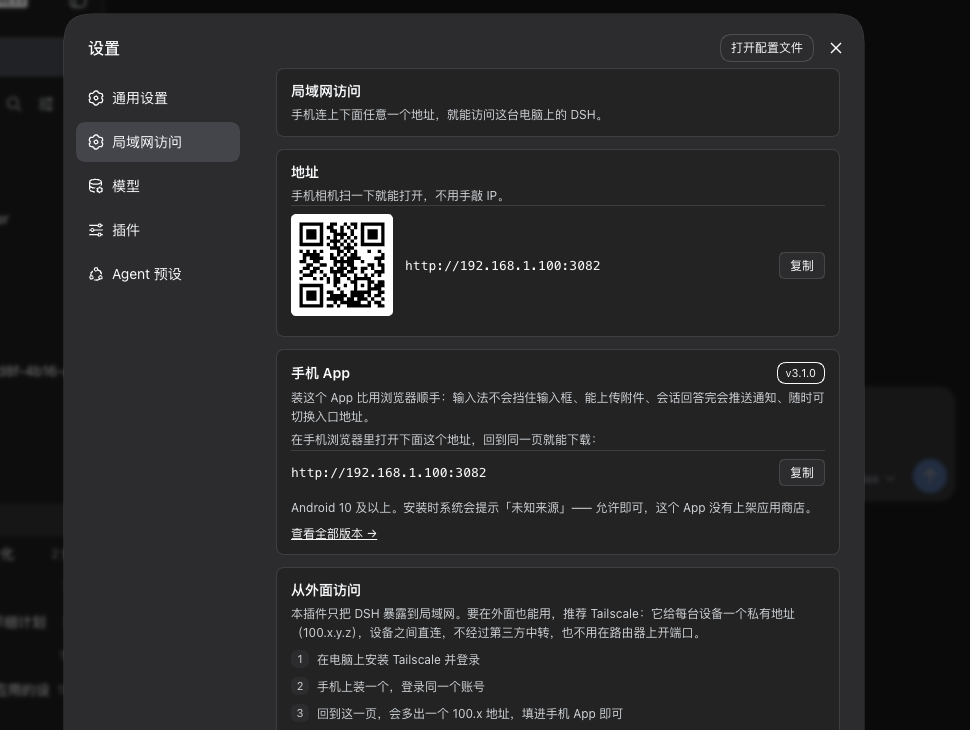
Three capabilities stand out. First, LAN reachability: a new settings tab titled LAN Access shows every available local address with a QR code, and an optional access password protects the forwarded port. Browsers get a typed-password screen (remembered for 30 days); the app routes through fingerprint, face, or device PIN. Changing the password rotates the signing key, instantly invalidating every unlocked device. Second, multi-device switching: the app home screen is a connection list covering home, office, and server, each showing online status and plugin version. Switching is instant because both the current and previous pages stay resident in memory, preserving scroll position and input content. Third, everyday efficiency: hands-free voice input that streams text as you speak, share-intent support that drops images and text straight into DSH, a home-screen widget that swaps its two buttons to Approve / Reject the moment an approval is pending, and in-app updates with a progress bar that opens the system installer directly.
This pairing is aimed at users who treat DSH as a daily driver and still need to approve agent actions while away from the desk. You are not expected to port-forward the port to the internet. The plugin covers trusted LAN only; for remote access, wire up Tailscale and the settings tab auto-detects the CGNAT (100.64.0.0/10) range to show the right guidance. The mobile layout is bundled inline, so there is no extra dsh-web-mobile install. The minimum DSH version is 0.1.2-rc.1; older builds are detected and the app will prompt you to upgrade.
Screenshots


Use Cases
- Approving agent actions from a phone while away from the desk
- Tracking session status in real time via push notifications
- Dictating prompts hands-free through voice input
Best For
- Developers who treat DSH as a daily driver
- Power users who switch between phone, tablet, and desktop
- Users who want secure LAN-only access to DSH web
Related Plugins
A service-oriented sidebar framework for DSH, offering a full workbench with file explorer, embedded browser, real terminal, Git panel, and extensible plugin services.

A beautiful, practical Claude Code-style TUI plugin with pixel whale top bar, flowing glow title, real-time status line, streaming thought expansion, time rewind, context progress bar and TPS gauge — zero core changes.

The plugin market for DeepSeek Harness: browse/search/one-click install community plugins and themes, with updates, backup/restore, hot disable, diagnostics, and AI fix.

A persistent whale widget on the DSH web UI that shows DeepSeek balance, today's usage, and per-turn cost, with drag-and-snap and sound effects.