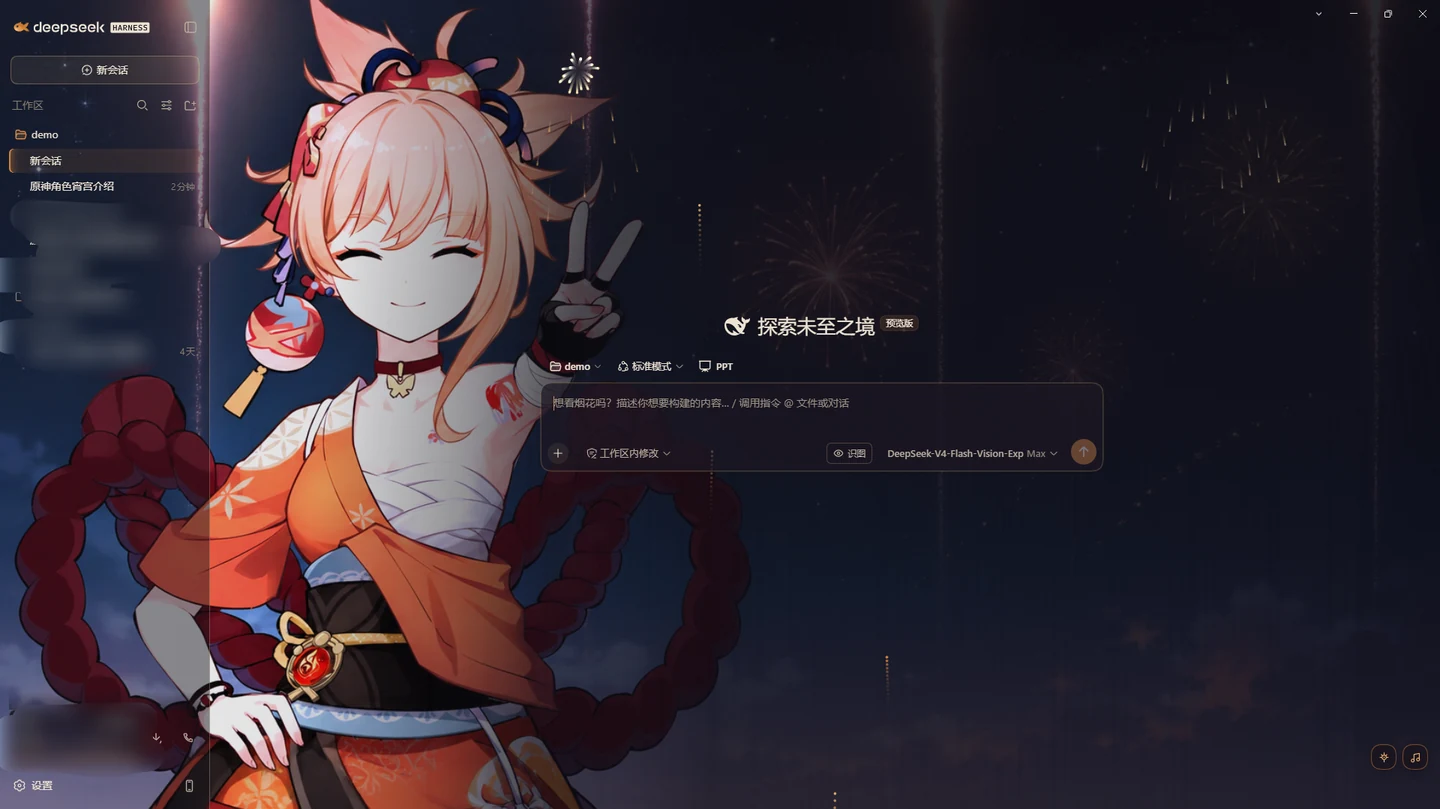
dsh-yoimiya-theme
Run the following command in DeepSeek Harness:
dsh plugin install CosmerHomura/dsh-yoimiya-theme
Paste the following prompt into your AI chat to install this plugin:
Run dsh plugin install CosmerHomura/dsh-yoimiya-theme in the DSH terminal, or visit https://github.com/CosmerHomura/dsh-yoimiya-theme for manual installation instructions.
About this plugin
The default DeepSeek Harness UI is cool and utilitarian. dsh-yoimiya-theme replaces the entire visual layer with the atmosphere of Yoimiya from Genshin Impact: the dark palette evokes a summer festival night with warm orange fireworks bursting against the dark, while the light palette feels like washi paper under soft daylight. The two modes are independently designed rather than a simple inversion, using warm indigo-black with warm rice-white and a warm-toned syntax highlight. Contrast ratios are measured and exceed WCAG AA, so extended reading is gentler on the eyes than pure black-on-white.
On the interaction side, a firework button in the corner spawns live particle animations: a fuse with a trailing spark rises, bursts on schedule, and embers fall under simulated gravity before fading out. Rise speed, density, and burst size each offer three levels, and everything pauses the moment you switch windows so nothing lingers in the background. A built-in local music player treats a folder on your machine as the library: drag audio files in, and you can play, seek, adjust volume (remembered across sessions), and even crop square covers. All files stay local; the theme makes zero network requests. The wallpaper also reacts to context, fading from full brightness on the homepage into a subtle backdrop the moment you start a conversation.
Nearly every visual element is drawn in code, so the package stays tiny and recoloring is just tweaking numbers. The theme is well suited for DeepSeek Harness users (Web or Desktop) who want a distinctive, character-driven look, appreciate the Genshin Impact character Yoimiya, and still value accessibility and lightweight performance. The theme never uploads files, and uninstalling leaves your music folder untouched.
Screenshots
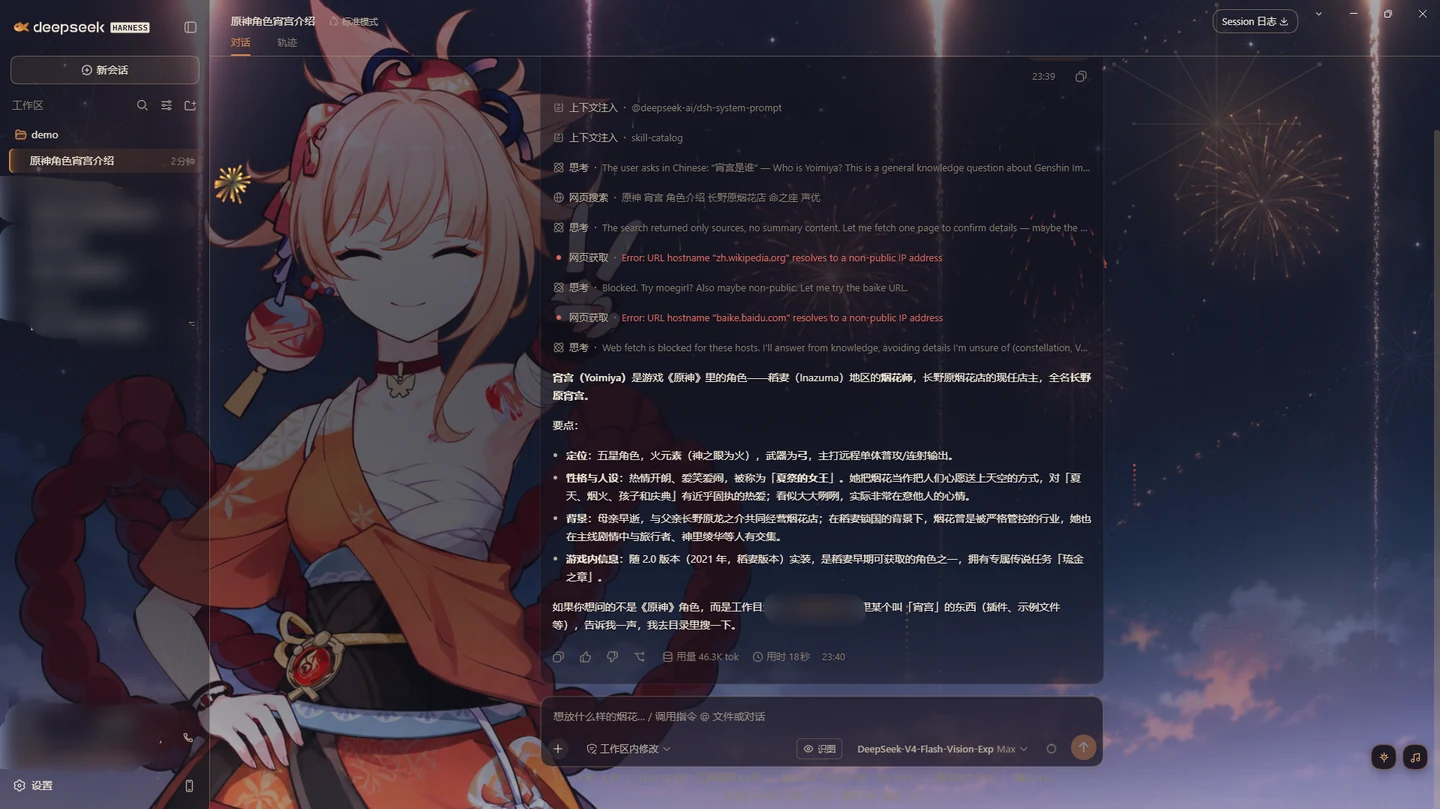
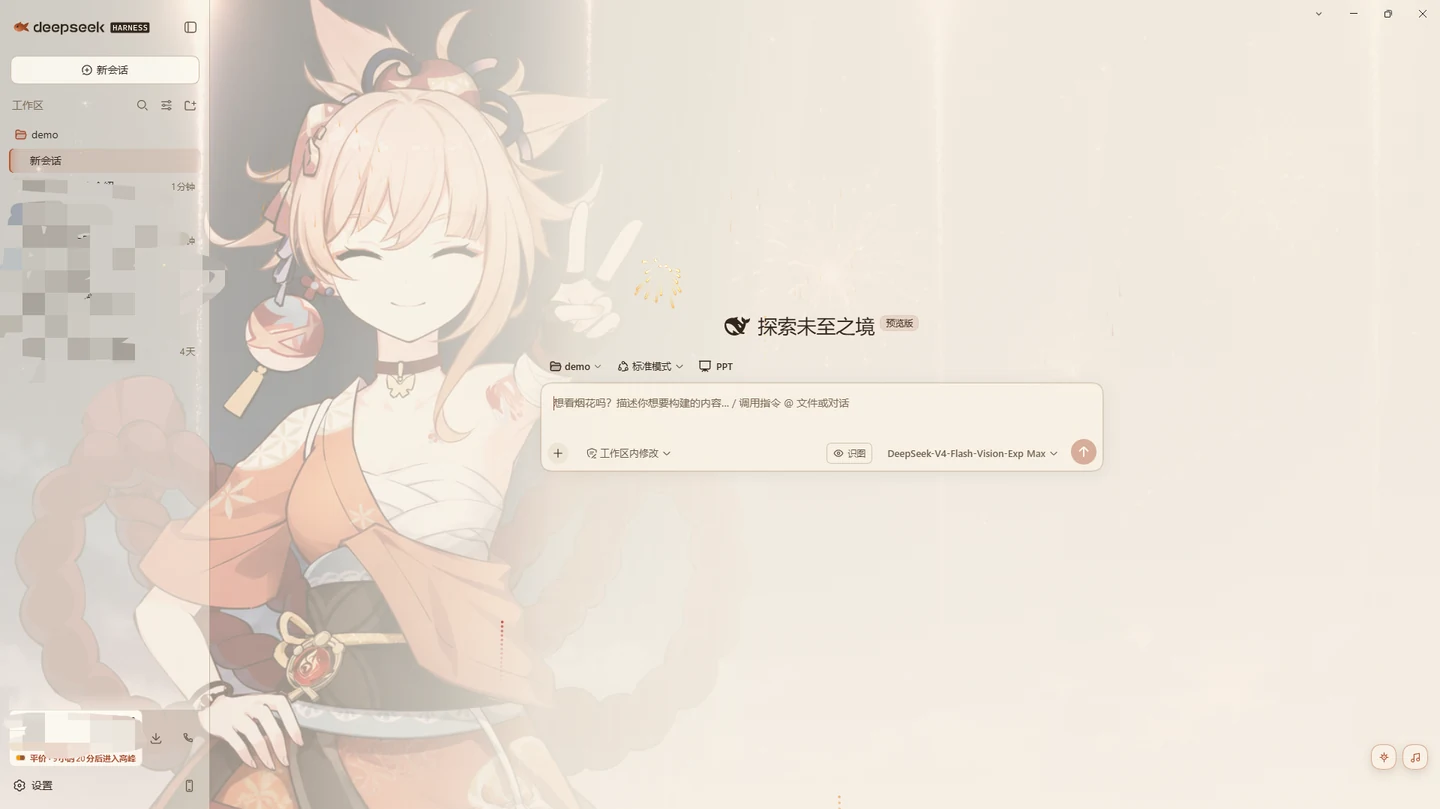
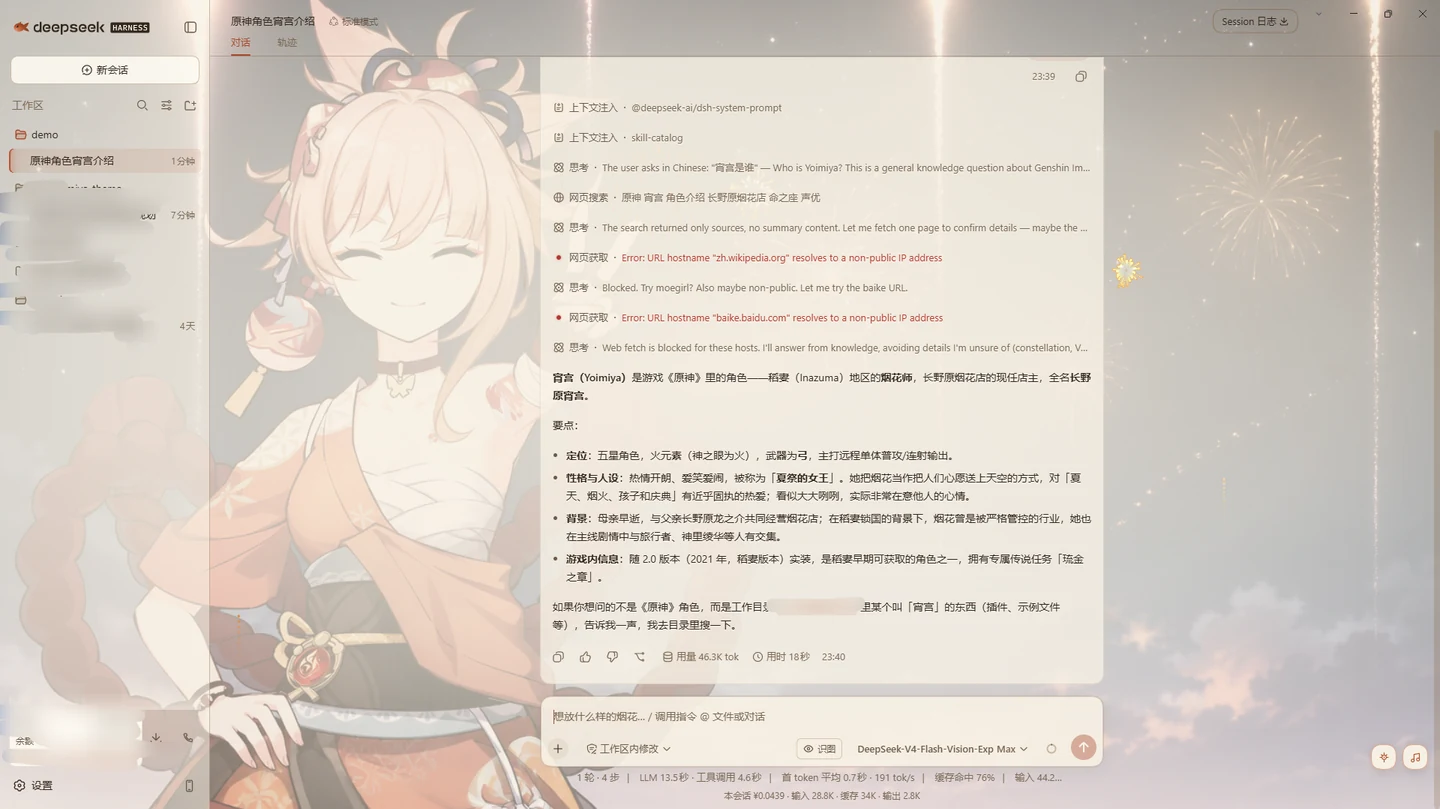
Use Cases
- Swapping the default DeepSeek Harness UI for a warmer, character-driven look during daily use
- Reading long conversations with warm, low-fatigue palettes that reduce eye strain
- Pairing a local music playlist and ambient firework particles with DSH for a more engaging workflow
Best For
- Fans of Yoimiya who want a character-driven vibe in their tooling
- Users who prioritize reading comfort and WCAG-AA contrast compliance
- Users who prefer a tiny, fully offline theme with zero external assets or network calls
Related Plugins
A service-oriented sidebar framework for DSH, offering a full workbench with file explorer, embedded browser, real terminal, Git panel, and extensible plugin services.

A beautiful, practical Claude Code-style TUI plugin with pixel whale top bar, flowing glow title, real-time status line, streaming thought expansion, time rewind, context progress bar and TPS gauge — zero core changes.

The plugin market for DeepSeek Harness: browse/search/one-click install community plugins and themes, with updates, backup/restore, hot disable, diagnostics, and AI fix.

A persistent whale widget on the DSH web UI that shows DeepSeek balance, today's usage, and per-turn cost, with drag-and-snap and sound effects.