dsh-drop
Run the following command in DeepSeek Harness:
dsh plugin install Crosery/dsh-drop
Paste the following prompt into your AI chat to install this plugin:
Run dsh plugin install Crosery/dsh-drop in the DSH Web terminal to install this plugin; the source repository is at https://github.com/Crosery/dsh-drop .
About this plugin
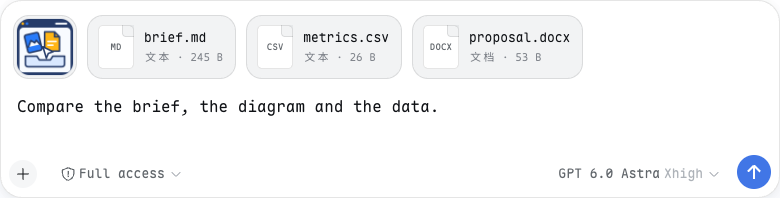
Feeding local files into a web chat prompt has always been a small friction point. Hand-typing paths is error-prone, and mixing images with documents often means juggling separate preview panes while your draft gets cluttered with temporary references. dsh-drop collapses the workflow into three steps: drop a file, glance at the preview, press Enter to send.
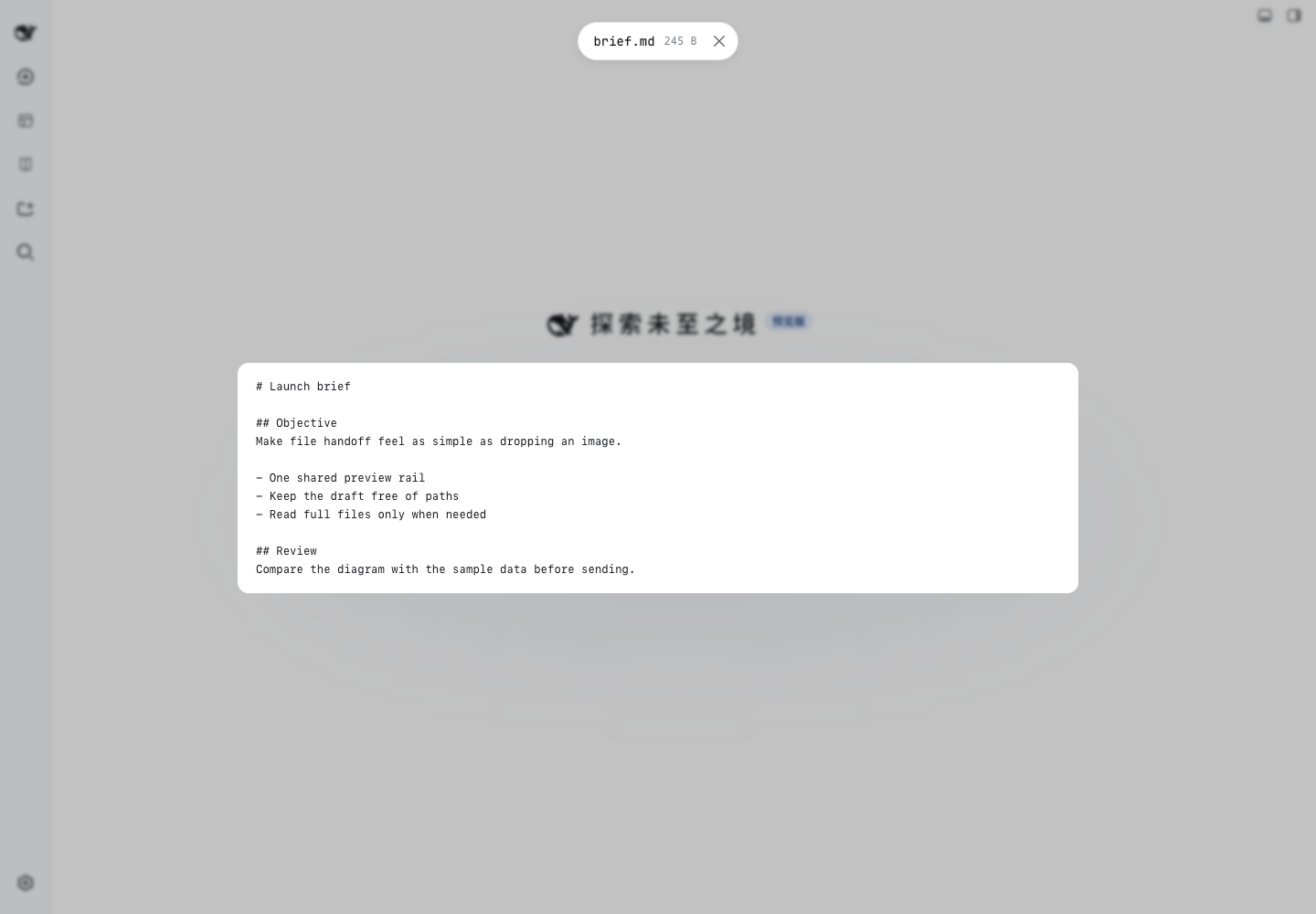
The core capability is a shared preview rail. Common image formats ride the native attachment pipeline with thumbnails and a lightbox. Everything else—video, audio, PDF, Markdown, source code, CSV, Office documents, archives, unknown files—becomes an @path reference that the model reads only on demand, so a ten-megabyte log costs a single path string until the model actually asks for it. Path resolution first tries to match a local file by size and modification time with a two-second tolerance; if it cannot, bytes are staged into a date-named directory under your DSH home, and concurrent uploads never overwrite each other. Everything stays local: no third-party upload service, no analytics, no automatic execution.
If you regularly feed stack traces, CSV extracts, code snippets, and architecture diagrams into DSH Web, this plugin is the missing attach button. It adds no model tools, modifies no model behaviour, and keeps your files on your own disk while the model reads the real path—a clean fit for developers who value data provenance and offline-first workflows.
Screenshots

Use Cases
- Drop stack traces and screenshots into a chat for the model to read on demand
- Paste a CSV or Markdown doc, preview it, then send alongside your prompt
- Mix images and config files in one batch for a single message
Best For
- Developers who regularly feed local files into DSH Web
- Teams that need offline-first workflows and keep data on disk
- Power users who prefer drag-and-drop over typing file paths
Related Plugins
A service-oriented sidebar framework for DSH, offering a full workbench with file explorer, embedded browser, real terminal, Git panel, and extensible plugin services.

A beautiful, practical Claude Code-style TUI plugin with pixel whale top bar, flowing glow title, real-time status line, streaming thought expansion, time rewind, context progress bar and TPS gauge — zero core changes.

The plugin market for DeepSeek Harness: browse/search/one-click install community plugins and themes, with updates, backup/restore, hot disable, diagnostics, and AI fix.

A persistent whale widget on the DSH web UI that shows DeepSeek balance, today's usage, and per-turn cost, with drag-and-snap and sound effects.