
dsh-universal-palette
Run the following command in DeepSeek Harness:
dsh plugin install yunmin311/dsh-universal-palette
Paste the following prompt into your AI chat to install this plugin:
Run dsh plugin install yunmin311/dsh-universal-palette in your terminal to install this plugin in DeepSeek Harness; source at https://github.com/yunmin311/dsh-universal-palette
About this plugin
DeepSeek Harness keeps growing through plugins, but the surfaces it creates are scattered: the slash menu, the model picker, the sidebar, the composer at-menu. A keyboard-first user is left with a simple question none of those surfaces answer — what can I do right now, in this workspace, and how do I get there in one keystroke? dsh-universal-palette unifies commands, sessions, models, and conversation history into a single search controller with two presentations: an inline Composer Search that morphs up above the draft in active conversations or down below it in a zero-turn Hero session, and a global Floating Palette summoned with Alt+Q on Windows/Linux or Cmd+Shift+K on macOS. Both share the same provider, ranking, and execution pipeline.
The palette owns no private catalog. Every result is fetched at query time from DSH public Client APIs, so the moment a community plugin registers a new Host command, it appears in search with zero adaptation. Relevance scoring is deterministic — exact-prefix matches rank first, with recency and context only ordering genuinely relevant rows. The UI inherits DSH design tokens, menu typography, and glass elevation, and copy follows the host locale. There is no telemetry, no independent network traffic, and no credential access.
Built for power users who stack DSH plugins and live in the keyboard. It changes nothing about DSH itself and asks nothing of plugin authors — register with the official contract and you are visible automatically. If you want one keystroke to reach every actionable item in the current workspace, this is the surface that was designed for it.
Screenshots
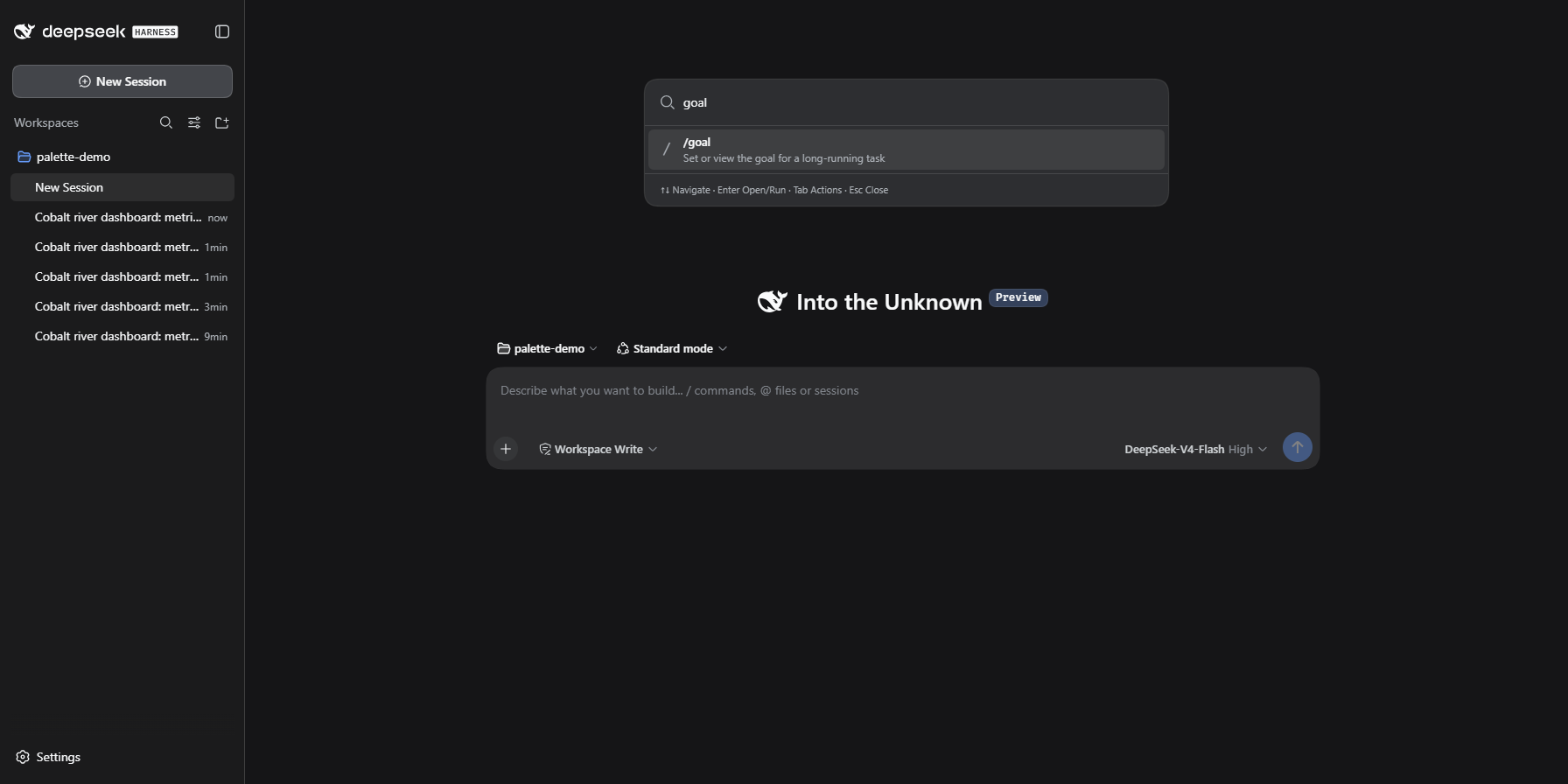
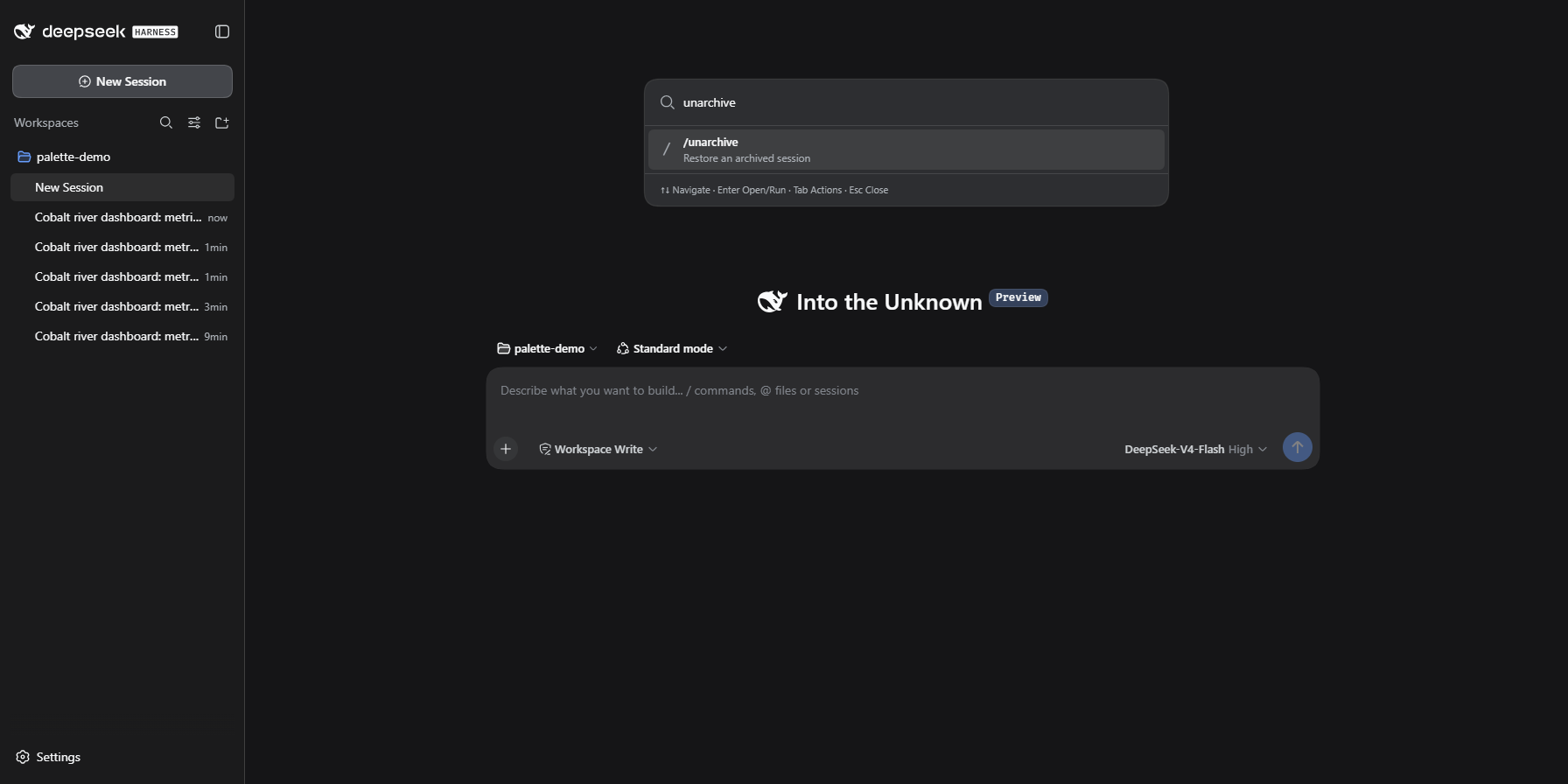
Use Cases
- Quickly locate and execute registered host commands in the current workspace
- Navigate between sessions via fuzzy search to find the right one fast
- Search conversation history for specific snippets to recall context instantly
Best For
- Keyboard-first power users running multiple DSH plugins simultaneously
- Efficiency-oriented users needing a single surface for commands, sessions, models, and history
- Ecosystem participants who prefer public API integration with zero private coupling
Related Plugins
A service-oriented sidebar framework for DSH, offering a full workbench with file explorer, embedded browser, real terminal, Git panel, and extensible plugin services.

A beautiful, practical Claude Code-style TUI plugin with pixel whale top bar, flowing glow title, real-time status line, streaming thought expansion, time rewind, context progress bar and TPS gauge — zero core changes.

The plugin market for DeepSeek Harness: browse/search/one-click install community plugins and themes, with updates, backup/restore, hot disable, diagnostics, and AI fix.

A persistent whale widget on the DSH web UI that shows DeepSeek balance, today's usage, and per-turn cost, with drag-and-snap and sound effects.