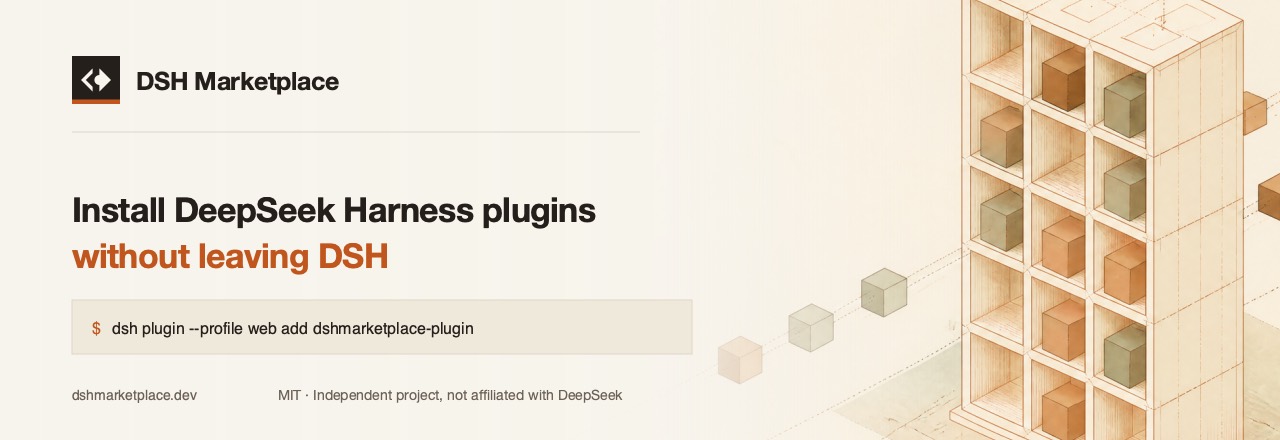
dsh-plugins-store
Run the following command in DeepSeek Harness:
dsh plugin install DshMarketPlace/dsh-plugins-store
Paste the following prompt into your AI chat to install this plugin:
To install this plugin in DeepSeek Harness, run `dsh plugin install DshMarketPlace/dsh-plugins-store`, with the full source available at https://github.com/DshMarketPlace/dsh-plugins-store.
About this plugin
The DSH Plugins Store offers DeepSeek Harness users a seamless environment for discovering and installing plugins, eliminating the hassle of switching platforms and manually verifying plugins during agent development. It allows you to browse an install-tested plugin directory directly within DSH, keeping your workflow uninterrupted. Core capabilities include secure installation verification, bilingual interface support, and agent tools that enable natural language search and installation, ensuring each plugin is reliable and easy to integrate. This plugin is ideal for all DSH users, especially developers and enthusiasts who want to efficiently extend their agent's functionality while prioritizing security and convenience, letting them focus on innovation rather than tedious configuration.
Screenshots
Use Cases
- Search for and install required plugins with a click in a DSH session.
- Ask the agent to install or find plugins via conversation.
- Browse the plugin directory and manage installed items in the settings page.
Best For
- All developers using DeepSeek Harness.
- Users wanting to extend agent capabilities.
- English and Chinese speakers who value installation security and ease of use.
Related Plugins
A service-oriented sidebar framework for DSH, offering a full workbench with file explorer, embedded browser, real terminal, Git panel, and extensible plugin services.

A beautiful, practical Claude Code-style TUI plugin with pixel whale top bar, flowing glow title, real-time status line, streaming thought expansion, time rewind, context progress bar and TPS gauge — zero core changes.

The plugin market for DeepSeek Harness: browse/search/one-click install community plugins and themes, with updates, backup/restore, hot disable, diagnostics, and AI fix.

A persistent whale widget on the DSH web UI that shows DeepSeek balance, today's usage, and per-turn cost, with drag-and-snap and sound effects.