dsh-conversation-landmarks
Run the following command in DeepSeek Harness:
dsh plugin install mantonlove/dsh-conversation-landmarks
Paste the following prompt into your AI chat to install this plugin:
Install the plugin in DeepSeek Harness using the command dsh plugin install mantonlove/dsh-conversation-landmarks, with the full source address at https://github.com/mantonlove/dsh-conversation-landmarks.
About this plugin
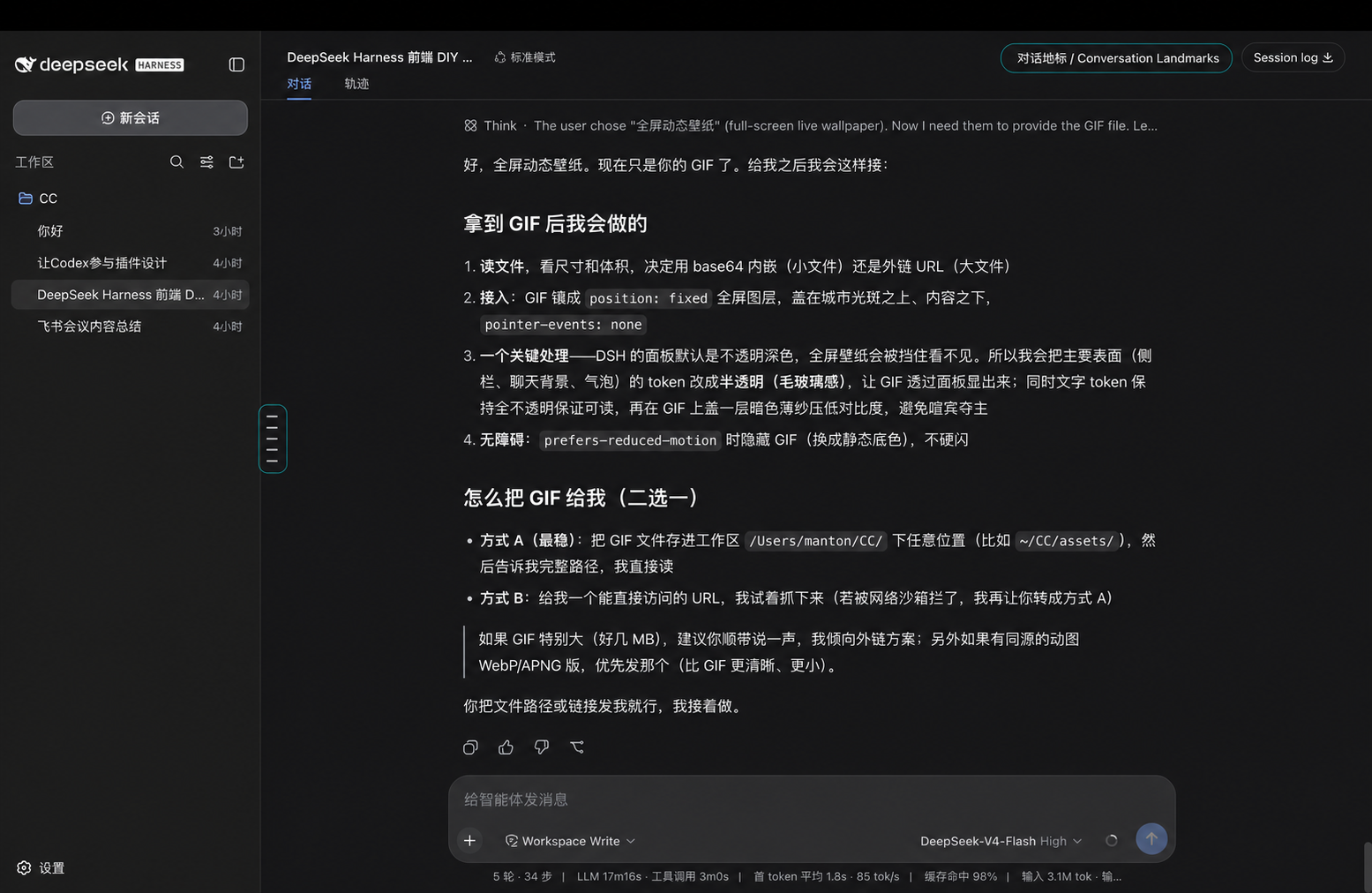
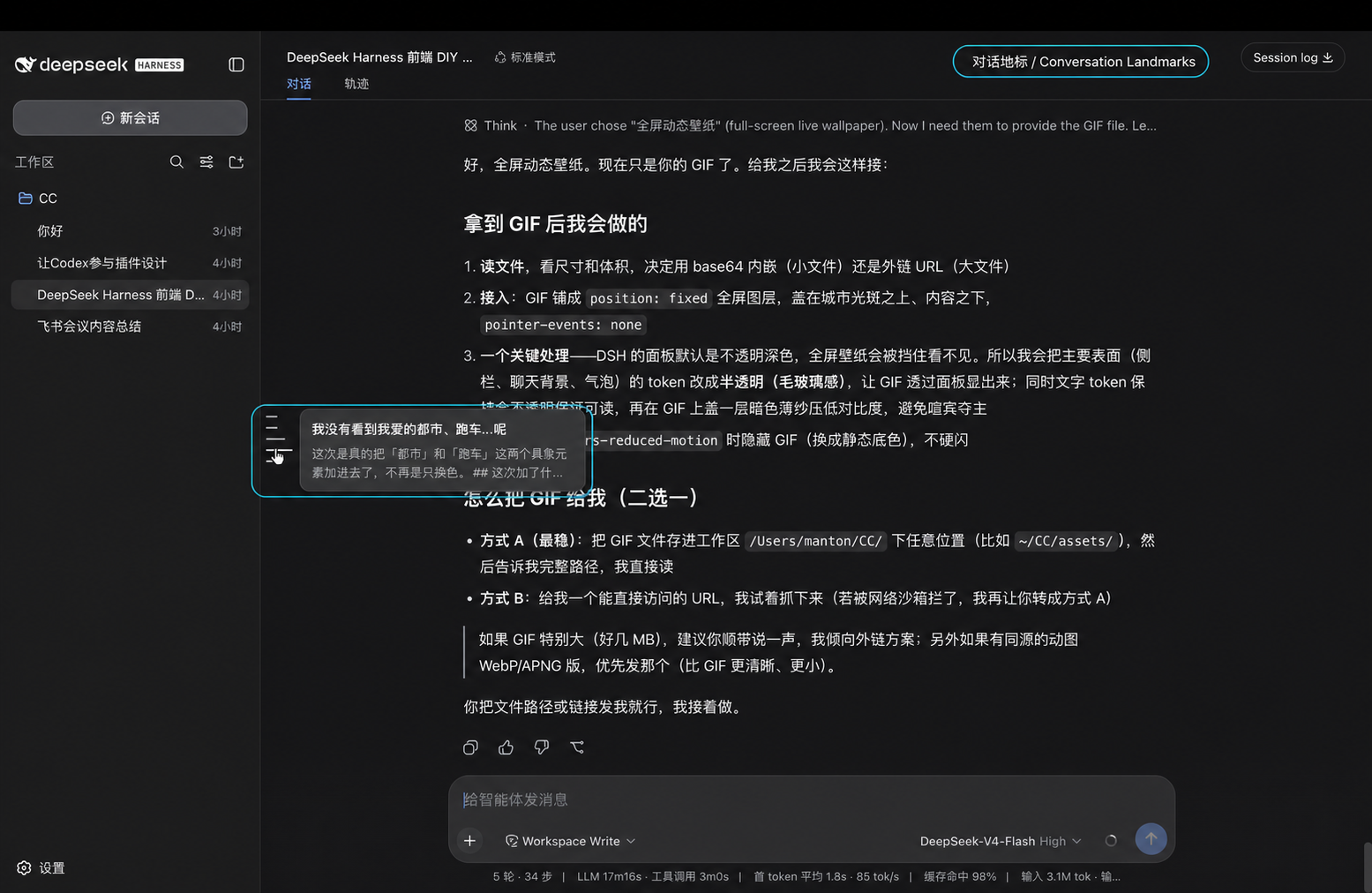
When using DeepSeek Harness for long conversations, users often struggle with navigation, as scrolling through historical messages can be inefficient. The dsh-conversation-landmarks plugin solves this by adding a fixed, vertically centered landmark rail to the left edge of the conversation workspace, where each line represents a user task rather than individual messages, enabling intuitive location. Its core capabilities include displaying the rail after at least three user tasks, keeping it centered during scrolling, and providing compact previews of user requests and assistant responses, with smooth jumps and highlights when loading older history. The plugin uses official extension points without patching source files, and performs no network requests or telemetry, ensuring reliability. It is ideal for all DeepSeek Harness users, particularly developers and researchers who frequently handle lengthy dialogues, enhancing navigation efficiency and conversation management experience.
Screenshots
Use Cases
- Quickly locating historical messages while browsing long conversations in DeepSeek Harness.
- Reviewing specific user requests and assistant responses during development or debugging.
- Improving conversation management efficiency by reducing scrolling time.
Best For
- Regular users of DeepSeek Harness.
- Developers or researchers working with long conversations.
- Individuals needing efficient navigation of conversation history.
Related Plugins
A service-oriented sidebar framework for DSH, offering a full workbench with file explorer, embedded browser, real terminal, Git panel, and extensible plugin services.

A beautiful, practical Claude Code-style TUI plugin with pixel whale top bar, flowing glow title, real-time status line, streaming thought expansion, time rewind, context progress bar and TPS gauge — zero core changes.

The plugin market for DeepSeek Harness: browse/search/one-click install community plugins and themes, with updates, backup/restore, hot disable, diagnostics, and AI fix.

A persistent whale widget on the DSH web UI that shows DeepSeek balance, today's usage, and per-turn cost, with drag-and-snap and sound effects.