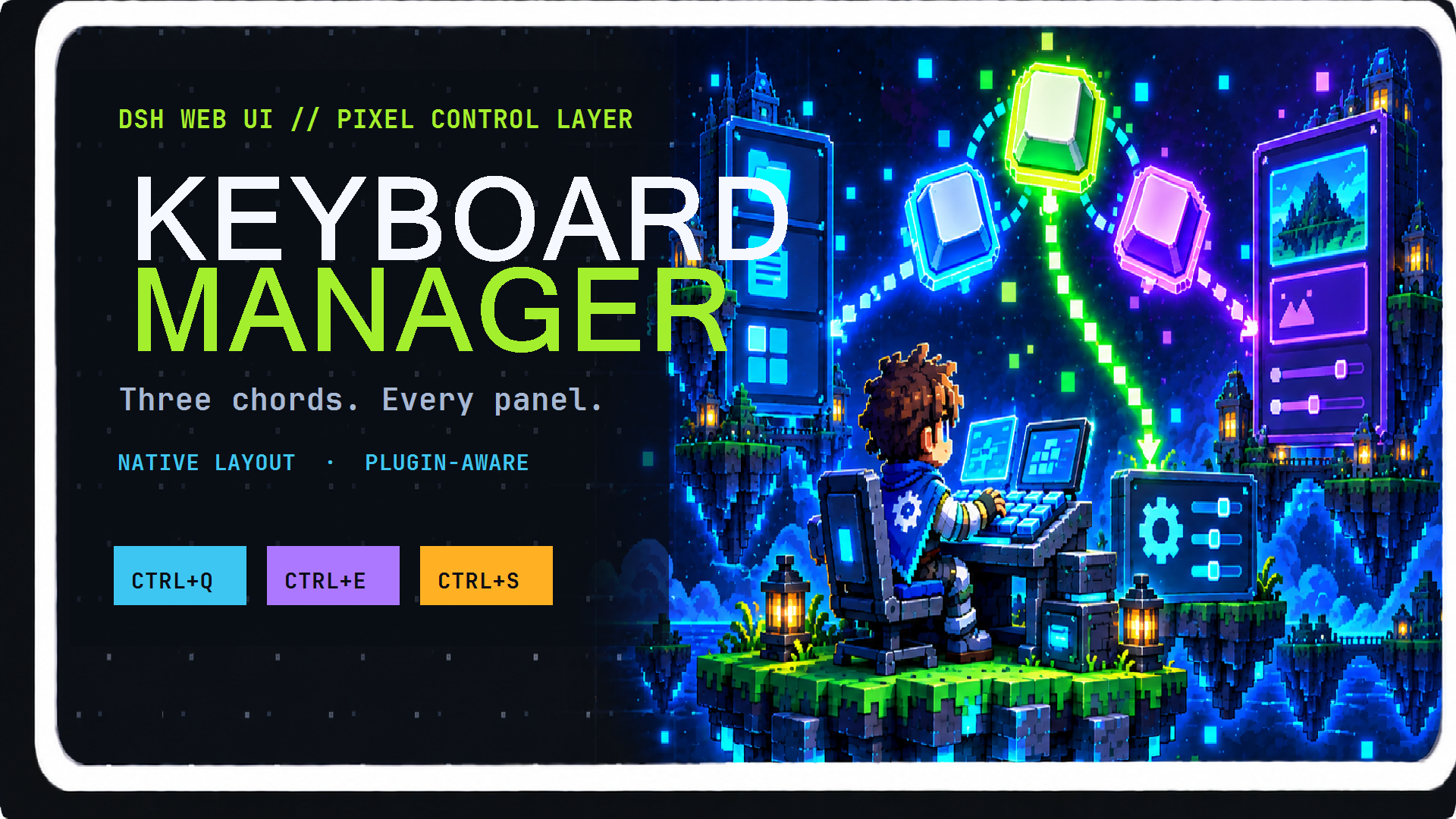
dsh-keyboard-manager
Run the following command in DeepSeek Harness:
dsh plugin install Aafff623/dsh-keyboard-manager
Paste the following prompt into your AI chat to install this plugin:
Run dsh plugin install Aafff623/dsh-keyboard-manager in the DeepSeek Harness terminal to install the keyboard shortcut plugin from https://github.com/Aafff623/dsh-keyboard-manager, then hard-refresh the browser (Ctrl+Shift+R) to activate it.
About this plugin
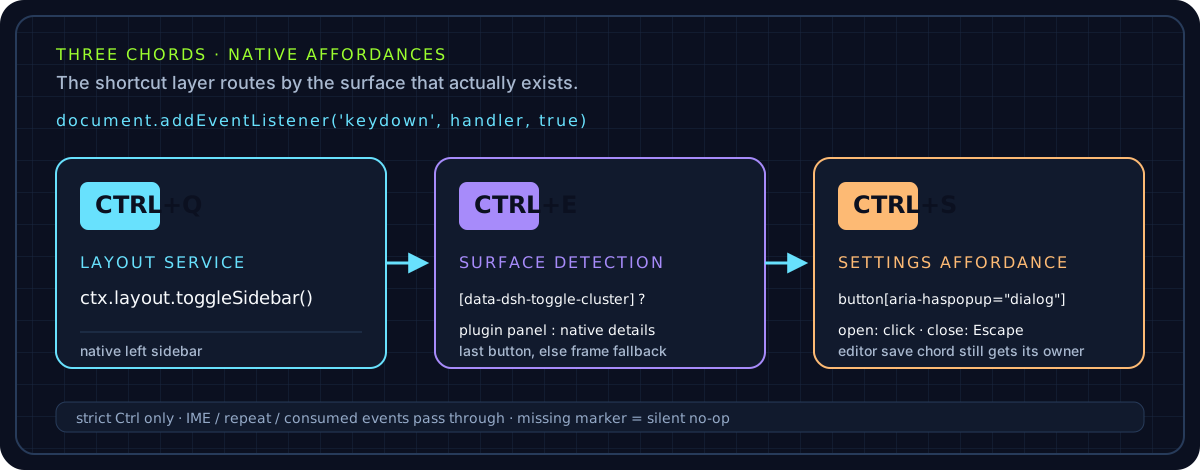
Reaching for the mouse every time you want to open a sidebar or the Settings dialog is the kind of small friction that quietly drains focus while you work in the DeepSeek Harness Web UI. The dsh-keyboard-manager plugin solves that by binding three plain Ctrl chords to the layout's most common toggles: Ctrl+Q flips the left sidebar open and shut, Ctrl+E flips the right-side surface (the full dsh-better-sidebar panel with files, Git, terminal, and browser when that plugin is loaded, or the native conversation-details column otherwise), and Ctrl+S opens or closes the Settings modal. Nothing else is in flight, so your hands stay on the keyboard and the view swaps in under a second.
The bindings are written to be predictable and non-invasive by design. Only strict Ctrl combinations are registered, so they never collide with browser or OS shortcuts that use Cmd, Shift, or Alt. IME composition, key auto-repeat, and events that another listener has already consumed are all left untouched. When focus sits inside the dsh-better-sidebar editor, Ctrl+S is deliberately yielded so the editor's own save shortcut fires instead of the settings panel, and Ctrl+E requires an active session because both right-side surfaces are session-scoped. Under the hood the plugin rides on stable DOM markers declared by dsh-client-ui-layout and dsh-better-sidebar rather than React internals or hashed CSS classes, which means every code path degrades to a silent no-op if its marker is absent and the plugin can never misfire.
All three physical key codes are overridable through the plugin config, validated against a safe pattern, and hot-swapped in the browser the moment the configuration is pulled; if the pull fails or you are on a headless profile, the sensible defaults of Q, E, and S stay in effect. If your everyday dsh workflow involves juggling several right-side panels and you would rather drive layout changes with your fingers than chase small icons with a pointer, this is a small, zero-build, MIT-licensed plugin that slots in with nothing more than the DSH Web UI and cordis 4.0.2 or higher already on the stack.
Screenshots
Use Cases
- Frequently toggling right-side panels such as files, Git, terminal, or browser in the dsh Web UI
- Opening or closing the Settings modal without hunting for a clickable target in the UI
- Coexisting with dsh-better-sidebar while preserving the editor's own Ctrl+S save shortcut
Best For
- dsh users who prefer keyboard-driven workflow over mouse-based navigation
- Power users who juggle multiple sidebar panels (files, Git, terminal, browser) simultaneously
- Users who want a lightweight, zero-build, MIT-licensed plugin that works out of the box
Related Plugins
A service-oriented sidebar framework for DSH, offering a full workbench with file explorer, embedded browser, real terminal, Git panel, and extensible plugin services.

A beautiful, practical Claude Code-style TUI plugin with pixel whale top bar, flowing glow title, real-time status line, streaming thought expansion, time rewind, context progress bar and TPS gauge — zero core changes.

The plugin market for DeepSeek Harness: browse/search/one-click install community plugins and themes, with updates, backup/restore, hot disable, diagnostics, and AI fix.

A persistent whale widget on the DSH web UI that shows DeepSeek balance, today's usage, and per-turn cost, with drag-and-snap and sound effects.