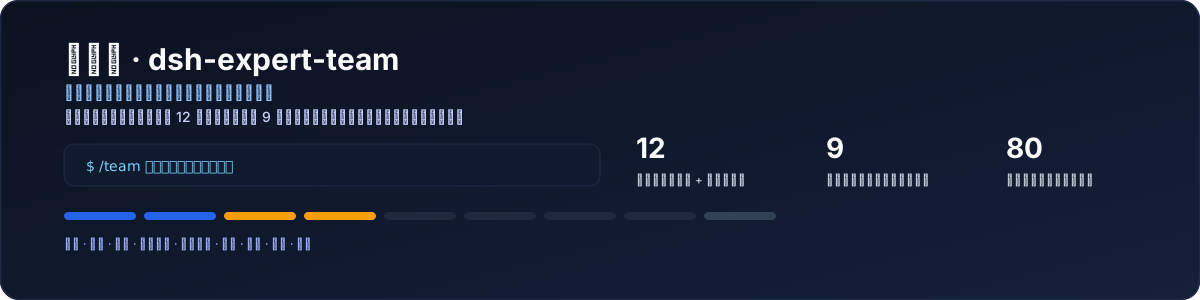
dsh-expert-team
Run the following command in DeepSeek Harness:
dsh plugin install yangdcm/dsh-expert-team
Paste the following prompt into your AI chat to install this plugin:
Run dsh plugin install yangdcm/dsh-expert-team in the DeepSeek Harness terminal to install; source code is available at https://github.com/yangdcm/dsh-expert-team
About this plugin
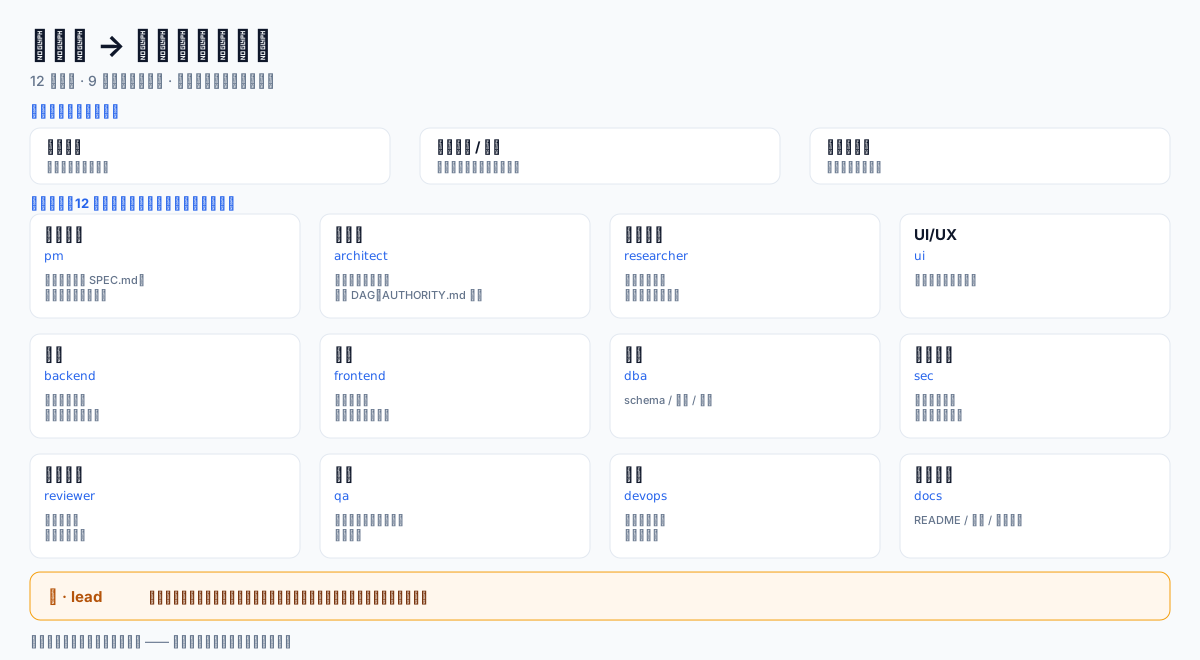
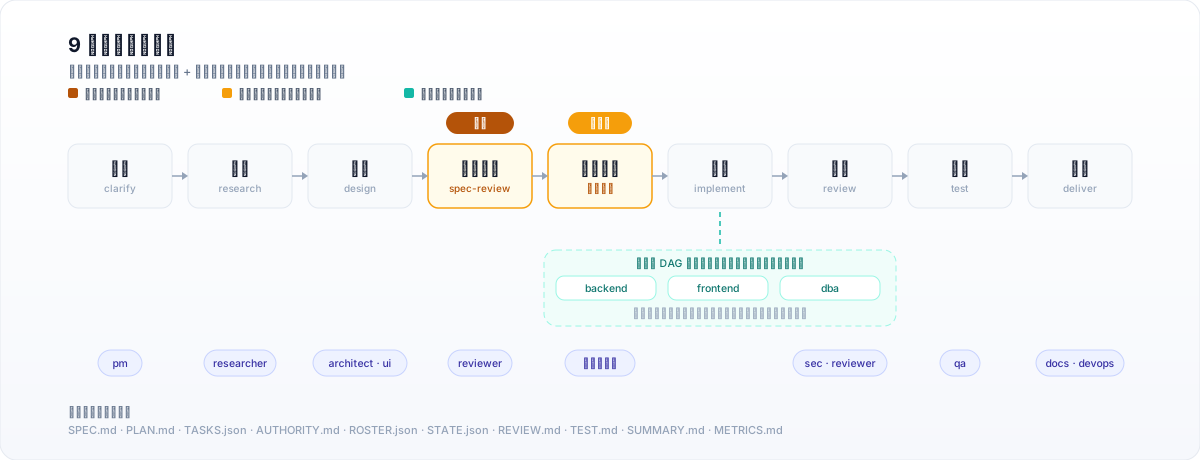
When a single agent tackles a large task alone, three failure modes are nearly inevitable: context drift over long runs, self-approval with no independent verification, and rework that never converges. dsh-expert-team composes a 12-role virtual engineering department (PM, architect, researcher, UI/UX, frontend, backend, DBA, security, reviewer, QA, DevOps, docs) into a 9-stage gated pipeline that runs from requirements clarification through testing and delivery. Every stage handoff is backed by structured artifact files, so state travels in documents rather than chat history. Quality gates are enforced by plugin code, not prompt engineering: the pipeline refuses to advance past an unfilled spec boundary, blocks marking incomplete work as done, and rejects unauthorized overwrites of teammate artifacts in real time, with violations surfaced instantly in the overlay and /team status.
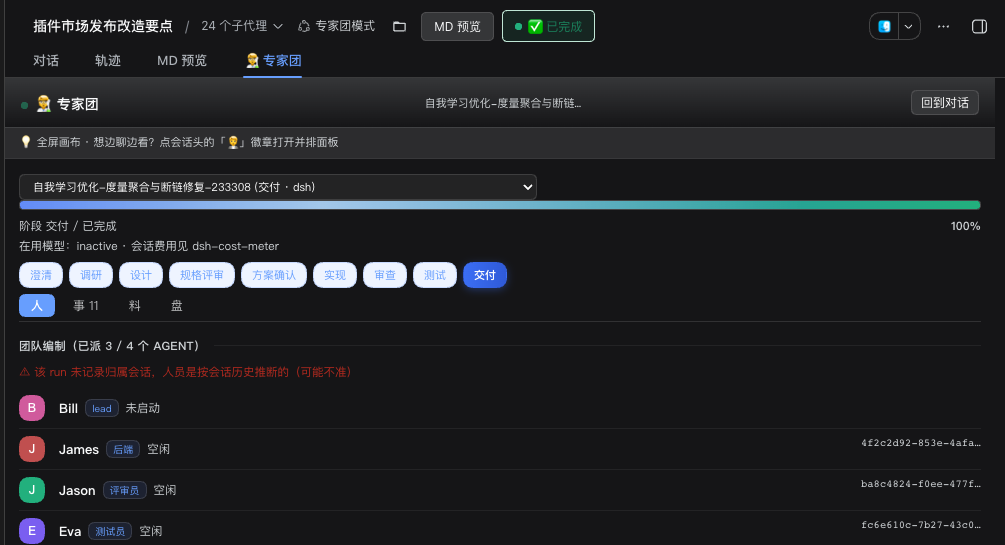
Implementers edit files directly in your working tree. The final deliverables are auditable documents—SPEC, PLAN, TASKS, REVIEW, TEST, SUMMARY—rather than a transcript. Tasks fan out in parallel along a dependency DAG; multiple implementers work simultaneously, each touching only their own files. Failures trigger repair-and-re-verify loops that repeat until the work passes or is honestly reported as needing revision. Progress stays visible at all times via a persistent status bar above the input box, a team overlay, a full-screen canvas with four perspectives, and a live task dependency graph showing who is running, at what stage, and where things are stuck.
The plugin ships with zero runtime dependencies, no build step, and no install hooks—install and go. /team learn distills cross-run experience and injects it before the next kickoff, so the team gradually accumulates project knowledge. It is built for three audiences: small teams shipping internal tools and product iterations, freelancers and contractors delivering client work, and solo developers who need full project-level delivery without hiring. Type one sentence, get a working codebase back.
Screenshots
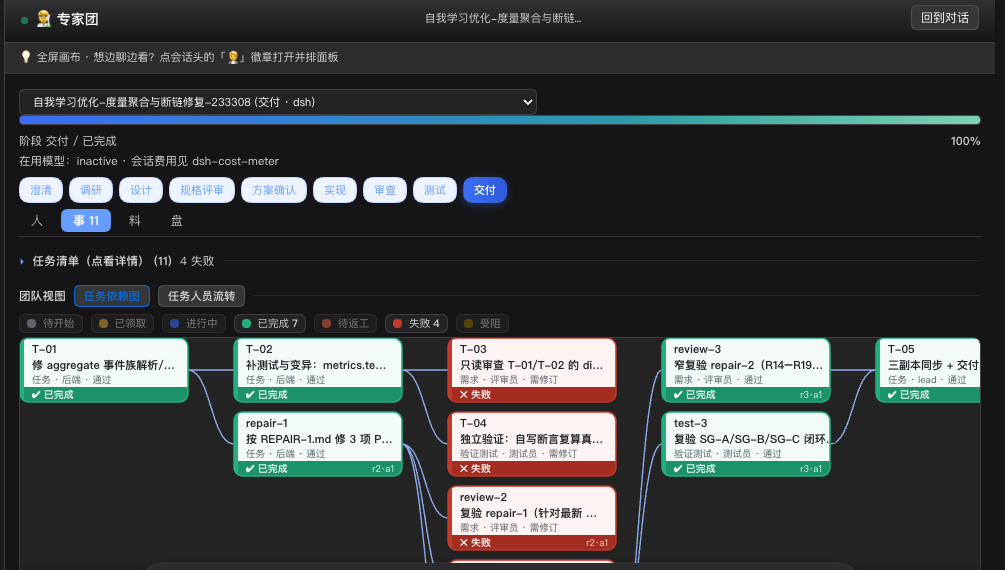
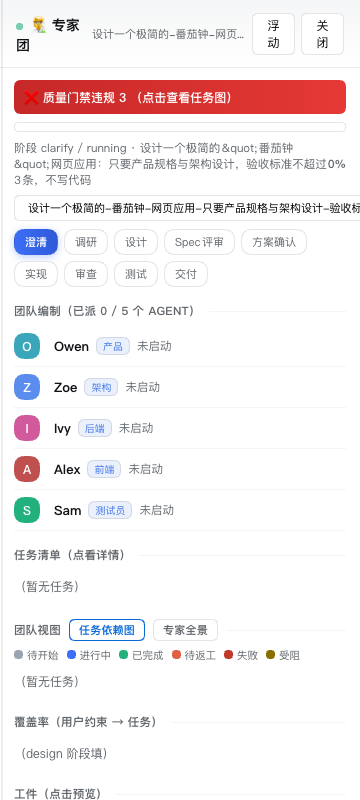
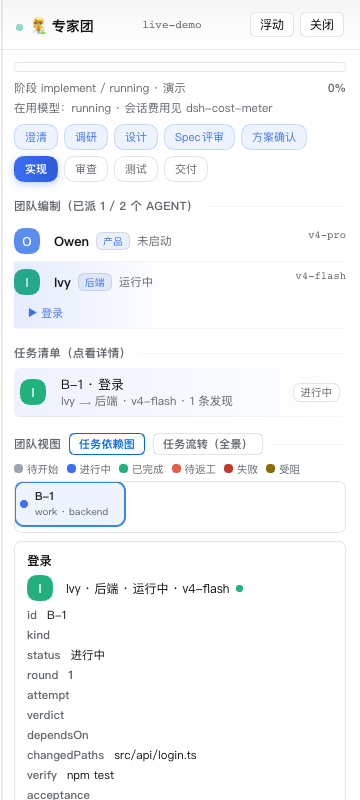
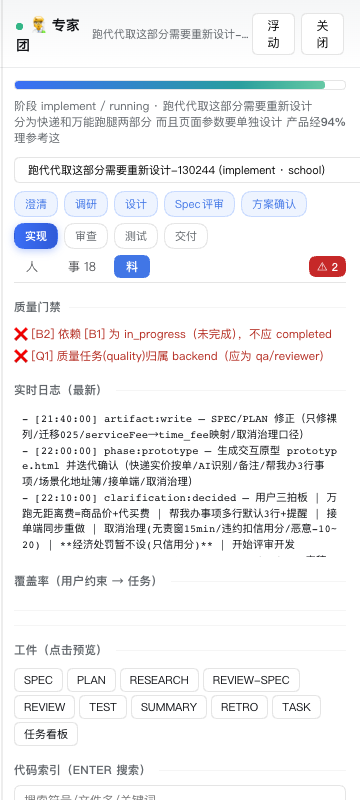
Use Cases
- Small teams spin up a full engineering department from one sentence to ship internal tools
- Freelancers deliver medium-to-large client projects requiring multi-role collaboration
- Solo developers get independent review, testing, and verification for long-running tasks
Best For
- Small teams and internal-tool developers
- Freelancers and contract deliverers
- Solo developers and full-stack engineers
Related Plugins
A service-oriented sidebar framework for DSH, offering a full workbench with file explorer, embedded browser, real terminal, Git panel, and extensible plugin services.

A beautiful, practical Claude Code-style TUI plugin with pixel whale top bar, flowing glow title, real-time status line, streaming thought expansion, time rewind, context progress bar and TPS gauge — zero core changes.

The plugin market for DeepSeek Harness: browse/search/one-click install community plugins and themes, with updates, backup/restore, hot disable, diagnostics, and AI fix.

A persistent whale widget on the DSH web UI that shows DeepSeek balance, today's usage, and per-turn cost, with drag-and-snap and sound effects.