dsh-launcher
Run the following command in DeepSeek Harness:
dsh plugin install NoMindSama/dsh-launcher
Paste the following prompt into your AI chat to install this plugin:
Run dsh plugin install NoMindSama/dsh-launcher in DeepSeek Harness to install; source code is available at https://github.com/NoMindSama/dsh-launcher
About this plugin
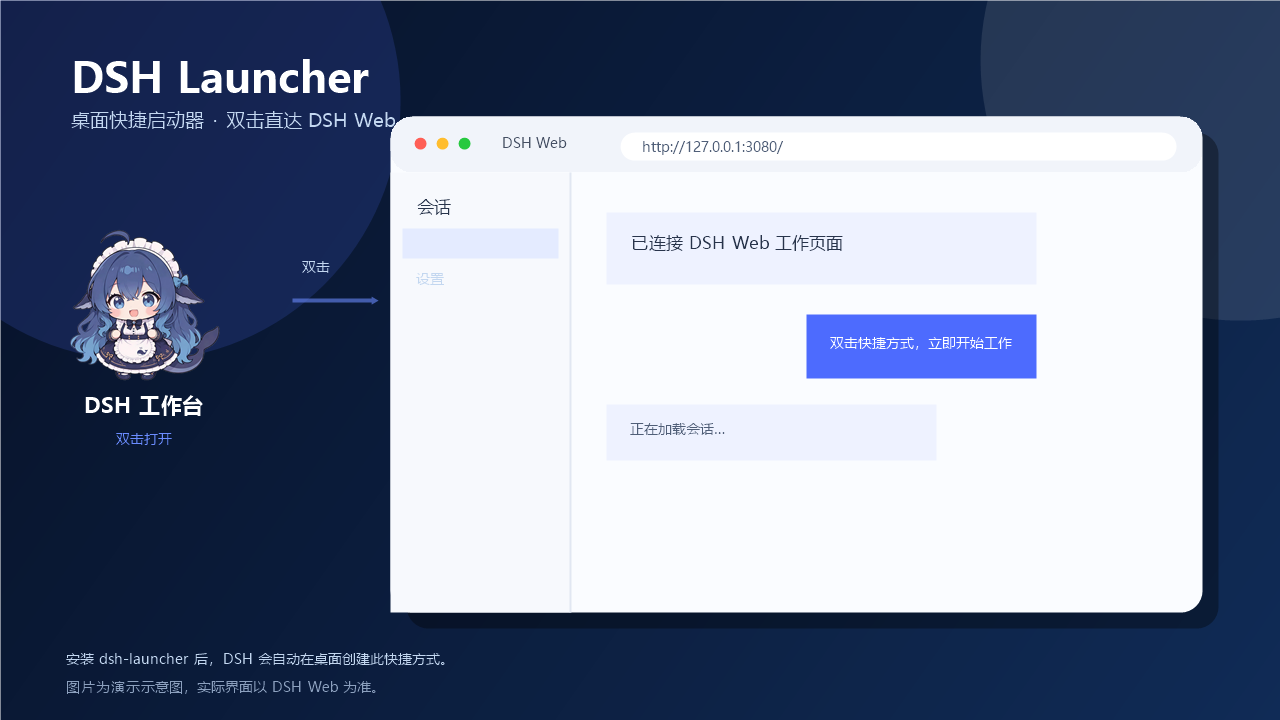
Opening DSH Web usually means firing up a terminal, navigating to the right directory, and typing dsh web. For anyone who works in DSH daily, that ritual is pure friction. dsh-launcher removes it: after installation, DSH automatically creates or refreshes a desktop shortcut called DSH Workbench, and you simply double-click to land on the workspace.
Under the hood the plugin checks whether DSH Web is already running. If it is, the shortcut opens the current page directly; if not, it launches dsh web in your configured workspace in a minimized window and opens a fully authenticated URL with the generated token. It auto-detects the real listening port (falling back to 3080), and every detail workspace, port, shortcut name, icon, and desktop path can be overridden via a DSH patch file or individual environment variables. Installation is idempotent: every DSH startup simply refreshes the shortcut rather than duplicating it. The whole thing relies only on the built-in Windows PowerShell and injects no front-end code, leaving DSH's native UI untouched.
If you are a Windows developer who enters and exits the DSH Web workspace multiple times a day, dsh-launcher collapses the open-terminal, cd, dsh-web三步 into a single double-click, with zero modifications to DSH itself.
Screenshots

Use Cases
- Opening DSH Web several times a day without retyping terminal commands
- Double-clicking a desktop icon to land directly on the workspace
- Giving the team a uniform one-click entry point to DSH Web
Best For
- Windows developers who rely on DSH Web for daily work
- Efficiency-minded users who want to cut startup to a single click
- DSH users who prefer not to manage terminal paths and commands manually
Related Plugins
A service-oriented sidebar framework for DSH, offering a full workbench with file explorer, embedded browser, real terminal, Git panel, and extensible plugin services.

A beautiful, practical Claude Code-style TUI plugin with pixel whale top bar, flowing glow title, real-time status line, streaming thought expansion, time rewind, context progress bar and TPS gauge — zero core changes.

The plugin market for DeepSeek Harness: browse/search/one-click install community plugins and themes, with updates, backup/restore, hot disable, diagnostics, and AI fix.

A persistent whale widget on the DSH web UI that shows DeepSeek balance, today's usage, and per-turn cost, with drag-and-snap and sound effects.