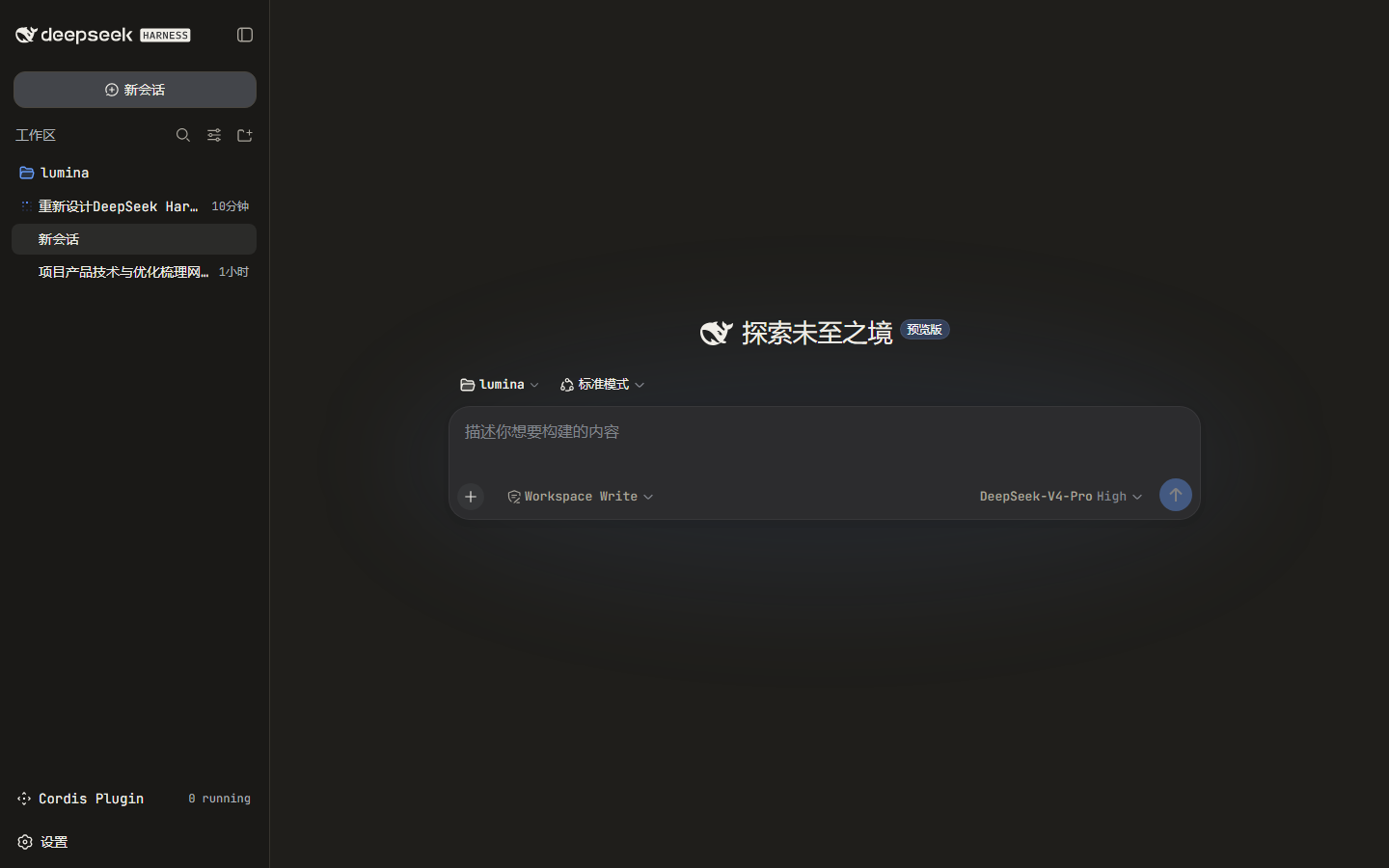
dsh-skin-claude-code
Run the following command in DeepSeek Harness:
dsh plugin install lucasx001/dsh-skin-claude-code
Paste the following prompt into your AI chat to install this plugin:
Run dsh plugin install lucasx001/dsh-skin-claude-code in the DeepSeek Harness terminal to install this skin plugin. The source repository is at https://github.com/lucasx001/dsh-skin-claude-code. It auto-registers as a profile layer on install with no manual patch edits required.
About this plugin
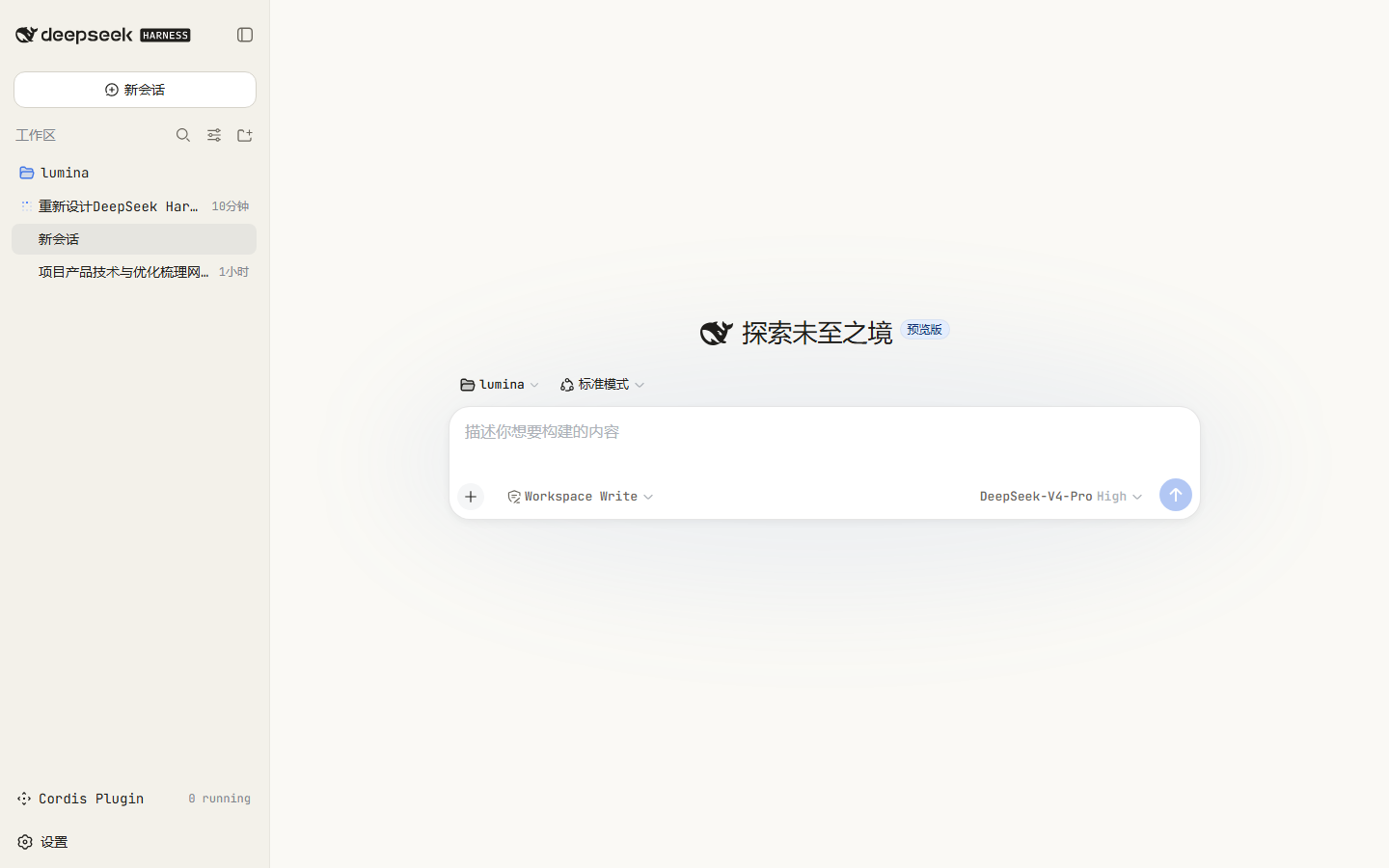
The DeepSeek Harness web GUI ships with a cool-gray default that feels anonymous to developers who grew up on warm terminal palettes. dsh-skin-claude-code overlays a reversible token-override layer that restyles the entire browser surface with Claude Code's signature look: warm charcoal and cream backgrounds, a terracotta (#D97757) accent sweeping across brand marks, focus rings, carets, links, and scrollbars, plus JetBrains Mono (ui-monospace fallback) terminal typography and warm-tinted code blocks. The result reads like a familiar dev terminal rather than a generic dashboard.
Under the hood, the skin touches only public --dsw-alias-* theme tokens and generic CSS elements, so it degrades safely across Harness updates without fragile DOM selectors. It automatically follows light, dark, and system preferences, and the bundle auto-registers as a profile layer on install, meaning no manual patch-file editing is required. Uninstalling tears the layer away cleanly.
It is built for developers who admire Claude Code's visual language and want that same warmth in the DeepSeek Harness, or anyone who finds the stock cool-gray interface a touch impersonal and would rather read their tasks in a cozy monospace terminal.
Screenshots
Use Cases
- Give the DeepSeek Harness a warm terminal look
- Add monospace typography and terracotta accents to the UI
- One-click reskin with no manual config edits required
Best For
- Developers who love the Claude Code visual language
- GUI users who find the stock cool-gray interface impersonal
- Coders who prefer warm terminal aesthetics
Related Plugins

whale-girl is a desktop pet in the DSH Web GUI (bottom-right for instant companionship) — draggable, feedable, playable; completed tasks, sessions and companionship time accrue into seniority levels, titles, and memories.

Renders your local Wallpaper Engine wallpapers as the DSH web background, supporting video, web, and scene wallpapers with a liquid-glass effect and rich customization.

A WebGPU ocean skin for DeepSeek Harness with five-wave Gerstner waves, translucent theme, day/night cycle, and quick controls, installable as plugin or extension.

A Galgame-style conversation view and visual scene editor for DSH web sessions, with a real-time editing mode.