dsh-airdrop
Run the following command in DeepSeek Harness:
dsh plugin install demacia1314/dsh-airdrop
Paste the following prompt into your AI chat to install this plugin:
To install the dsh-airdrop plugin in DeepSeek Harness, run the command: dsh plugin install demacia1314/dsh-airdrop, with the full source code at https://github.com/demacia1314/dsh-airdrop.
About this plugin
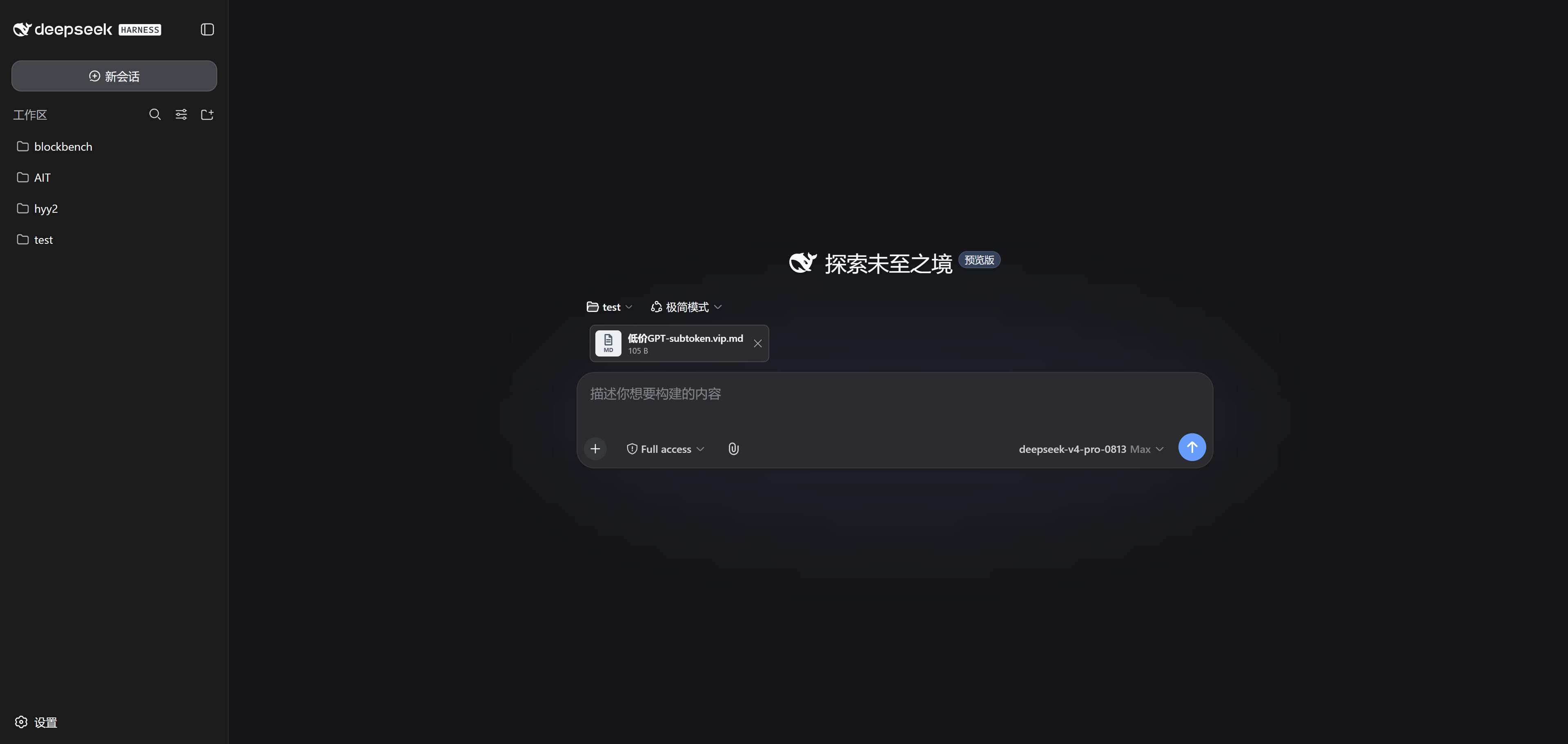
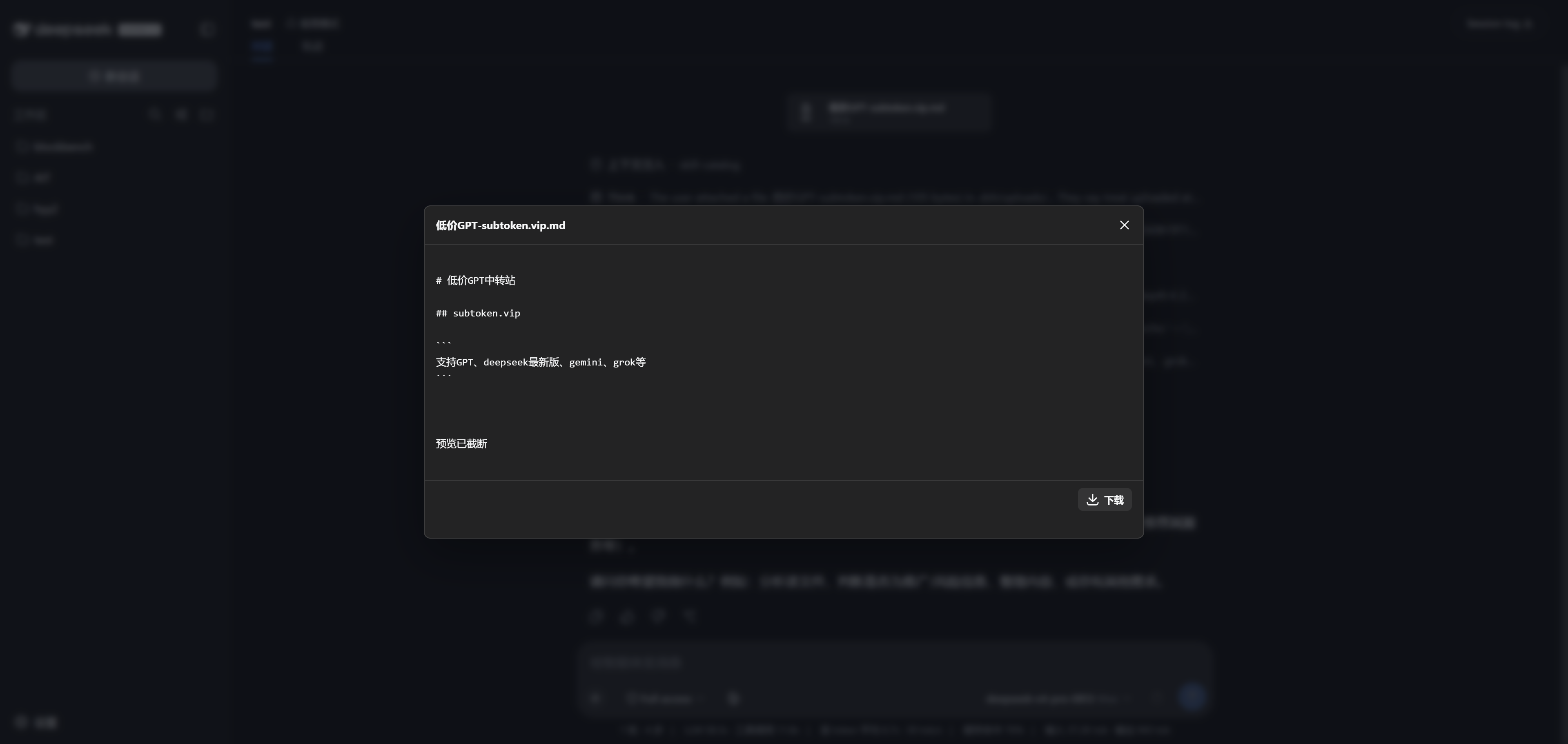
In the DSH platform, users often need to upload files for AI analysis, but traditional methods can be cumbersome or format-limited, especially in remote server environments where file transfer becomes complex. The dsh-airdrop plugin solves this with drag-and-drop uploading, allowing users to simply drag files or folders into the window. It supports remote access via SSH tunnels, providing a local-like experience. The plugin accepts any file format—images, videos, PDFs, etc.—and offers browser previews before sending to ensure correctness; AI automatically reads file content, seamlessly integrating into conversations. This plugin is ideal for all DSH users, particularly developers, researchers, or content creators who frequently handle files, as well as teams deploying DSH on remote servers. Session isolation also ensures file security, enhancing multitasking efficiency. In summary, it streamlines file upload, enhances interaction, and makes AI-assisted work more efficient and convenient.
Screenshots
Use Cases
- Drag and drop files locally for quick AI analysis.
- Remotely upload files to servers via SSH tunnels.
- Preview files before sending to ensure accuracy.
Best For
- Developers who handle various file types.
- DSH users on remote servers.
- Researchers who frequently use AI for file analysis.
Related Plugins
A service-oriented sidebar framework for DSH, offering a full workbench with file explorer, embedded browser, real terminal, Git panel, and extensible plugin services.

A beautiful, practical Claude Code-style TUI plugin with pixel whale top bar, flowing glow title, real-time status line, streaming thought expansion, time rewind, context progress bar and TPS gauge — zero core changes.

The plugin market for DeepSeek Harness: browse/search/one-click install community plugins and themes, with updates, backup/restore, hot disable, diagnostics, and AI fix.

A persistent whale widget on the DSH web UI that shows DeepSeek balance, today's usage, and per-turn cost, with drag-and-snap and sound effects.