
dsh-reel
Run the following command in DeepSeek Harness:
dsh plugin install lsjspl/dsh-reel
Paste the following prompt into your AI chat to install this plugin:
Run dsh plugin install lsjspl/dsh-reel in DeepSeek Harness to install the plugin; the source repository is at https://github.com/lsjspl/dsh-reel .
About this plugin
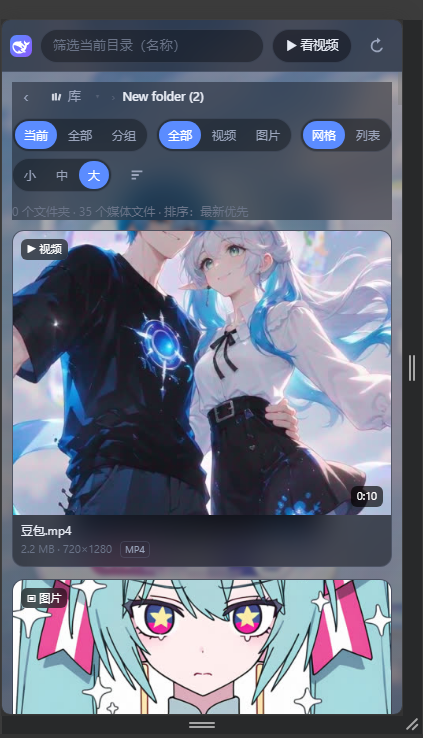
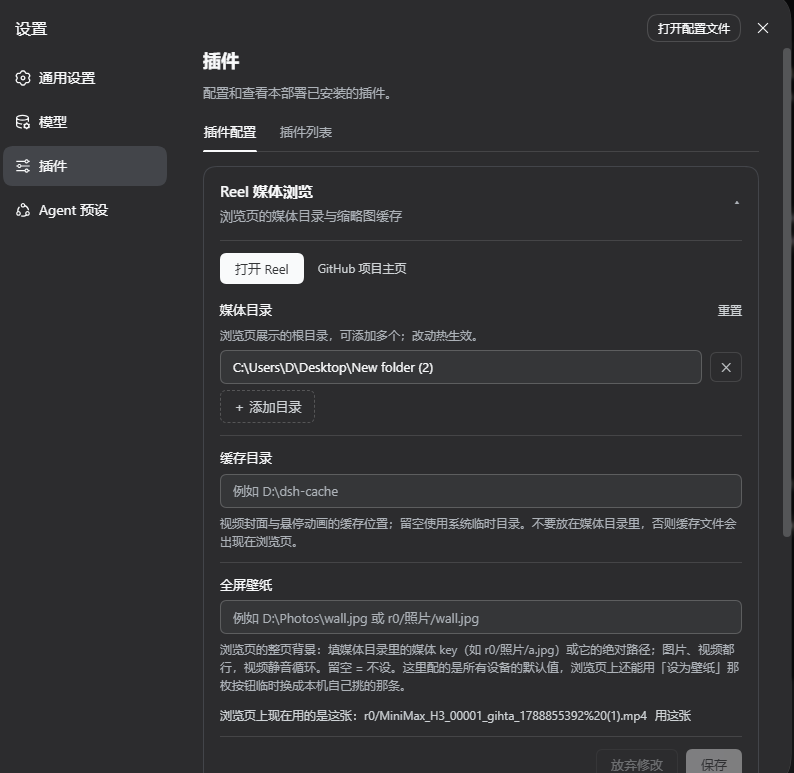
Local photos and videos tend to scatter across multiple drives. Browsing and playing them used to mean spinning up Jellyfin, Plex, or a hand-rolled streaming server—an extra port, an extra daemon, an extra config cycle. dsh-reel folds the entire experience directly into dsh Web: same port, same origin, a single Cordis route on the host side. Mount a few local directories and a full media library opens right in the browser, with zero extra processes and no separate build step.
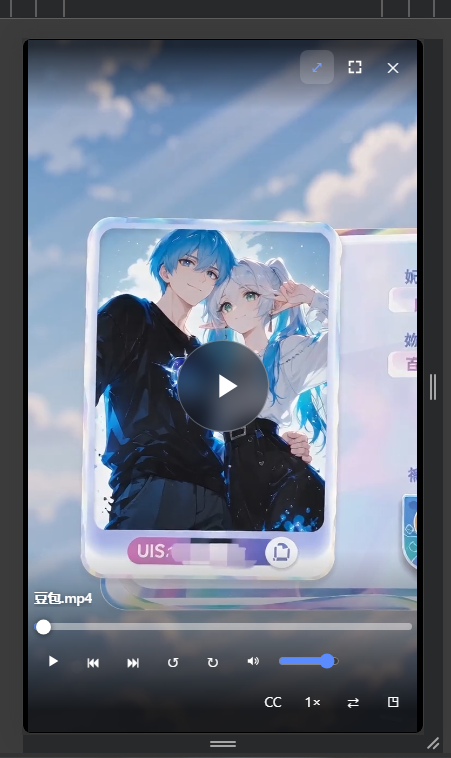
On playback, video is served via native HTTP Range responses so seeking is instant and bandwidth is never blocked. For legacy containers the browser cannot decode natively—AVI, WMV, FLV, RMVB—the server transcodes on the fly through ffmpeg into fragmented MP4, streaming from a memory pipeline with zero disk temp files; seeking re-establishes the stream from the target timestamp automatically. The library UI aggregates all mounted roots at the top level and offers Current, All (recursive flat), and Grouped (folder-collapsible) browsing modes alongside grid and list views. Hovering the scrubber reveals a precise frame preview and timestamp, and on mobile users swipe up or down to flip through videos the way they would in a short-video feed.
It is built for people who already manage local files in dsh Web, maintain a growing collection of images and clips, and would rather not run a separate streaming stack. Think zero extra daemons, casual mobile browsing, or the option to lock any clip as a site-wide frosted-glass dynamic wallpaper. Requires dsh v0.1.5-rc.1+ and Node.js 20+; the plugin bundles ffmpeg and ffprobe as fallbacks, so it works out of the box.
Screenshots
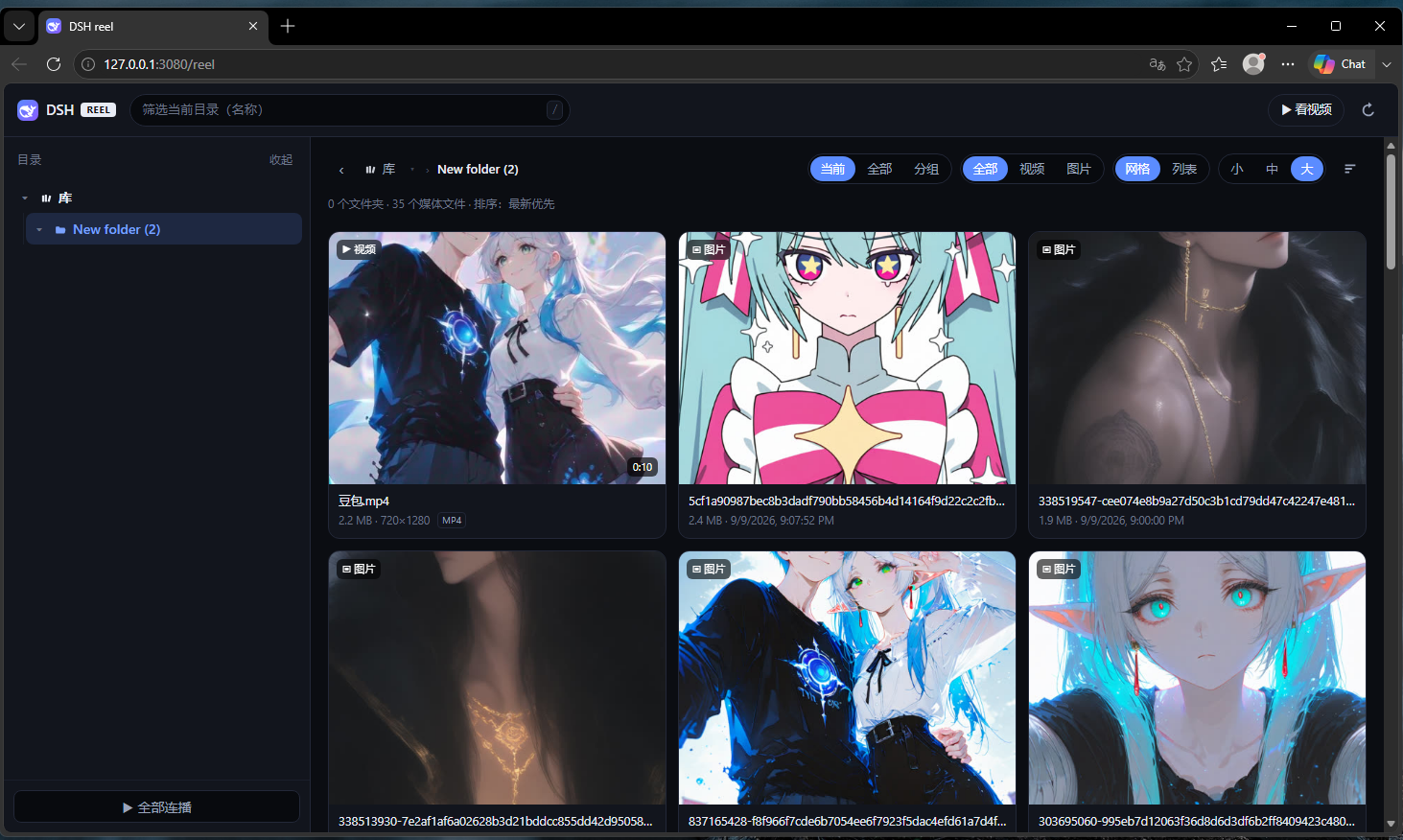
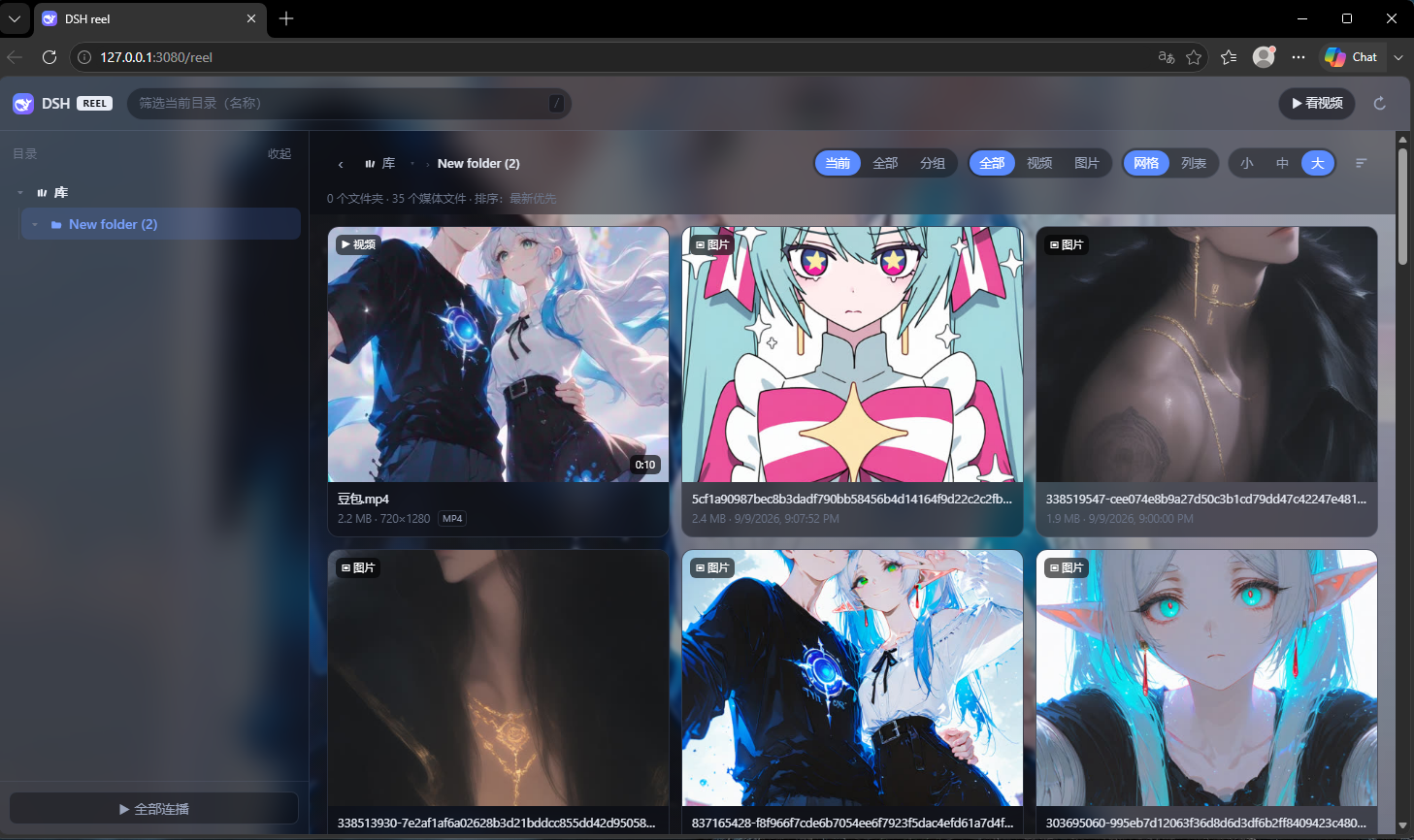
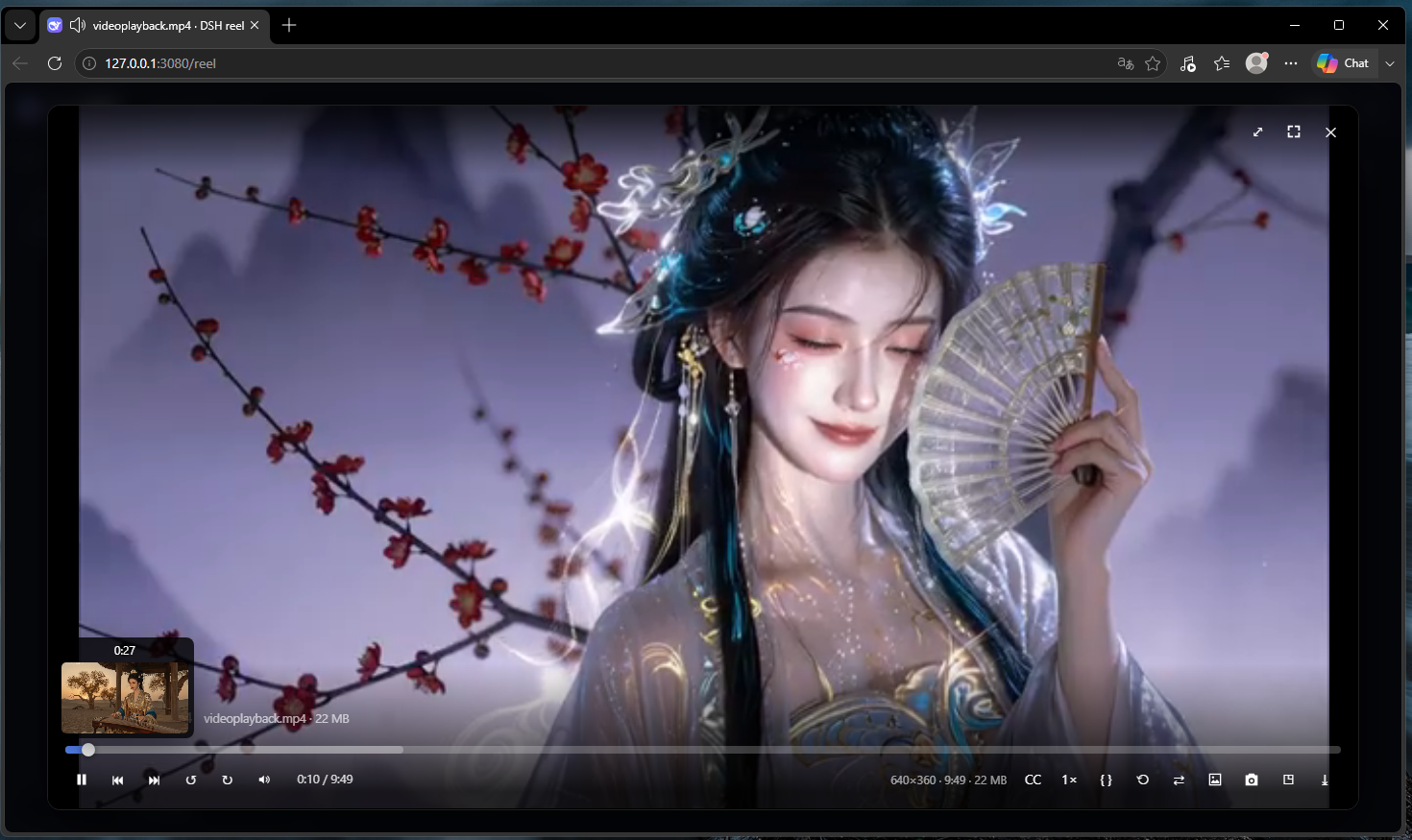
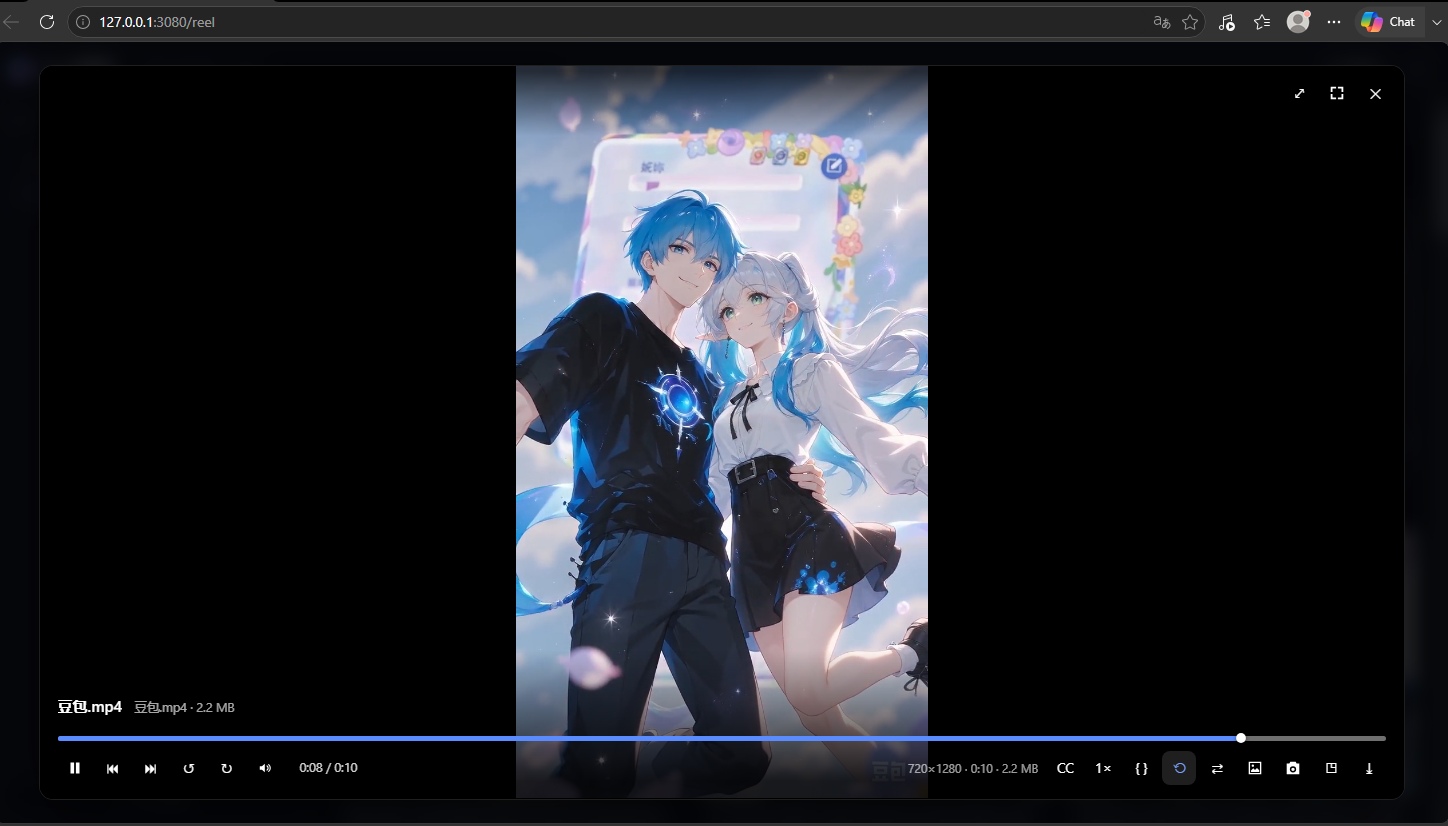
Use Cases
- Browse photo and video collections scattered across multiple drives right in the browser
- Set any local clip as a sitewide frosted-glass dynamic wallpaper with one click
- Swipe through local videos on a phone the same way as a short-video feed
Best For
- Users managing local files in dsh Web who do not want a separate streaming stack
- People with a growing photo and video collection who want casual browser access
- Mobile-first users who prefer swipe-to-play short-video interactions
Related Plugins
A service-oriented sidebar framework for DSH, offering a full workbench with file explorer, embedded browser, real terminal, Git panel, and extensible plugin services.

A beautiful, practical Claude Code-style TUI plugin with pixel whale top bar, flowing glow title, real-time status line, streaming thought expansion, time rewind, context progress bar and TPS gauge — zero core changes.

The plugin market for DeepSeek Harness: browse/search/one-click install community plugins and themes, with updates, backup/restore, hot disable, diagnostics, and AI fix.

A persistent whale widget on the DSH web UI that shows DeepSeek balance, today's usage, and per-turn cost, with drag-and-snap and sound effects.