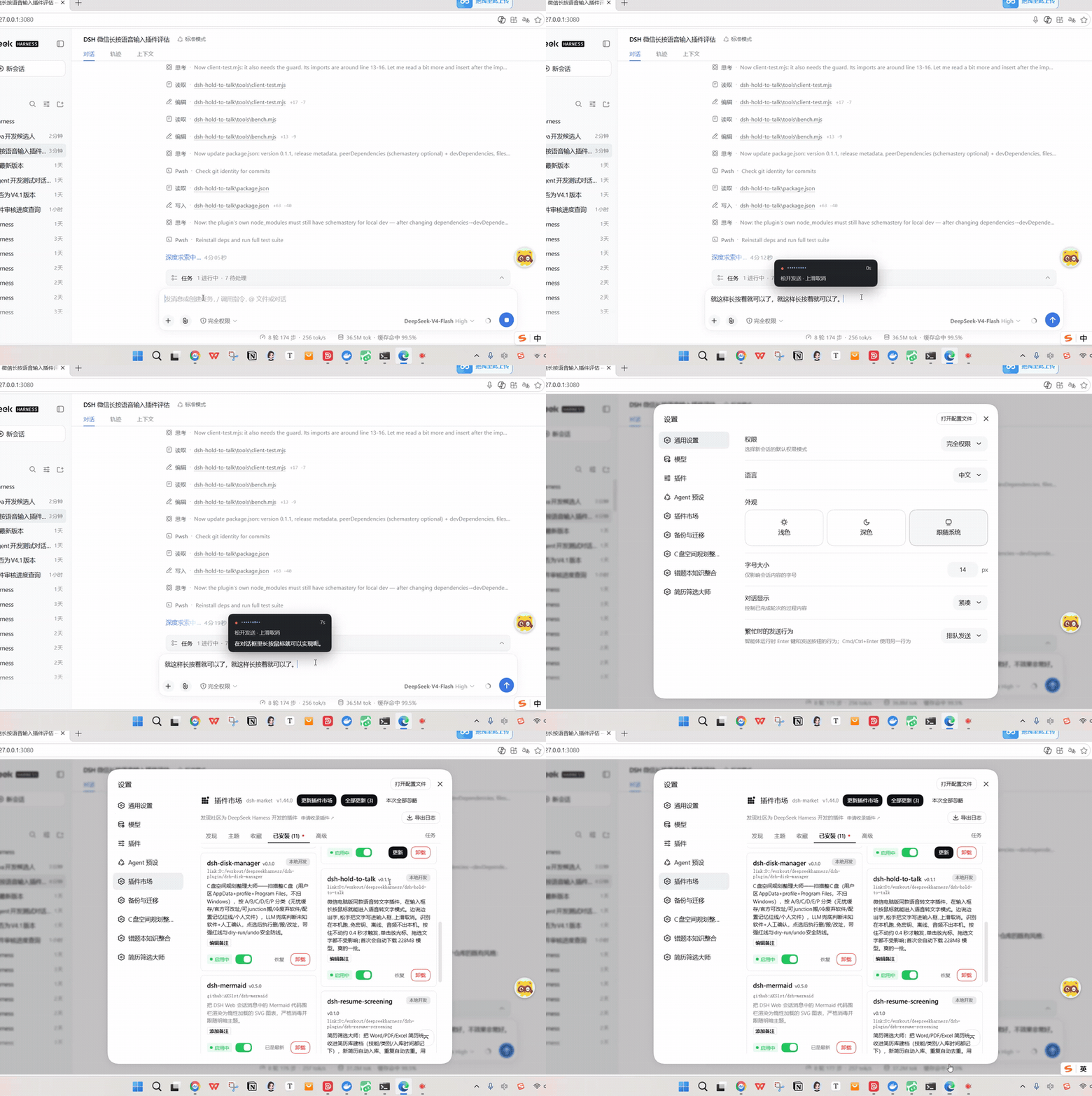
dsh-hold-to-talk
Run the following command in DeepSeek Harness:
dsh plugin install wangzhanchao883/dsh-hold-to-talk
Paste the following prompt into your AI chat to install this plugin:
Run dsh plugin install wangzhanchao883/dsh-hold-to-talk in your terminal to install the plugin; the full source code is available at https://github.com/wangzhanchao883/dsh-hold-to-talk .
About this plugin
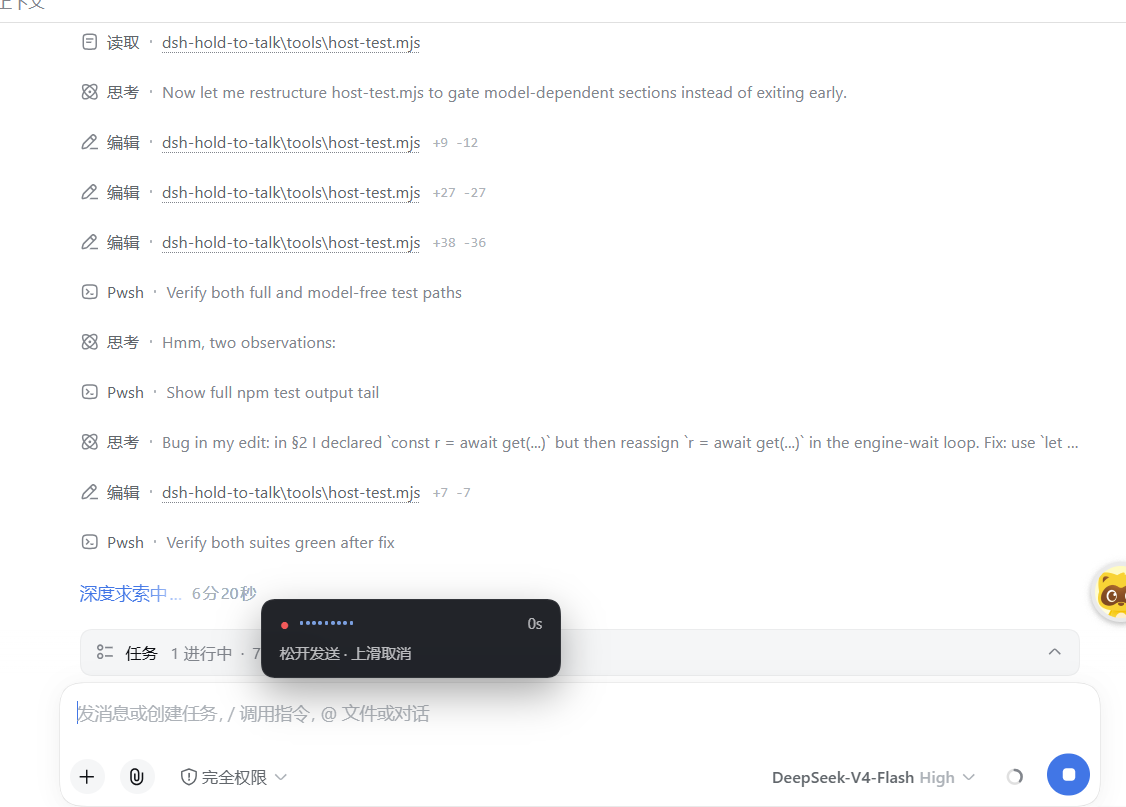
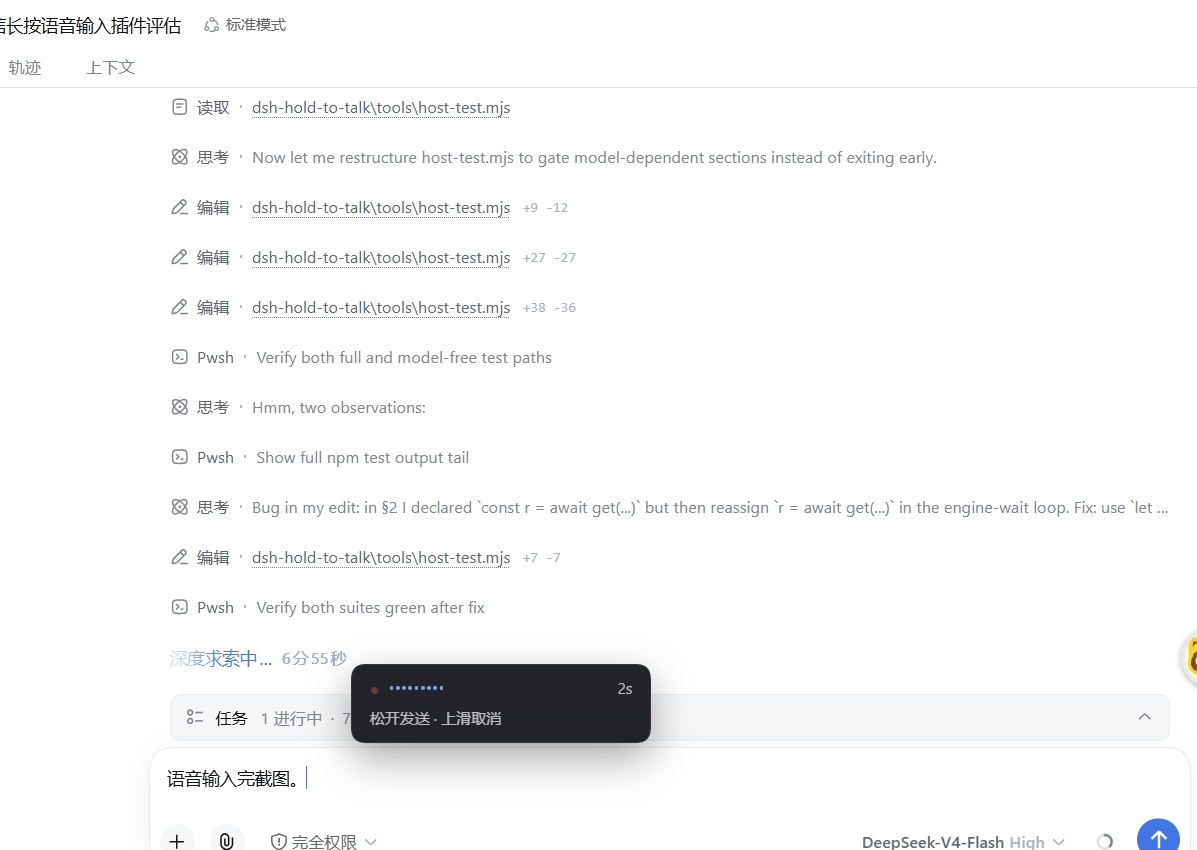
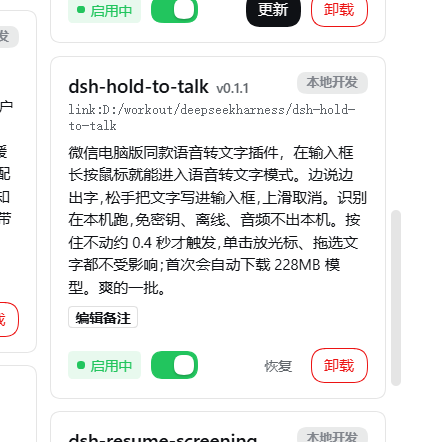
Writing long prompts in the DeepSeek Harness Web composer often feels like your fingers cannot keep up with your thoughts. dsh-hold-to-talk brings the familiar WeChat-desktop hold-to-talk gesture into the DSH web input: press and hold the mouse on the composer, speak, watch a live transcript appear in a floating overlay, then release to commit the text into your draft. The entire pipeline runs locally — SenseVoice (int8) decoded via sherpa-onnx in a worker thread — so no API key is needed and your audio never leaves the machine.
The design philosophy centers on one principle: never corrupt your draft. The live preview lives exclusively in the overlay; only the release-time decode (from the full audio buffer) is written into the composer. This means recognition jitter can never overwrite text you are actively editing. Quick clicks, text selection, and cursor placement all work exactly as before. Native multi-threaded decoding is roughly 2.5x faster than the WASM fallback — about 3 seconds to finalize 20 seconds of speech.
Built for desktop users of dsh web who type long prompts often, care about privacy, and want zero cloud dependency for voice input. Requires a Chromium-based browser with microphone access and approximately 230 MB of disk for the one-time model download; after that, everything is fully offline.
Screenshots
Use Cases
- Dictating long prompts quickly without leaving the keyboard
- Daily use by developers who refuse cloud-based speech recognition
- Reducing wrist fatigue during extended typing sessions with voice as an assistive channel
Best For
- Heavy prompt writers working in dsh web
- Developers who prefer local processing and zero third-party API dependency
- Users with a strong need for voice input who insist data stays on-device
Related Plugins
A service-oriented sidebar framework for DSH, offering a full workbench with file explorer, embedded browser, real terminal, Git panel, and extensible plugin services.

A beautiful, practical Claude Code-style TUI plugin with pixel whale top bar, flowing glow title, real-time status line, streaming thought expansion, time rewind, context progress bar and TPS gauge — zero core changes.

The plugin market for DeepSeek Harness: browse/search/one-click install community plugins and themes, with updates, backup/restore, hot disable, diagnostics, and AI fix.

A persistent whale widget on the DSH web UI that shows DeepSeek balance, today's usage, and per-turn cost, with drag-and-snap and sound effects.