dsh-multi-selection-comments
Run the following command in DeepSeek Harness:
dsh plugin install yuanc1204/dsh-multi-selection-comments
Paste the following prompt into your AI chat to install this plugin:
In DeepSeek Harness, run dsh plugin install yuanc1204/dsh-multi-selection-comments to install the plugin, with the full source code available at https://github.com/yuanc1204/dsh-multi-selection-comments.
About this plugin
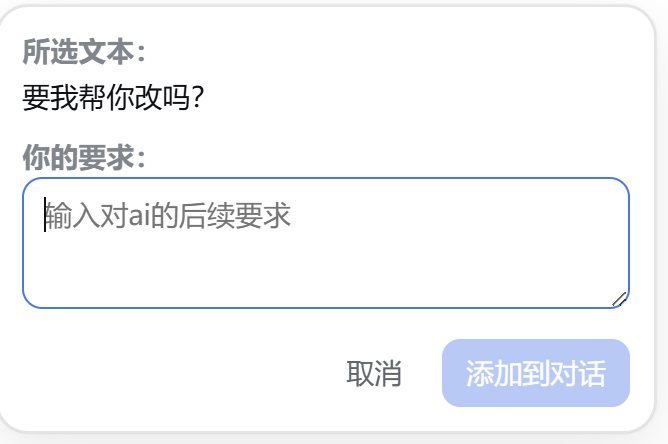
When interacting with AI assistants, users often need to reference multiple text segments and add specific requirements, but traditional input methods can lead to cluttered interfaces or lost context. The DSH Multi-Selection Comments plugin addresses this by bringing a Codex-like experience to DeepSeek Harness, enabling seamless selection of multiple content pieces with individual instructions for more efficient and structured dialogues.
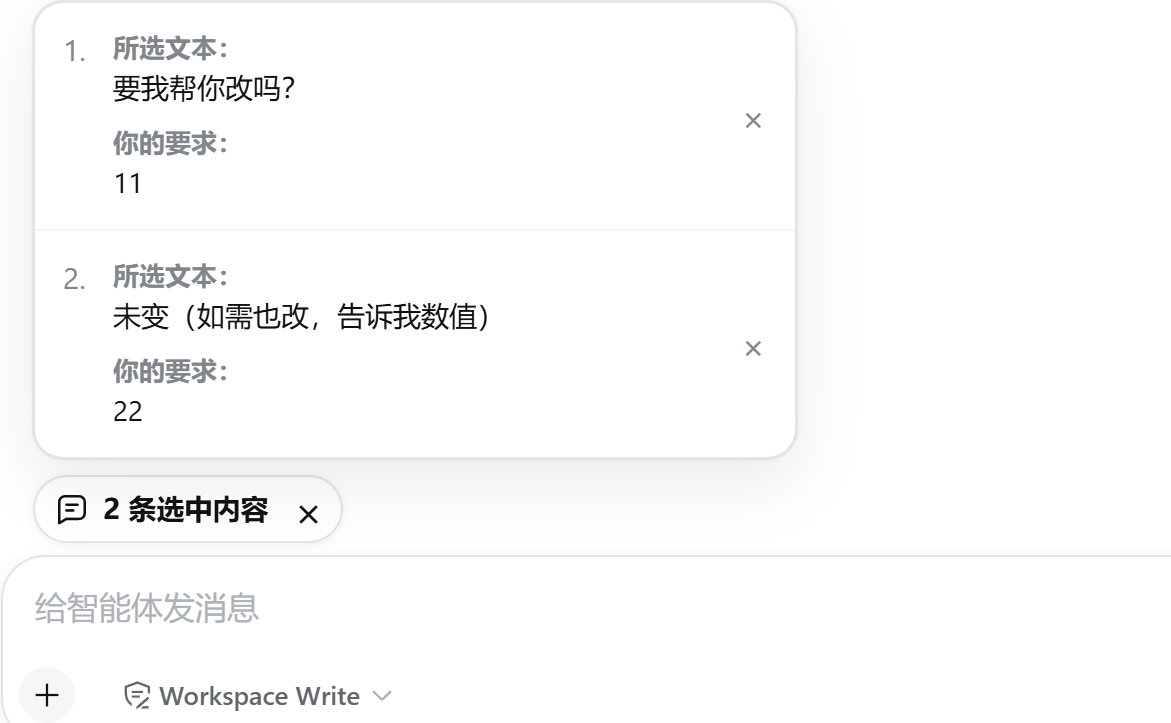
Its core capabilities include the ability to consecutively select text from assistant responses or tool outputs, with each selection having its own optional requirement; a compact capsule above the main input box displays selected item counts without stacking reference text; users can click the capsule to view and manage selections, requirement input supports Enter to add and Ctrl+Enter for new lines, and structured context is injected upon sending to keep chat logs unobtrusive.
This plugin is ideal for DeepSeek Harness users, such as developers debugging code, researchers analyzing data, or content creators editing texts. It enhances the intuitiveness and efficiency of multi-task interactions, ensuring conversations remain fluid and focused.
Screenshots
Use Cases
- Select multiple code or text segments in assistant replies and add individual modification requirements.
- When analyzing tool output, choose key data points to attach follow-up query instructions.
- In collaborative discussions, reference multiple conversation pieces for summary or feedback.
Best For
- Software engineers using DeepSeek Harness for development and debugging.
- Researchers and analysts who need to handle multiple text or data segments.
- Content creators who frequently interact with AI and manage context.
Related Plugins
A service-oriented sidebar framework for DSH, offering a full workbench with file explorer, embedded browser, real terminal, Git panel, and extensible plugin services.

A beautiful, practical Claude Code-style TUI plugin with pixel whale top bar, flowing glow title, real-time status line, streaming thought expansion, time rewind, context progress bar and TPS gauge — zero core changes.

The plugin market for DeepSeek Harness: browse/search/one-click install community plugins and themes, with updates, backup/restore, hot disable, diagnostics, and AI fix.

A persistent whale widget on the DSH web UI that shows DeepSeek balance, today's usage, and per-turn cost, with drag-and-snap and sound effects.