dsh-omi-voice
Run the following command in DeepSeek Harness:
dsh plugin install PolinniZhong/dsh-omi-voice
Paste the following prompt into your AI chat to install this plugin:
To install this plugin in DeepSeek Harness, run dsh plugin install PolinniZhong/dsh-omi-voice, with full source code available at https://github.com/PolinniZhong/dsh-omi-voice
About this plugin
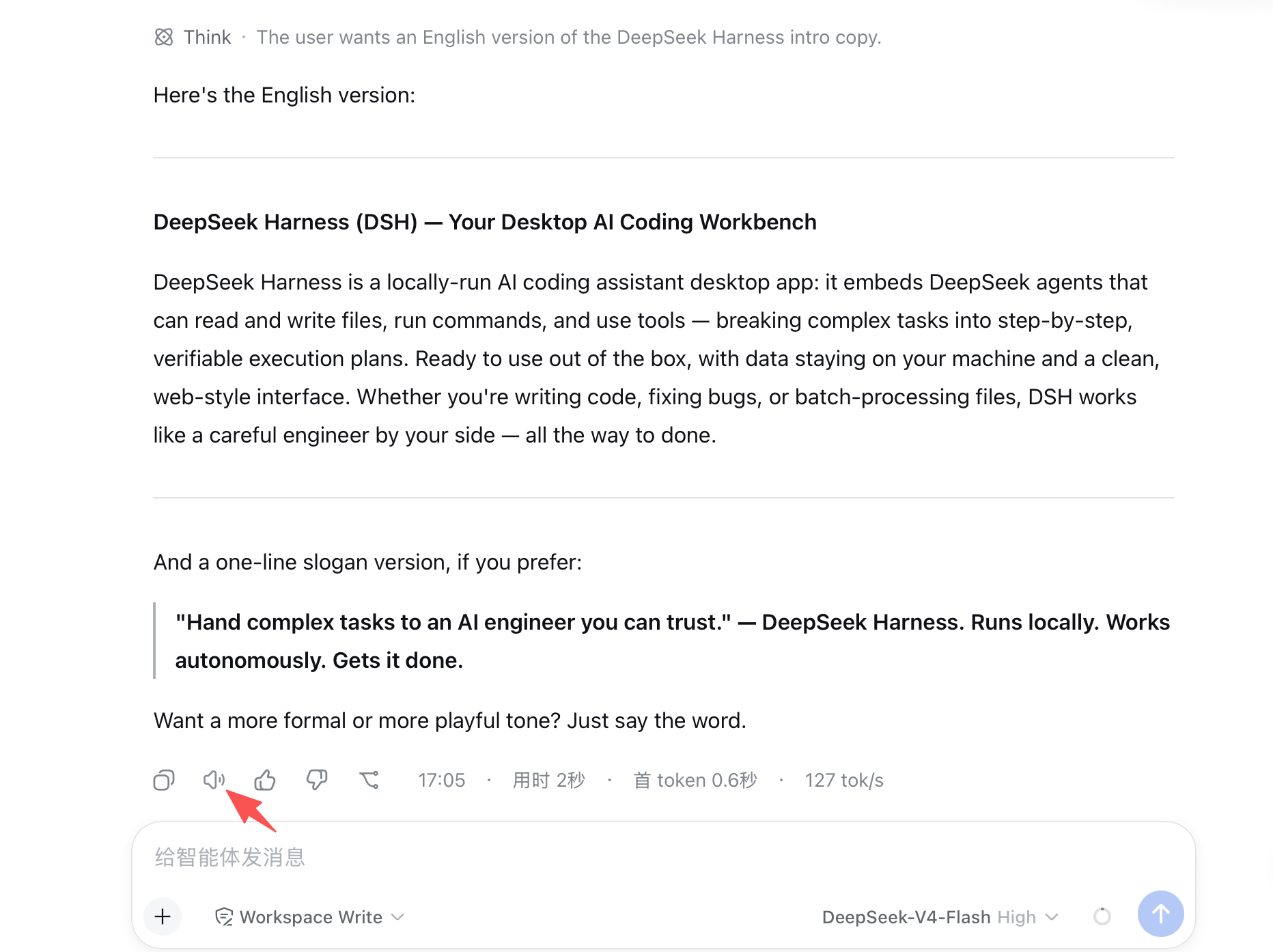
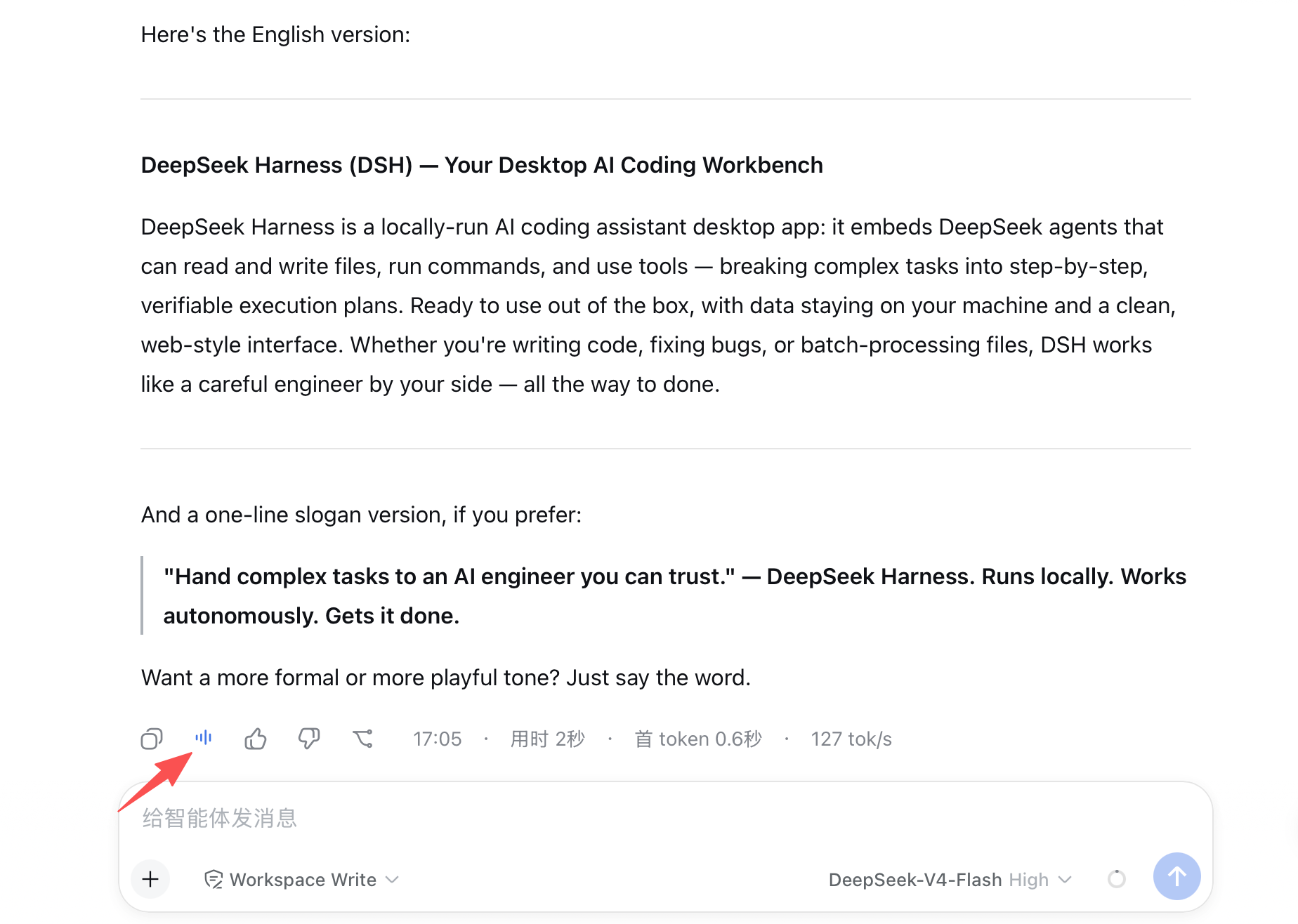
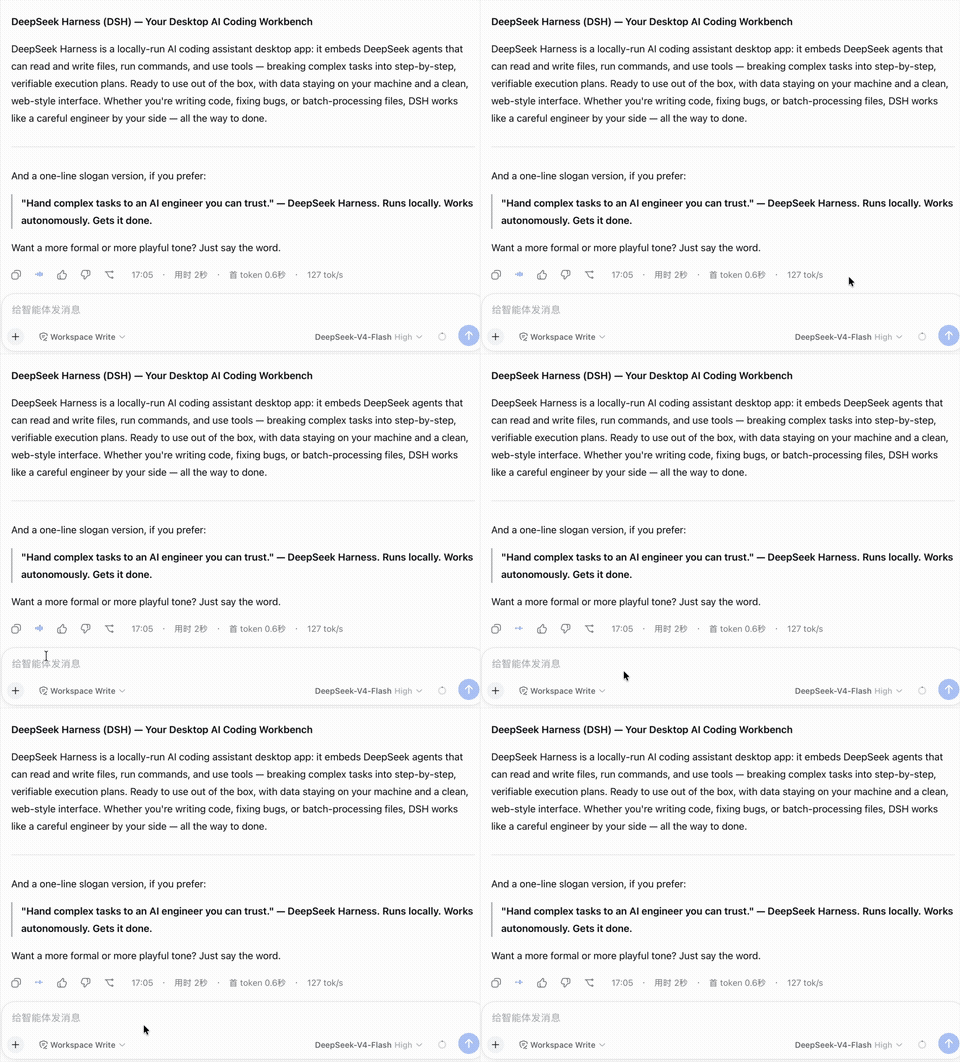
If you're tired of DeepSeek Harness's built-in voice reading that sounds mechanical and dated, and you don't want to manually copy every reply just to hear it, dsh-omi-voice offers a smoother way. It adds a small 🔊 button next to each AI reply, letting you hear the answer read aloud in Doubao's natural Chinese voice with a single click.
Rather than being a simple playback widget, the plugin acts as a lightweight remote control: play, pause, resume from where you left off, and interrupt by reading a new message are all handled by the local Omi engine running on your Mac. It only reads final answers, automatically skipping tool execution logs and thinking traces, and filters out code fences, tables, and pure ASCII graphics before making a request. If a reply has nothing worth reading, the button is disabled with a clear hint instead of wasting a request.
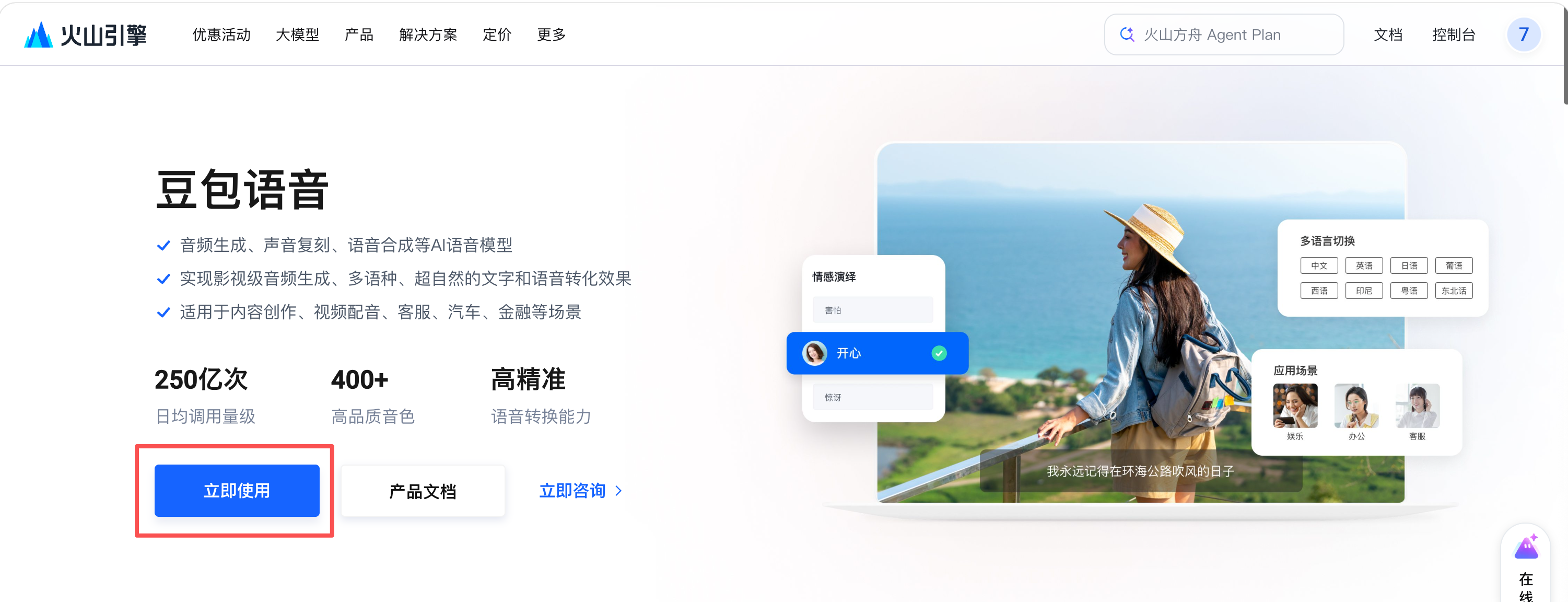
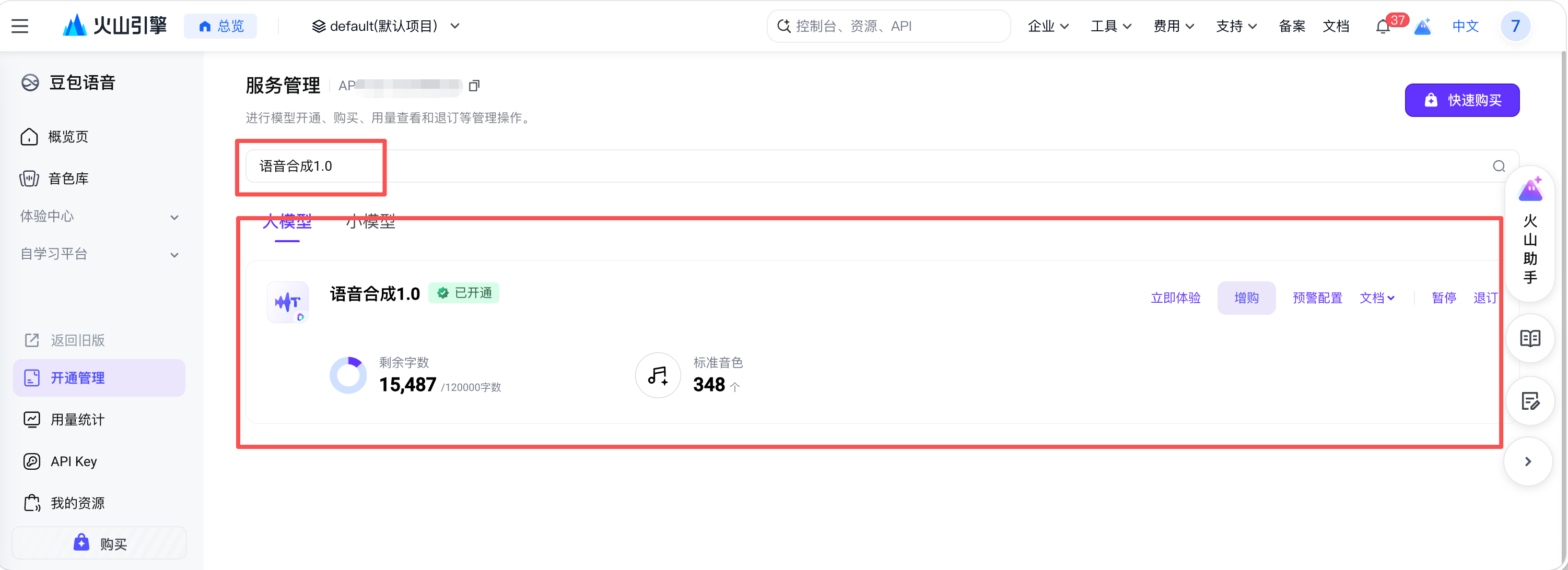
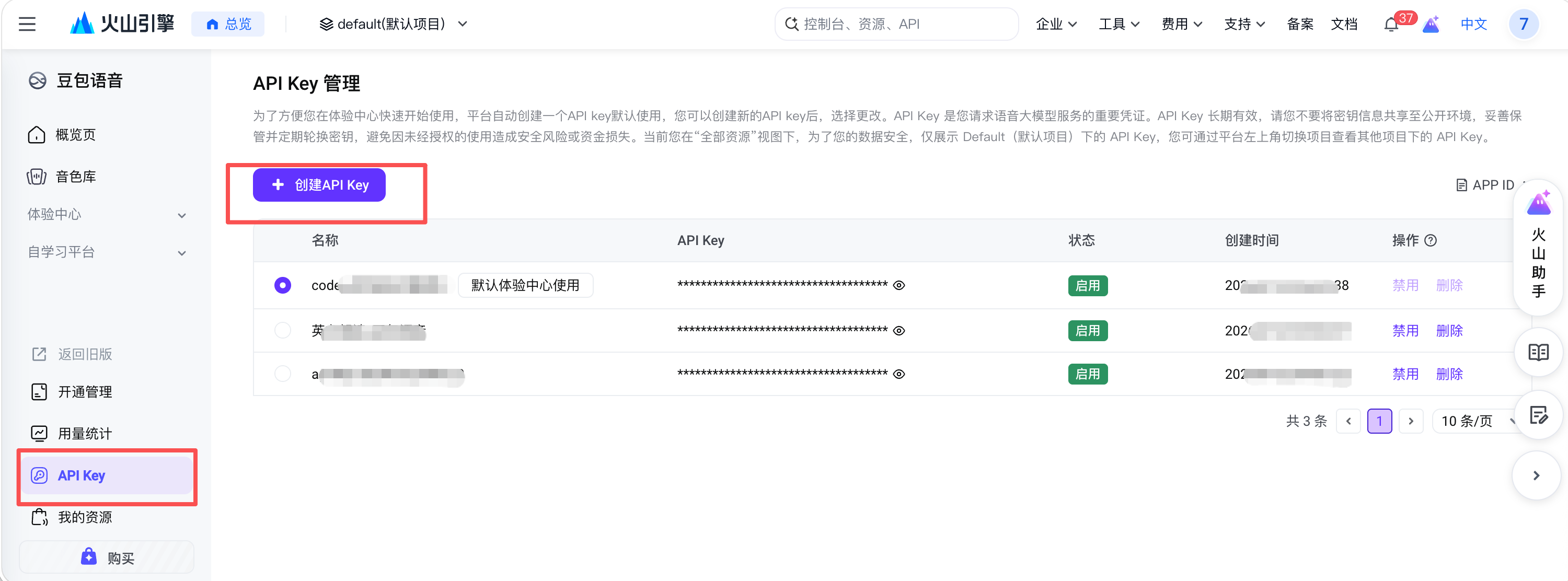
The plugin takes privacy and cost seriously with a BYOK model: your Doubao API key stays only in the macOS Keychain, while the plugin itself holds no keys and communicates exclusively over local 127.0.0.1. Speech synthesis is billed per character, but manual triggering, 3-second deduplication, and an in-memory LRU cache help avoid repeated charges for the same content.
If you use DeepSeek Harness on macOS and want AI replies to sound more like a real person than a robotic announcer, and you're comfortable bringing your own Doubao API key and paying per use, this plugin is a great fit. Note that it currently only supports macOS on Apple Silicon.
Screenshots
Use Cases
- Want to free your eyes while consuming AI replies
- Need natural-sounding voice for reading long answers
- Using DeepSeek Harness on macOS with your own Doubao API key
Best For
- DSH users who prefer natural Chinese voices
- Users willing to bring their own Doubao key and pay per use
- Developers or power users on macOS Apple Silicon
Related Plugins
A service-oriented sidebar framework for DSH, offering a full workbench with file explorer, embedded browser, real terminal, Git panel, and extensible plugin services.

A beautiful, practical Claude Code-style TUI plugin with pixel whale top bar, flowing glow title, real-time status line, streaming thought expansion, time rewind, context progress bar and TPS gauge — zero core changes.

The plugin market for DeepSeek Harness: browse/search/one-click install community plugins and themes, with updates, backup/restore, hot disable, diagnostics, and AI fix.

A persistent whale widget on the DSH web UI that shows DeepSeek balance, today's usage, and per-turn cost, with drag-and-snap and sound effects.