
dsh-web-mobile
Run the following command in DeepSeek Harness:
dsh plugin install mexiaosqwq/dsh-web-mobile
Paste the following prompt into your AI chat to install this plugin:
Install it in DeepSeek Harness by running `dsh plugin install mexiaosqwq/dsh-web-mobile`, or refer to the source repository at https://github.com/mexiaosqwq/dsh-web-mobile for installation details.
About this plugin
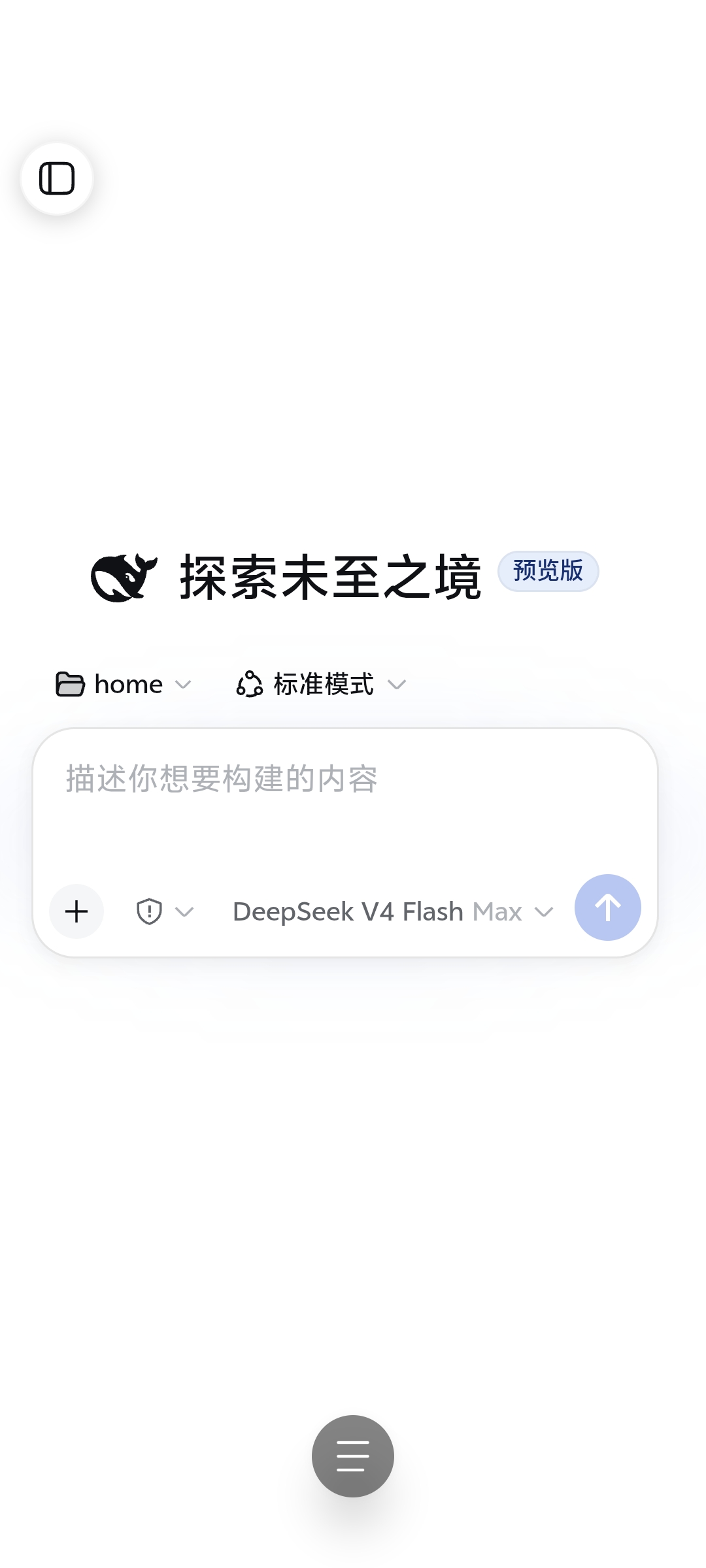
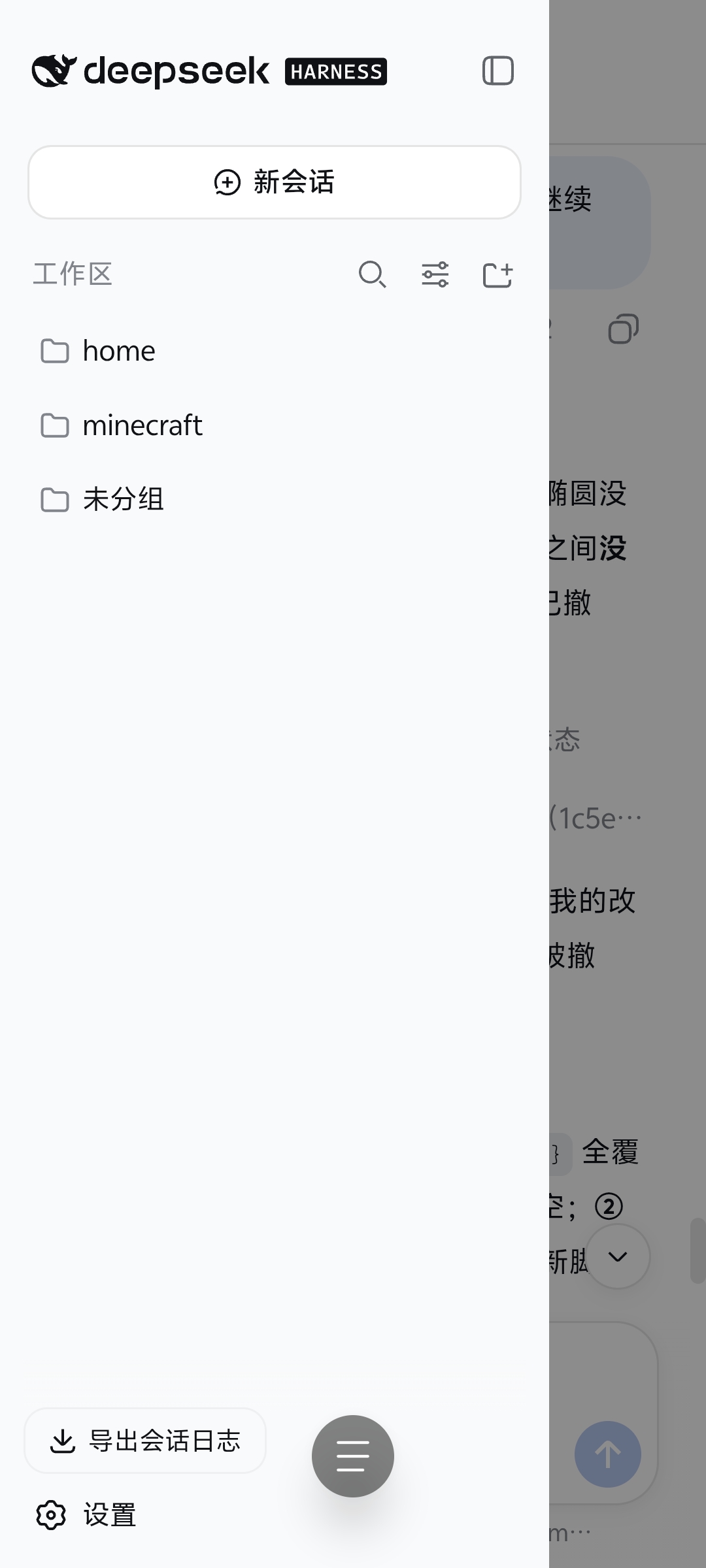
DeepSeek Harness Web UI was originally designed for desktop browsers, and on a phone in portrait orientation it often suffers from a cramped sidebar, hard-to-tap dialogs, and overlapping input controls. dsh-web-mobile addresses these mobile pain points and brings a near-native app-like experience to narrow screens.
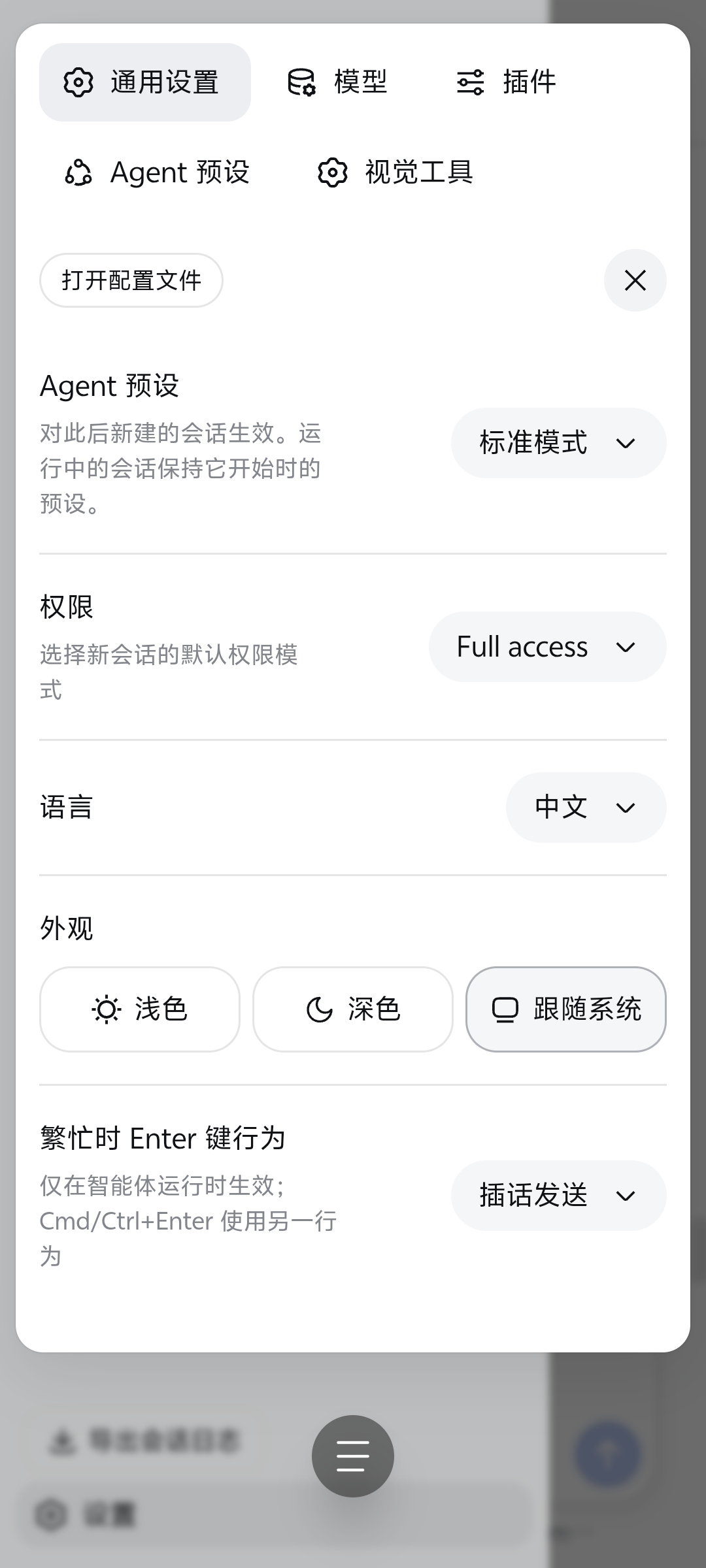
The plugin's core capabilities include collapsing the sidebar into an auto-dismissing drawer, converting settings and file tree dialogs into bottom sheets, handling safe-area insets and light/dark themes, and rearranging the input area to keep buttons from drifting. It also transparently compresses large JSON responses (such as session history) with gzip/brotli, noticeably reducing mobile data usage and loading time.
For tablets, the plugin constrains and centers the layout between 768–1023px, while desktop widths remain completely untouched. A ?mobile-nav-debug=1 query parameter shows a floating diagnostic bar for viewport, overlay state, and JS errors.
If you frequently use DeepSeek Harness on a phone or tablet to manage conversations, browse files, or run tasks, this plugin delivers more comfortable touch interactions and faster loading.
Screenshots
Use Cases
- Manage DeepSeek Harness conversations and files in portrait mode on a phone
- Quickly adjust settings or preview files through bottom sheets
- Load long session histories on slow networks with reduced data usage
Best For
- Users who frequently use DeepSeek Harness on phones or tablets
- DSH users who care about touch-friendly mobile interactions
- Conversation-heavy users looking to reduce mobile data usage
Related Plugins
A service-oriented sidebar framework for DSH, offering a full workbench with file explorer, embedded browser, real terminal, Git panel, and extensible plugin services.

A beautiful, practical Claude Code-style TUI plugin with pixel whale top bar, flowing glow title, real-time status line, streaming thought expansion, time rewind, context progress bar and TPS gauge — zero core changes.

The plugin market for DeepSeek Harness: browse/search/one-click install community plugins and themes, with updates, backup/restore, hot disable, diagnostics, and AI fix.

A persistent whale widget on the DSH web UI that shows DeepSeek balance, today's usage, and per-turn cost, with drag-and-snap and sound effects.