dsh-minecraft-theme
Run the following command in DeepSeek Harness:
dsh plugin install EDMOK/dsh-minecraft-theme
Paste the following prompt into your AI chat to install this plugin:
To install this plugin in DeepSeek Harness, run the command: dsh plugin install EDMOK/dsh-minecraft-theme, with source code at https://github.com/EDMOK/dsh-minecraft-theme.
About this plugin
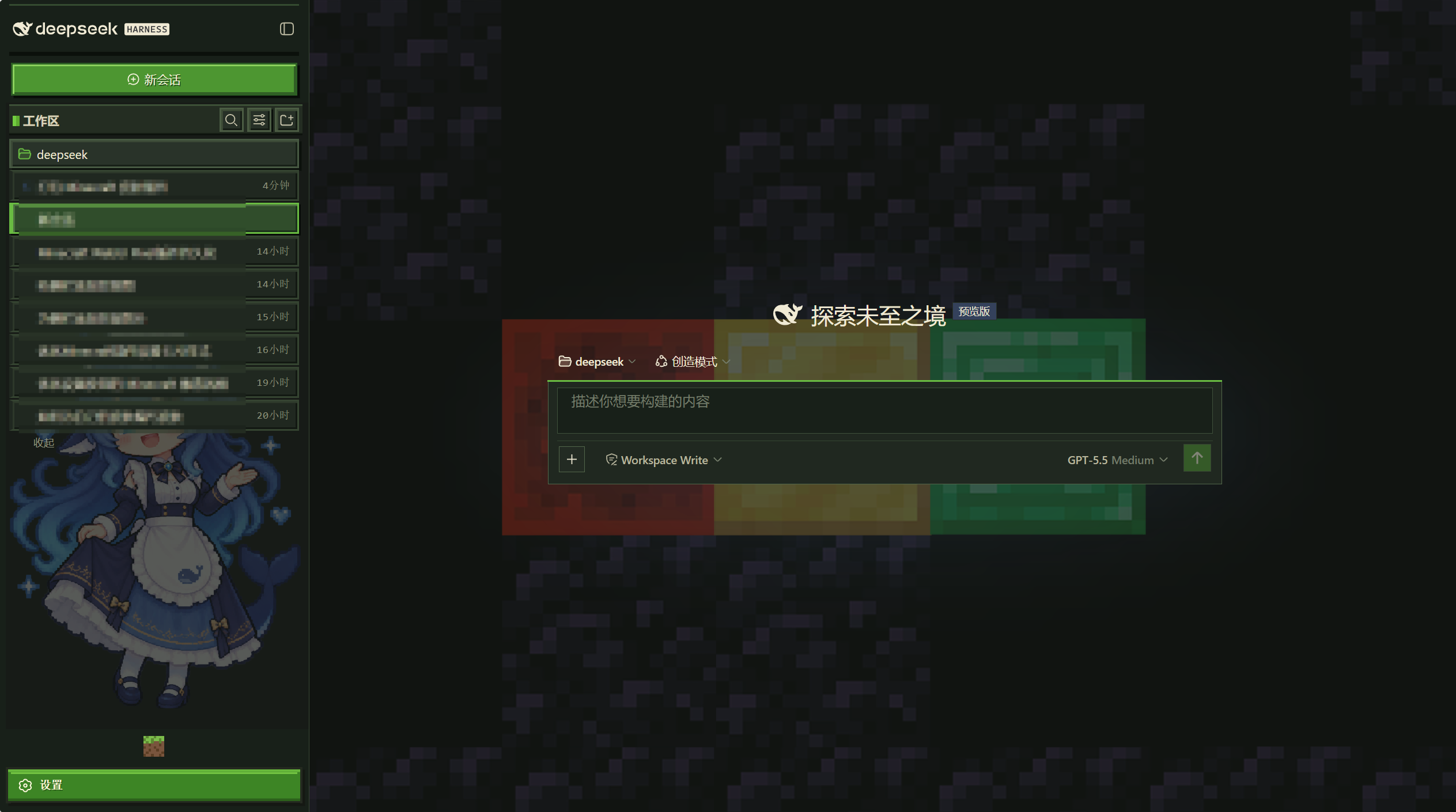
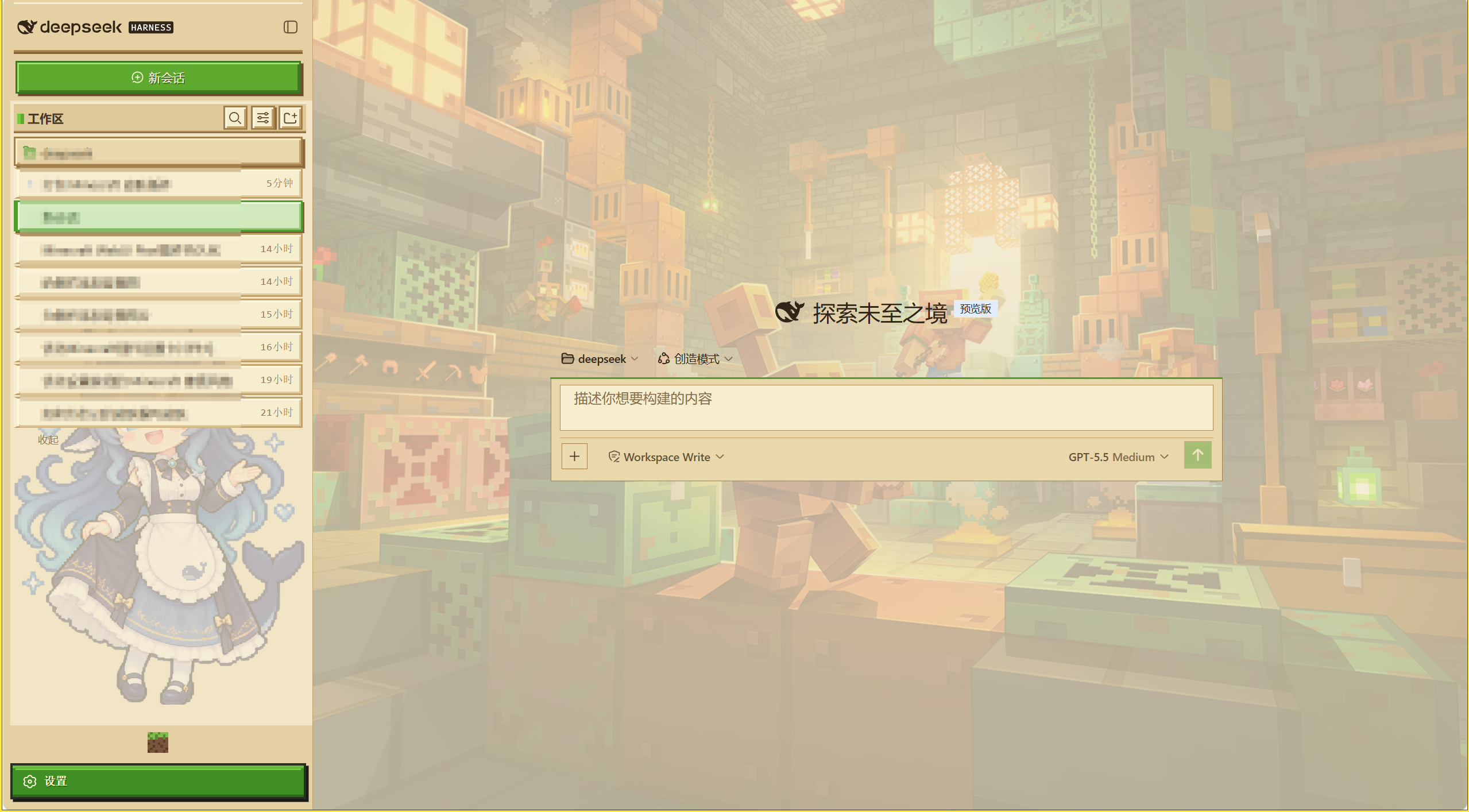
The default WebUI of DeepSeek Harness is powerful but visually plain, which may not satisfy users seeking personalized experiences, especially Minecraft enthusiasts who wish to operate tools within a familiar gaming aesthetic. This plugin addresses that need by transforming the entire WebUI into a Minecraft Launcher pixel style, infusing nostalgia and fun into the interface.
Its core capability lies in a comprehensive visual overhaul: using iconic elements like grass block green, dirt brown, plank, and stone textures, paired with rugged block borders, pixelated backgrounds, custom buttons, and sidebar decorations to create an immersive Minecraft atmosphere. The plugin supports both dark and light modes, ensuring comfortable visuals across different environments, beyond just a simple theme switch.
It is ideal for Minecraft players, pixel art lovers, and anyone looking to add a creative dress-up to DeepSeek Harness. Whether you are a developer seeking inspiration during downtime or a regular user wanting to make daily tools more enjoyable, this plugin refreshes your interface, making work or entertainment more pleasant and personalized.
Screenshots
Use Cases
- Share a personalized interface in Minecraft player communities
- Transform DeepSeek Harness into a game-style for casual work
- Add fun visual elements to technical discussions
Best For
- Minecraft game enthusiasts
- Users who enjoy pixel art and retro interfaces
- Developers looking to customize the appearance of DeepSeek Harness
Related Plugins

whale-girl is a desktop pet in the DSH Web GUI (bottom-right for instant companionship) — draggable, feedable, playable; completed tasks, sessions and companionship time accrue into seniority levels, titles, and memories.

Renders your local Wallpaper Engine wallpapers as the DSH web background, supporting video, web, and scene wallpapers with a liquid-glass effect and rich customization.

A WebGPU ocean skin for DeepSeek Harness with five-wave Gerstner waves, translucent theme, day/night cycle, and quick controls, installable as plugin or extension.

A Galgame-style conversation view and visual scene editor for DSH web sessions, with a real-time editing mode.