dsh-s7r
Run the following command in DeepSeek Harness:
dsh plugin install hunter118/dsh-s7r
Paste the following prompt into your AI chat to install this plugin:
In DeepSeek Harness, install the plugin using the command dsh plugin install hunter118/dsh-s7r, with the full source URL at https://github.com/hunter118/dsh-s7r.
About this plugin
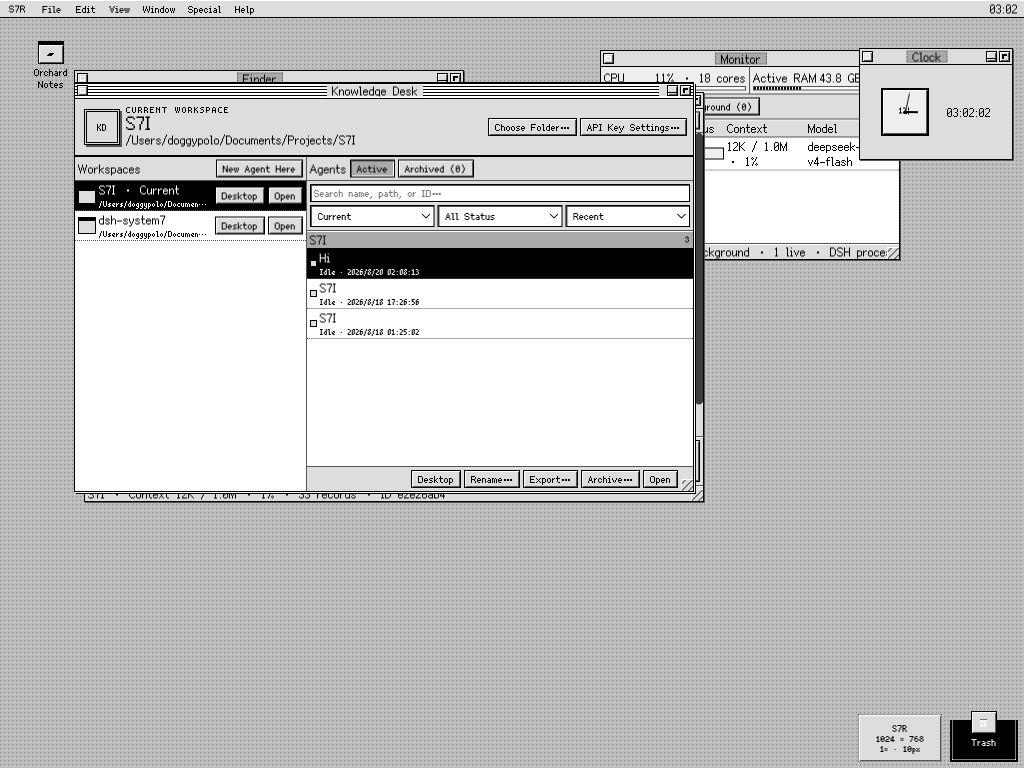
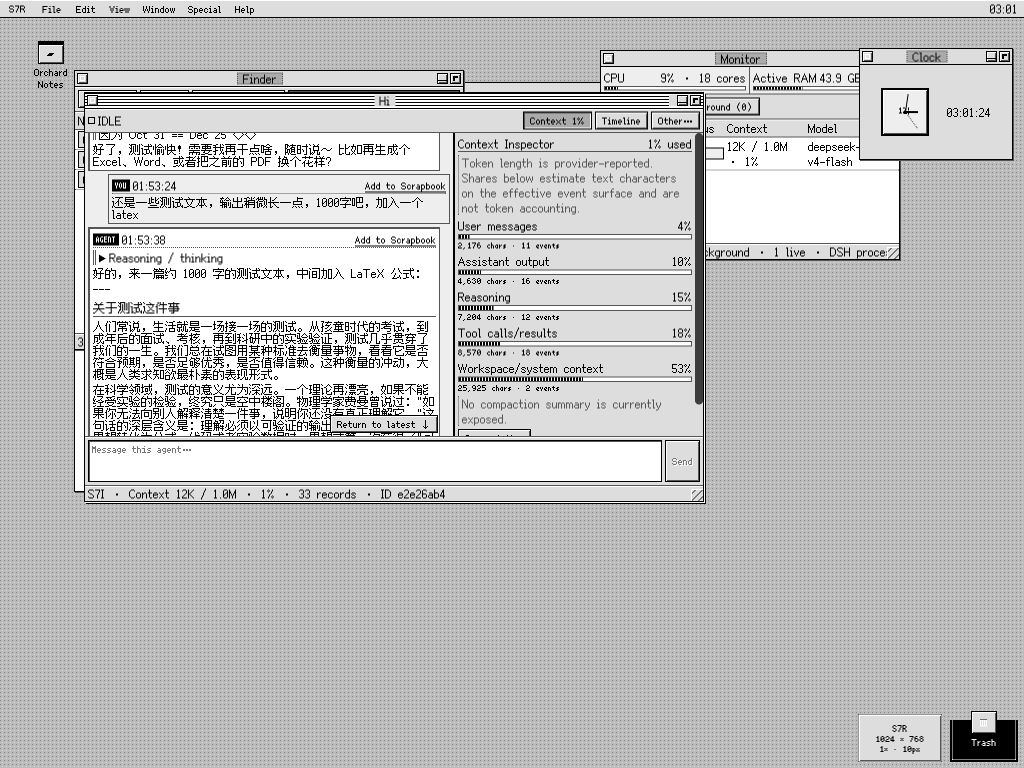
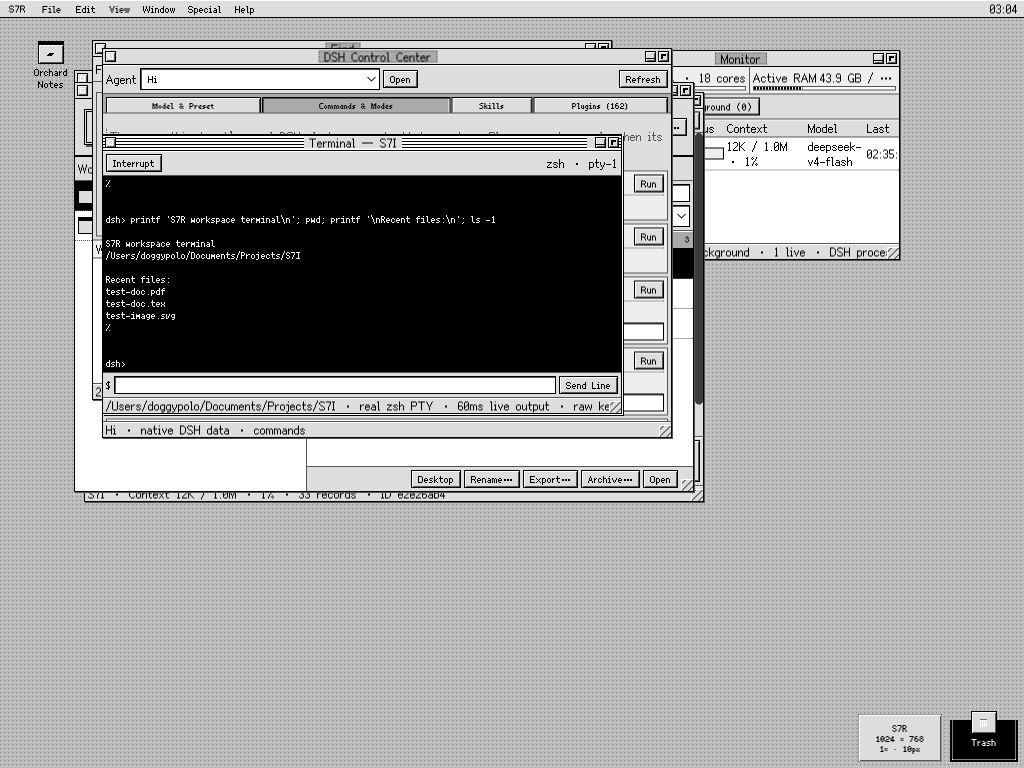
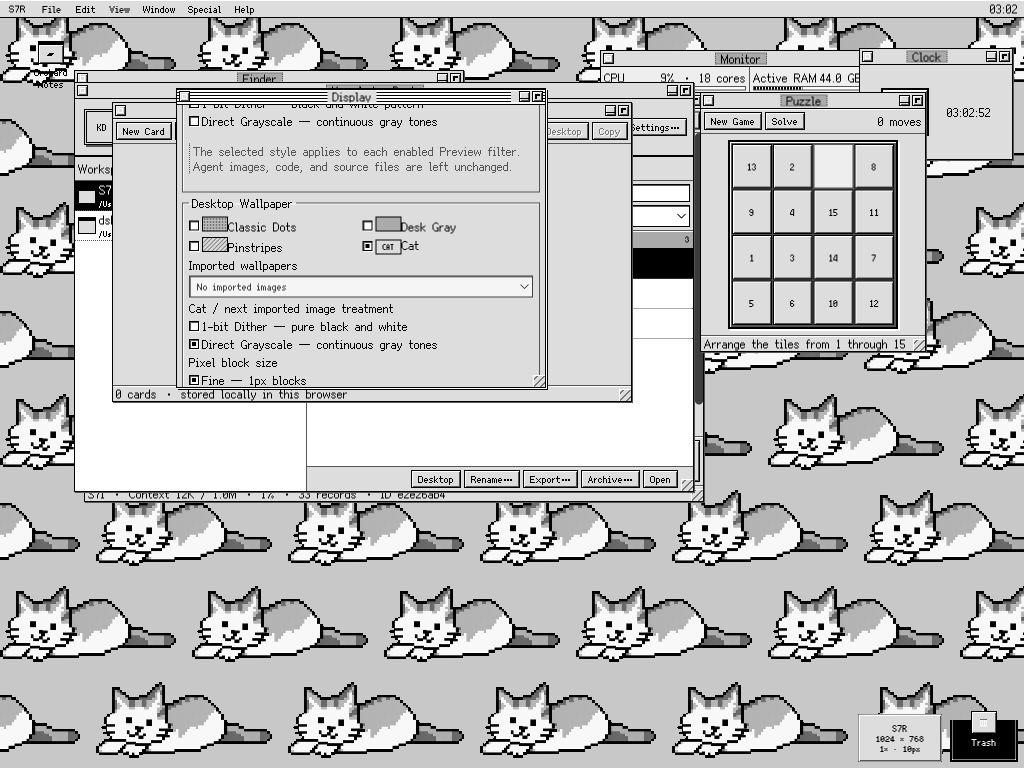
S7R is a System 7-style desktop environment for DeepSeek Harness that addresses the limitations of the default chat-centric Web UI in multitasking scenarios, integrating agents, workspaces, files, and terminals into a coherent desktop. Its core capabilities include workspace management, Knowledge Desk as an agent browser, real-time streaming agent windows, native DSH control integration, file editing and preview, terminal access, search functionality, and personalized desktop settings, ensuring DSH remains the source of truth for data consistency. This plugin is suitable for professional users in DeepSeek Harness who need efficient management of agents and files, such as developers, researchers, or anyone looking to enhance workflow productivity.
Screenshots
Use Cases
- Manage multiple agent sessions and files simultaneously in a multi-window desktop.
- Browse, switch, and monitor workspaces and agent statuses via Knowledge Desk.
- Use integrated terminal and file editors for code development and real-time debugging.
Best For
- Developers who need multitasking in DeepSeek Harness.
- Researchers managing complex projects with agents and workspaces.
- Advanced users who prefer retro desktop styles or efficient workflows.
Related Plugins
A service-oriented sidebar framework for DSH, offering a full workbench with file explorer, embedded browser, real terminal, Git panel, and extensible plugin services.

A beautiful, practical Claude Code-style TUI plugin with pixel whale top bar, flowing glow title, real-time status line, streaming thought expansion, time rewind, context progress bar and TPS gauge — zero core changes.

The plugin market for DeepSeek Harness: browse/search/one-click install community plugins and themes, with updates, backup/restore, hot disable, diagnostics, and AI fix.

A persistent whale widget on the DSH web UI that shows DeepSeek balance, today's usage, and per-turn cost, with drag-and-snap and sound effects.