dsh-fovea
Run the following command in DeepSeek Harness:
dsh plugin install monotykamary/dsh-fovea
Paste the following prompt into your AI chat to install this plugin:
Run dsh plugin install monotykamary/dsh-fovea in your DeepSeek Harness terminal to install the plugin; the source repository is https://github.com/monotykamary/dsh-fovea
About this plugin
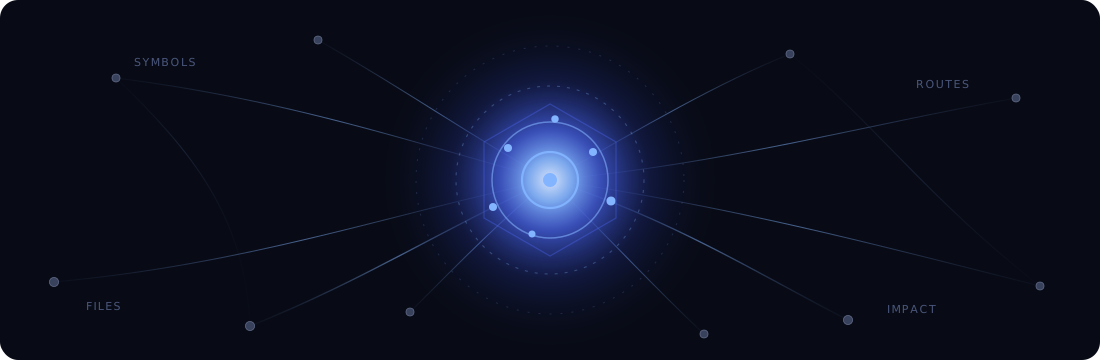
Working across hundreds of files inside a large repository, an agent is caught between two poor options: stuffing the entire workspace into context (expensive and noisy) or repeatedly grepping text fragments that carry no awareness of symbol-level causality and structure. dsh-fovea reframes the problem in two steps. First it compiles the repository into a typed, weighted graph. Then it turns a question or change set into an interest field that diffuses relevance through that graph, so a bounded context budget lands precisely where the agent is active while the rest of the workspace stays as a low-cost structural skeleton.
Four model-facing tools do the heavy lifting. fovea_sketch surveys feature basins, routes, and hubs in an unfamiliar codebase. fovea_focus centers on a symbol, file, or concept and reveals its semantic neighborhood. fovea_dwell widens the current lens without re-exposing the periphery already disclosed. fovea_impact ranks the blast radius and a sensible review order before a cross-file edit lands. A continuous-sync layer quietly re-baselines when repository drift is structurally surprising and appends only a sliver of context to the model when a signal is actually present, so every turn is not a full rescan. The grep.mode setting lets bare symbol queries navigate the graph natively (replace) or augments native grep results with a graph section (augment), while regex and path filters always fall back to the exact native definition.
dsh-fovea is built for teams and individuals who drive DeepSeek Harness on medium-to-large repositories and want their agent to think map-first, not grep-first. It does not displace precise text search or file reads; it answers the prior question of where to look and why, so the context budget is spent on the right lines with the right surrounding structure.
Screenshots
Use Cases
- Survey feature basins, routes, and hubs in an unfamiliar large repository before starting work
- Rank the blast radius and review order before committing a cross-file change
- Let the agent focus a bounded context budget on the active work area instead of ingesting the whole workspace
Best For
- Developers driving DeepSeek Harness on medium-to-large repositories
- Teams that want symbol-level semantic awareness beyond plain text grep
- Engineers performing cross-file refactors or feature work in large codebases
Related Plugins
A service-oriented sidebar framework for DSH, offering a full workbench with file explorer, embedded browser, real terminal, Git panel, and extensible plugin services.

A beautiful, practical Claude Code-style TUI plugin with pixel whale top bar, flowing glow title, real-time status line, streaming thought expansion, time rewind, context progress bar and TPS gauge — zero core changes.

The plugin market for DeepSeek Harness: browse/search/one-click install community plugins and themes, with updates, backup/restore, hot disable, diagnostics, and AI fix.

A persistent whale widget on the DSH web UI that shows DeepSeek balance, today's usage, and per-turn cost, with drag-and-snap and sound effects.