
deepseek-harness-background
Run the following command in DeepSeek Harness:
dsh plugin install HaoyueQin/deepseek-harness-background
Paste the following prompt into your AI chat to install this plugin:
In DeepSeek Harness, run dsh plugin install HaoyueQin/deepseek-harness-background to install the custom background plugin from https://github.com/HaoyueQin/deepseek-harness-background.
About this plugin
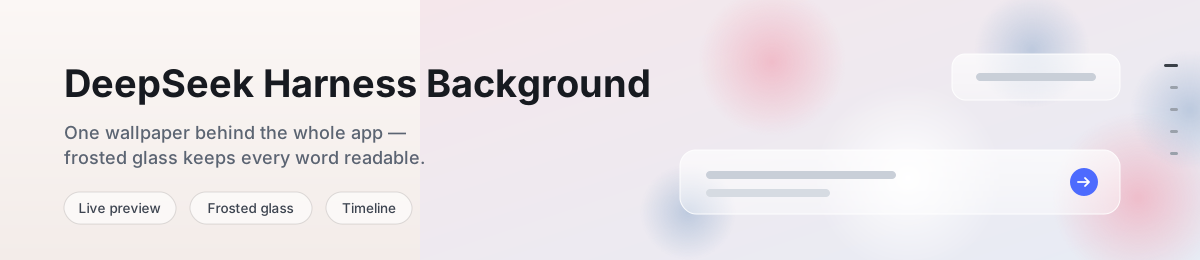
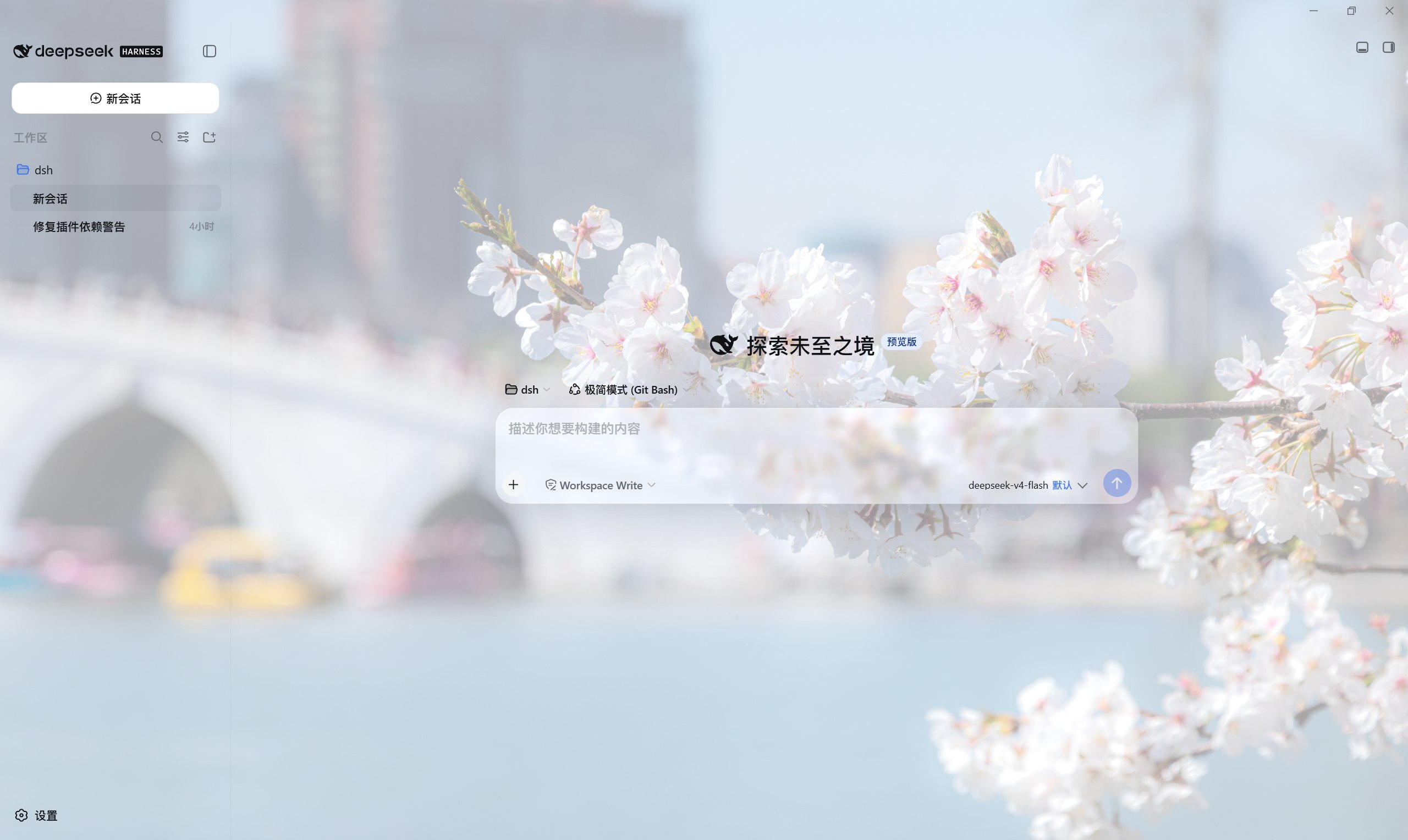
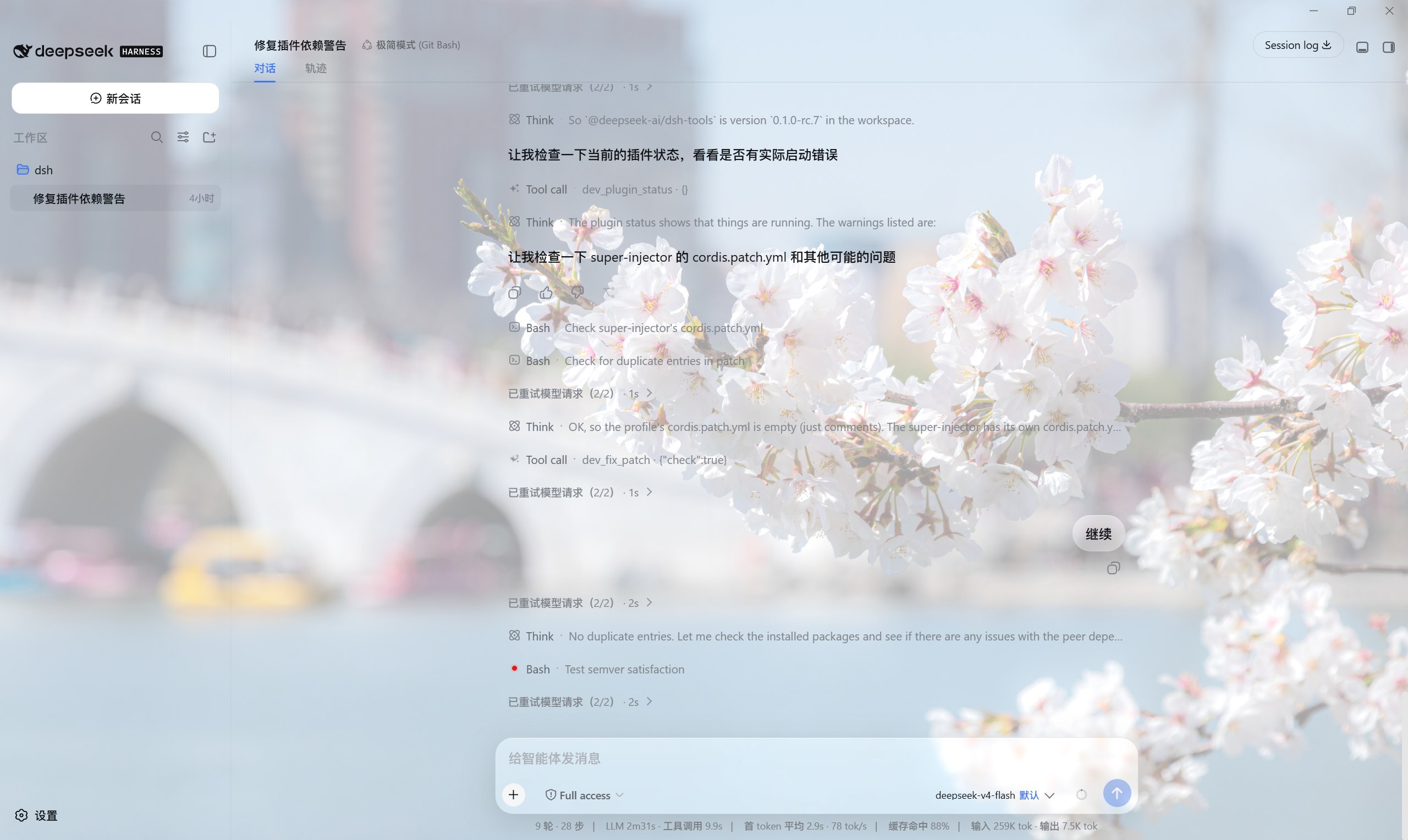
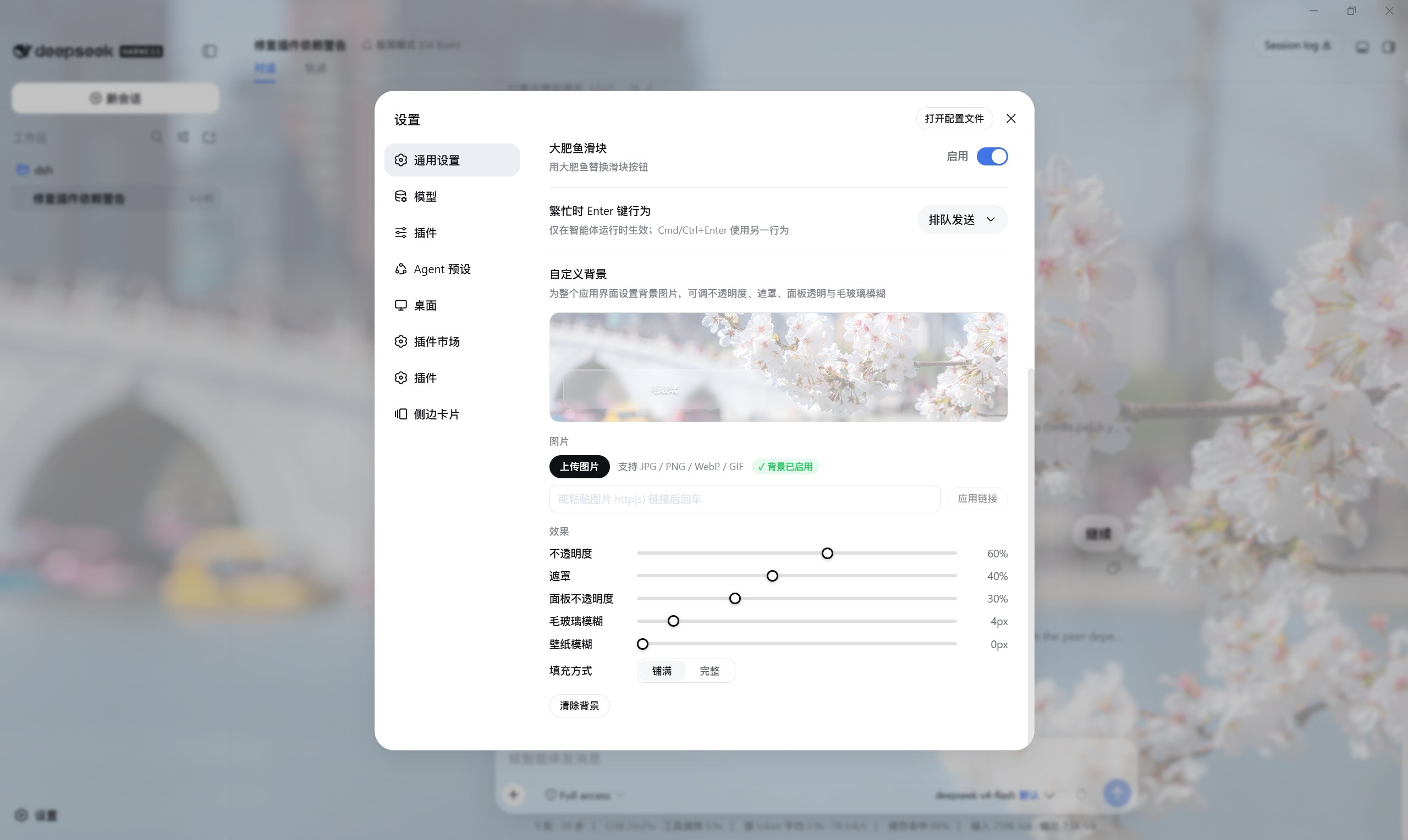
The stock DeepSeek Harness Web GUI is clean but visually flat: a fixed white or black canvas that offers no personal layer during long coding sessions. The deepseek-harness-background plugin fills that gap. Upload a local image or paste an image URL, and a custom wallpaper renders behind the entire app surface with live in-panel preview and auto-persisting settings that survive restarts.
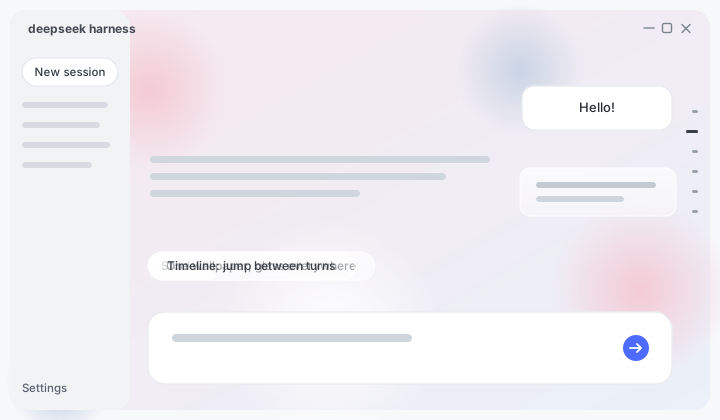
Five stepped sliders give fine-grained control: wallpaper opacity, readability scrim, panel transparency, frosted-glass blur radius, and wallpaper blur itself. The scrim is theme-aware, switching to a white veil in light mode and a black veil in dark mode so text contrast is always preserved. Fit modes cover and contain let you choose between fill-and-crop or show-the-whole-image. When a background is active, a curated set of floating surfaces, including composer cards, message bubbles, code blocks, agent task strips, and chrome buttons, gain a frosted-glass treatment with specular sheen and backdrop-filter blur, while dialogs, menus, tooltips, and other reading surfaces keep their official opaque paints so nothing legible turns washy.
The plugin also exposes a third-party glass registry via a published bridge (window.DSH_BACKGROUND_GLASS global and the dsh-background-glass:ready event). Other plugins can register their own panels into the same frosted-glass system with zero runtime dependencies, and the entire bridge tears down cleanly when this plugin is removed. On dsh 0.1.2-rc.1 and later, the timeline enhancement adds smooth glide scrolling to the official conversation rail, respects prefers-reduced-motion, and stands down entirely while the kernel is still paging unloaded turns.
It is well suited to developers who want a warmer, more layered workspace during daily coding, and to plugin authors who would like to reuse the same glass visual language for their own UI panels.
Screenshots
Use Cases
- Load a personal wallpaper into the Web GUI for a more engaging long-session workspace
- Review code and messages through frosted-glass panels while keeping text readable
- Jump between long-conversation nodes via the smoothly enhanced timeline rail
Best For
- Developers who enjoy customizing the visual style of their web tooling
- Individual users who want a more personal look for daily DeepSeek coding sessions
- Plugin authors who want to reuse the same frosted-glass visual system for their own UI panels
Related Plugins
A service-oriented sidebar framework for DSH, offering a full workbench with file explorer, embedded browser, real terminal, Git panel, and extensible plugin services.

A beautiful, practical Claude Code-style TUI plugin with pixel whale top bar, flowing glow title, real-time status line, streaming thought expansion, time rewind, context progress bar and TPS gauge — zero core changes.

The plugin market for DeepSeek Harness: browse/search/one-click install community plugins and themes, with updates, backup/restore, hot disable, diagnostics, and AI fix.

A persistent whale widget on the DSH web UI that shows DeepSeek balance, today's usage, and per-turn cost, with drag-and-snap and sound effects.