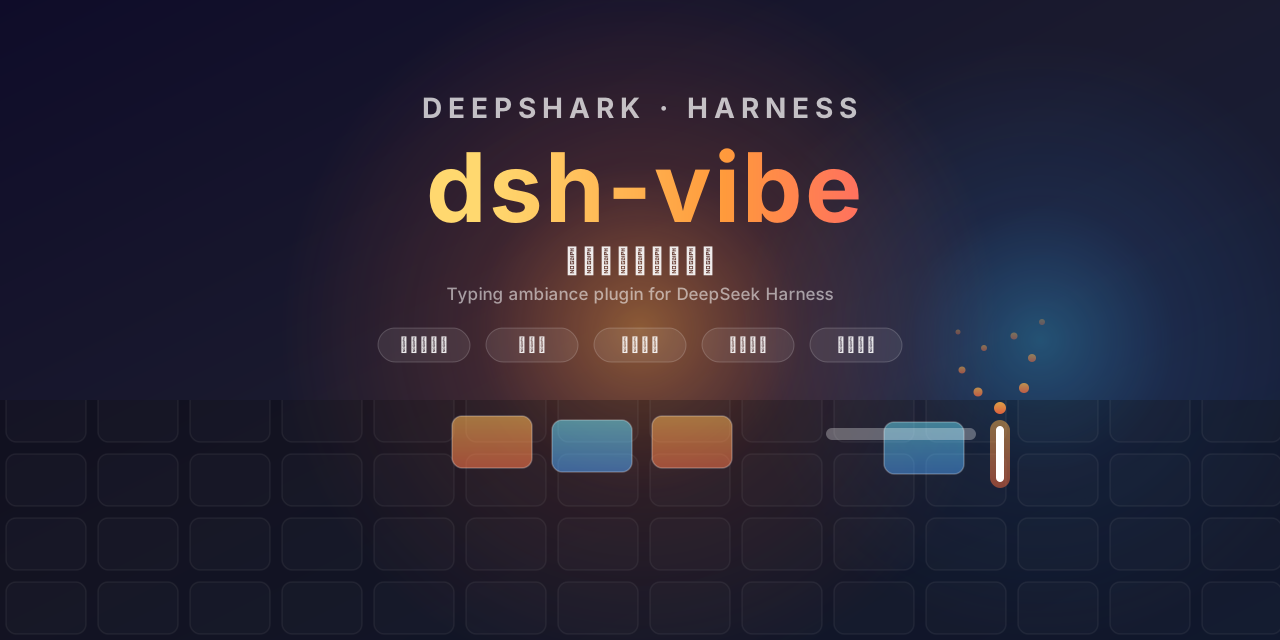
dsh-thrum
Run the following command in DeepSeek Harness:
dsh plugin install lhf6623/dsh-thrum
Paste the following prompt into your AI chat to install this plugin:
Run dsh plugin install lhf6623/dsh-thrum in your DeepSeek Harness terminal to install; the full source code is at https://github.com/lhf6623/dsh-thrum
About this plugin
Typing is, at its core, a mechanical act. dsh-thrum layers a real-time visual and haptic feedback strip above the DeepSeek Harness input field: an 87-key TKL keyboard paired with a mouse that highlights every keypress and scroll action as it happens, turning pure muscle-memory typing into a visible rhythm.
The plugin organises its features along three axes. Visual: each key flip-reveals a random small animal (up to 10 on screen at once, oldest auto-replaced when the pool is full), while mouse left, middle, right buttons and the scroll wheel light up in sync. Motion: a cursor-anchored particle effect can emit sparks, blue flames, or firework bursts on every character, with a subtle horizontal input-shake whose intensity you dial from off to strong. Completion feedback: when the AI finishes replying, a chime (ding, wind-bell, or bubble pop) plays and the entire page gives a gentle shake at your chosen strength. Every option lives in the Settings panel under the Vibe group and takes effect immediately.
Who it is for: DeepSeek Harness users who enjoy the tactile satisfaction of watchable keycaps, particle effects, and micro-shakes. If you are a heavy conversationalist who wants a perceptible sense of closure on both input and output, dsh-thrum turns your plain text box into a small, responsive stage.
Screenshots
Use Cases
- Watching keycaps flip, tiny animals pop out, and flame particles spray while you type
- Hearing a wind-bell chime and feeling a gentle page shake the moment the AI finishes
- Adding a spark-and-shake layer of visual rhythm to a plain text input during everyday chats
Best For
- DeepSeek Harness users who enjoy the tactile feel of watchable keycaps
- Heavy conversationalists who want a sense of closure on both input and output
- Developers who enjoy adding a touch of visual rhythm to plain-text interfaces
Related Plugins

whale-girl is a desktop pet in the DSH Web GUI (bottom-right for instant companionship) — draggable, feedable, playable; completed tasks, sessions and companionship time accrue into seniority levels, titles, and memories.

Renders your local Wallpaper Engine wallpapers as the DSH web background, supporting video, web, and scene wallpapers with a liquid-glass effect and rich customization.

A WebGPU ocean skin for DeepSeek Harness with five-wave Gerstner waves, translucent theme, day/night cycle, and quick controls, installable as plugin or extension.

A Galgame-style conversation view and visual scene editor for DSH web sessions, with a real-time editing mode.