dsh-local-link
Run the following command in DeepSeek Harness:
dsh plugin install donoteatme/dsh-local-link
Paste the following prompt into your AI chat to install this plugin:
Run dsh plugin install donoteatme/dsh-local-link in your terminal to install it into the Web profile; the source is hosted at https://github.com/donoteatme/dsh-local-link .
About this plugin
The DeepSeek Harness Web client was designed for a desktop: a wide navigation bar, hover-triggered menus, and densely packed subagent panels all assume a large screen and a mouse. Step away from that computer and there is no official mobile app, no built-in LAN entry point, and no straightforward way to resume the same conversation on a phone or tablet. dsh-local-link closes that gap with a small, self-hosted gateway. Click Local access in the Harness sidebar to generate a one-use QR code; any phone, tablet, or second computer on the same private network scans it and lands directly in the session you are already viewing, with the same live agent stream, permission boundaries, and plugin slots intact, and no hosted relay, tunnel, cloud account, or second workspace in sight.
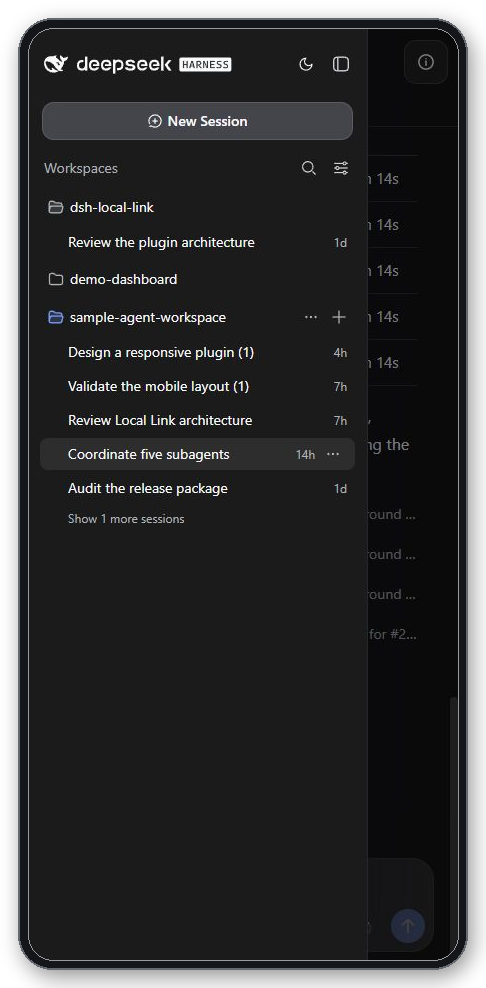
Version 1.0.0 also ships a responsive Mobile View that reshapes the stock interface for narrow touch screens: the desktop navigation folds into a dismissible left drawer, session metadata moves into a compact right drawer, the subagent catalog opens as a bottom sheet, safe-area insets and virtual-keyboard behavior are tuned for viewports from 360 to 834 CSS pixels wide, and every registered conversation view, overlay, and plugin slot stays dynamic and untouched underneath. It inherits the selected session authority (Read only, Workspace write, or Full access) without weakening or adding a permission layer, and Settings, credentials, native Host actions, and agent-preset authoring remain loopback-only.
The plugin is aimed at developers who run DeepSeek Harness locally and want a quick phone-based check-in, teams that share one Wi-Fi and want browser-accessible work sessions without a second client, and anyone who wants a responsive companion without pulling in cloud services or forking Harness business logic. In one sentence, dsh-local-link does exactly one thing well: it opens a reliable same-LAN browser path to the existing Web UI and arranges that UI so a phone screen can actually use it.
Screenshots
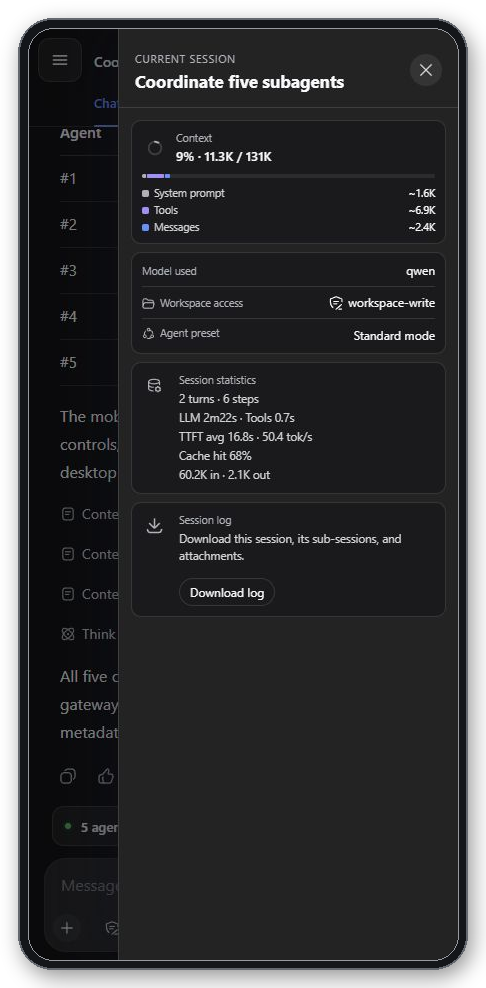
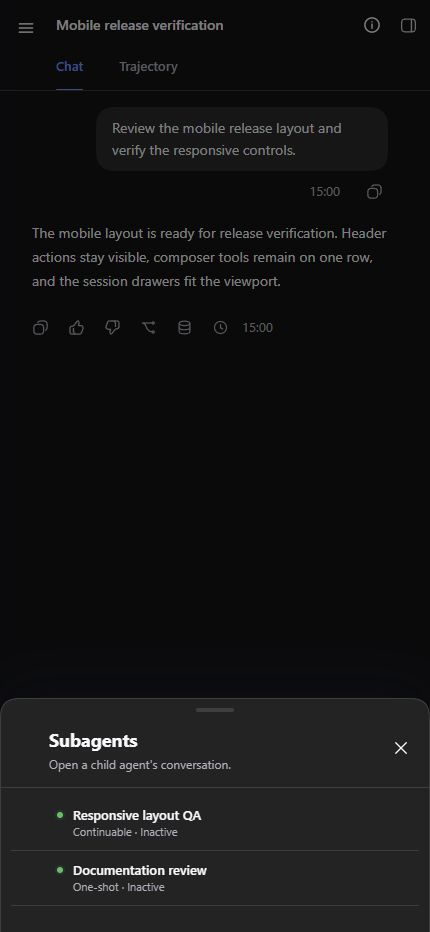
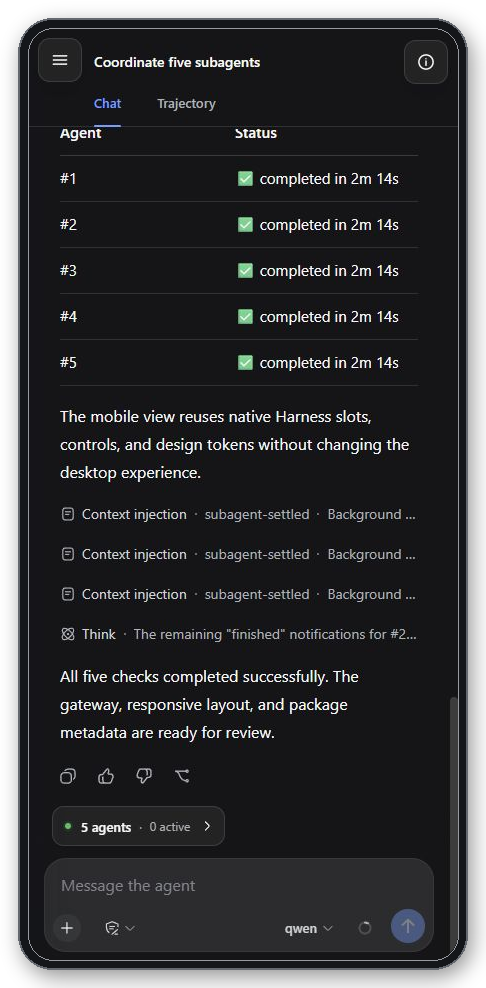
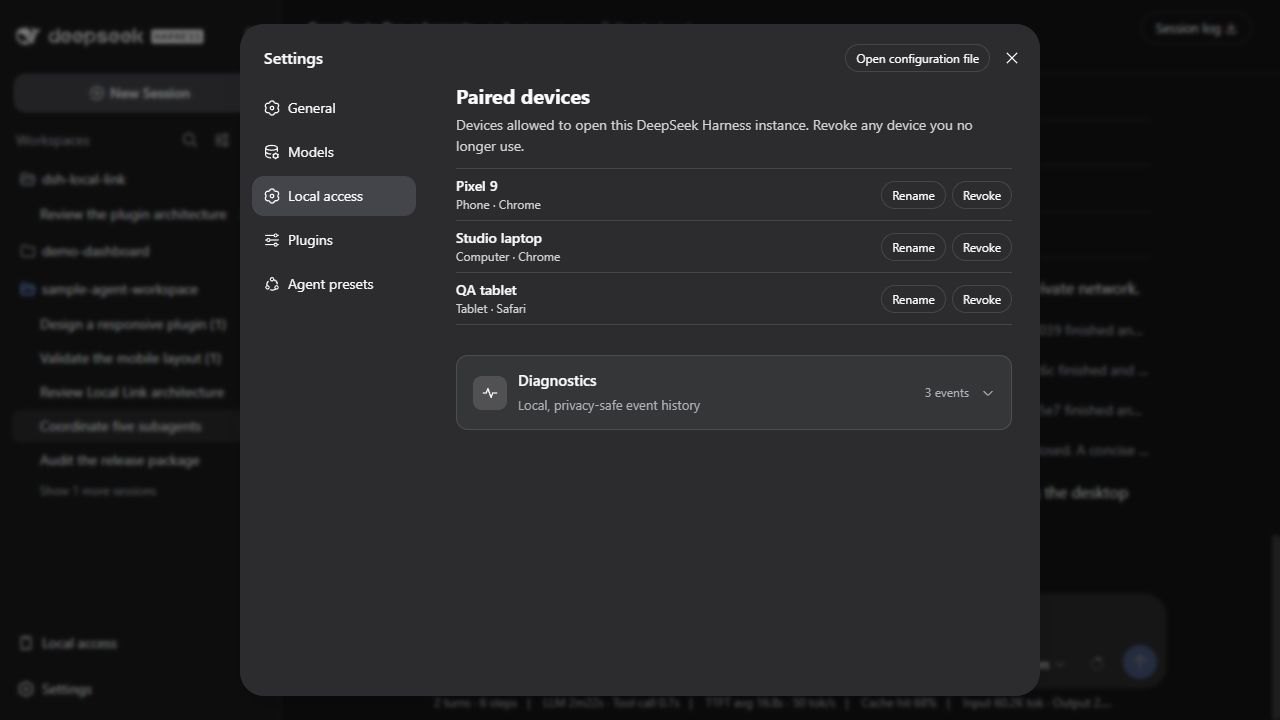
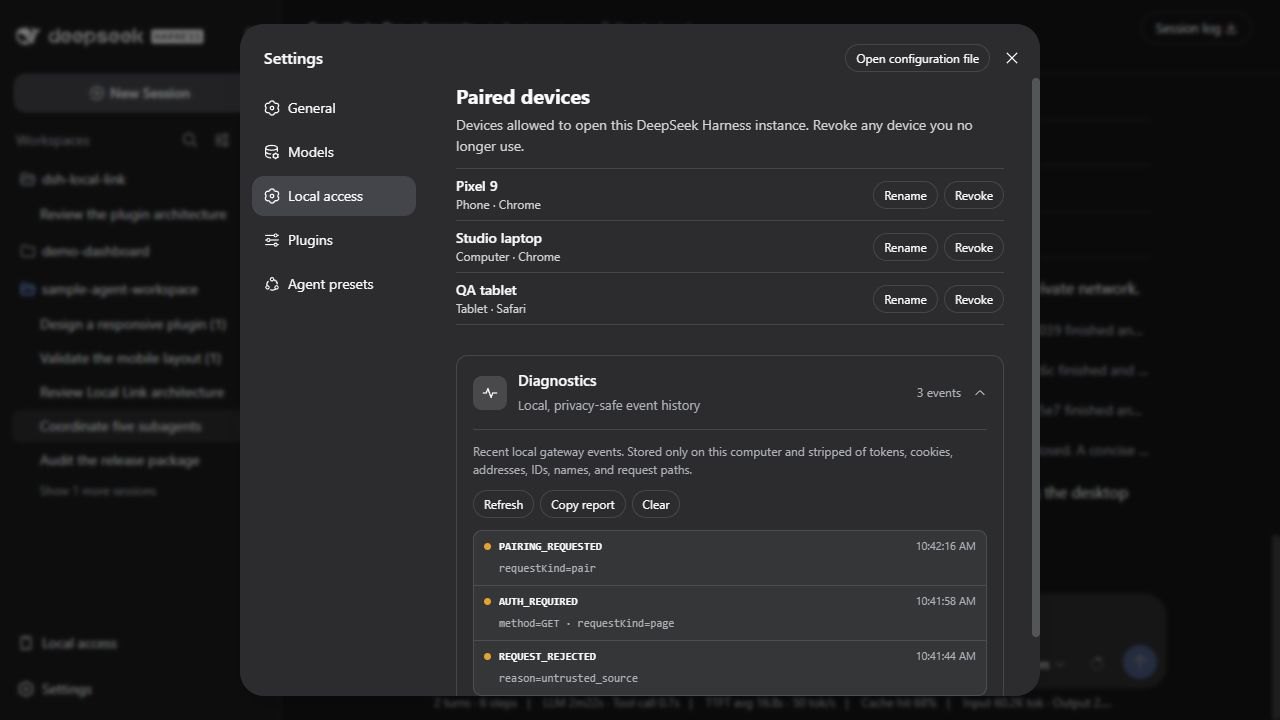
Use Cases
- Check a running agent session on your phone over office Wi-Fi
- Resume a Harness conversation started on desktop from a tablet at home
- Scan a QR code on a second laptop in a meeting room to follow the same live session
Best For
- Developers running DeepSeek Harness locally
- Technical users who want a mobile browsing experience with zero cloud dependency
- AI engineering teams collaborating across multiple devices on the same private network
Related Plugins
A service-oriented sidebar framework for DSH, offering a full workbench with file explorer, embedded browser, real terminal, Git panel, and extensible plugin services.

A beautiful, practical Claude Code-style TUI plugin with pixel whale top bar, flowing glow title, real-time status line, streaming thought expansion, time rewind, context progress bar and TPS gauge — zero core changes.

The plugin market for DeepSeek Harness: browse/search/one-click install community plugins and themes, with updates, backup/restore, hot disable, diagnostics, and AI fix.

A persistent whale widget on the DSH web UI that shows DeepSeek balance, today's usage, and per-turn cost, with drag-and-snap and sound effects.