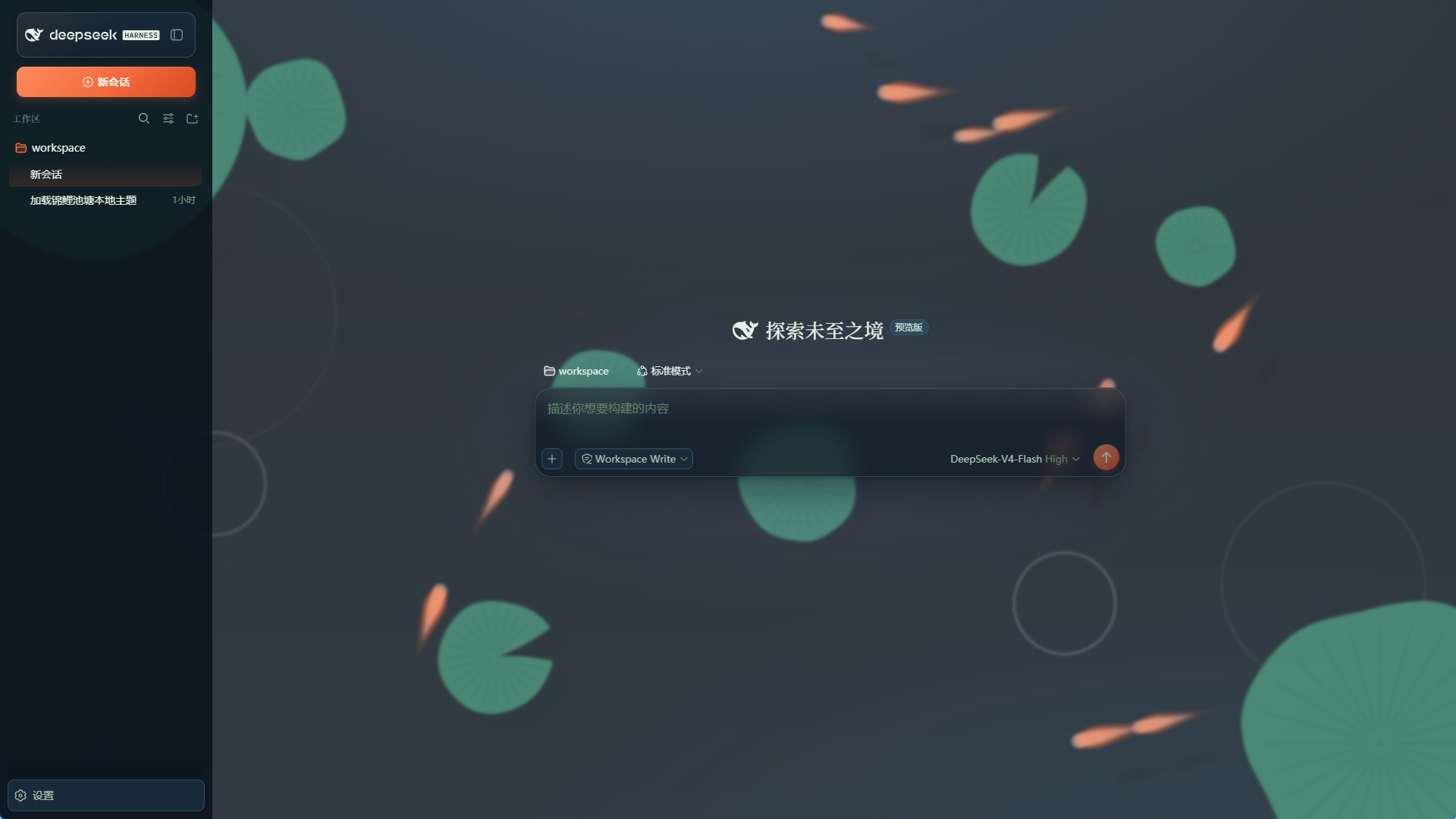
dsh-skin-koi-pond
Run the following command in DeepSeek Harness:
dsh plugin install Kogisune/dsh-skin-koi-pond
Paste the following prompt into your AI chat to install this plugin:
Run dsh plugin install Kogisune/dsh-skin-koi-pond in your DSH terminal to install the Koi Pond skin; source is available at https://github.com/Kogisune/dsh-skin-koi-pond .
About this plugin
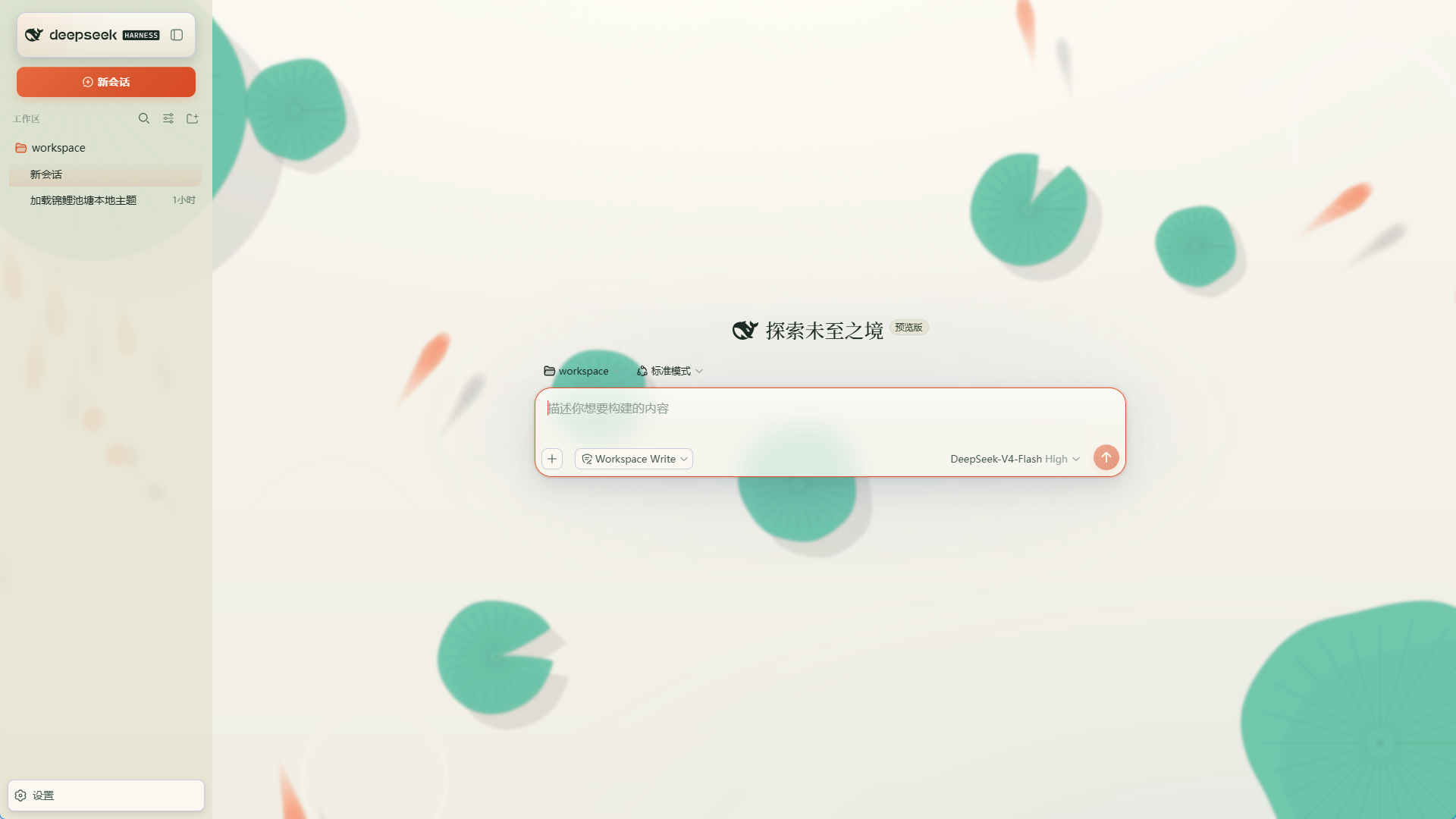
The default DSH WebUI is functional but visually plain. dsh-skin-koi-pond reimagines the interface as a koi pond: deep ink-blue water as the base, rippling waves as texture, a splash of koi-orange for accents, with gold-scale and lotus-green supporting tones. It changes nothing about how the tool works — it simply puts a screen your eyes enjoy lingering on.
The animation engine is pure native Canvas 2D with zero third-party dependencies. Fish follow the full flocking triad (cohesion, alignment, separation) and scatter when the mouse gets close. Lotus leaves are generated with Perlin-noise edges, and clicking the water surface sends out a ripple. Users with prefers-reduced-motion get a static fallback automatically, and the animation pauses when the tab is hidden, so nothing sneaks away performance. Two themes — \"Pond Night\" (dark) and \"Rice-Paper Day\" (light) — cover both working styles, with a 15%-white overlay and 3px blur to soften the background and keep foreground UI crisp.
CSS is split into seven parts (background, sidebar, titlebar, composer, overlay, fonts, ui) for clean structure and easy per-area overrides. The browser console exposes __koiSetScheme with nine koi presets (kohaku, sanke, showa, ogon, tancho, asagi, utsuri, panda, momiji) plus a random-easter-egg option; switching colors never rebuilds the fish. It is a thin, presentation-only layer — no service injection, no Cordis events, no model-request interception — made for DSH users who want visual personality, predictable performance, and on-the-fly recoloring.
Screenshots
Use Cases
- Enjoy ambient koi-flock and ripple animation as a living WebUI backdrop
- Toggle between Pond Night and Rice-Paper Day to match dark or light workflows
- Recolor koi presets from the console with instant preview and no fish rebuild
Best For
- DSH users who want visual personality without losing a single feature
- Developers who prefer native Canvas 2D and zero third-party animation libs
- Power terminal users who need light and dark themes across the working day
Related Plugins

whale-girl is a desktop pet in the DSH Web GUI (bottom-right for instant companionship) — draggable, feedable, playable; completed tasks, sessions and companionship time accrue into seniority levels, titles, and memories.

Renders your local Wallpaper Engine wallpapers as the DSH web background, supporting video, web, and scene wallpapers with a liquid-glass effect and rich customization.

A WebGPU ocean skin for DeepSeek Harness with five-wave Gerstner waves, translucent theme, day/night cycle, and quick controls, installable as plugin or extension.

A Galgame-style conversation view and visual scene editor for DSH web sessions, with a real-time editing mode.