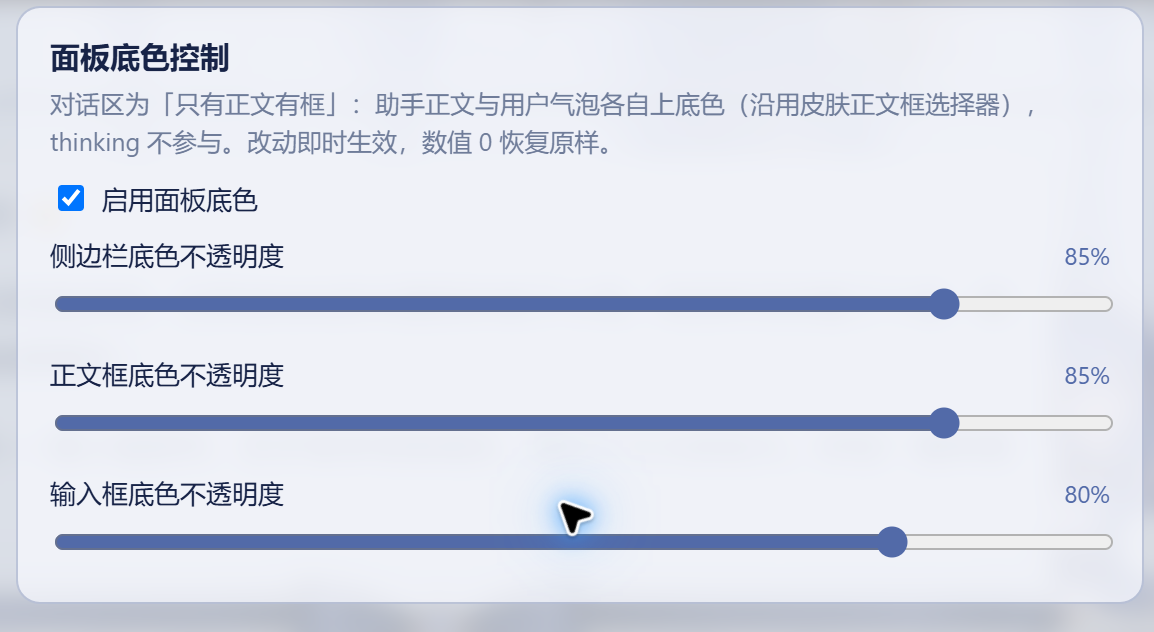
dsh-panel-tint
Run the following command in DeepSeek Harness:
dsh plugin install abbccdd/dsh-panel-tint
Paste the following prompt into your AI chat to install this plugin:
Run dsh plugin install abbccdd/dsh-panel-tint in your terminal; the full source is available at https://github.com/abbccdd/dsh-panel-tint
About this plugin
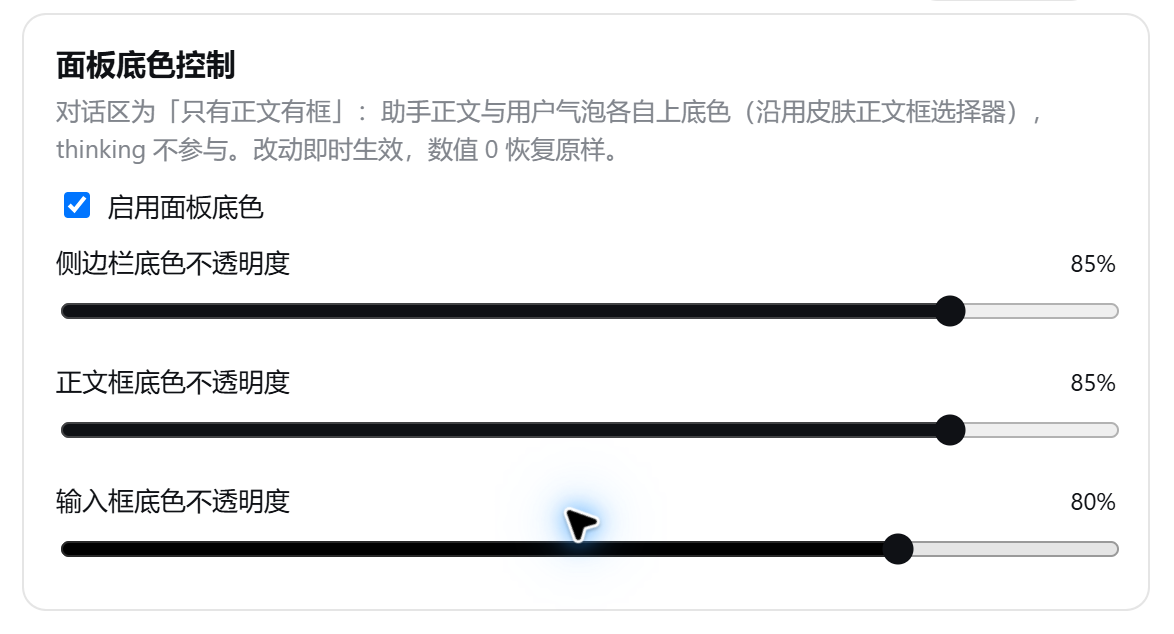
After applying a dsh web skin or a Wallpaper Engine live wallpaper, the sidebar, chat bubbles, and input box often go fully transparent, leaving text floating directly over the background and making extended reading a strain on the eyes. dsh-panel-tint tackles exactly that: it adds an independent background-opacity slider for each of those three regions so you can dial in the right level of tint without altering the skin's palette or layout.
Under the hood it does far more than overlay a flat translucent layer. The plugin reads the skin's actual background color—including gradient hue and layering—then scales only the alpha channel, preserving the original color relationship so a blue input box never turns grey-white. For message bubbles it detects whether the skin ships its own text-box styling (border-radius, padding, border, shadow); if so it keeps every visual property intact and adjusts only opacity. When the skin falls back to the stock transparent frame, the plugin activates its own Word-style white box with a gold border as a readability floor. Switching skins or light/dark themes invalidates the color cache and re-reads automatically, while a MutationObserver replays the tint on every newly rendered or collapsed message.
In Wallpaper Engine mode the skin center injects a background-color: transparent !important neutralization rule that wipes out any panel tint. dsh-panel-tint writes an inline !important background directly on each target element, competing at the same specificity level so the tint holds even on a fully transparent panel.
It is aimed at dsh web users who run skins or wallpapers and find the default transparency too aggressive. All three sliders default to off, meaning the plugin is invisible until you touch them; drag whichever region you need and the setting persists in settings.yaml across restarts.
Screenshots
Use Cases
- Text is hard to read when the panel goes fully transparent over a live wallpaper
- Fine-tune sidebar or input box background opacity independently
- Background tint auto-adapts after switching skins or themes
Best For
- DSH web users running skins or Wallpaper Engine live wallpapers
- Readers who find fully transparent panels straining on long sessions
- Users who want to keep a skin's palette while tweaking readability
Related Plugins
A service-oriented sidebar framework for DSH, offering a full workbench with file explorer, embedded browser, real terminal, Git panel, and extensible plugin services.

A beautiful, practical Claude Code-style TUI plugin with pixel whale top bar, flowing glow title, real-time status line, streaming thought expansion, time rewind, context progress bar and TPS gauge — zero core changes.

The plugin market for DeepSeek Harness: browse/search/one-click install community plugins and themes, with updates, backup/restore, hot disable, diagnostics, and AI fix.

A persistent whale widget on the DSH web UI that shows DeepSeek balance, today's usage, and per-turn cost, with drag-and-snap and sound effects.