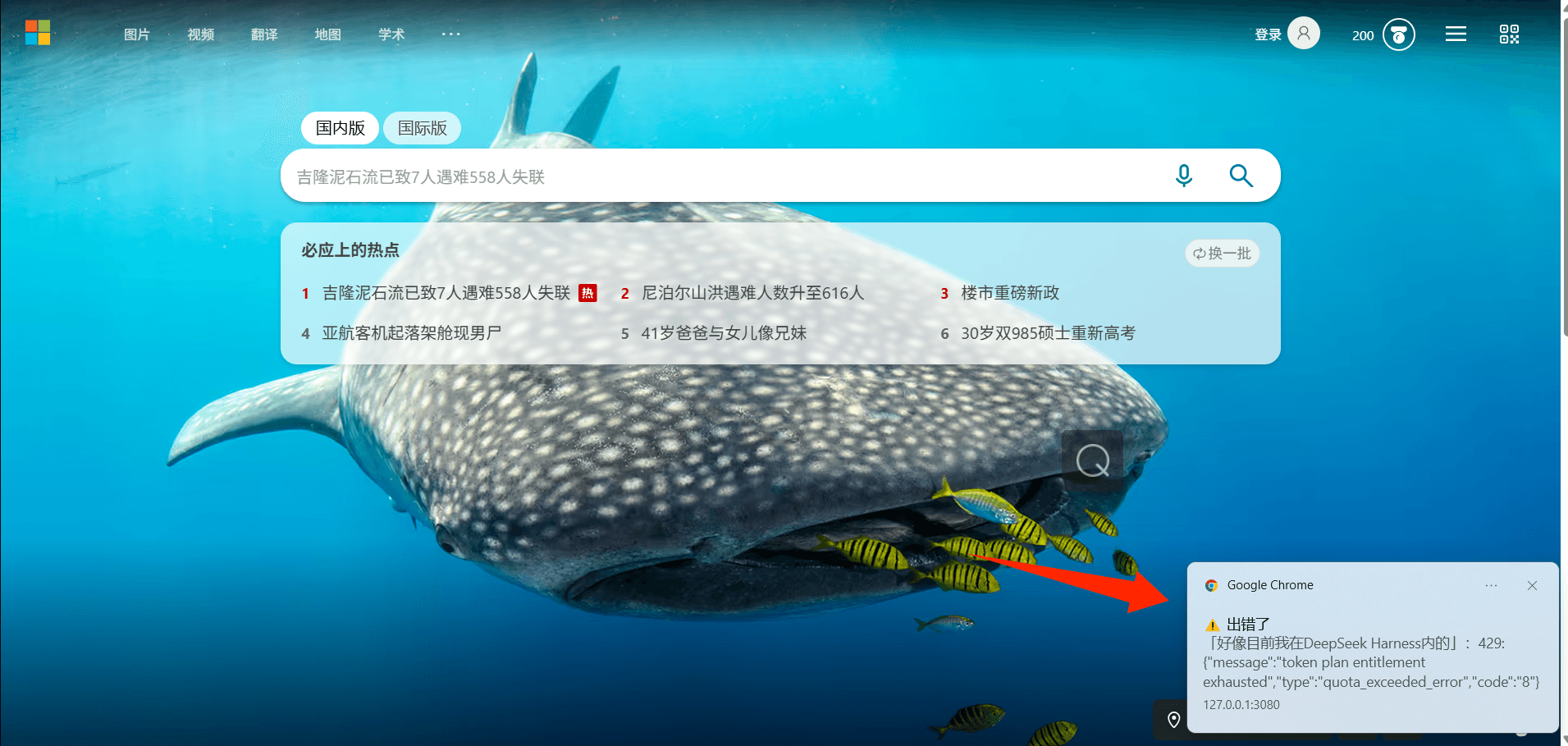
dsh-client-ui-notifications
Run the following command in DeepSeek Harness:
dsh plugin install huangDouP/dsh-client-ui-notifications
Paste the following prompt into your AI chat to install this plugin:
Run dsh plugin install huangDouP/dsh-client-ui-notifications in the DeepSeek Harness terminal to install; source code is available at https://github.com/huangDouP/dsh-client-ui-notifications
About this plugin
Running an agent in DSH Web means you will not always keep the tab in focus. Yet the session might be waiting for your approval, asking a question, or already finished (or errored out), and you only notice ten minutes later when you switch back.
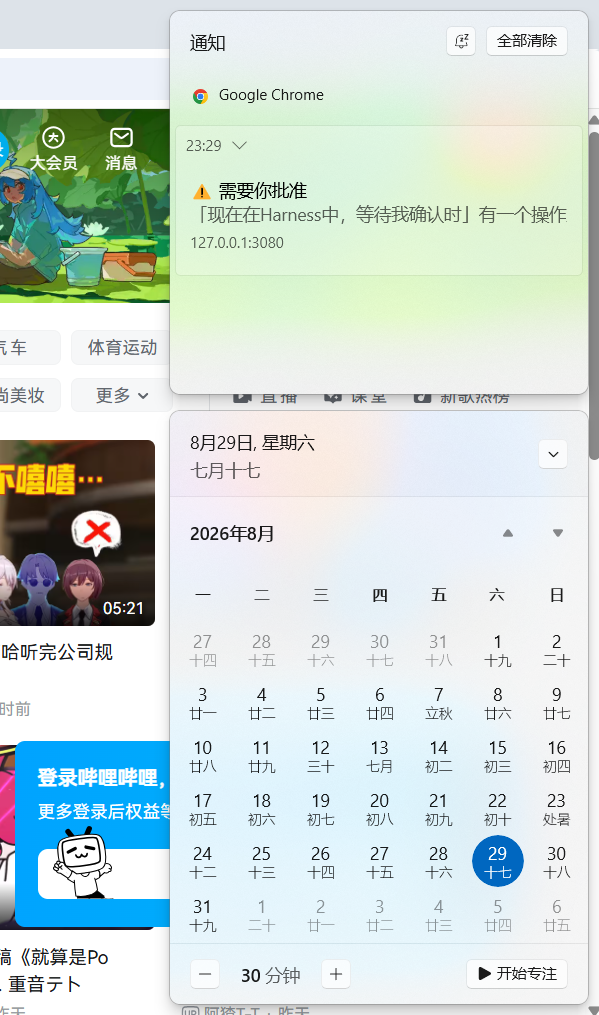
dsh-client-ui-notifications is built for exactly this gap. While the window is in the background, it watches the native DSH session-snapshot signals (pending approval, pending question, turn completed, error) and notifies you through browser system notifications, tab title flashing, a favicon red dot, and a short chime. If you closed the browser entirely, the DSH Host process can still fire a native Windows toast via built-in WinRT, with no extra dependencies. Every channel is toggleable from the Settings page, and a cooldown window prevents notification spam.
Ideal for developers who split their attention between DSH Web and other windows, particularly when frequent tool-call approvals are needed or when long agent runs finish while you are handling something else.
Screenshots
Use Cases
- You switched to another window and DSH is waiting for approval or a question, so the tab title flashes and a browser notification pulls you back
- After a long multi-turn run you go handle something else, and the completion signal fires a system notification and a short chime
- The browser is fully closed, yet the Host process pops a native Windows toast to alert you of an error
Best For
- Developers who split focus between DSH Web, their IDE, and other windows
- Users who frequently approve tool calls or answer agent questions and cannot afford to miss a pending prompt
- Heavy DSH Web users who run long agent turns, step away from the browser, and still need to be alerted on completion or errors
Related Plugins
A service-oriented sidebar framework for DSH, offering a full workbench with file explorer, embedded browser, real terminal, Git panel, and extensible plugin services.

A beautiful, practical Claude Code-style TUI plugin with pixel whale top bar, flowing glow title, real-time status line, streaming thought expansion, time rewind, context progress bar and TPS gauge — zero core changes.

The plugin market for DeepSeek Harness: browse/search/one-click install community plugins and themes, with updates, backup/restore, hot disable, diagnostics, and AI fix.

A persistent whale widget on the DSH web UI that shows DeepSeek balance, today's usage, and per-turn cost, with drag-and-snap and sound effects.