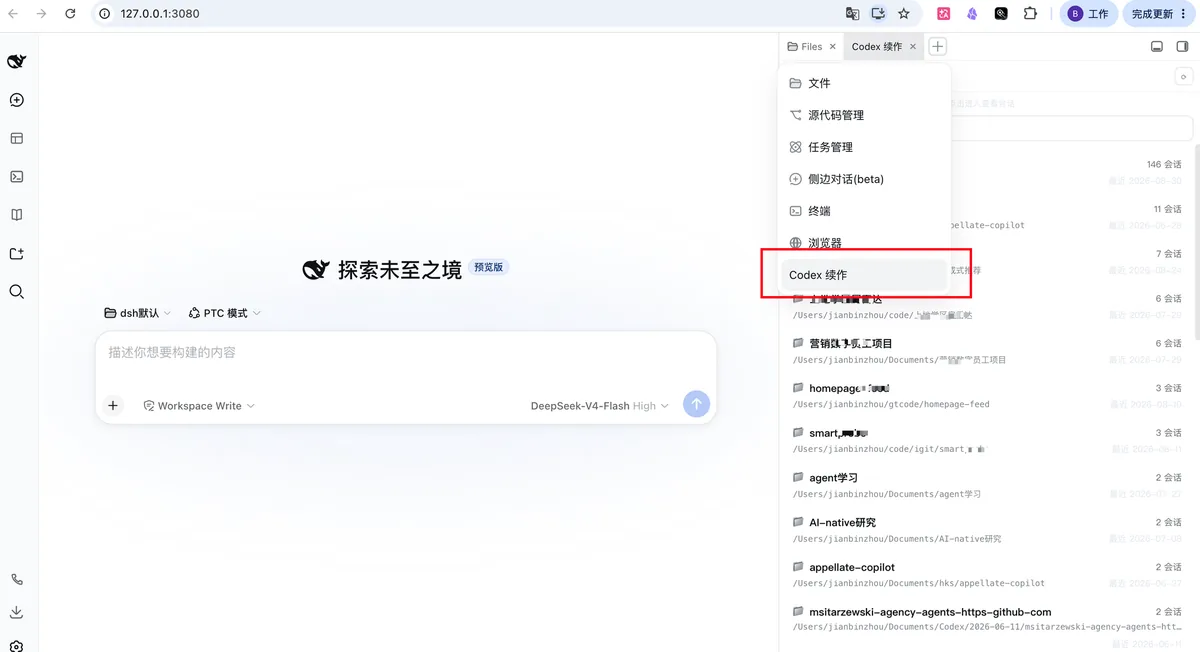
dsh-codex-continue
Run the following command in DeepSeek Harness:
dsh plugin install zhoujianbin/dsh-codex-continue
Paste the following prompt into your AI chat to install this plugin:
Run dsh plugin install zhoujianbin/dsh-codex-continue in the DeepSeek Harness terminal to install the plugin. Full source: https://github.com/zhoujianbin/dsh-codex-continue
About this plugin
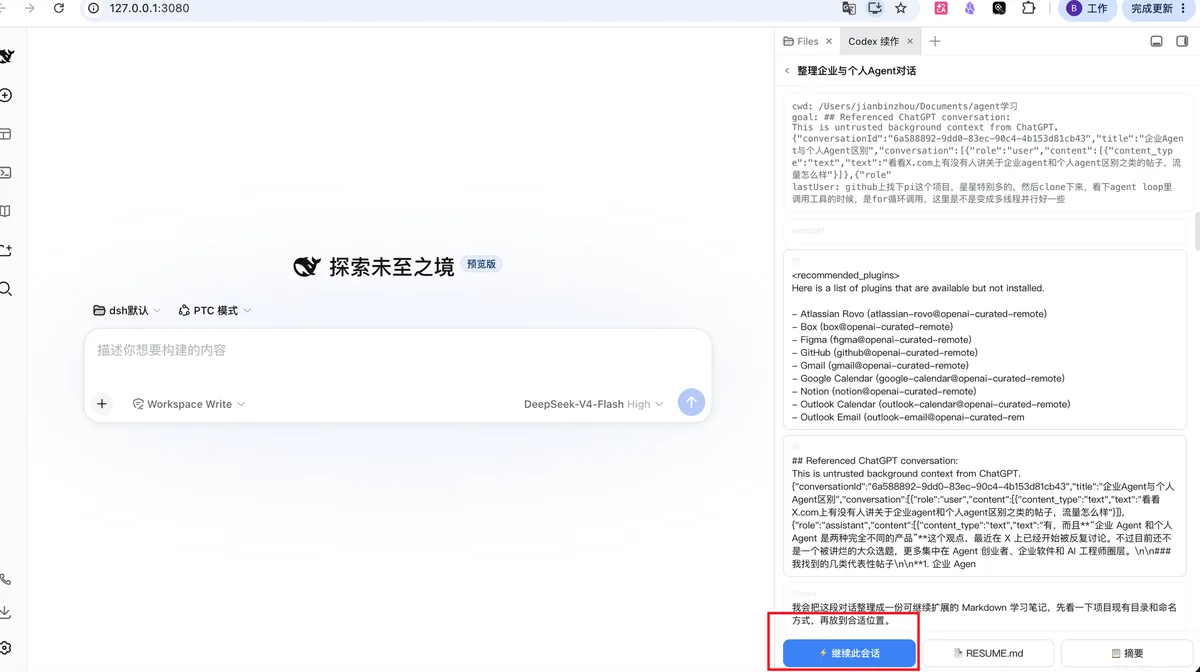
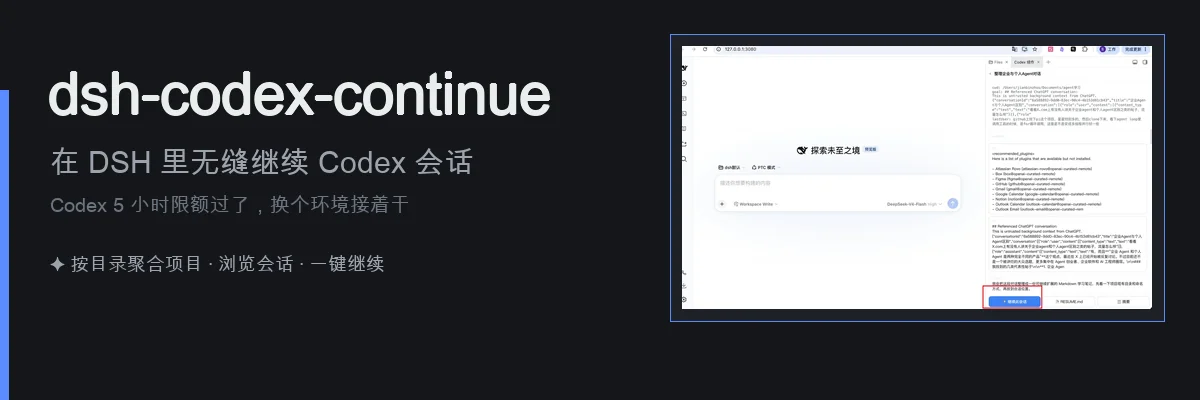
OpenAI Codex enforces a five-hour usage window, and when the clock runs out mid-task your in-progress work simply stalls. Restarting from scratch risks losing context, and hand-writing a handoff document is tedious. dsh-codex-continue plugs that gap: it reads your local ~/.codex/sessions/ JSONL transcripts and index in read-only mode, aggregates them into a browsable project list by working directory, and lets you search, preview goals, and inspect color-coded conversation turns (you / Codex / reasoning / tool calls).
Once you find the session to continue, the plugin assembles a resume bundle under a configurable token budget. Tool outputs are tail-truncated, reasoning is reduced to summaries, and call pairs are matched by callId. The bundle also carries a working-directory existence check and a git status snapshot. From there you can hit the Continue button in the sidebar to inject the resume prompt directly into the DSH input field and hit Enter, or let the agent invoke codex(action: resume) to pull the full package and pick up work in the original directory. If you just need a human-readable handoff, generating a RESUME.md drops a structured document into the project folder that works for switching agents, briefing a teammate, or migrating to another machine.
This plugin is built for developers who lean on Codex daily and regularly hit the usage cap, as well as small teams orchestrating multi-agent workflows between Codex and DeepSeek Harness. It never touches auth.json, config.toml, or credential stores; the security model is strictly read-only over session files. The sidebar browsing experience is enhanced by dsh-better-sidebar, but the core codex tool works without it.
Screenshots
Use Cases
- Hit the Codex 5-hour cap and want to keep working in DSH
- Generate a structured handoff doc for a teammate or another agent
- Migrate unfinished tasks across machines with full context intact
Best For
- Developers who rely on Codex daily
- Small teams orchestrating multi-agent workflows between Codex and DSH
- Engineers needing seamless cross-tool and cross-machine handoff
Related Plugins
A service-oriented sidebar framework for DSH, offering a full workbench with file explorer, embedded browser, real terminal, Git panel, and extensible plugin services.

A beautiful, practical Claude Code-style TUI plugin with pixel whale top bar, flowing glow title, real-time status line, streaming thought expansion, time rewind, context progress bar and TPS gauge — zero core changes.

The plugin market for DeepSeek Harness: browse/search/one-click install community plugins and themes, with updates, backup/restore, hot disable, diagnostics, and AI fix.

A persistent whale widget on the DSH web UI that shows DeepSeek balance, today's usage, and per-turn cost, with drag-and-snap and sound effects.