dsh-codex-tools
Run the following command in DeepSeek Harness:
dsh plugin install SPYQWER1/dsh-codex-tools
Paste the following prompt into your AI chat to install this plugin:
To install this plugin, run the command in DeepSeek Harness: dsh plugin install SPYQWER1/dsh-codex-tools, with the full source code address at https://github.com/SPYQWER1/dsh-codex-tools.
About this plugin
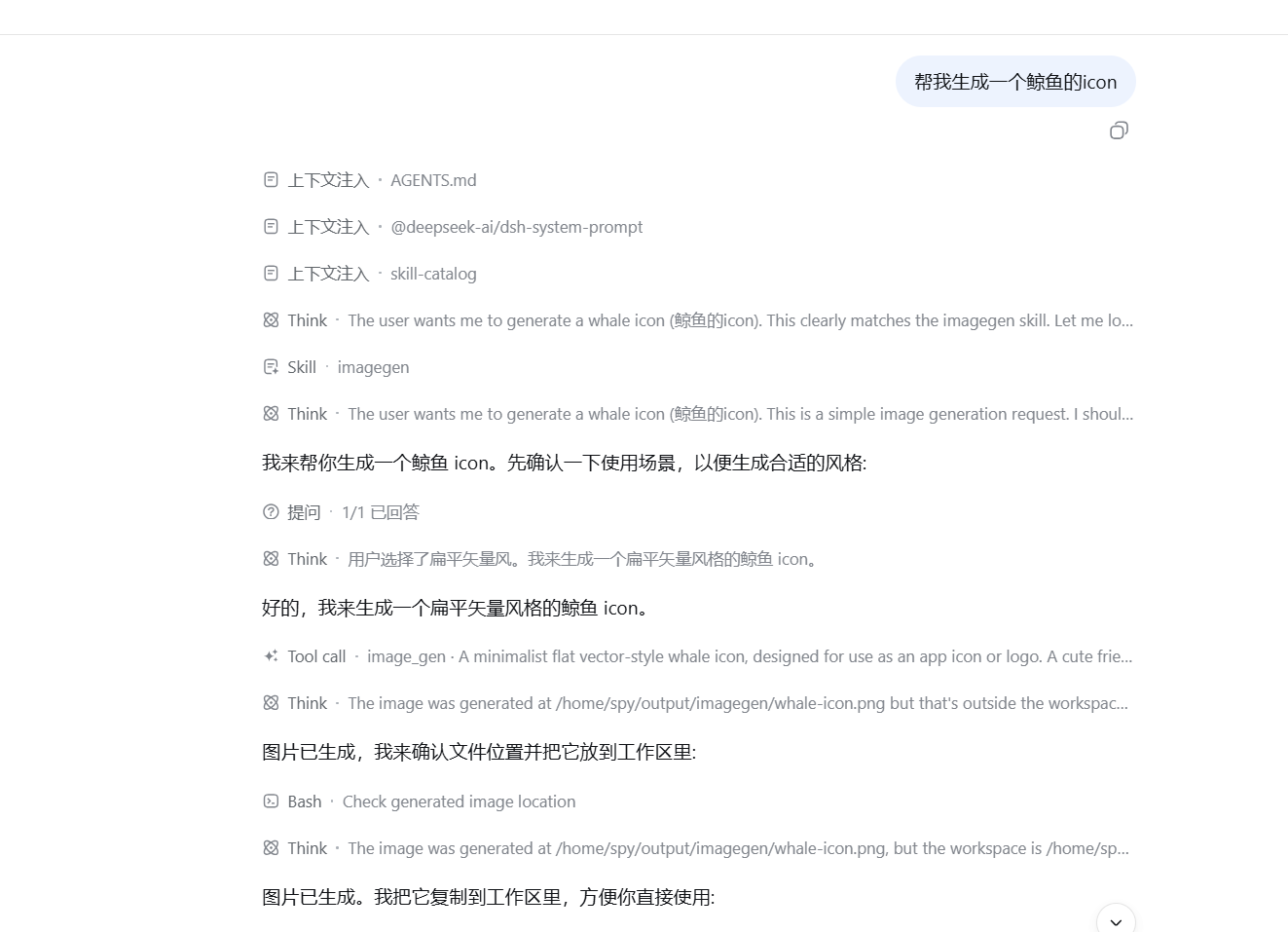
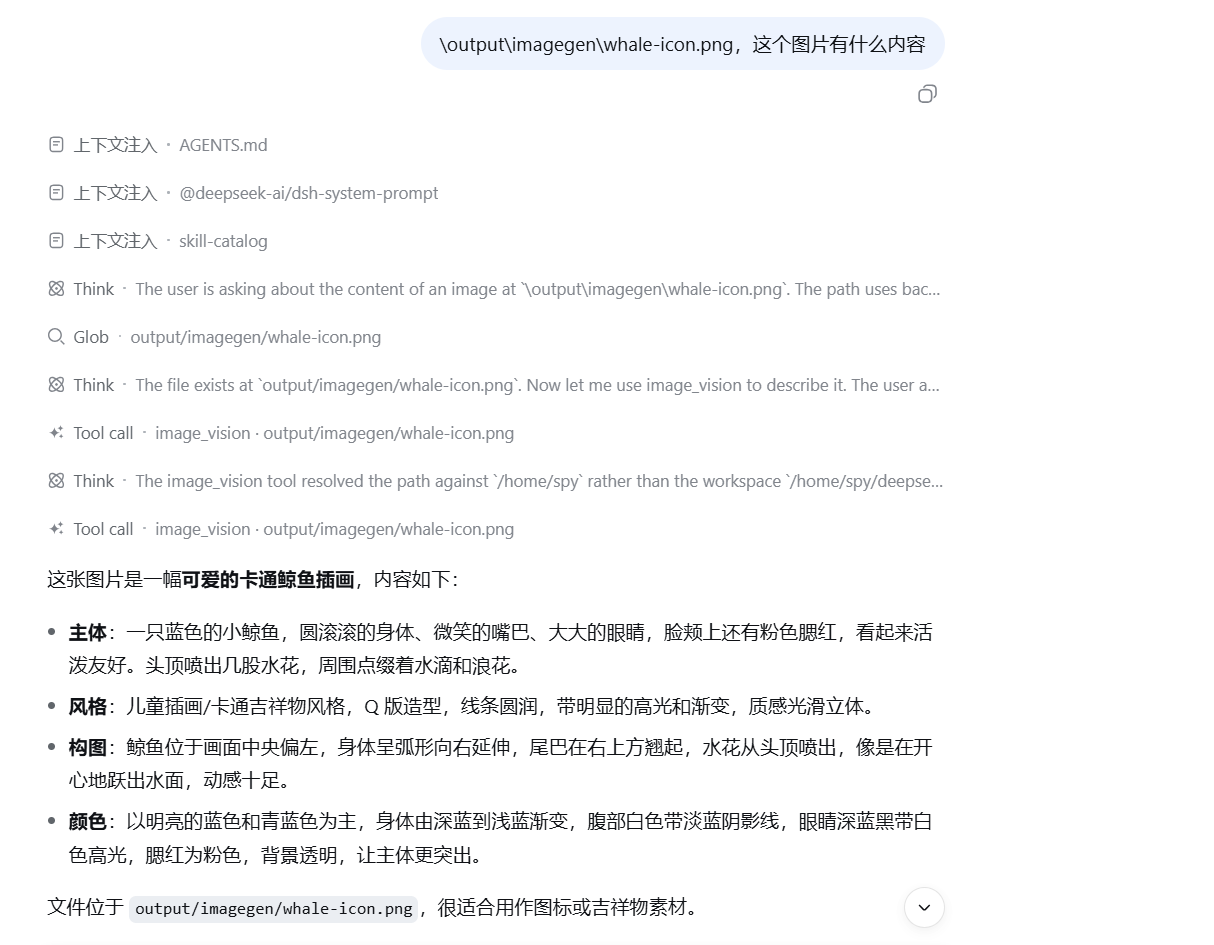
dsh-codex-tools is a DeepSeek Harness plugin designed to seamlessly integrate ChatGPT Codex's powerful tools into your development workflow. It primarily addresses the complexity and time-consuming nature of manually configuring Codex functionalities, allowing you to use ready-made tools without handling login states and API setups in depth. The core capabilities include three essential tools: codex_web_search for quickly searching the public web and returning summaries with source links, image_gen for generating high-quality bitmap images from text prompts, and image_vision for analyzing local images to provide descriptions or answer related questions. These features leverage advanced Codex technology, ensuring reliability and efficiency. The plugin is ideal for developers, researchers, content creators, and anyone needing convenient access to Codex's search and image processing capabilities, whether for project prototyping, data analysis, or daily tasks, significantly boosting productivity.
Screenshots
Use Cases
- Quickly search the web to get information summaries and sources.
- Generate bitmap images from text prompts for design or content creation.
- Analyze local images to obtain descriptions or answer related questions.
Best For
- Developers looking to integrate Codex capabilities into DeepSeek Harness workflows.
- Researchers needing convenient web search and image analysis tools.
- Content creators seeking image generation and vision analysis capabilities.
Related Plugins
A service-oriented sidebar framework for DSH, offering a full workbench with file explorer, embedded browser, real terminal, Git panel, and extensible plugin services.

A beautiful, practical Claude Code-style TUI plugin with pixel whale top bar, flowing glow title, real-time status line, streaming thought expansion, time rewind, context progress bar and TPS gauge — zero core changes.

The plugin market for DeepSeek Harness: browse/search/one-click install community plugins and themes, with updates, backup/restore, hot disable, diagnostics, and AI fix.

A persistent whale widget on the DSH web UI that shows DeepSeek balance, today's usage, and per-turn cost, with drag-and-snap and sound effects.