dsh-mermaid-smooth
Run the following command in DeepSeek Harness:
dsh plugin install gitByteFree/dsh-mermaid-smooth
Paste the following prompt into your AI chat to install this plugin:
Run dsh plugin install gitByteFree/dsh-mermaid-smooth in the DeepSeek Harness terminal, then restart DSH Web to activate; the source is available at https://github.com/gitByteFree/dsh-mermaid-smooth
About this plugin
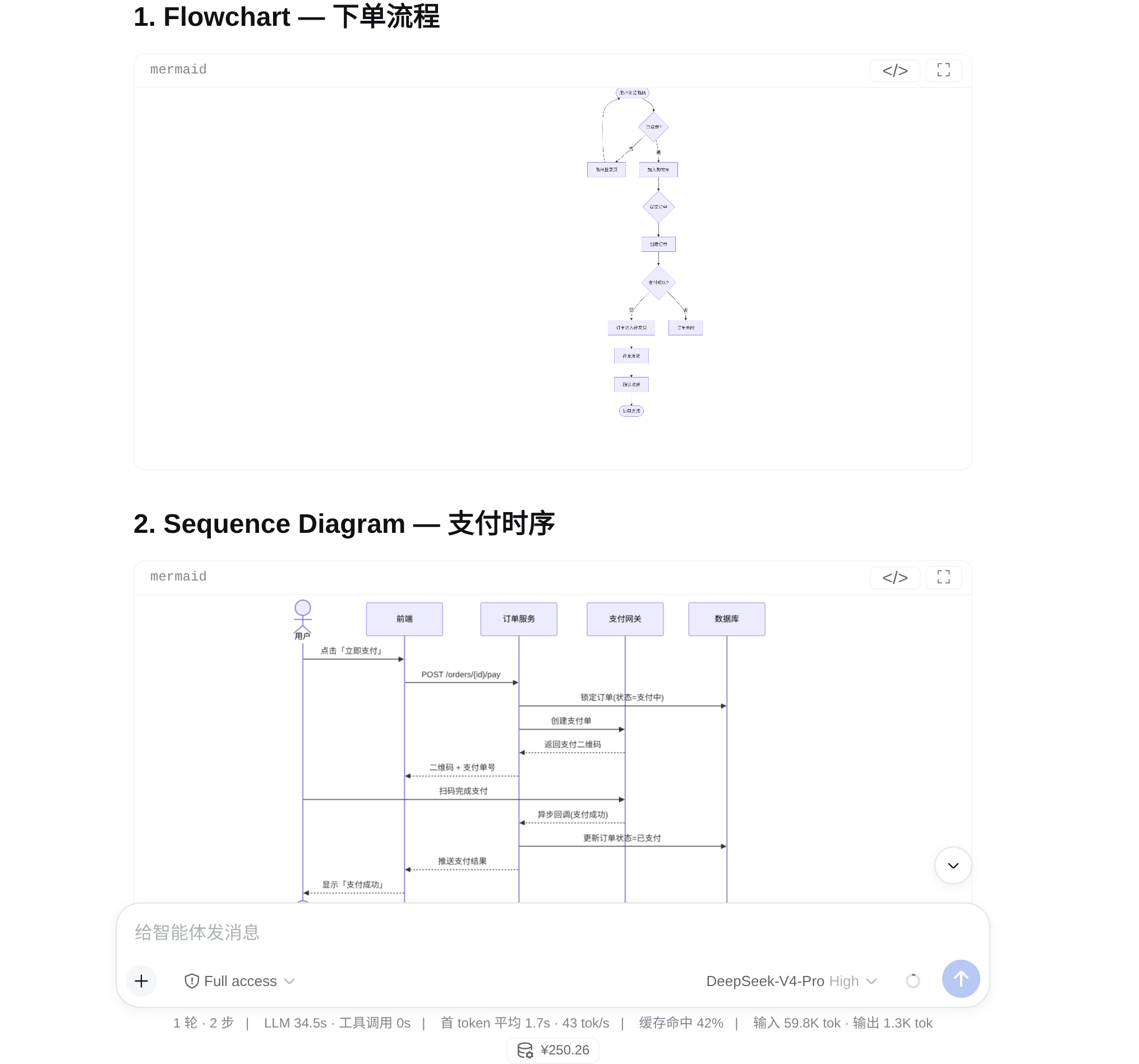
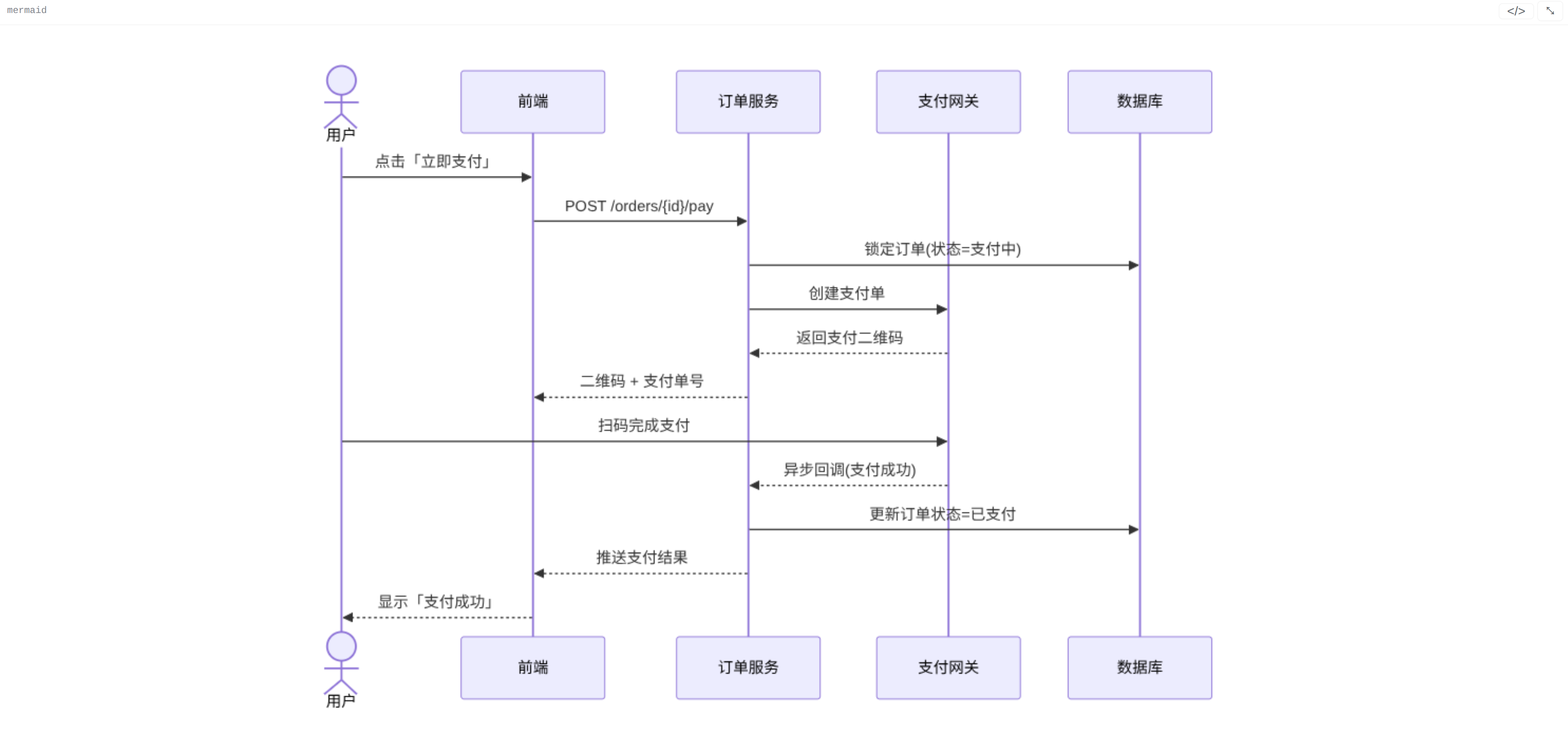
In the DeepSeek Harness web chat, Mermaid code fences in assistant replies are plain text by default, making architecture diagrams, flowcharts, and sequence diagrams far harder to parse than simply viewing them as graphics. dsh-mermaid-smooth automatically renders every completed Mermaid fence into an SVG diagram the moment it is ready, leaving all other code blocks untouched.
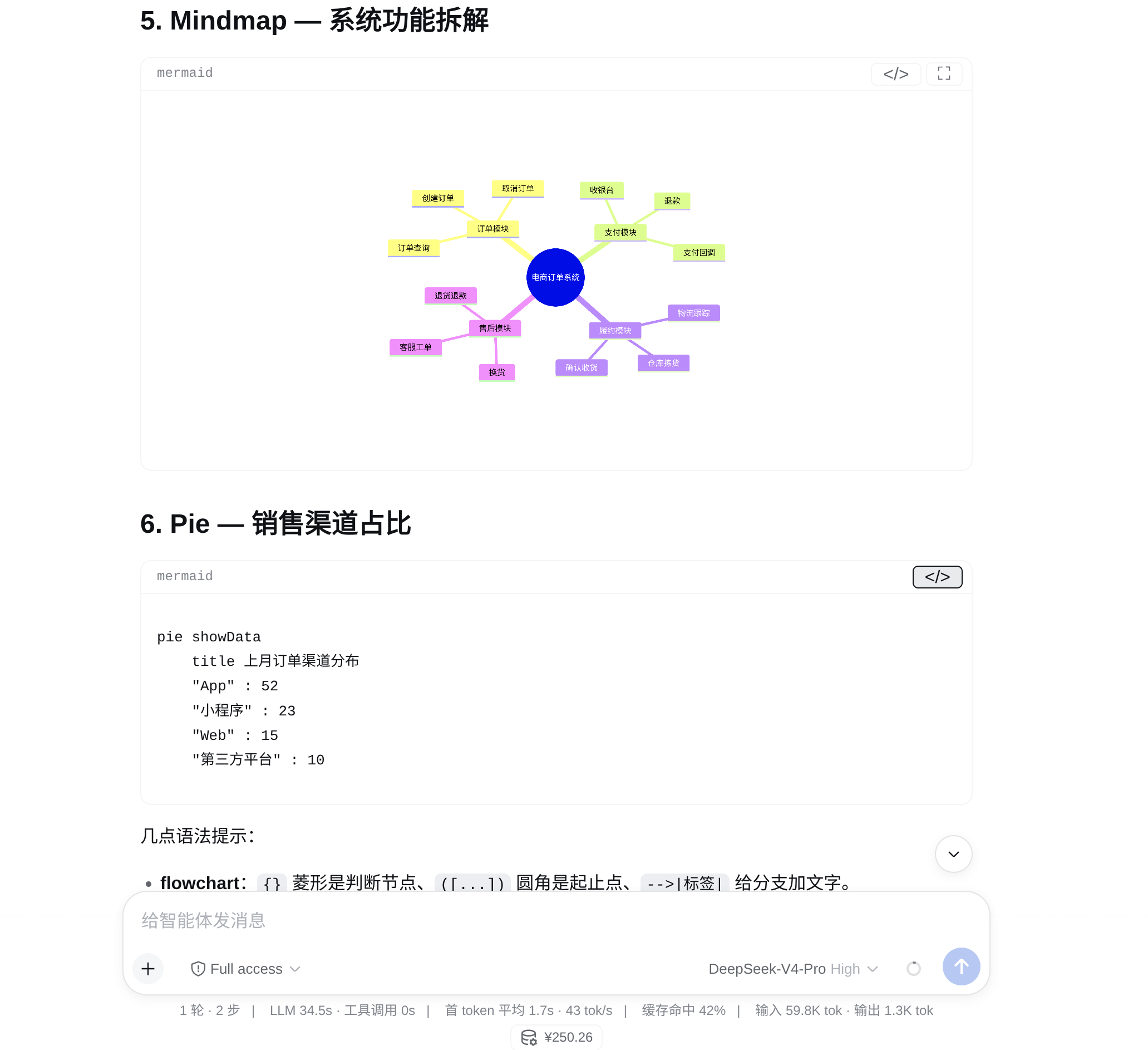
For interaction, the plugin offers cursor-anchored wheel zoom with a brief ease-out, direct pointer drag, and double-click-to-fit, all honouring the system reduced-motion preference. Each diagram card carries an independent diagram/code toggle at its top-right corner; multiple fences in one message switch independently, and the preference persists in localStorage across reloads and reconnects. Diagrams re-render to match the GUI theme in dark mode, and the entire Mermaid engine is bundled inside the plugin at strict security level with zero CDN dependencies.
Ideal for developers and technical writers who regularly read or generate Mermaid diagrams in DSH: no need to copy code into an external editor or switch tools. View, zoom, and compare source inline, with an experience that feels native to the GUI.
Screenshots
Use Cases
- View flowcharts, architecture diagrams, and sequence diagrams generated by the assistant directly in DSH web chat without copying code to an external viewer
- Compare multiple Mermaid fences in a single message by toggling diagram/code per card and zooming independently
- Inspect Mermaid graphics in offline or air-gapped environments since the engine is fully bundled with zero CDN dependencies
Best For
- Developers who frequently read or generate Mermaid diagrams within DSH
- Technical writers who need to quickly cross-check diagram output against source code
- Users who prefer offline-first tools and want the chat interface free from external service dependencies
Related Plugins
A service-oriented sidebar framework for DSH, offering a full workbench with file explorer, embedded browser, real terminal, Git panel, and extensible plugin services.

A beautiful, practical Claude Code-style TUI plugin with pixel whale top bar, flowing glow title, real-time status line, streaming thought expansion, time rewind, context progress bar and TPS gauge — zero core changes.

The plugin market for DeepSeek Harness: browse/search/one-click install community plugins and themes, with updates, backup/restore, hot disable, diagnostics, and AI fix.

A persistent whale widget on the DSH web UI that shows DeepSeek balance, today's usage, and per-turn cost, with drag-and-snap and sound effects.