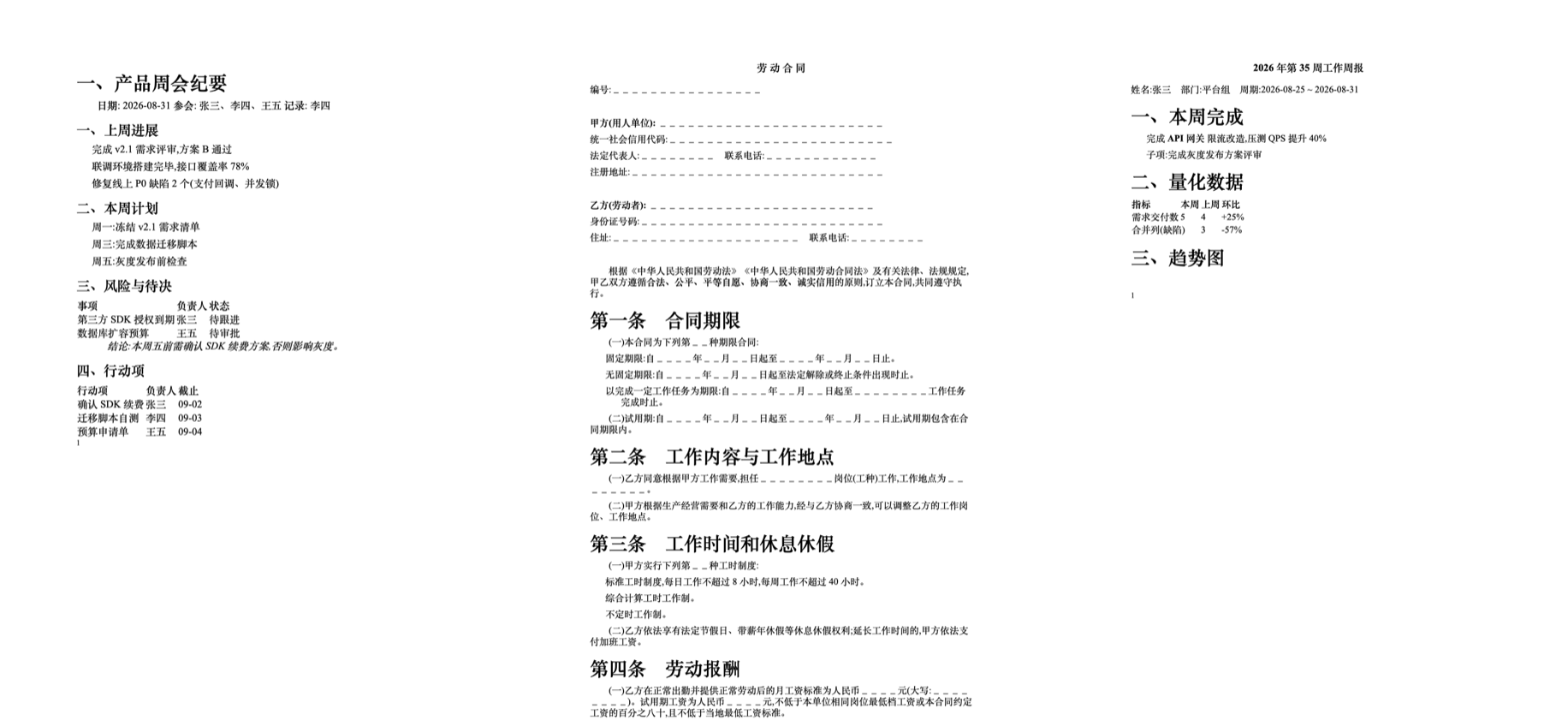
dsh-word-docs
Run the following command in DeepSeek Harness:
dsh plugin install Ei-Ayw/dsh-word-docs
Paste the following prompt into your AI chat to install this plugin:
Install this plugin in DeepSeek Harness by running dsh plugin install Ei-Ayw/dsh-word-docs; the full source code is available at https://github.com/Ei-Ayw/dsh-word-docs
About this plugin
Generating a polished Word document inside an AI conversation used to mean installing python-docx, configuring pandoc, and wiring up LibreOffice — a brittle dependency chain that rarely cooperates on the first try. dsh-word-docs strips all of that away: the entire engine runs on Python standard library modules (zipfile and xml.etree), so there is nothing to download or configure.
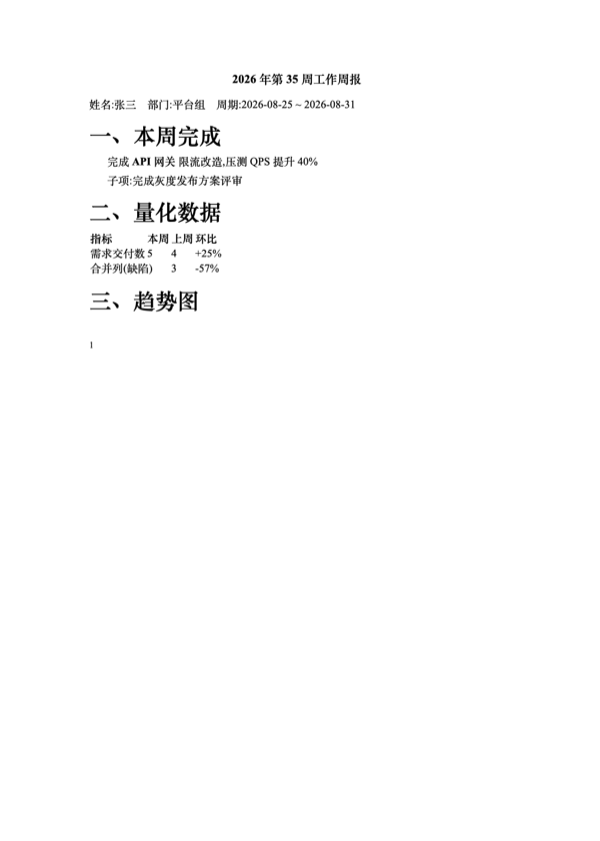
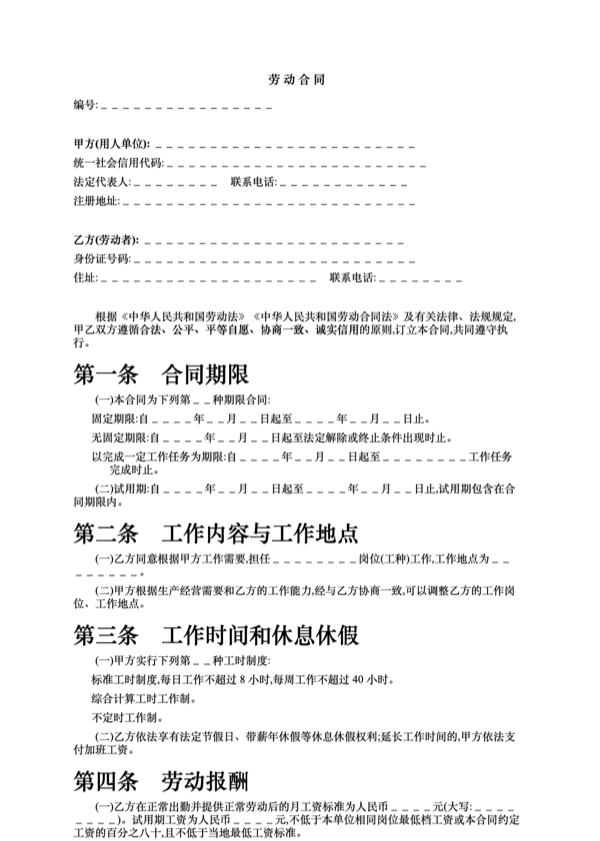
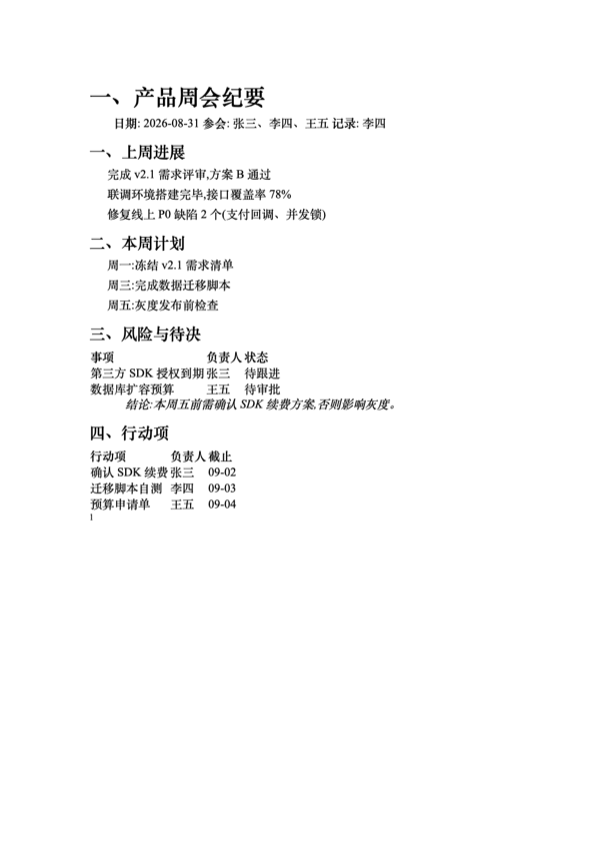
What it does goes well beyond file generation. Emit a fully formatted .docx from a JSON specification with page numbers, first-line indents, merged table cells, and embedded images; convert a Markdown document into an official-style Chinese Word file with automatic heading numbering; preserve inline bold and italic boundaries when replacing text across formatting regions; batch-fill templates and adjust fonts, sizes, colors, alignment, and line spacing in one instruction. It also reads document content, counts characters, and converts to PDF. Chinese typography (Song / eastAsia) and A4 layout are handled out of the box.
This plugin is for anyone who wants to say in plain language "turn this Markdown into a Word doc with page numbers" and get a proper .docx back without writing glue code or hunting through a dependency matrix. It registers as a standard dsh plugin, exposes a word_docs tool to the AI, and delivers Chinese official-document formatting with zero external packages.
Screenshots
Use Cases
- Convert Markdown meeting notes into a Chinese official Word doc with page numbers
- Batch-fill contract or weekly-report templates while preserving formatting
- Generate, edit, read .docx files and convert to PDF in conversation
Best For
- Developers who want zero-dependency .docx handling without external packages
- Admin or legal staff producing Chinese official documents daily
- AI engineers building document automation pipelines in DeepSeek Harness
Related Plugins
A service-oriented sidebar framework for DSH, offering a full workbench with file explorer, embedded browser, real terminal, Git panel, and extensible plugin services.

A beautiful, practical Claude Code-style TUI plugin with pixel whale top bar, flowing glow title, real-time status line, streaming thought expansion, time rewind, context progress bar and TPS gauge — zero core changes.

The plugin market for DeepSeek Harness: browse/search/one-click install community plugins and themes, with updates, backup/restore, hot disable, diagnostics, and AI fix.

A persistent whale widget on the DSH web UI that shows DeepSeek balance, today's usage, and per-turn cost, with drag-and-snap and sound effects.