dsh-smart-reminder
Run the following command in DeepSeek Harness:
dsh plugin install a792883583/dsh-smart-reminder
Paste the following prompt into your AI chat to install this plugin:
Run dsh plugin install a792883583/dsh-smart-reminder in the DeepSeek Harness terminal to install the dsh-smart-reminder smart reminder and lunar calendar plugin; the source code is hosted at https://github.com/a792883583/dsh-smart-reminder .
About this plugin
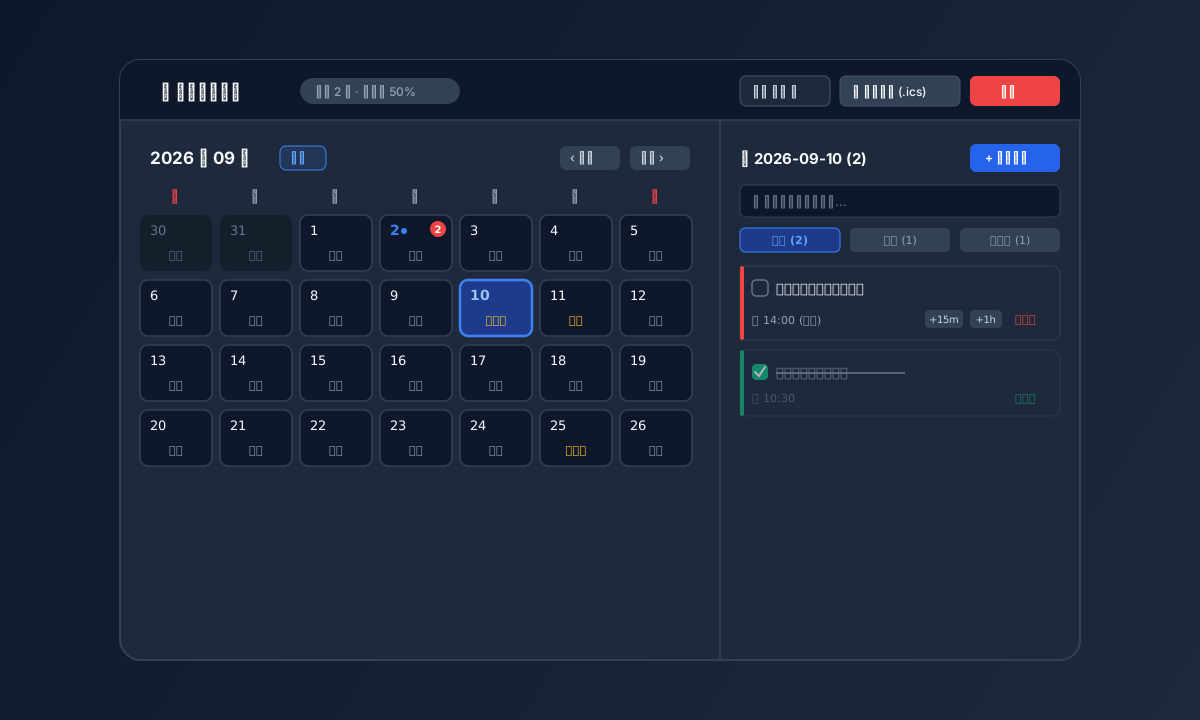
Reminders, lunar festivals, and to-do lists are scattered across phone calendars, notes, and apps. dsh-smart-reminder consolidates everything into a full-screen dashboard on the DSH Web GUI sidebar, where you can manage Gregorian and Chinese lunar dates, timed reminders, and a checklist from a single place.
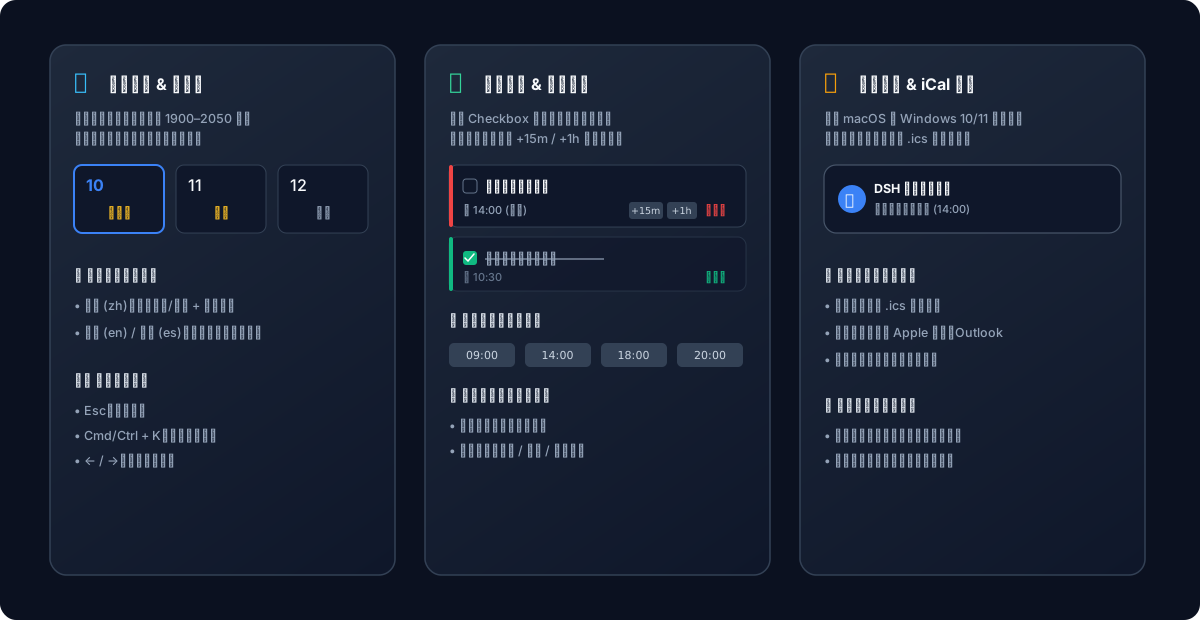
The plugin hooks into native macOS notification banners with the glass sound and Windows 10/11 high-priority Toast notifications, so alerts break through Focus mode. Drag a schedule card to a new calendar date to reschedule instantly, edit titles and push channels in place, snooze by 15 minutes or an hour, and undo a deletion within 5 seconds. After the machine wakes from sleep or a reboot, missed reminders are surfaced in a catch-up banner for one-click completion. A standard .ics export lets you drop events straight into Apple Calendar, Google Calendar, or Outlook. Paired with dsh-message-gateway, pushes reach WeCom, Telegram, Discord, or email.
It is built for developers and productivity-focused users who live in the browser, track both lunar and solar calendars, and want reminders that do not depend on a single device. The bundled Agent toolset (set, list, complete, snooze, cancel) also lets an AI conversation schedule and review your reminders hands-free.
Screenshots
Use Cases
- Manage Gregorian holidays, lunar solar terms, and daily tasks on a single calendar dashboard
- Auto catch-up on missed reminders after waking from sleep, with one-click batch completion
- Push reminders to WeCom, Telegram, Discord, or email so nothing is missed across devices
Best For
- Developers who manage daily workflows in the browser
- Productivity enthusiasts who track both lunar and Gregorian calendars
- Users who want device-independent reminders with multi-channel delivery
Related Plugins
A service-oriented sidebar framework for DSH, offering a full workbench with file explorer, embedded browser, real terminal, Git panel, and extensible plugin services.

A beautiful, practical Claude Code-style TUI plugin with pixel whale top bar, flowing glow title, real-time status line, streaming thought expansion, time rewind, context progress bar and TPS gauge — zero core changes.

The plugin market for DeepSeek Harness: browse/search/one-click install community plugins and themes, with updates, backup/restore, hot disable, diagnostics, and AI fix.

A persistent whale widget on the DSH web UI that shows DeepSeek balance, today's usage, and per-turn cost, with drag-and-snap and sound effects.