dsh-doc-rail
Run the following command in DeepSeek Harness:
dsh plugin install ShineFree7/dsh-doc-rail
Paste the following prompt into your AI chat to install this plugin:
Run dsh plugin install ShineFree7/dsh-doc-rail in the DeepSeek Harness terminal, then restart dsh web to see the document rail on the right side (source: https://github.com/ShineFree7/dsh-doc-rail).
About this plugin
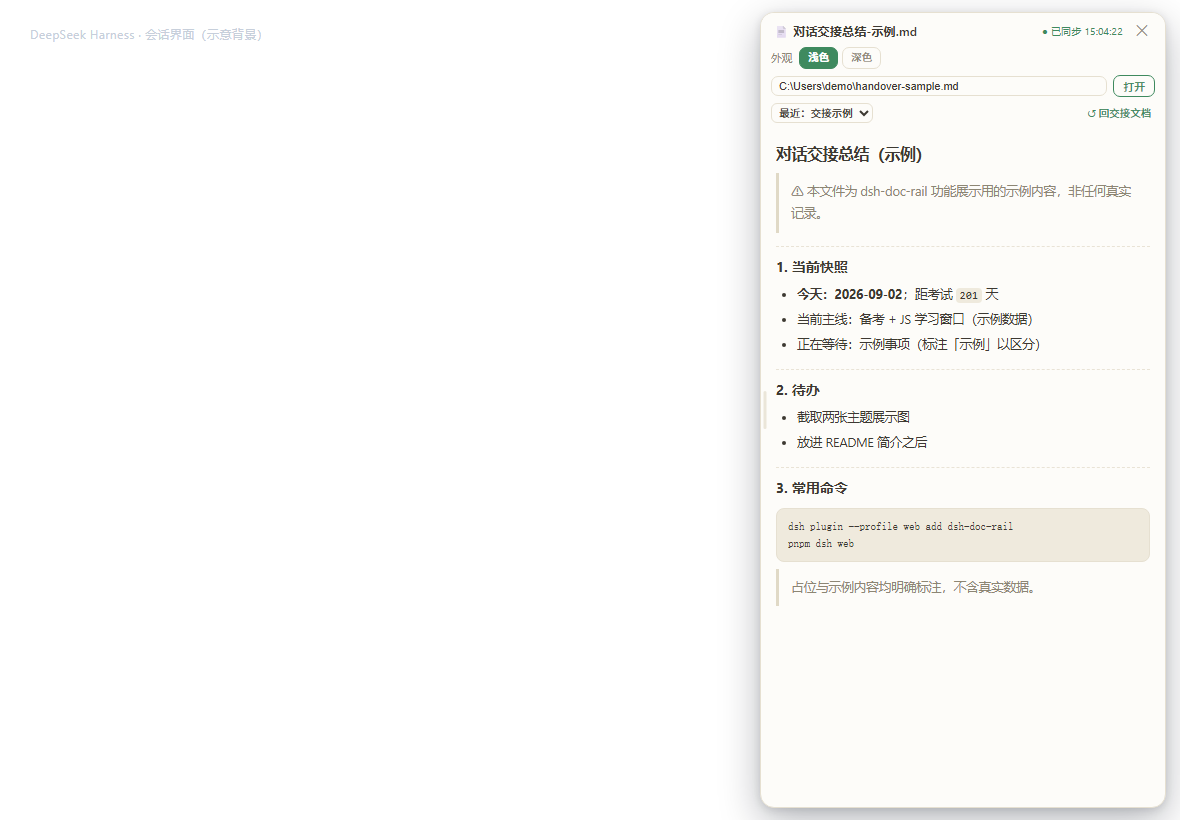
In the DeepSeek Harness web GUI, the chat pane takes up nearly every pixel of the viewport. Glancing at a Markdown handover note or a plain-text reference means switching tabs, losing context, and switching back. dsh-doc-rail mounts a document rail directly beside the conversation so reference material and your session stay on the same screen.
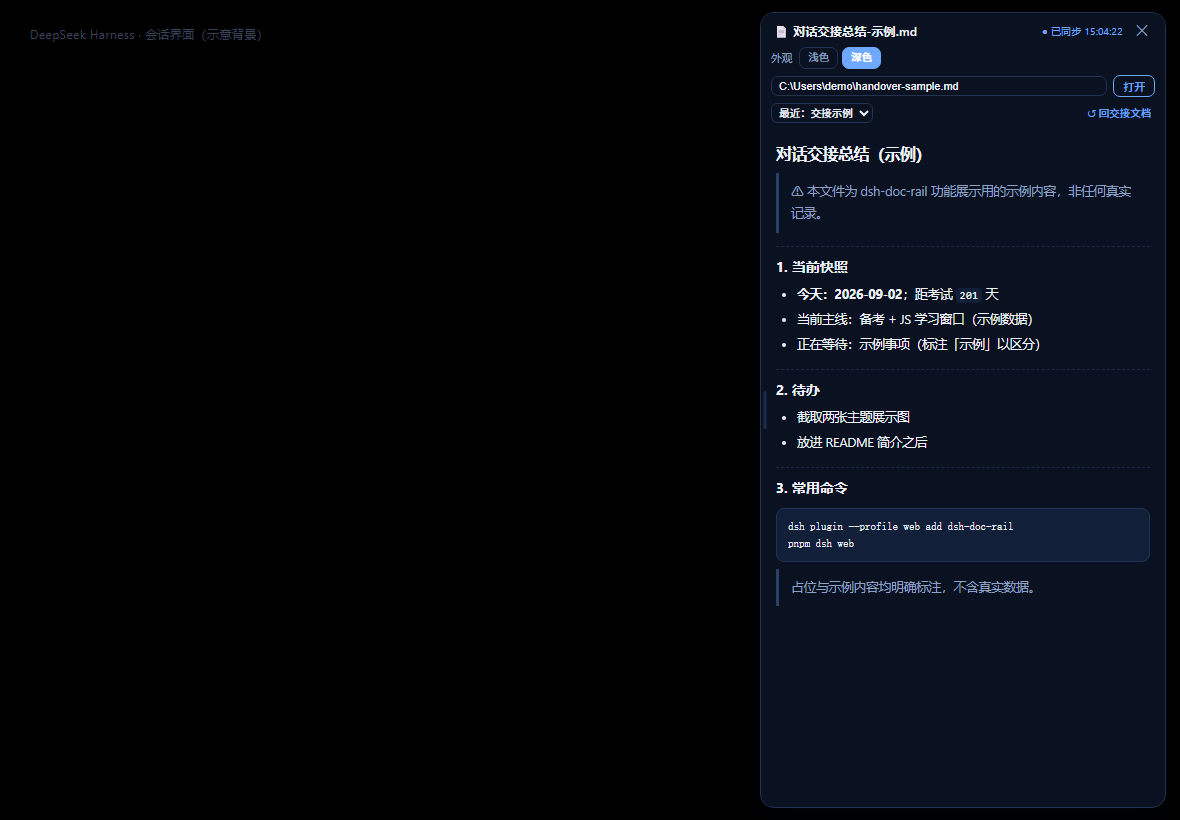
Paste any local .md or .txt path and the file opens instantly. The panel re-reads the file every four seconds, so external saves appear without a manual refresh. Drag the left edge to resize the panel, or double-click it to snap back to 400 pixels. Two themes, warm-paper light and deep-navy dark, switch in place and remember your choice. Everything is read locally inside the dsh web process; no network service, no telemetry, and no path ever leaves your machine.
It fits developers and writers who work long dsh web sessions, maintain handover documents, or need to keep style guides and code comments within arm's reach. If your workflow involves both conversation and document reading, this collapsible right-hand rail removes the constant window-switching friction.
Screenshots
Use Cases
- Browsing local Markdown handover notes beside a dsh web conversation
- Referencing style guides or code comments on the same screen during long sessions
- Switching between light and dark themes to match ambient lighting while reading text
Best For
- Developers and writers working long conversations in dsh web
- Users maintaining handover docs or team notes who want fewer window switches
- Power users who prefer multi-pane layouts and low-friction workflows over tab hopping
Related Plugins
A service-oriented sidebar framework for DSH, offering a full workbench with file explorer, embedded browser, real terminal, Git panel, and extensible plugin services.

A beautiful, practical Claude Code-style TUI plugin with pixel whale top bar, flowing glow title, real-time status line, streaming thought expansion, time rewind, context progress bar and TPS gauge — zero core changes.

The plugin market for DeepSeek Harness: browse/search/one-click install community plugins and themes, with updates, backup/restore, hot disable, diagnostics, and AI fix.

A persistent whale widget on the DSH web UI that shows DeepSeek balance, today's usage, and per-turn cost, with drag-and-snap and sound effects.