dsh-vision-toolkit
Run the following command in DeepSeek Harness:
dsh plugin install mengruoa/dsh-vision-toolkit
Paste the following prompt into your AI chat to install this plugin:
Run dsh plugin install mengruoa/dsh-vision-toolkit in the DSH terminal to install the plugin (source: https://github.com/mengruoa/dsh-vision-toolkit), then restart your Web Profile and configure a vision provider under Settings → Vision Toolkit.
About this plugin
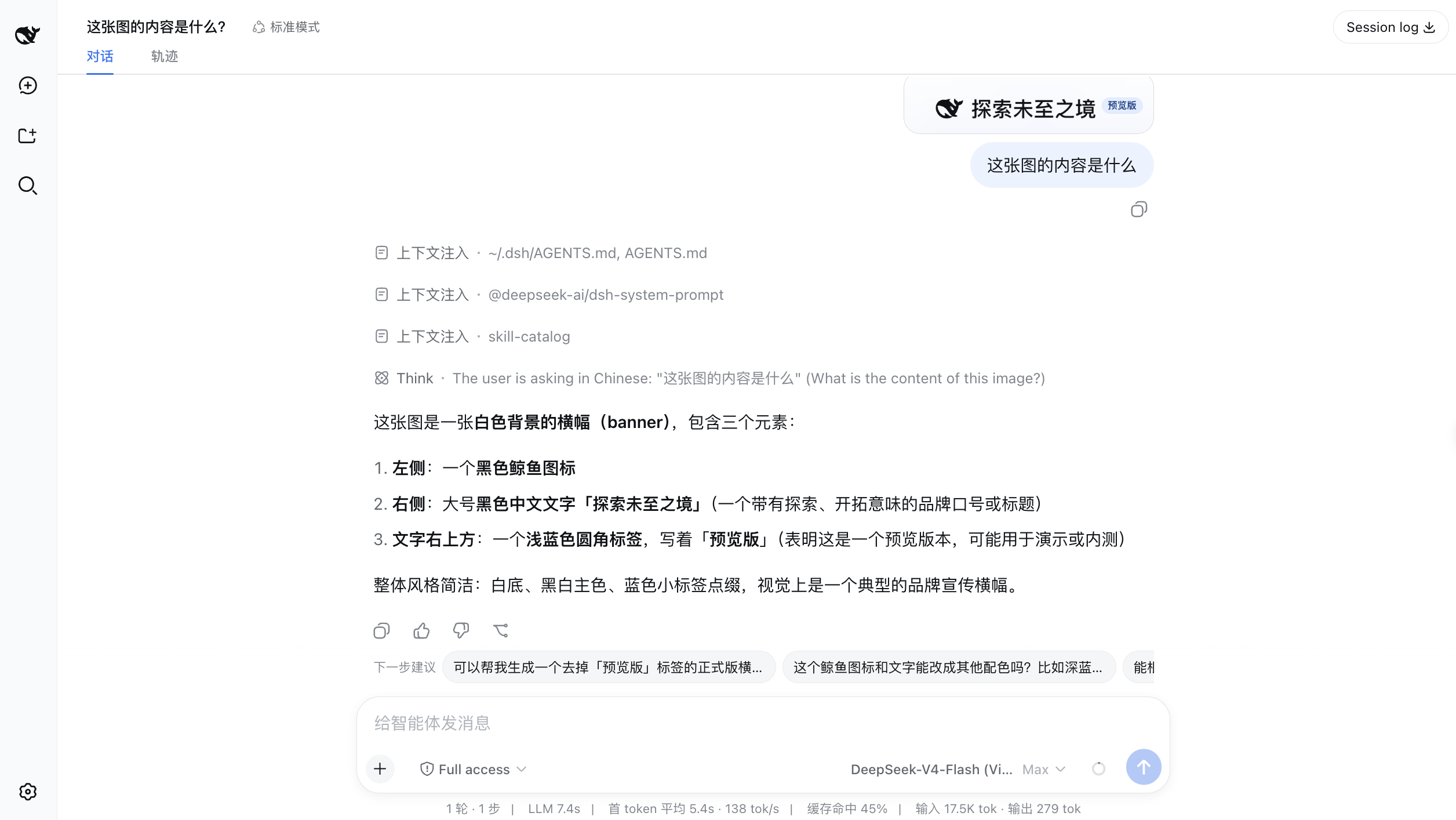
In DeepSeek Harness, a text-only model confronted with an image can only produce a generic description, falling short of real visual tasks. DSH Vision Toolkit injects a set of visual tools and a field-tested Skill directly into Harness: paste an image and the model automatically switches to a vision-enhanced variant, extracting task-relevant details instead of generating a one-size-fits-all summary.
The toolbox covers ten capabilities—image Q&A, element grounding, region cropping, vector tracing, pixel-level diffing, sequential long-screenshot OCR, foreground extraction, dominant-color detection, and local page screenshot capture—while the bundled vision-skills Skill orchestrates five reusable playbooks for long-screenshot reading, UI restoration, icon and sketch reconstruction, and GUI operation. Multiple vision providers can be configured with automatic fallback for better availability.
It is built for users who want a multimodal-like experience on top of a text model, whether that means pasting a screenshot into a chat and asking a question, turning a design mockup into editable front-end code, or extracting structured content from a long conversation screenshot.
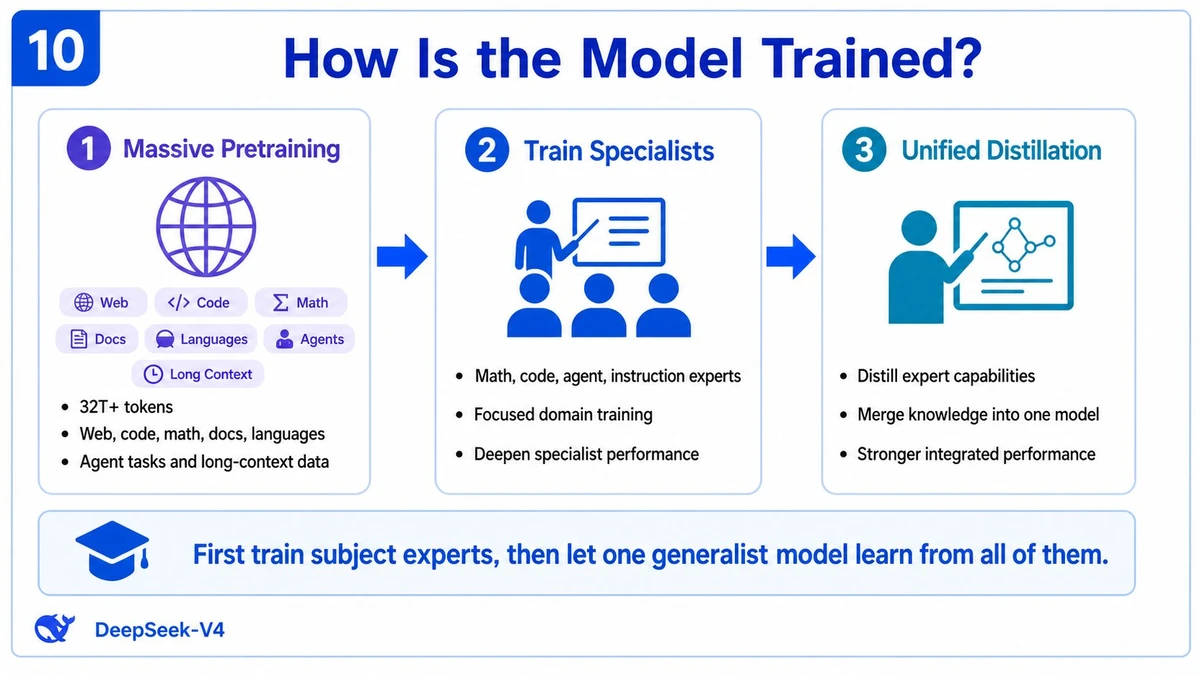
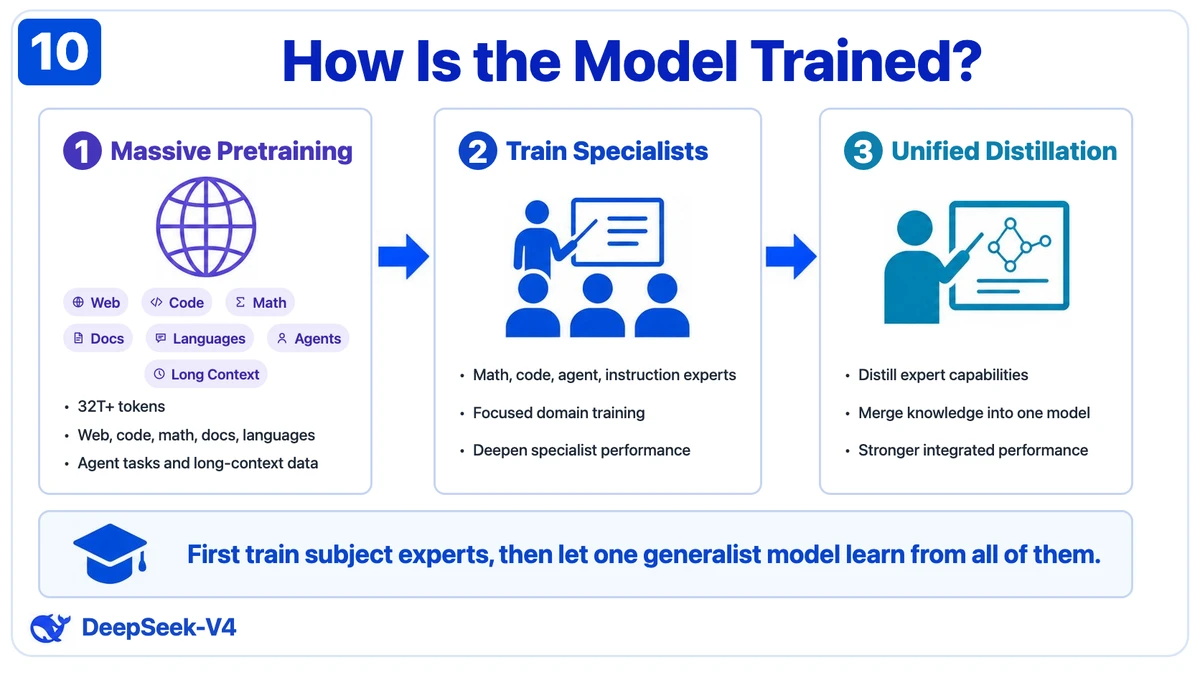
Screenshots
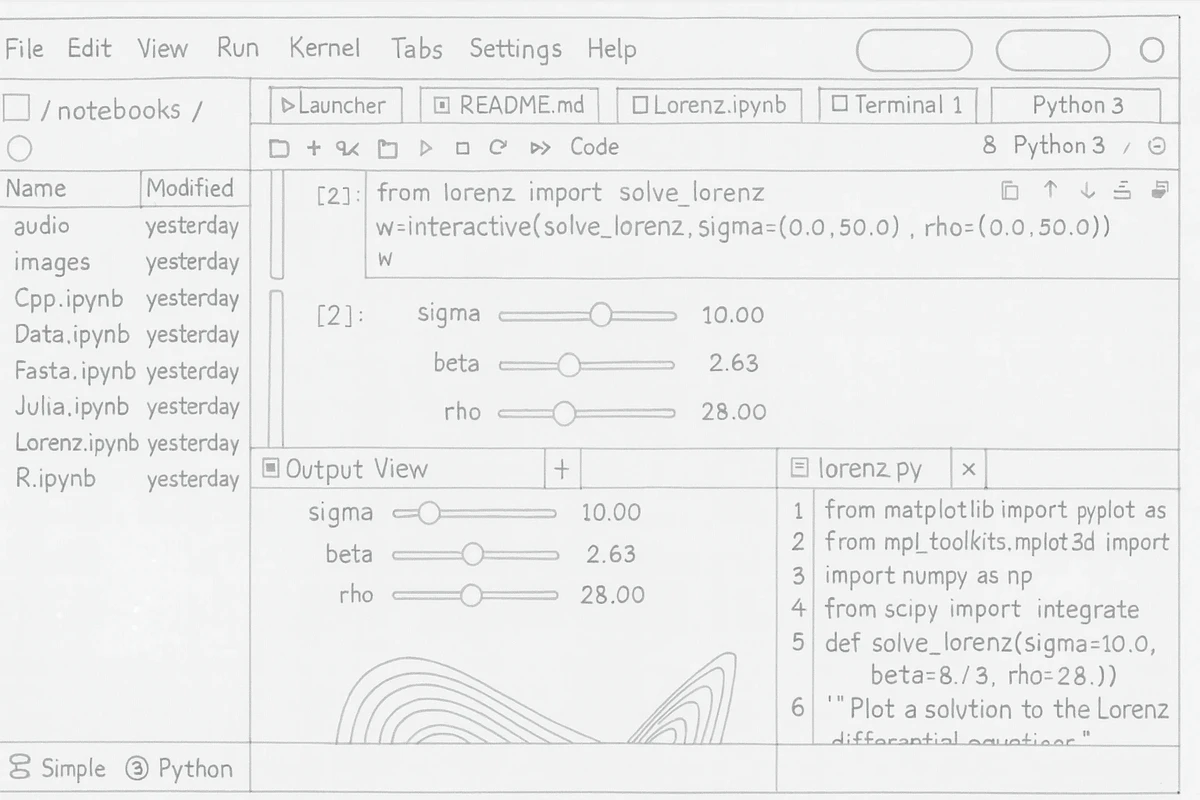
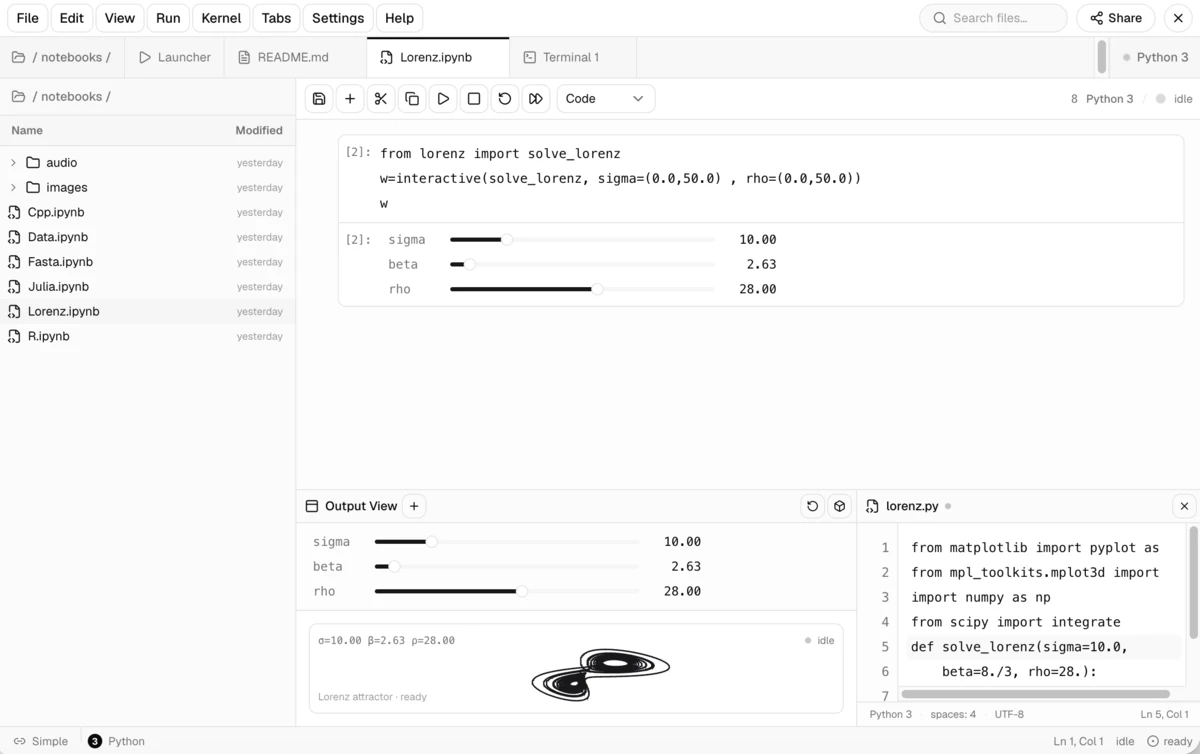
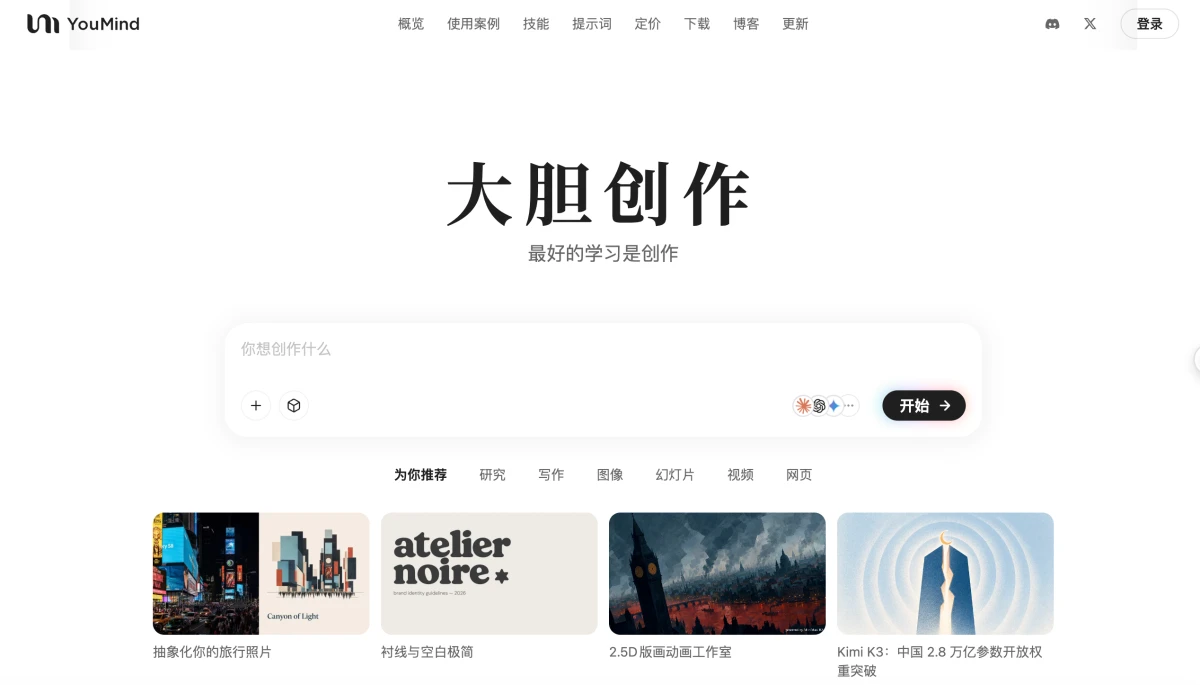
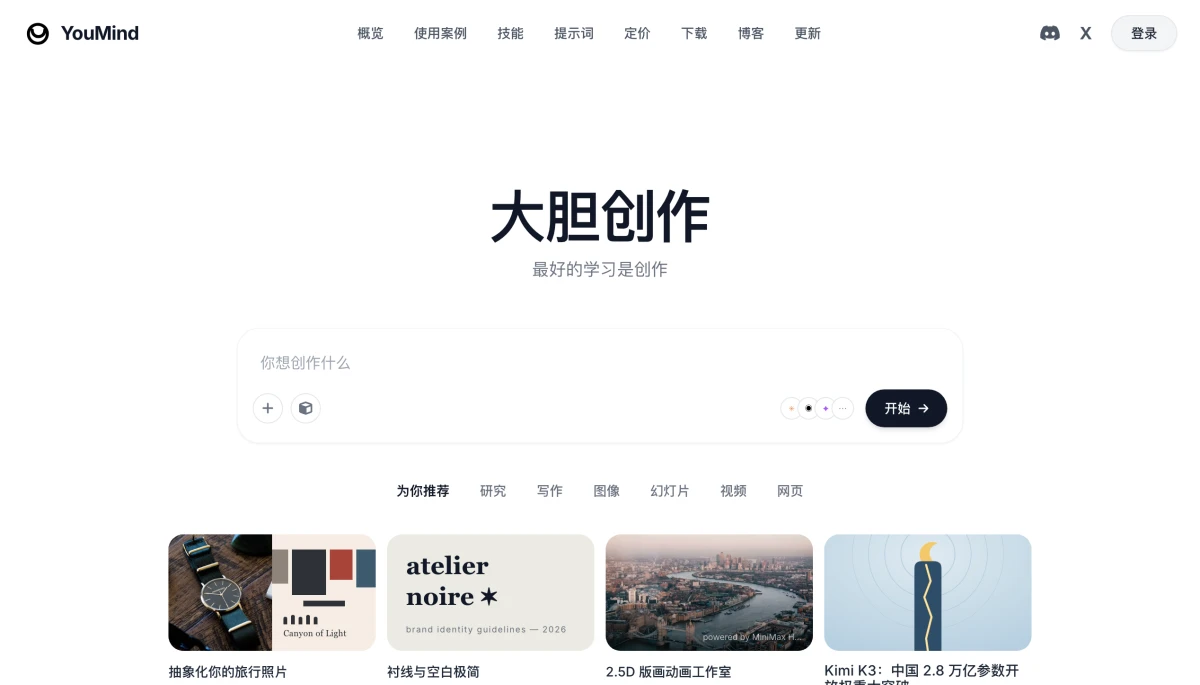
Use Cases
- Paste a screenshot into the chat and let a text-only model answer visual questions and ground elements
- Rebuild a design mockup or hand-drawn sketch into editable front-end code
- Extract speakers, timestamps, and message content from a long chat screenshot in order
Best For
- DeepSeek Harness users who want a multimodal-like experience on top of text-only models
- Front-end developers who need visual assistance for UI restoration and pixel-level comparison
- Product and design teams that work with screenshots, mockups, or long pages daily
Related Plugins
A service-oriented sidebar framework for DSH, offering a full workbench with file explorer, embedded browser, real terminal, Git panel, and extensible plugin services.

A beautiful, practical Claude Code-style TUI plugin with pixel whale top bar, flowing glow title, real-time status line, streaming thought expansion, time rewind, context progress bar and TPS gauge — zero core changes.

The plugin market for DeepSeek Harness: browse/search/one-click install community plugins and themes, with updates, backup/restore, hot disable, diagnostics, and AI fix.

A persistent whale widget on the DSH web UI that shows DeepSeek balance, today's usage, and per-turn cost, with drag-and-snap and sound effects.