dsh-background
Run the following command in DeepSeek Harness:
dsh plugin install retmon2333/dsh-background
Paste the following prompt into your AI chat to install this plugin:
Run dsh plugin install retmon2333/dsh-background in DeepSeek Harness to install; the full source is at https://github.com/retmon2333/dsh-background . After installation, fully restart dsh web, refresh the browser, then open Settings > Background to configure.
About this plugin
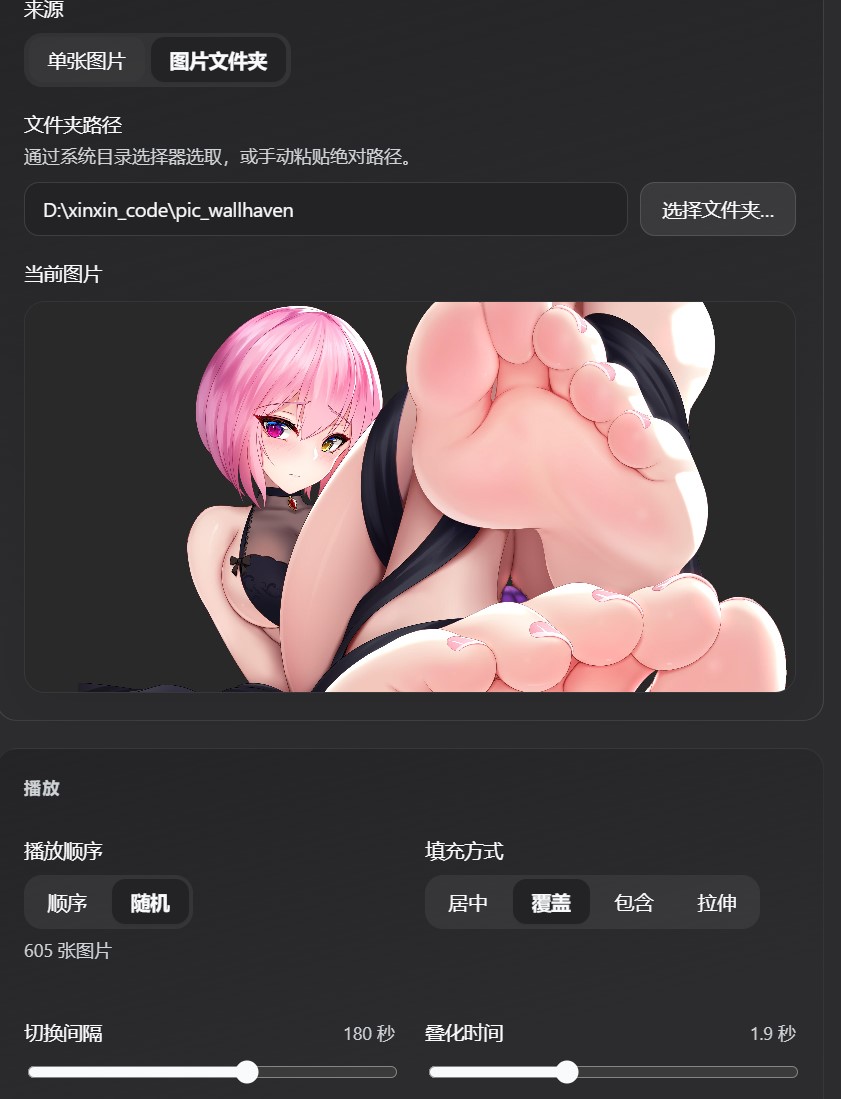
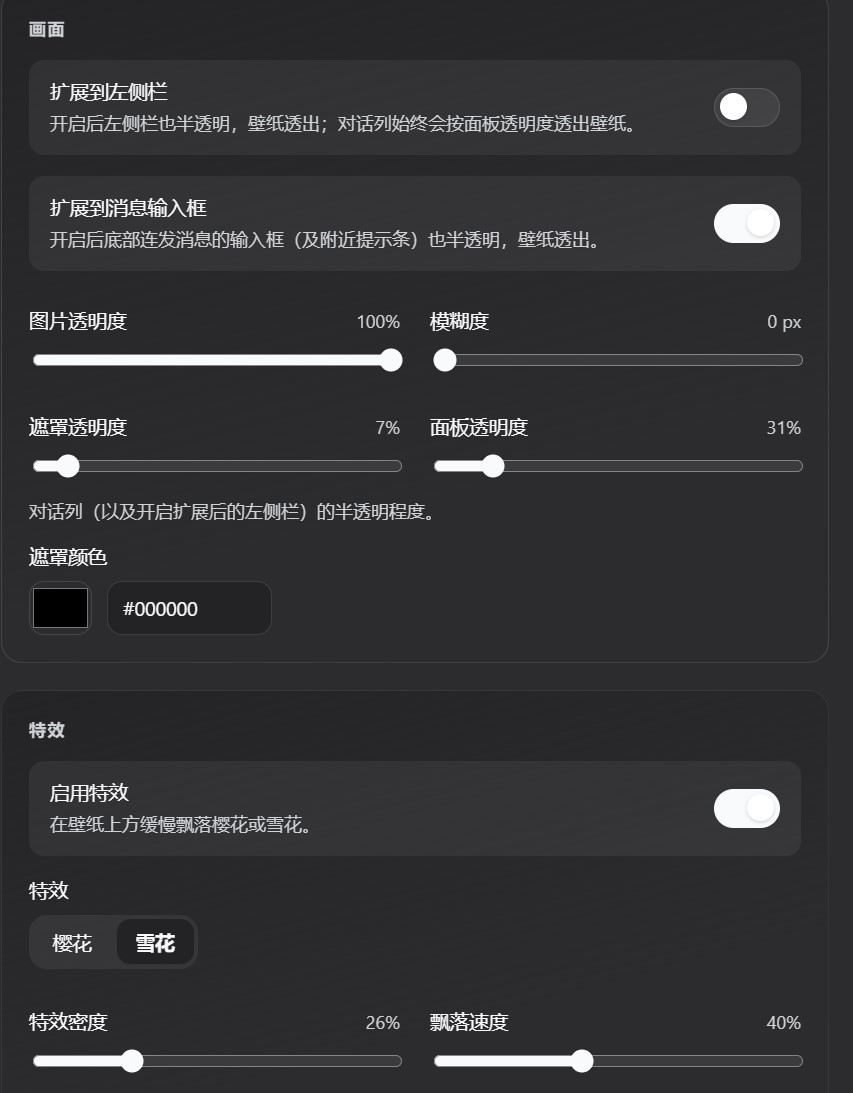
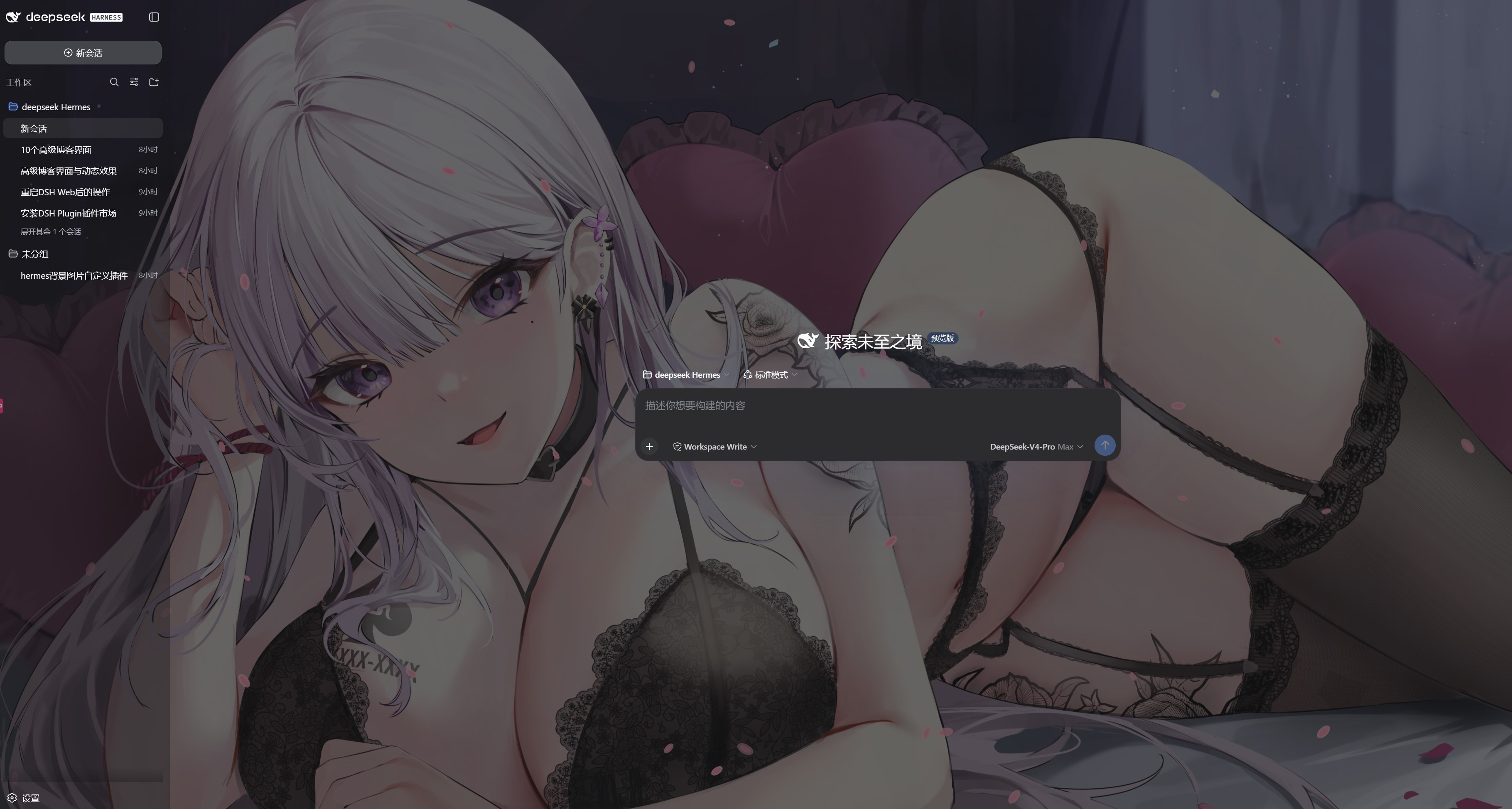
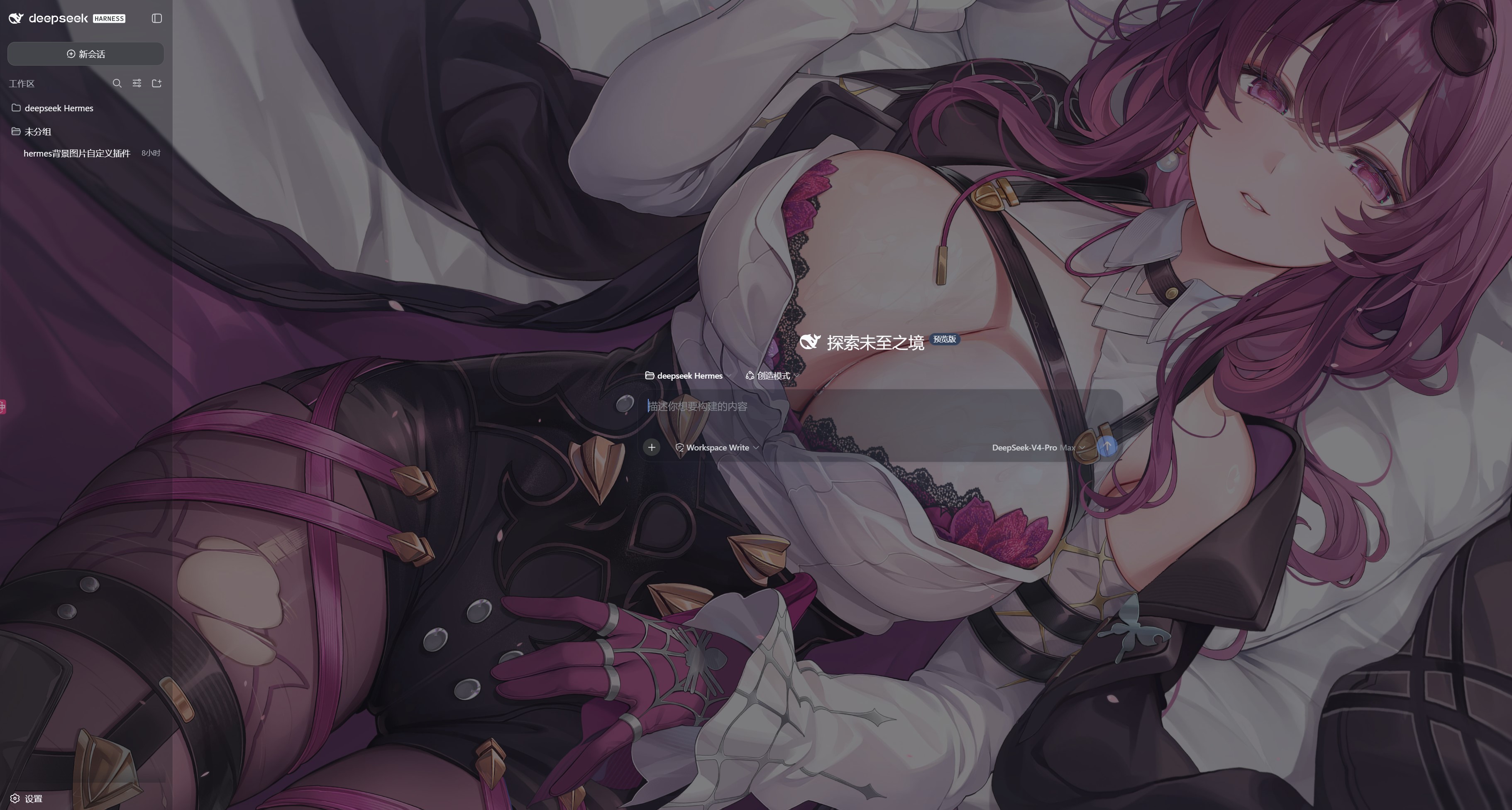
The default DeepSeek Harness Web UI is a clean white canvas that can start to feel bland after a while. dsh-background lets you swap in any local image or an entire folder as your Web background, with sequential or random slideshow, cross-fade transitions, and per-slide intervals, so the first thing you see each day is the visual you actually like.\n\nOnce the wallpaper is in place, every layer is tunable: fill mode (center, cover, contain, stretch), overall opacity, background blur, overlay colour and opacity, and panel opacity all work independently. The left sidebar and the message input are semi-transparent by default, letting the wallpaper bleed through for a more layered feel. Toggle on a petal or snowfall effect, dial in the density and speed, and the coding session gets a touch of atmosphere. All images are served over a local HTTP route, so nothing leaves your machine and no third-party service is involved.\n\nIt is built for DSH Web-Profile developers who want a personal, image-first workspace. If you already collect wallpapers or landscape photos and would rather keep them local instead of pointing at a remote URL, this is the low-friction way to make them work as your daily UI background. Flip the toggle off and the default interface comes right back, with zero side effects.
Screenshots
Use Cases
- Swap in a favorite landscape as the Web background so the daily coding view feels less generic
- Enable a sakura or snowfall effect to add a visual rhythm to long debugging sessions
- Make the sidebar and input semi-transparent and let the wallpaper show through for a layered feel
Best For
- DSH Web-Profile developers who want a personalized development interface
- Privacy-conscious users who keep a local wallpaper collection and prefer not to host images remotely
- Visually-driven developers who enjoy ambient effects and a more aesthetic tool interface
Related Plugins

whale-girl is a desktop pet in the DSH Web GUI (bottom-right for instant companionship) — draggable, feedable, playable; completed tasks, sessions and companionship time accrue into seniority levels, titles, and memories.

Renders your local Wallpaper Engine wallpapers as the DSH web background, supporting video, web, and scene wallpapers with a liquid-glass effect and rich customization.

A WebGPU ocean skin for DeepSeek Harness with five-wave Gerstner waves, translucent theme, day/night cycle, and quick controls, installable as plugin or extension.

A Galgame-style conversation view and visual scene editor for DSH web sessions, with a real-time editing mode.