dsh-diary
Run the following command in DeepSeek Harness:
dsh plugin install zhm20001/dsh-diary
Paste the following prompt into your AI chat to install this plugin:
Install this plugin in DeepSeek Harness: run dsh plugin install zhm20001/dsh-diary; source repository at https://github.com/zhm20001/dsh-diary
About this plugin
Within the DeepSeek Harness (dsh) ecosystem, dsh-diary is a client-side plugin that focuses on one thing: writing a daily diary. The problem it solves is specific—you want a good-looking, paper-textured writing page, you want AI to extract keywords, produce a one-line summary, and pick a daily emoji after you finish, but you do not want your words to vanish if the AI call times out or errors. dsh-diary core principle is text to disk first, AI annotation second: the moment you save, your words are already written to a local directory. A failed summary request can only lose the annotation layer, never your writing.
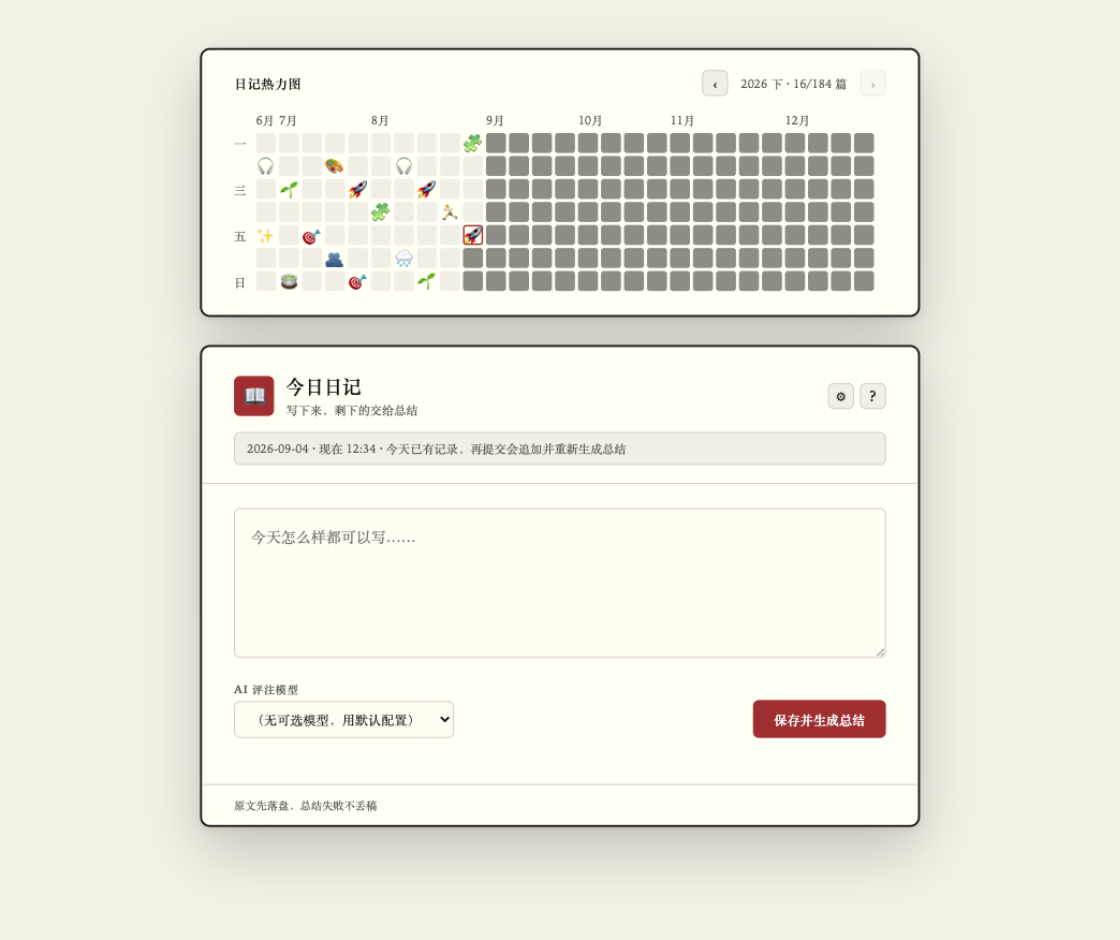
The experience is built around a few deliberate details. A 30-hour clock means entries written between midnight and 6 a.m. belong to the previous day instead of being split across two files. A half-year heatmap board (27 weeks by 7 cells) gives a visual rhythm of your writing—days with entries show the day emoji, while upcoming and missed days are visually distinct. Re-submitting on the same day appends new entries and regenerates the full-day summary rather than overwriting, and your earlier content is never touched. Drafts auto-save to the browser localStorage per date. On privacy, the full diary text stays on your local disk; the only outbound request is the summary call itself, and drafts, heatmap data, and metadata never leave your machine.
It suits daily or every-other-day diary writers who want a little more ritual than a plain text editor without the overhead of a full Markdown toolchain; privacy-conscious users who want text on disk before any AI sees it; and late-night writers who refuse to have one journal entry torn in two by an arbitrary calendar boundary.
Screenshots
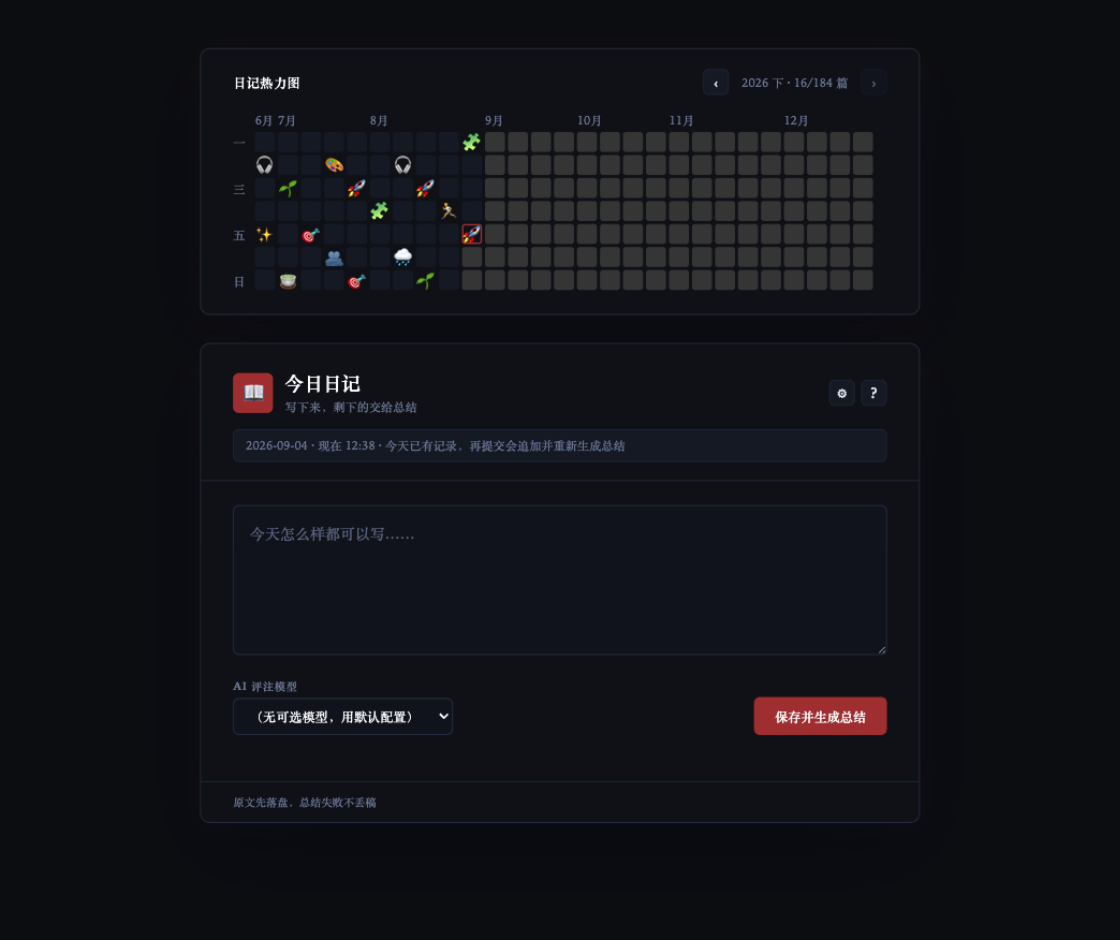
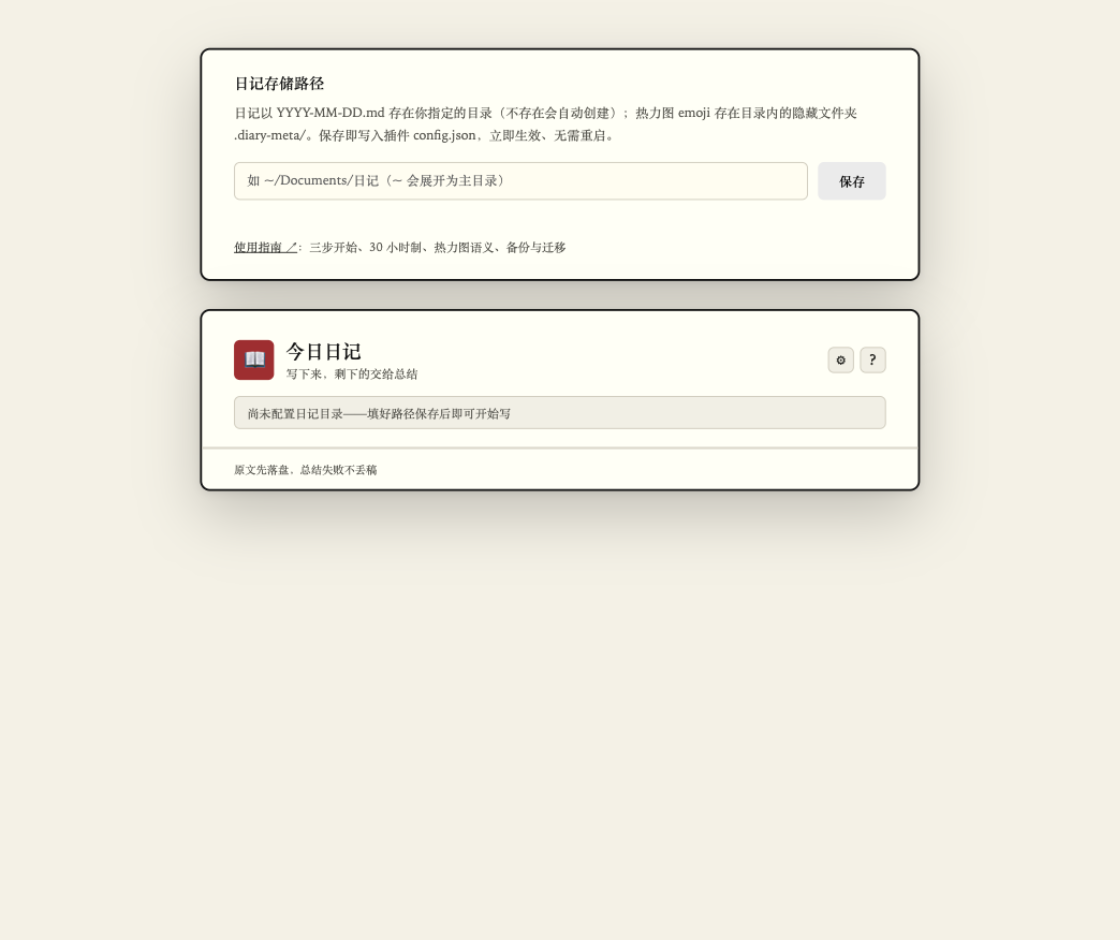
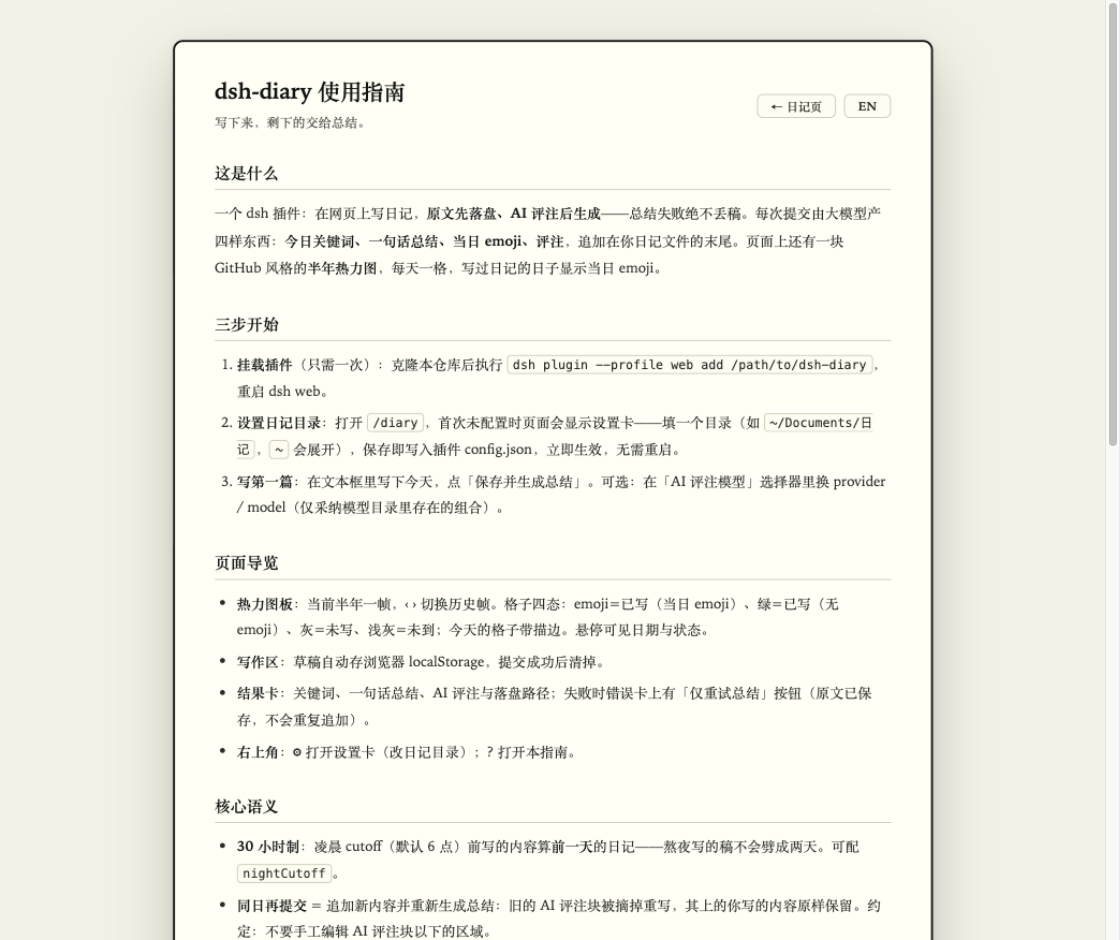
Use Cases
- Write a short diary entry each day, then let AI extract keywords, a one-line summary, and a daily emoji
- Write late at night without your entry being split across two files; the 30-hour clock keeps it with the previous day
- Review your half-year writing rhythm on the heatmap board; written days show their emoji while upcoming and missed days are visually distinct
Best For
- Diary writers who want more ritual than a plain text editor without the overhead of a full Markdown toolchain
- Privacy-conscious users who want text on local disk before any AI call is made
- Late-night writers who refuse to have a single entry torn in two by the calendar boundary
Related Plugins
A service-oriented sidebar framework for DSH, offering a full workbench with file explorer, embedded browser, real terminal, Git panel, and extensible plugin services.

A beautiful, practical Claude Code-style TUI plugin with pixel whale top bar, flowing glow title, real-time status line, streaming thought expansion, time rewind, context progress bar and TPS gauge — zero core changes.

The plugin market for DeepSeek Harness: browse/search/one-click install community plugins and themes, with updates, backup/restore, hot disable, diagnostics, and AI fix.

A persistent whale widget on the DSH web UI that shows DeepSeek balance, today's usage, and per-turn cost, with drag-and-snap and sound effects.