dsh-settings-hub
Run the following command in DeepSeek Harness:
dsh plugin install Amengclass/dsh-settings-hub
Paste the following prompt into your AI chat to install this plugin:
Run dsh plugin install Amengclass/dsh-settings-hub in DeepSeek Harness to install; the source code is available at https://github.com/Amengclass/dsh-settings-hub
About this plugin
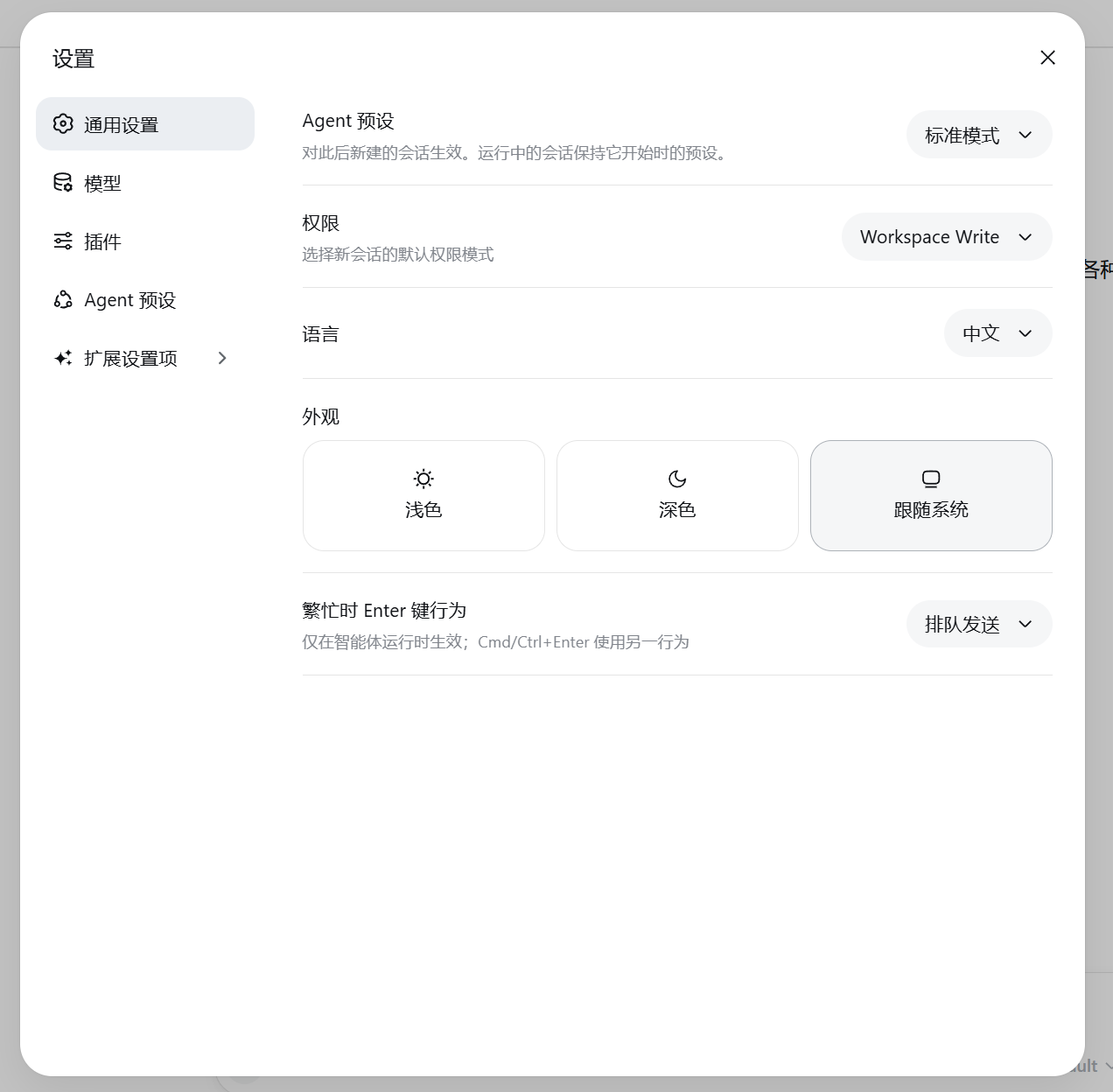
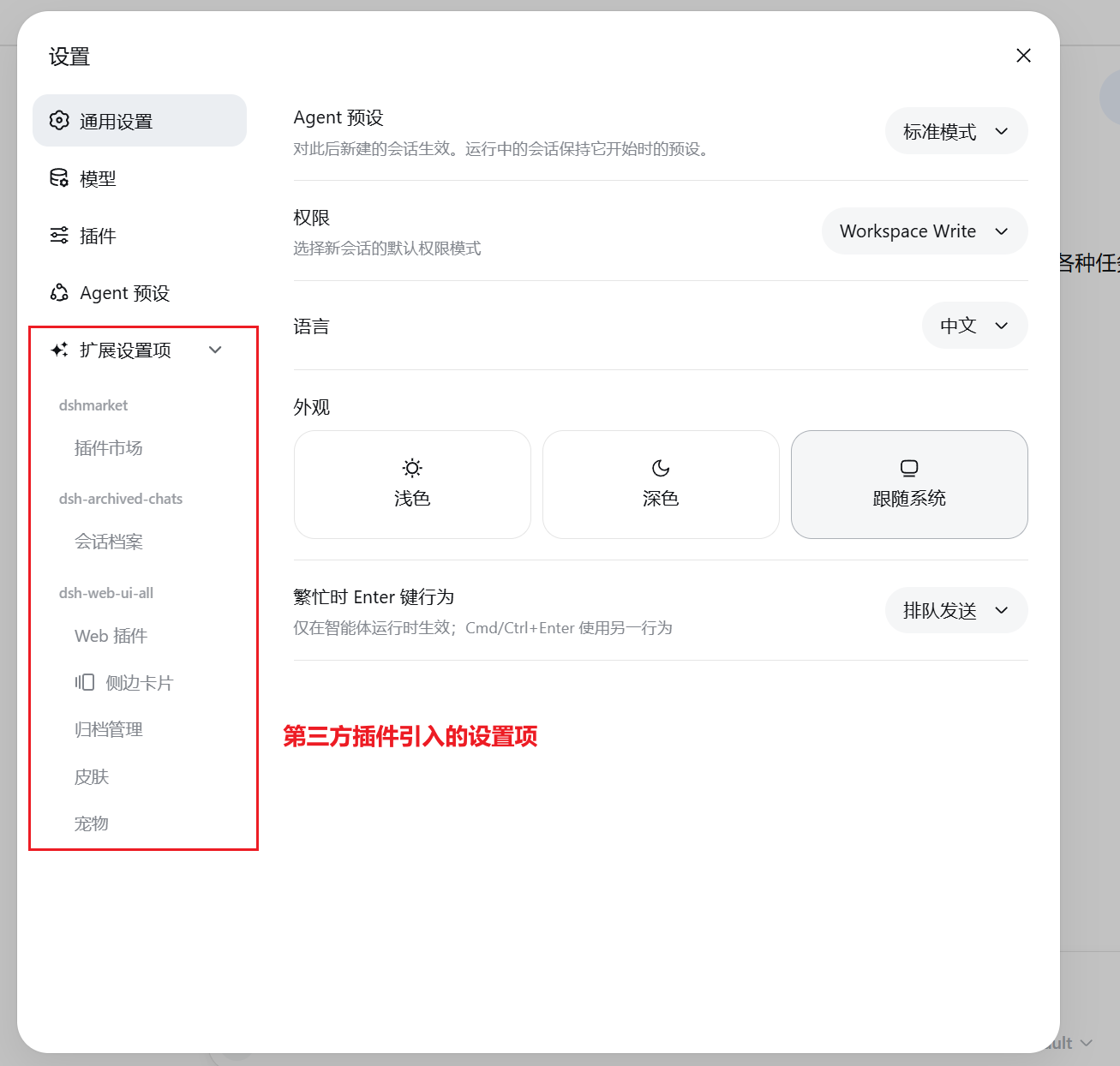
Once you have several third-party plugins running in DeepSeek Harness, the sidebar settings panel quickly turns into a juggling act. Every plugin claims its own row, sub-options scatter across the panel, and finding a single setting means scrolling through a long, undifferentiated list. dsh-settings-hub solves this by collapsing all third-party plugin settings into one "Extension Settings" group while leaving the native sections (General, Model, Plugin, Agent Presets) completely untouched.
Three capabilities stand out. First, dynamic discovery: newly installed plugins register their settings group automatically with no manual configuration or code changes; plugins that do not register a settings.section are safely ignored. Second, parent-child grouping: sub-settings are aggregated under their parent plugin based on node_modules dependency relationships, giving the panel a clear, readable hierarchy. Third, drag-to-reorder: a ghost-drag interaction keeps the original slot in place while a semi-transparent clone follows the cursor, and the resulting order is persisted in localStorage so it survives page reloads.
The entire integration is zero-intrusion - no DSH source files are modified. The plugin simply takes over the sidebar.settings slot through the official shadow mechanism. If you juggle two or more DSH third-party plugins and want a tidy, predictable settings panel, this is a lightweight, plug-and-play addition worth picking up.
Screenshots
Use Cases
- Sidebar settings become cluttered after installing multiple third-party DSH plugins
- Newly installed plugins should register their settings automatically without manual configuration
- Group sub-settings under their parent plugin and customize the display order via drag-and-drop
Best For
- Developers running two or more third-party DSH plugins
- Users who value a clean, well-organized settings panel
- Small teams seeking zero-intrusion extensions to the DSH sidebar UI
Related Plugins
A service-oriented sidebar framework for DSH, offering a full workbench with file explorer, embedded browser, real terminal, Git panel, and extensible plugin services.

A beautiful, practical Claude Code-style TUI plugin with pixel whale top bar, flowing glow title, real-time status line, streaming thought expansion, time rewind, context progress bar and TPS gauge — zero core changes.

The plugin market for DeepSeek Harness: browse/search/one-click install community plugins and themes, with updates, backup/restore, hot disable, diagnostics, and AI fix.

A persistent whale widget on the DSH web UI that shows DeepSeek balance, today's usage, and per-turn cost, with drag-and-snap and sound effects.