dsh-theme-macintosh
Run the following command in DeepSeek Harness:
dsh plugin install fengb3/dsh-theme-macintosh
Paste the following prompt into your AI chat to install this plugin:
Run dsh plugin install fengb3/dsh-theme-macintosh in the DeepSeek Harness terminal to install this plugin; the source is available at https://github.com/fengb3/dsh-theme-macintosh . It becomes persistent immediately after refreshing the Web UI.
About this plugin
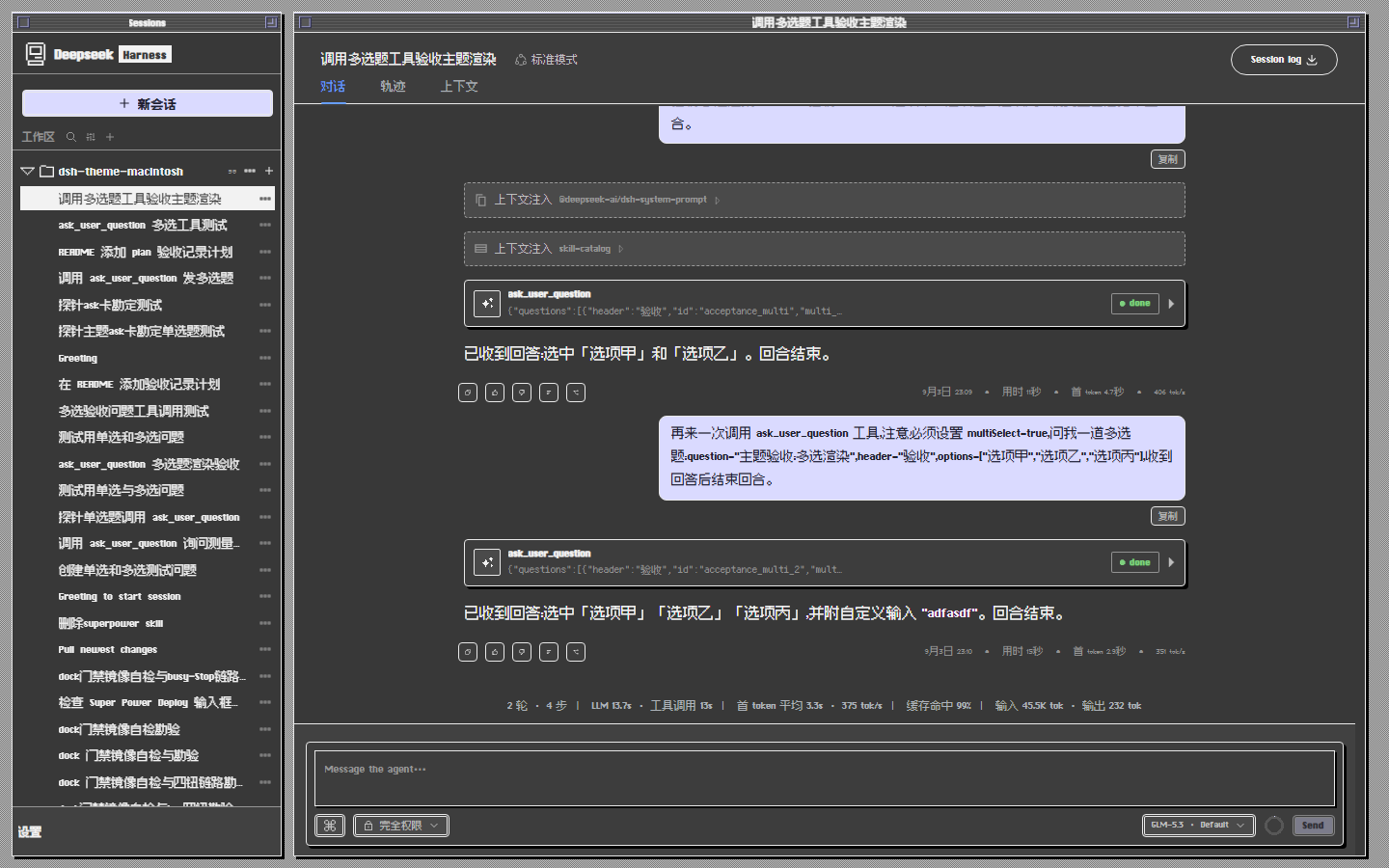
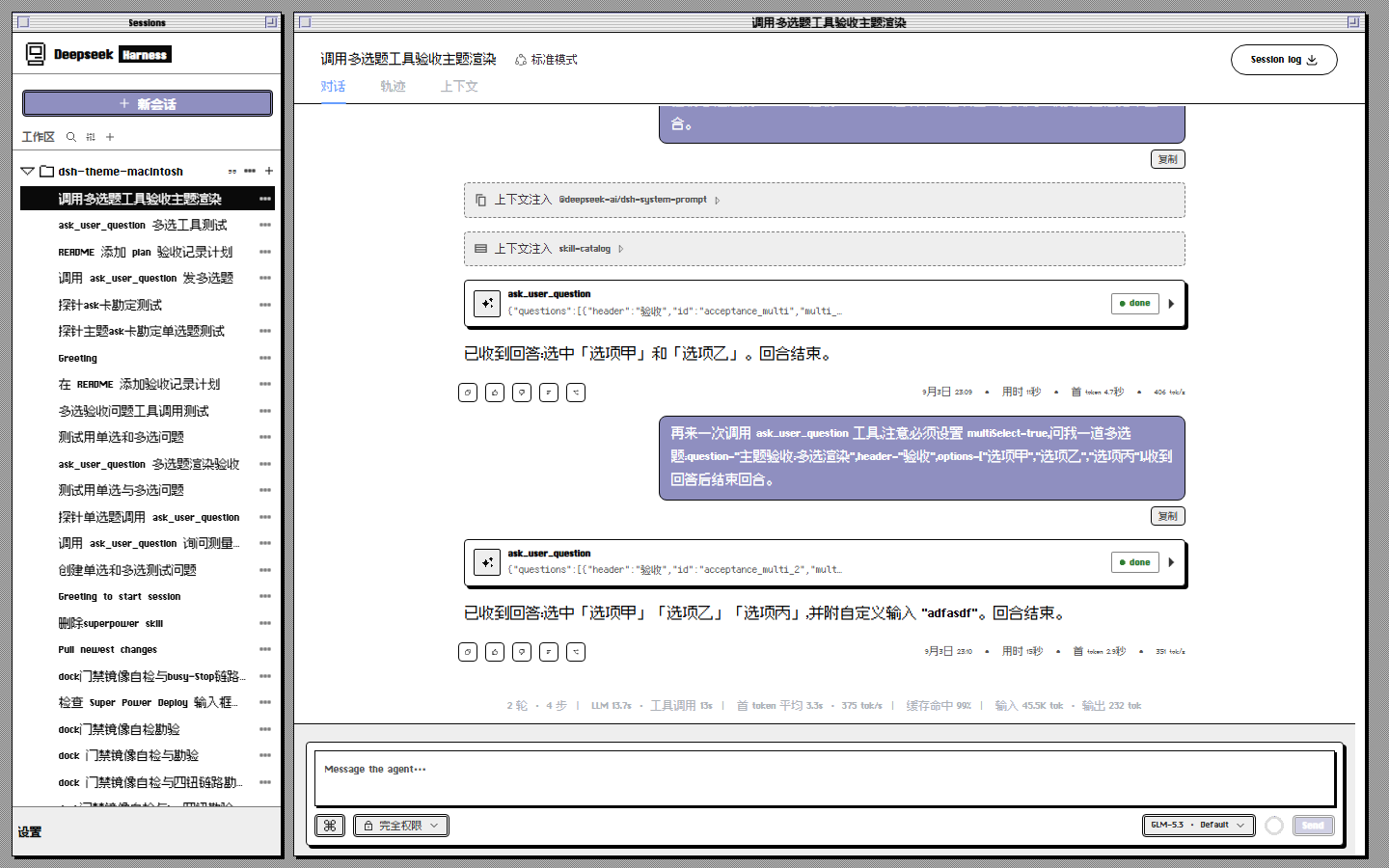
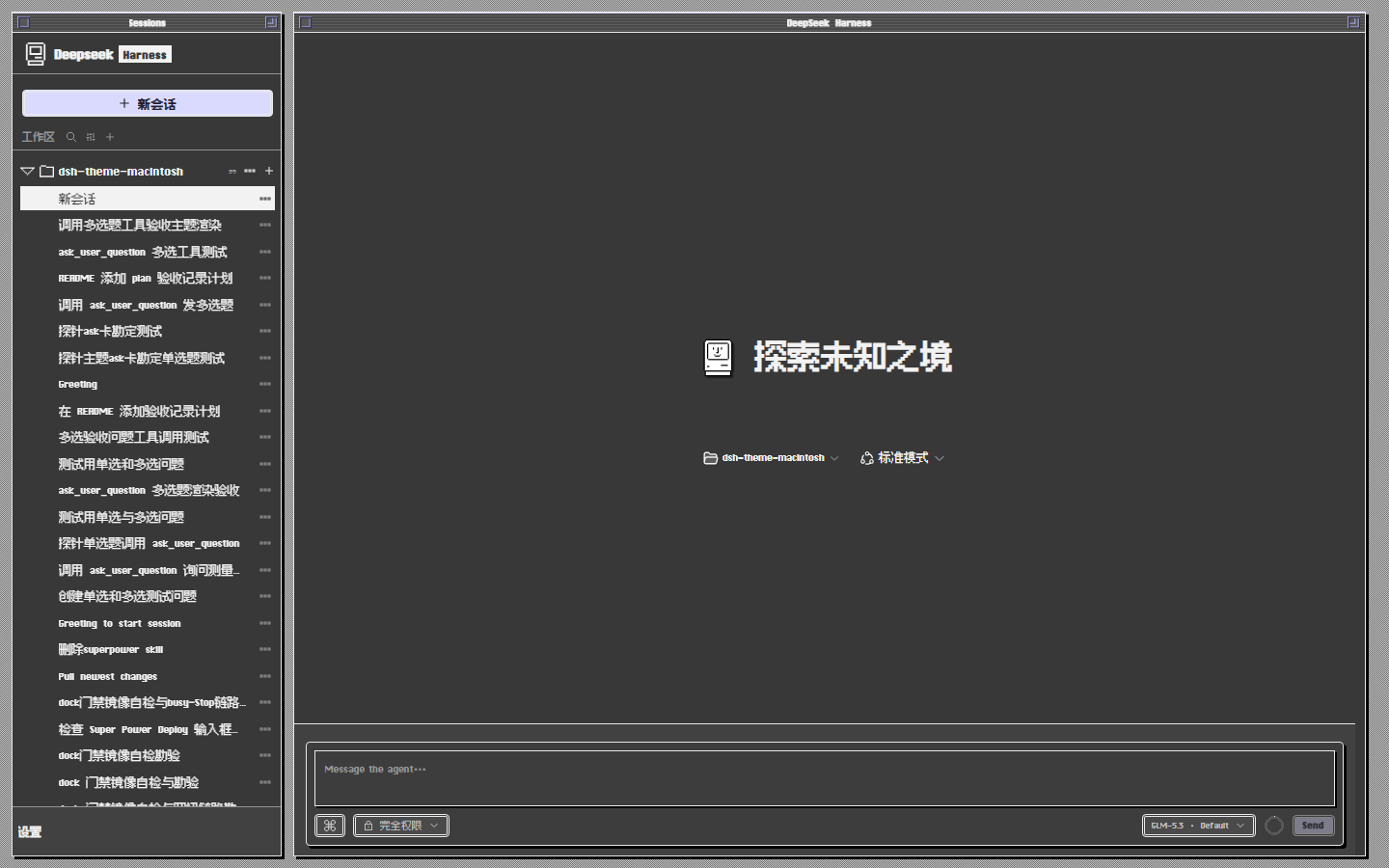
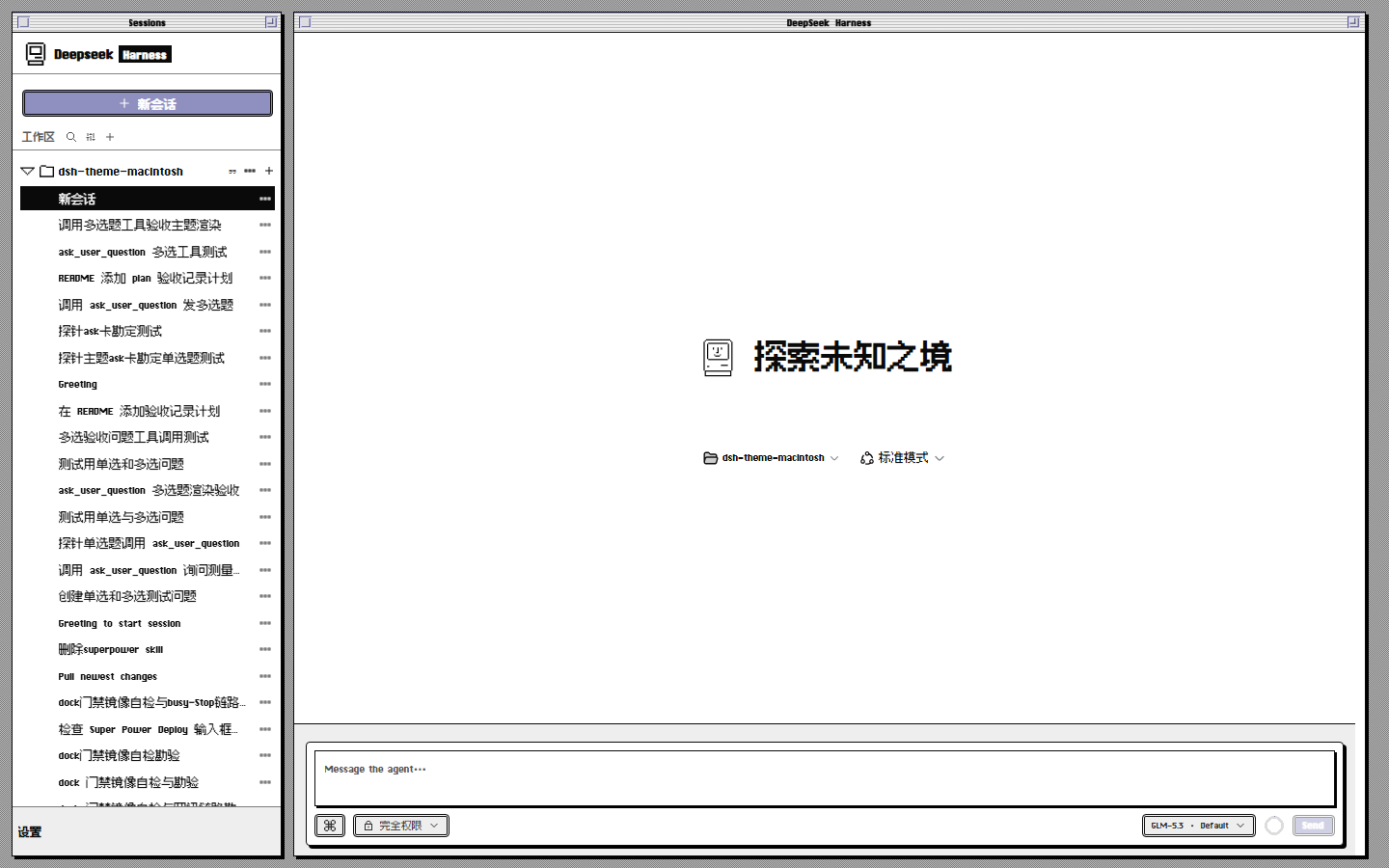
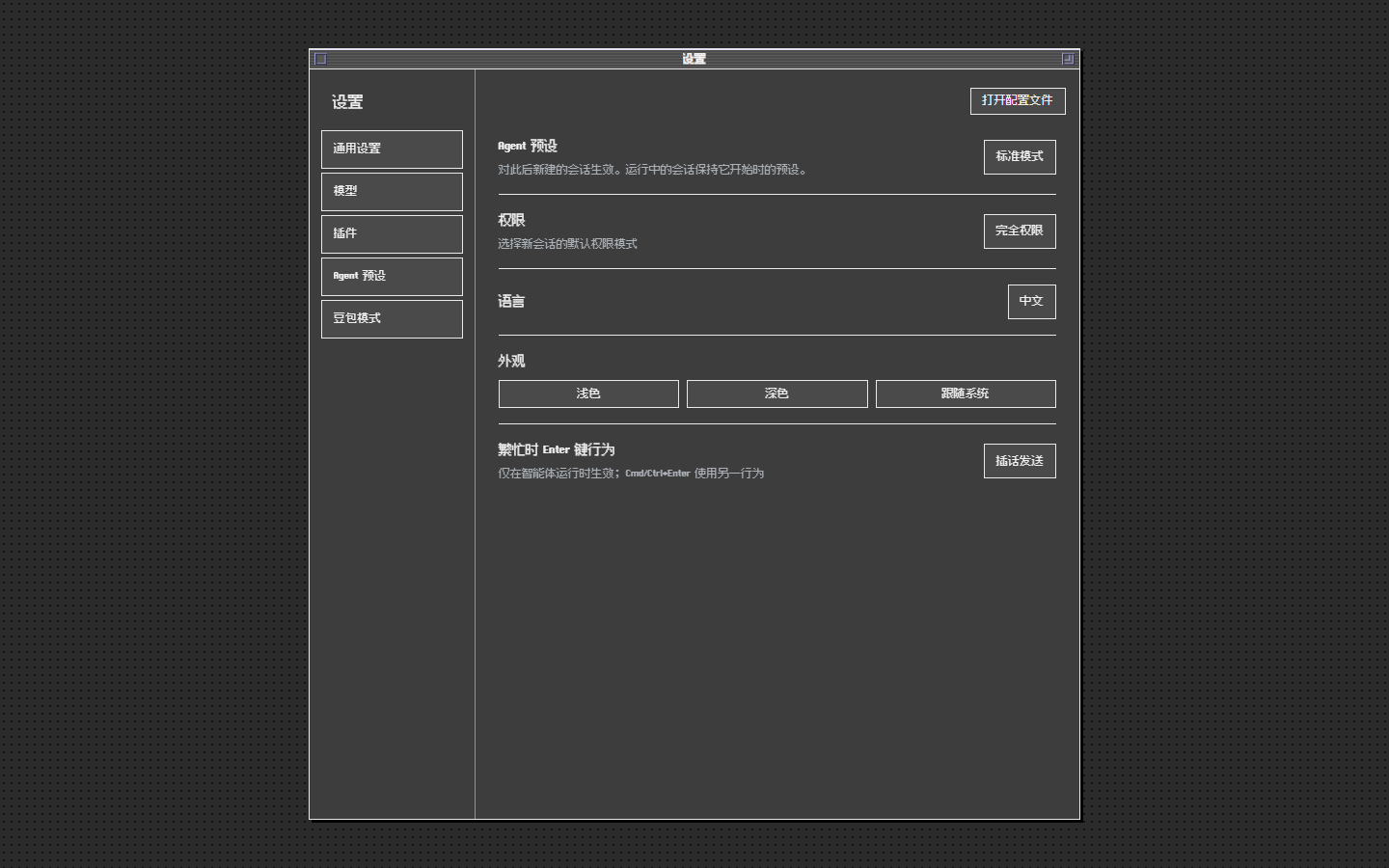
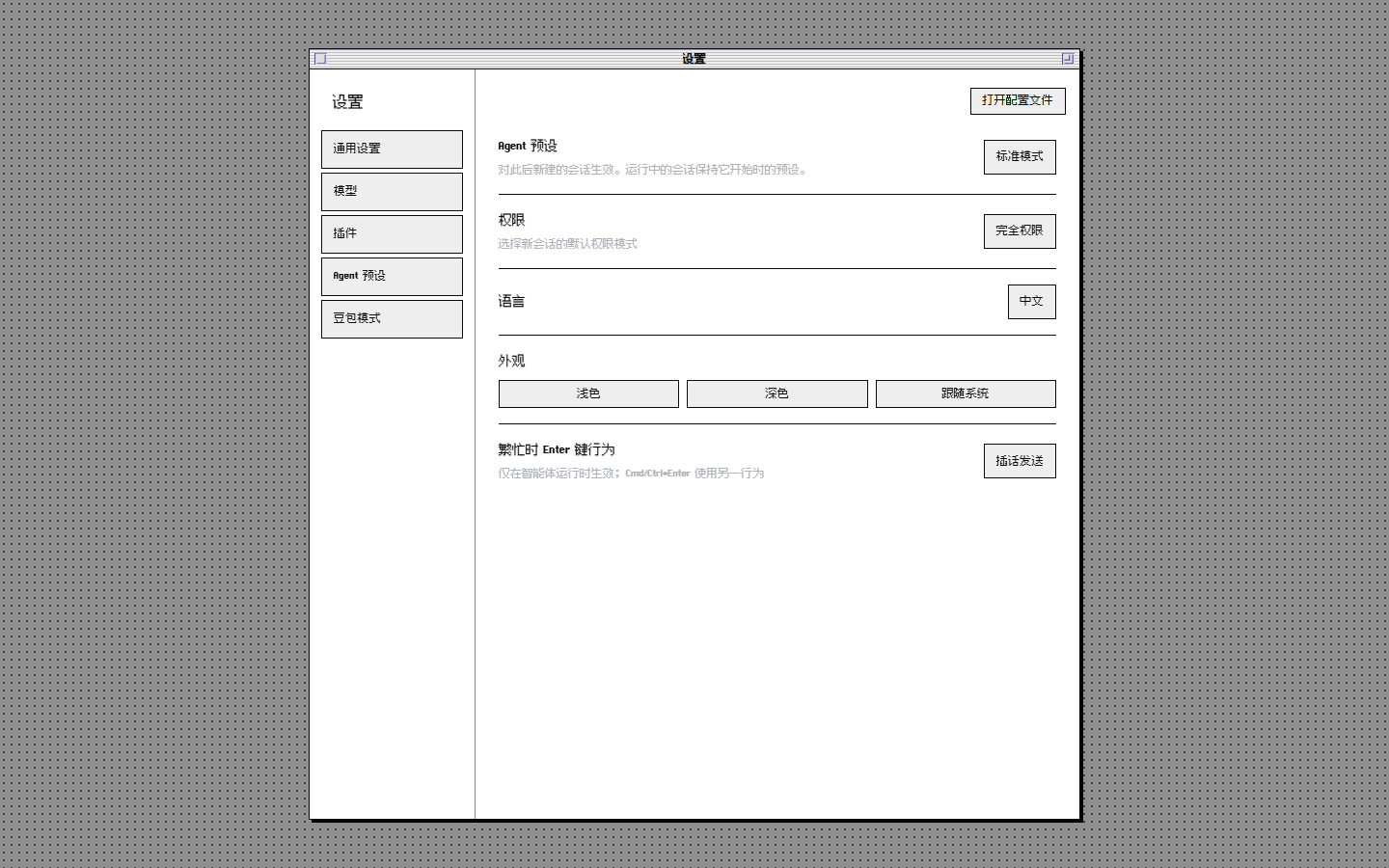
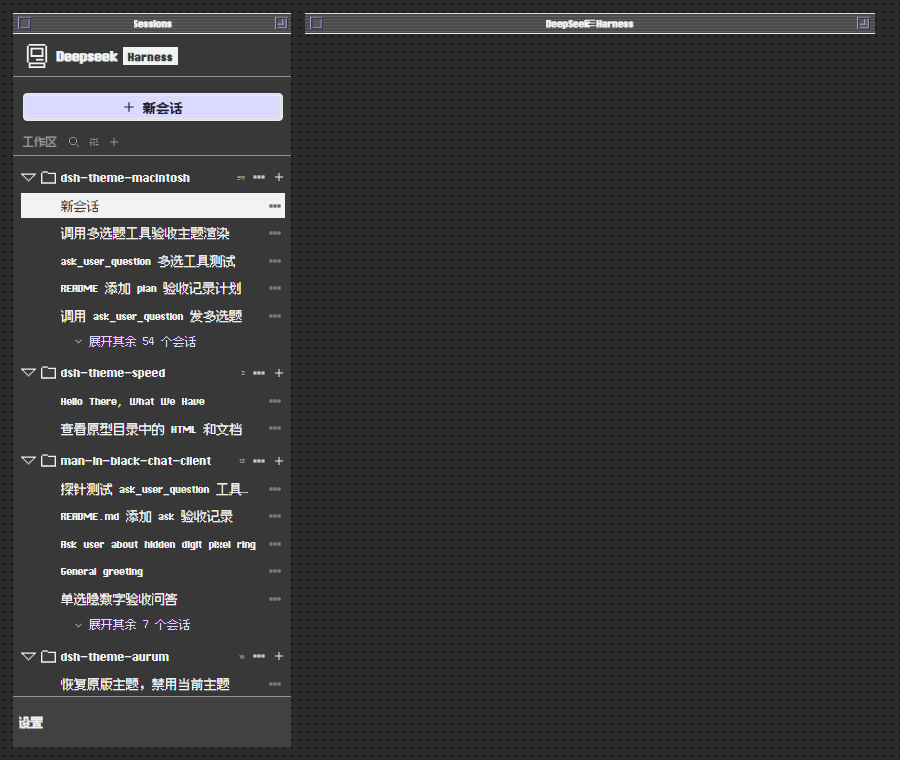
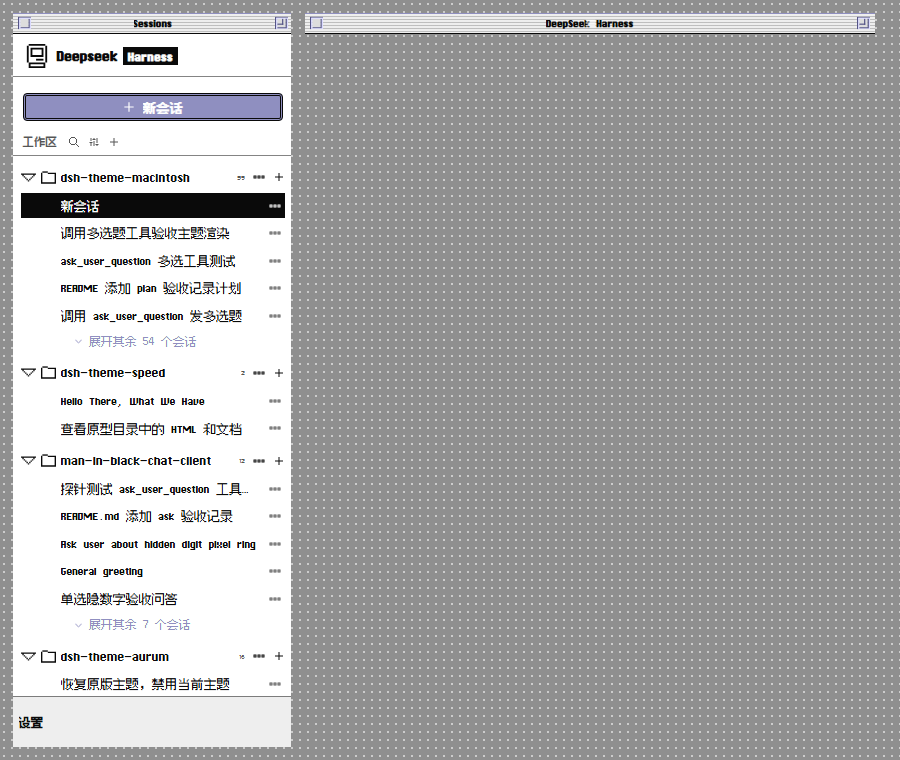
DSH's default Web GUI is clean and modern, but it can feel a little soulless to those who remember pressing keys on beige plastic. dsh-theme-macintosh drags the entire host interface back to 1991 Mac System 7 vocabulary—ChiKareGo and Fusion Pixel typefaces, a desktop noise canvas, a Finder-style session sidebar, squared-off buttons—all implemented as pure CSS token overrides with zero build step, persistent the moment you refresh after install.
This is far more than a palette swap. Every layer of the session flow is rebuilt: h1–h3 headings, inline code, tables, and blockquotes carry the pixel treatment; the reasoning card reveals its content frame-by-frame behind a white cover; tool cards sweep through running, done, and fail states; question cards invert whole rows on selection; pop-up menus group under squared separators; the input dock cycles through idle, ready, and busy; and the settings dialog gets a scrim dot-matrix curtain. All components ship in dual light and dark token sets that follow the official appearance toggle seamlessly. Pixel fonts are bundled and served through the host's static route with no third-party CDN required, and a kit inspection page in the devtools console lets you study every component in its living state.
It is made for people who keep DSH open as a daily workbench but want a dash of retro character on the glass. Functionality is untouched; only the skin changes. Remove the plugin and refresh, and the original look returns without affecting any conversation data or workflow.
Screenshots
Use Cases
- Daily DSH coding sessions where you want a dash of 90s Mac charm
- Team demos where a distinctive theme makes the tool instantly memorable
- A pixel-font and noise-texture fan who wants a visual mood shift without switching tools
Best For
- Heavy DSH users who have been staring at the same UI and want variety
- Retro UI and pixel-art fans who want a hidden nostalgic wink in their stack
- Dress-up lovers who want instant effect with zero build or external CDN
Related Plugins

whale-girl is a desktop pet in the DSH Web GUI (bottom-right for instant companionship) — draggable, feedable, playable; completed tasks, sessions and companionship time accrue into seniority levels, titles, and memories.

Renders your local Wallpaper Engine wallpapers as the DSH web background, supporting video, web, and scene wallpapers with a liquid-glass effect and rich customization.

A WebGPU ocean skin for DeepSeek Harness with five-wave Gerstner waves, translucent theme, day/night cycle, and quick controls, installable as plugin or extension.

A Galgame-style conversation view and visual scene editor for DSH web sessions, with a real-time editing mode.