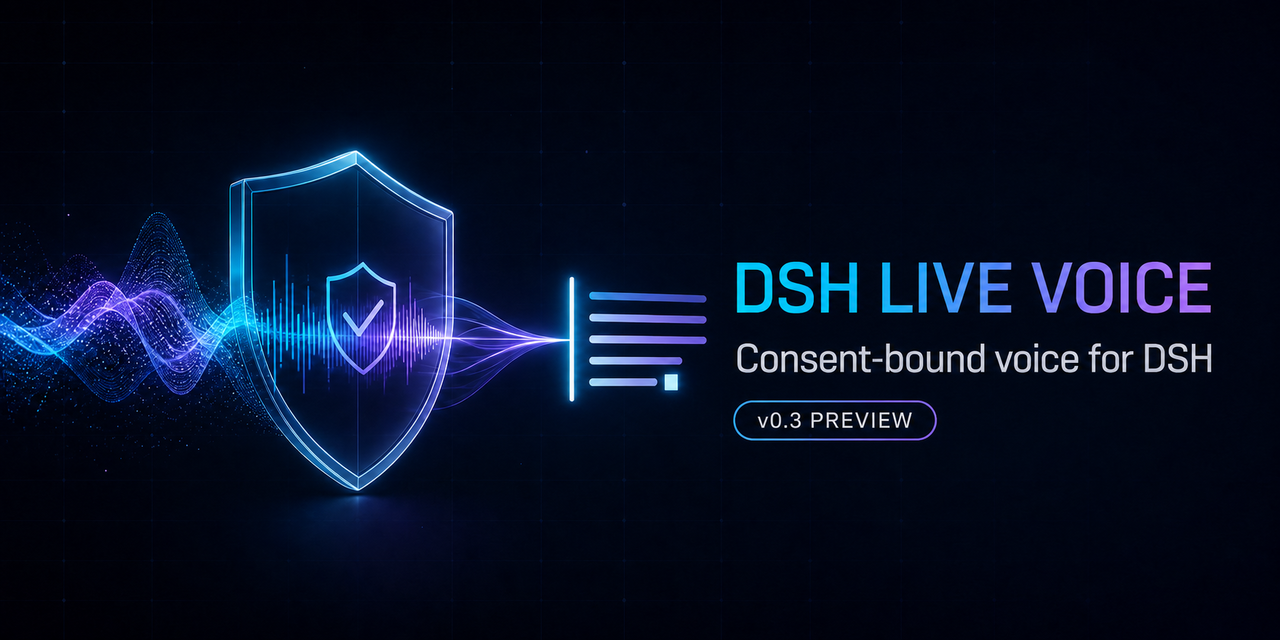
dsh-live-voice
Run the following command in DeepSeek Harness:
dsh plugin install Jstn-1g/dsh-live-voice
Paste the following prompt into your AI chat to install this plugin:
Run dsh plugin install Jstn-1g/dsh-live-voice (open-source repo: https://github.com/Jstn-1g/dsh-live-voice) in DeepSeek Harness to install this plugin.
About this plugin
DSH Live Voice solves one specific problem: you want to speak a single voice turn inside a DSH session, hear the audio response from the AI, review both transcripts, and optionally drop your text into the current draft — without the tool ever making decisions for you. It is not a speech-to-text microphone button. It is a bounded, single-turn voice interaction: bidirectional native audio, session-bound consent, and an explicit second confirmation before any transcript enters the draft.
The core design revolves around control. On the input side, one PCM16 mono 16 kHz recording turn capped at 30 seconds; on the output side, PCM16 mono 24 kHz playback capped at 60 seconds. The Qwen audio handshake requires explicit pcm codec, text-plus-audio modalities, and manual turn detection — any tool invocation or non-message capability is rejected outright. Authority is revalidated before every audio append and commit; session-object reuse or workspace moves fail closed immediately.
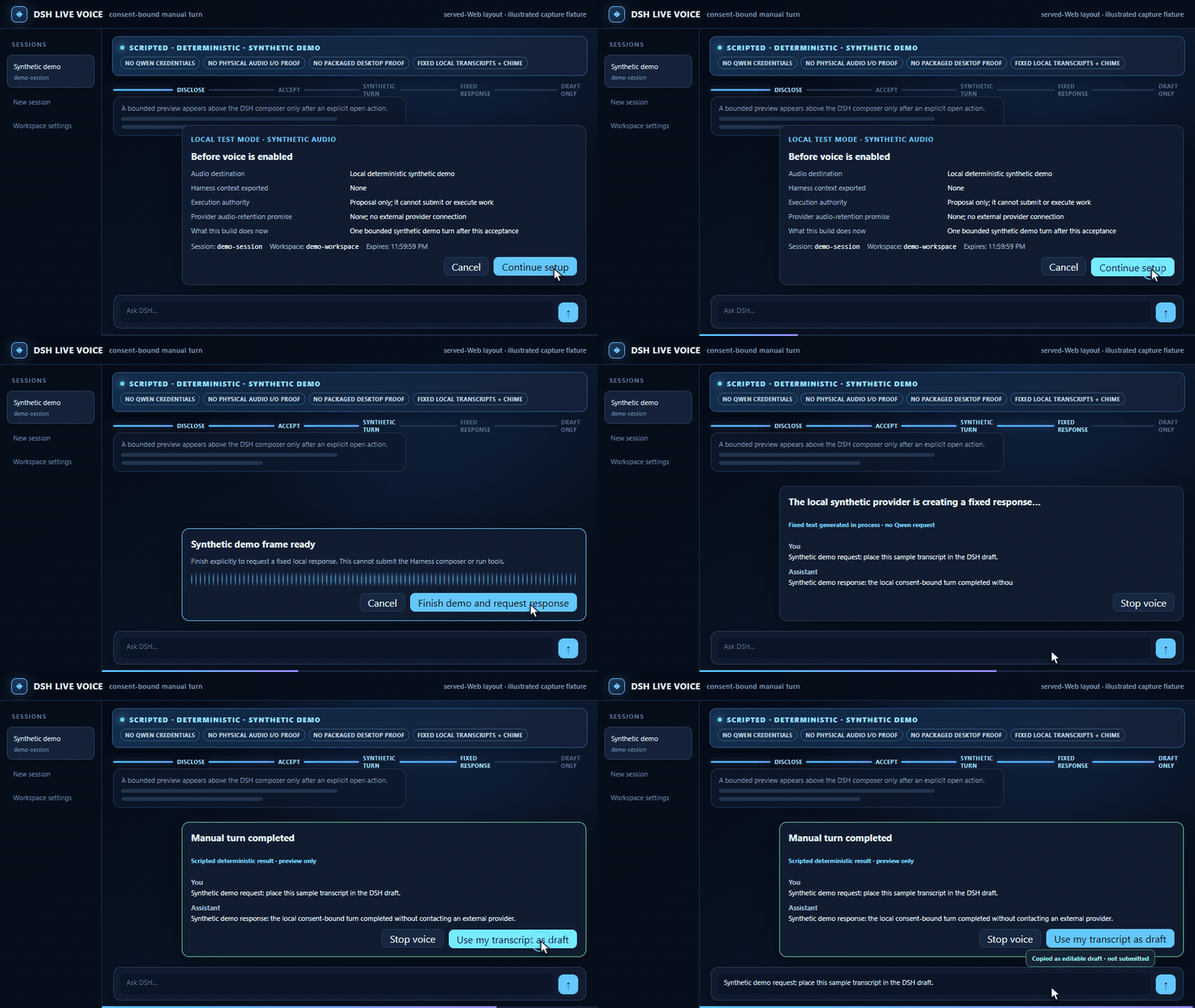
Who it is for: developers already running a DSH Web profile who want to experiment with voice interaction in a guarded context. Preview.5 ships with bundled synthetic audio and fixed transcripts, so you can complete a full 24-second walkthrough in two minutes without Qwen credentials, a physical microphone, or an external server. It does not promise continuous conversation, barge-in, or composer submission — it is exactly one turn, done.
Screenshots
Use Cases
- Speak a single voice turn in a DSH session, hear the AI audio reply, review both transcripts, and optionally insert your text into the draft
- Complete a full 24-second voice walkthrough using bundled synthetic audio in two minutes without Qwen credentials or a physical microphone
- Validate packed-plugin installation, authenticated handshake, and exact-session binding in a DSH Web profile during development
Best For
- Developers running a DSH Web profile who want to trial voice interaction in a guarded context
- Harness integration engineers validating voice plugin packed installation, auth, and session binding flows
- Product leads evaluating consent models and authority boundaries for voice feature security architecture
Related Plugins
A service-oriented sidebar framework for DSH, offering a full workbench with file explorer, embedded browser, real terminal, Git panel, and extensible plugin services.

A beautiful, practical Claude Code-style TUI plugin with pixel whale top bar, flowing glow title, real-time status line, streaming thought expansion, time rewind, context progress bar and TPS gauge — zero core changes.

The plugin market for DeepSeek Harness: browse/search/one-click install community plugins and themes, with updates, backup/restore, hot disable, diagnostics, and AI fix.

A persistent whale widget on the DSH web UI that shows DeepSeek balance, today's usage, and per-turn cost, with drag-and-snap and sound effects.