dsh-ui-liteglass
Run the following command in DeepSeek Harness:
dsh plugin install mumuer1024/dsh-ui-liteglass
Paste the following prompt into your AI chat to install this plugin:
Run dsh plugin install mumuer1024/dsh-ui-liteglass in your terminal to install this plugin; the full source is at https://github.com/mumuer1024/dsh-ui-liteglass
About this plugin
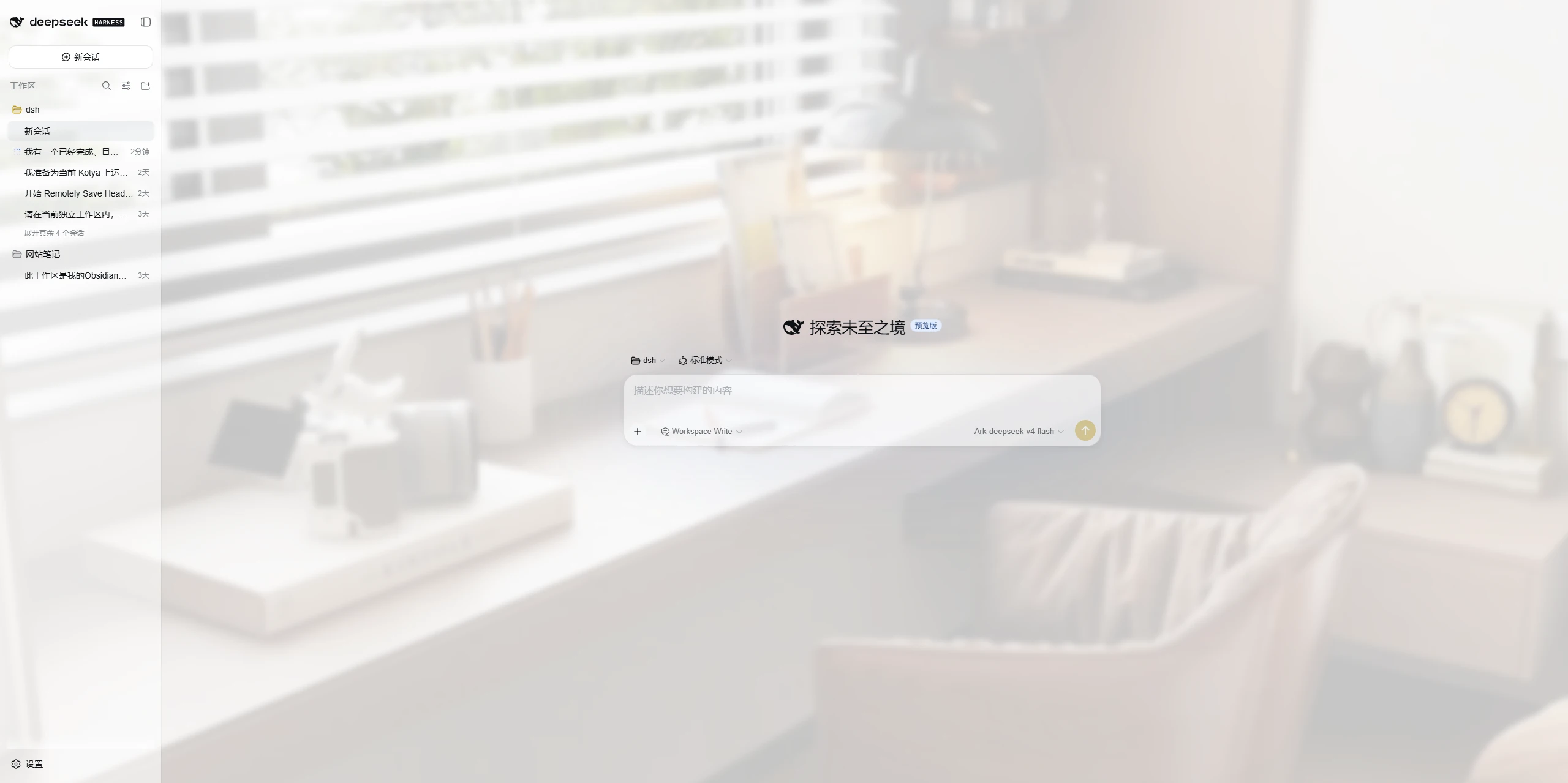
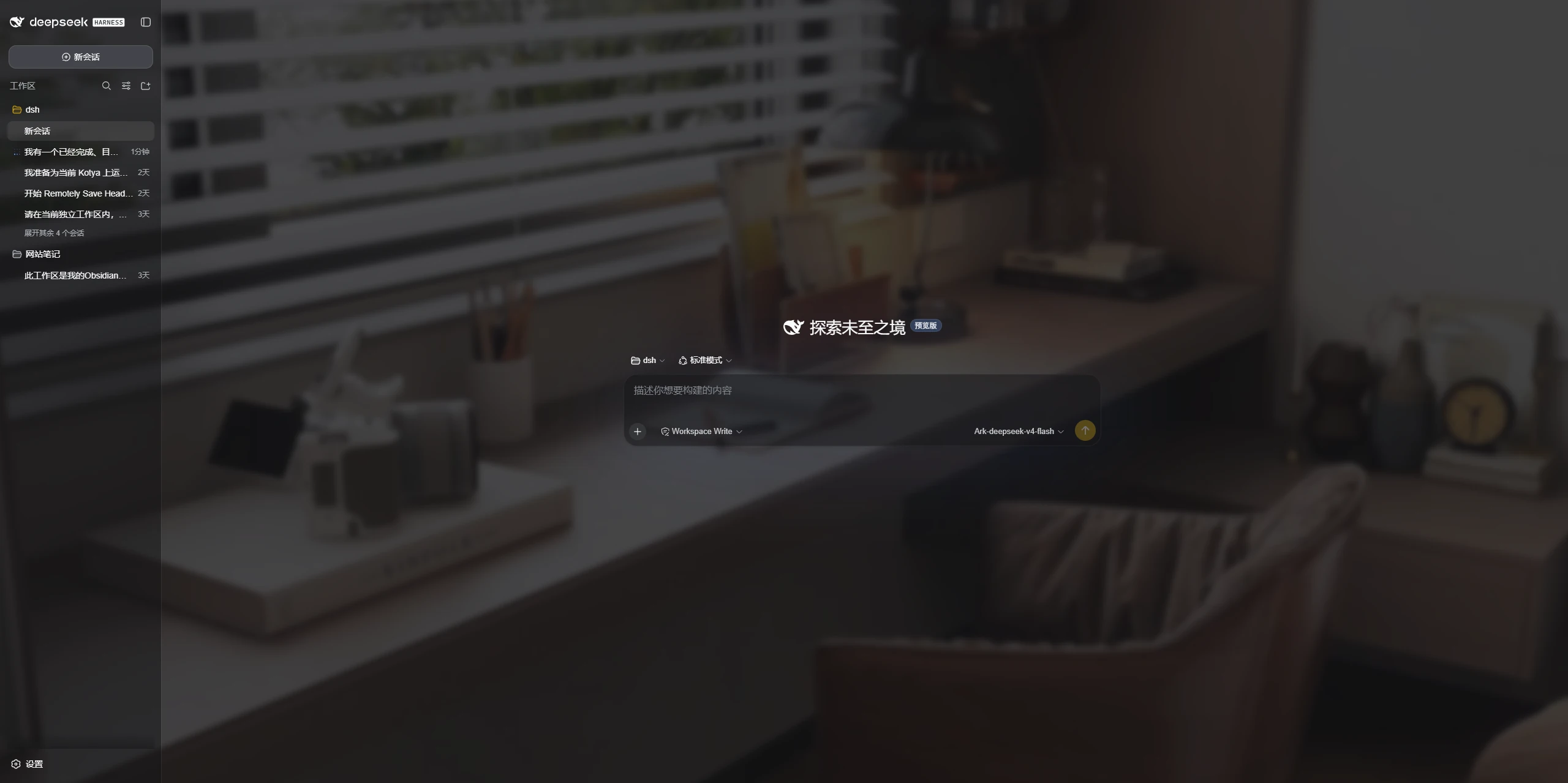
DeepSeek Harness ships a clean, uniform interface but barely leaves room for personal taste. LiteGlass narrows the customization surface to exactly three things—wallpaper, glass panels, and accent color—injecting a light, tasteful layer of visual personality without introducing a rival theme system.
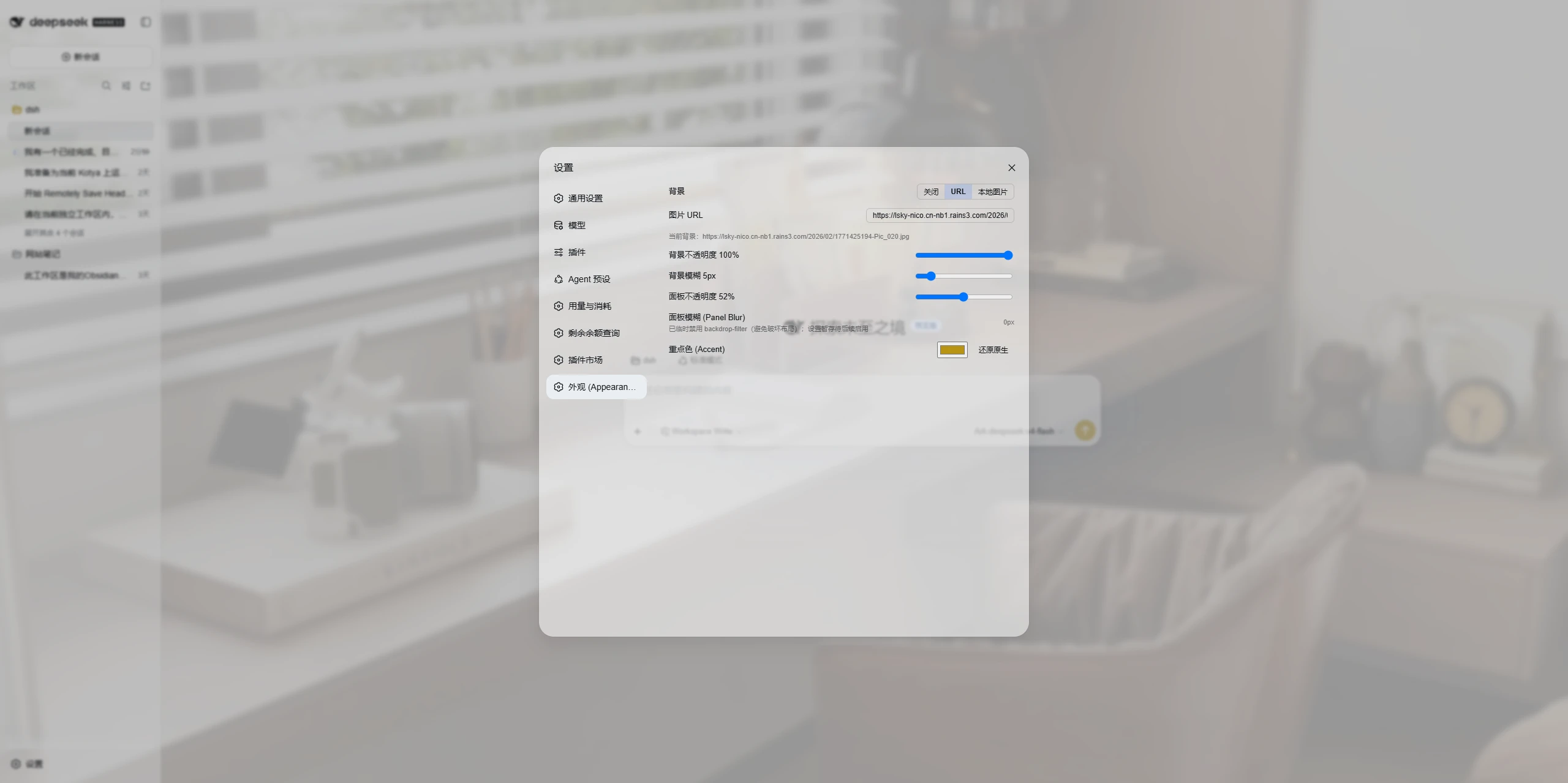
In practice: the background accepts a remote image URL or a local upload, with adjustable opacity and blur; panel transparency delivers a lightweight frosted-glass feel; the accent color adapts automatically to DSH's native Light, Dark, or System mode so it never clashes with the built-in color scheme. Every setting and uploaded wallpaper file is persisted on the DSH host rather than in the browser, so all devices that reach the same server share the identical look with zero per-device reconfiguration.
It is built for users who want a hint of personal style on their Harness UI without the weight of a full theme framework. Wallpaper, glass, accent color—that is the entire surface. Open Settings, step into the Appearance section, and you are done.
Screenshots
Use Cases
- Drop a favorite wallpaper onto the Harness UI with a glassmorphism touch
- Set a custom accent color that adapts to native Light and Dark modes
- Keep every device on the same DSH host in sync with one shared look
Best For
- Individual users who want a light visual tweak without a full theme framework
- Teams sharing one DSH host who need a single config applied everywhere
- Developers who prefer a minimal, restrained UI with just wallpaper, glass, and accent color
Related Plugins

whale-girl is a desktop pet in the DSH Web GUI (bottom-right for instant companionship) — draggable, feedable, playable; completed tasks, sessions and companionship time accrue into seniority levels, titles, and memories.

Renders your local Wallpaper Engine wallpapers as the DSH web background, supporting video, web, and scene wallpapers with a liquid-glass effect and rich customization.

A WebGPU ocean skin for DeepSeek Harness with five-wave Gerstner waves, translucent theme, day/night cycle, and quick controls, installable as plugin or extension.

A Galgame-style conversation view and visual scene editor for DSH web sessions, with a real-time editing mode.