dsh-johari-cognition-quadrant-dialog-composer
Run the following command in DeepSeek Harness:
dsh plugin install cyrus123456/dsh-johari-cognition-quadrant-dialog-composer
Paste the following prompt into your AI chat to install this plugin:
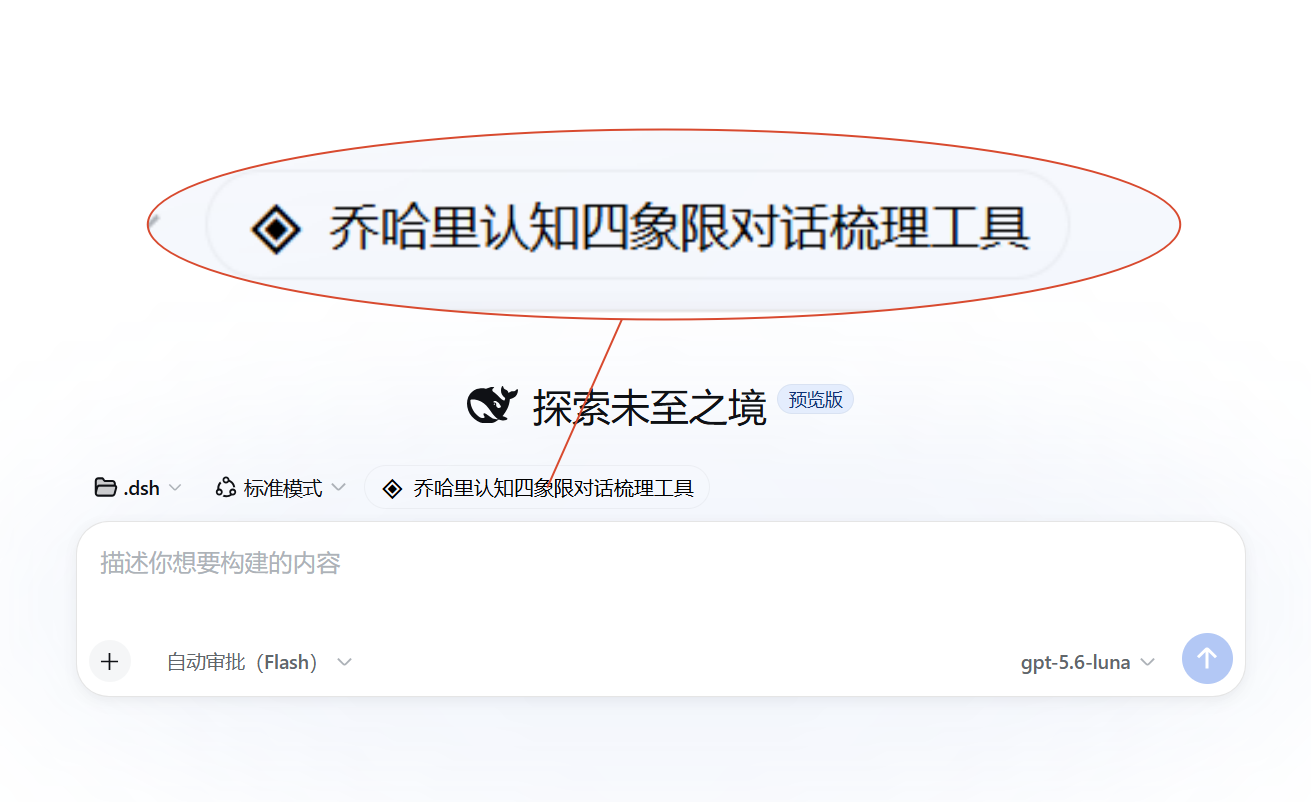
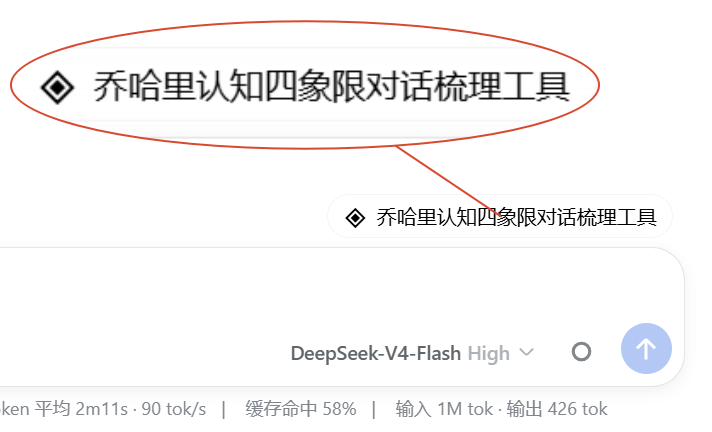
Run dsh plugin install cyrus123456/dsh-johari-cognition-quadrant-dialog-composer in your terminal; the full source is available at https://github.com/cyrus123456/dsh-johari-cognition-quadrant-dialog-composer . After installation, restart DSH and the Johari quadrant button will appear above the conversation input box.
About this plugin
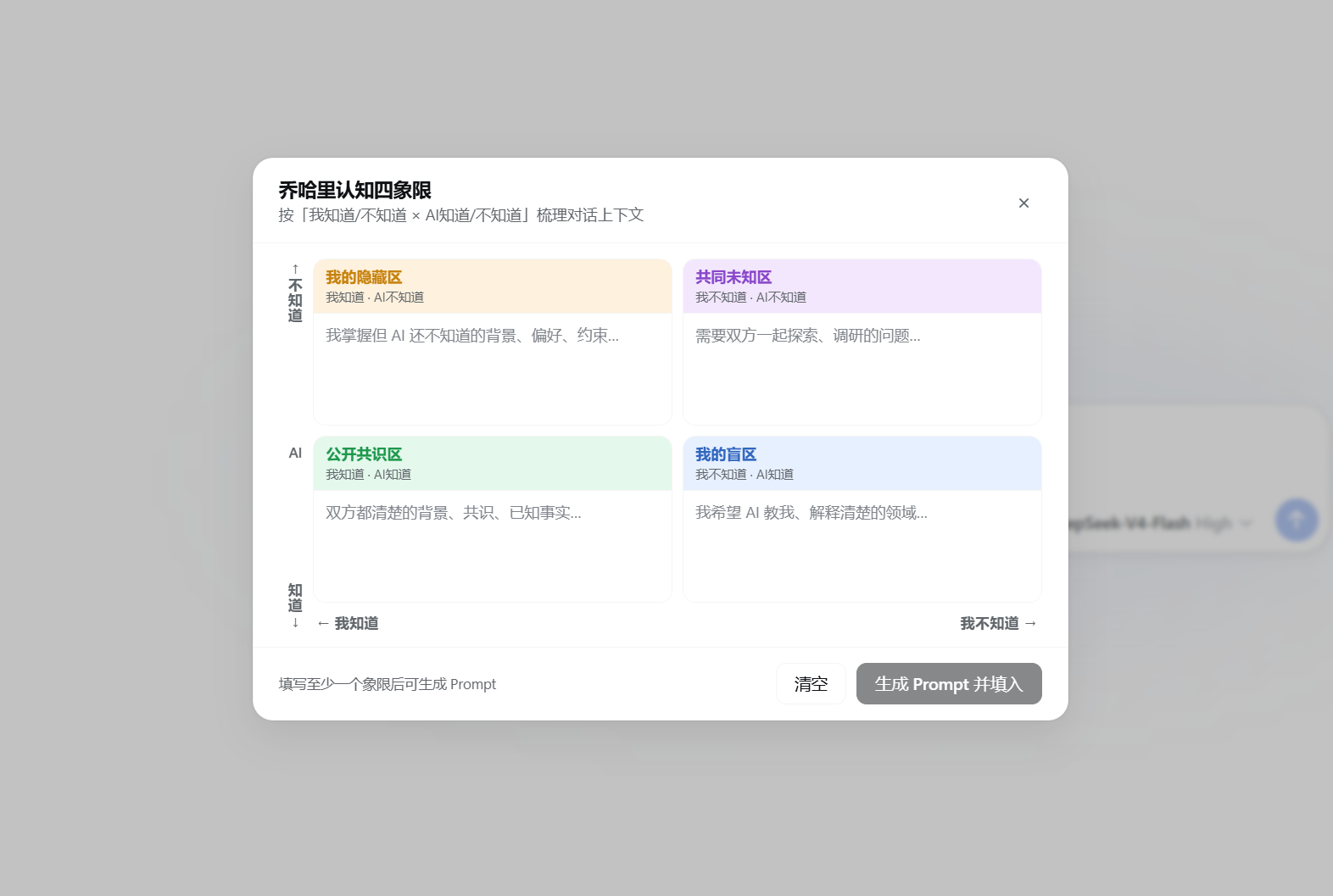
When talking with an AI, we often get stuck in a fuzzy middle ground: which context should I share, which questions should we explore together, and which gaps do I want the AI to fill? The Johari Window is a classic thinking framework built for exactly this. This DSH plugin turns the framework into a single button above the conversation input box. Click it and a 2×2 quadrant panel appears — the horizontal axis separates what I know from what I do not, the vertical axis separates what the AI knows from what it does not. The four cells map to the background you want to tell the AI, the unknowns worth exploring together, the shared consensus you both already hold, and the blind spots you want the AI to teach you.
Type a few keywords into each cell, then click
Screenshots
Use Cases
- Pinpointing specific blind-spot questions to ask the AI in a new field
- Aligning shared knowns and unknowns before a collaboration session
- Isolating open-ended problems for structured AI-assisted exploration
Best For
- Prompt writers who want a clear structure for every conversation
- Students and researchers leveraging AI for study and research
- Knowledge workers seeking efficient AI collaboration in daily work
Related Plugins
A service-oriented sidebar framework for DSH, offering a full workbench with file explorer, embedded browser, real terminal, Git panel, and extensible plugin services.

A beautiful, practical Claude Code-style TUI plugin with pixel whale top bar, flowing glow title, real-time status line, streaming thought expansion, time rewind, context progress bar and TPS gauge — zero core changes.

The plugin market for DeepSeek Harness: browse/search/one-click install community plugins and themes, with updates, backup/restore, hot disable, diagnostics, and AI fix.

A persistent whale widget on the DSH web UI that shows DeepSeek balance, today's usage, and per-turn cost, with drag-and-snap and sound effects.