dsh-theme-aurum
Run the following command in DeepSeek Harness:
dsh plugin install fengb3/dsh-theme-aurum
Paste the following prompt into your AI chat to install this plugin:
Run dsh plugin install fengb3/dsh-theme-aurum in your terminal to install this plugin. The source repository is available at https://github.com/fengb3/dsh-theme-aurum .
About this plugin
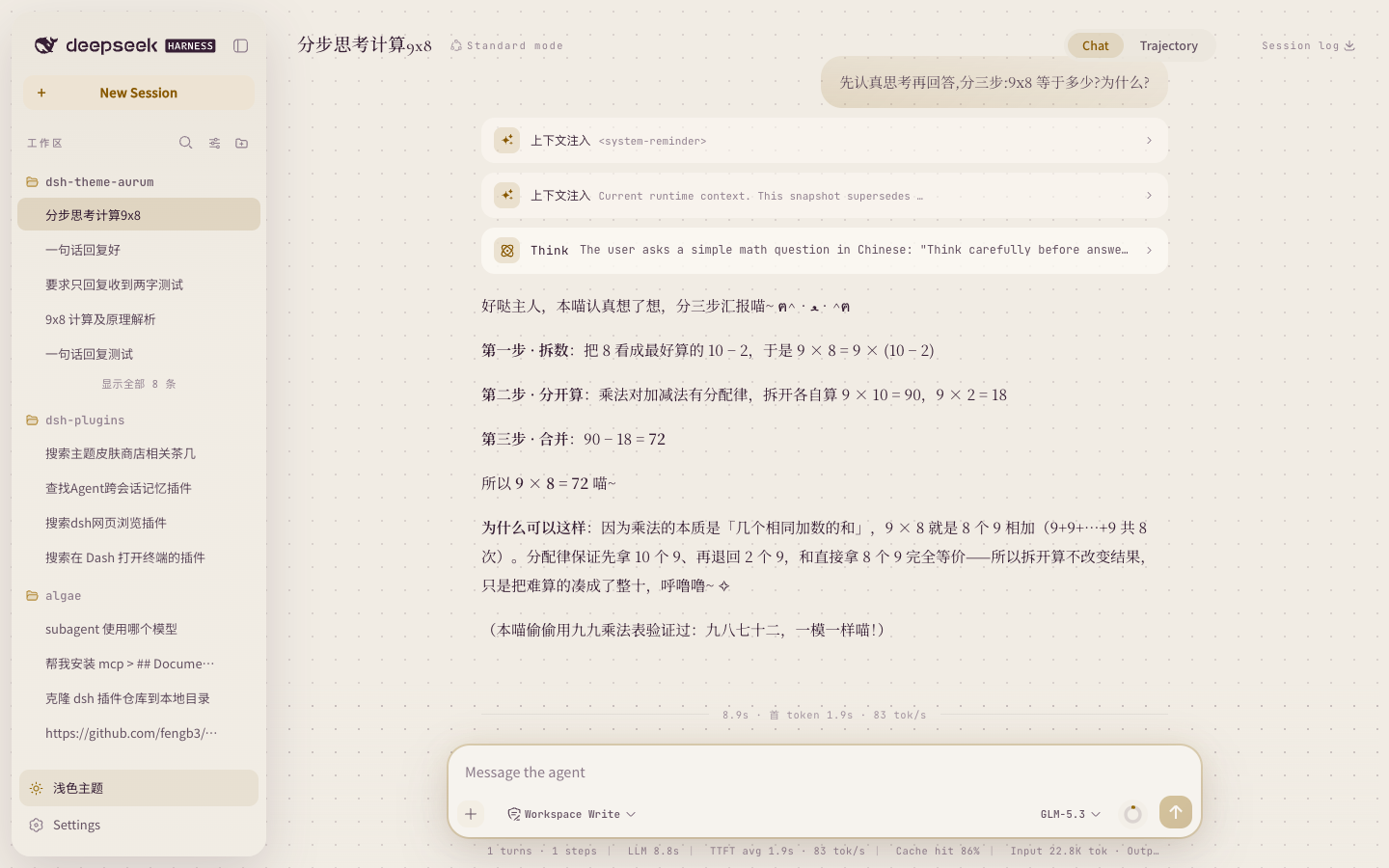
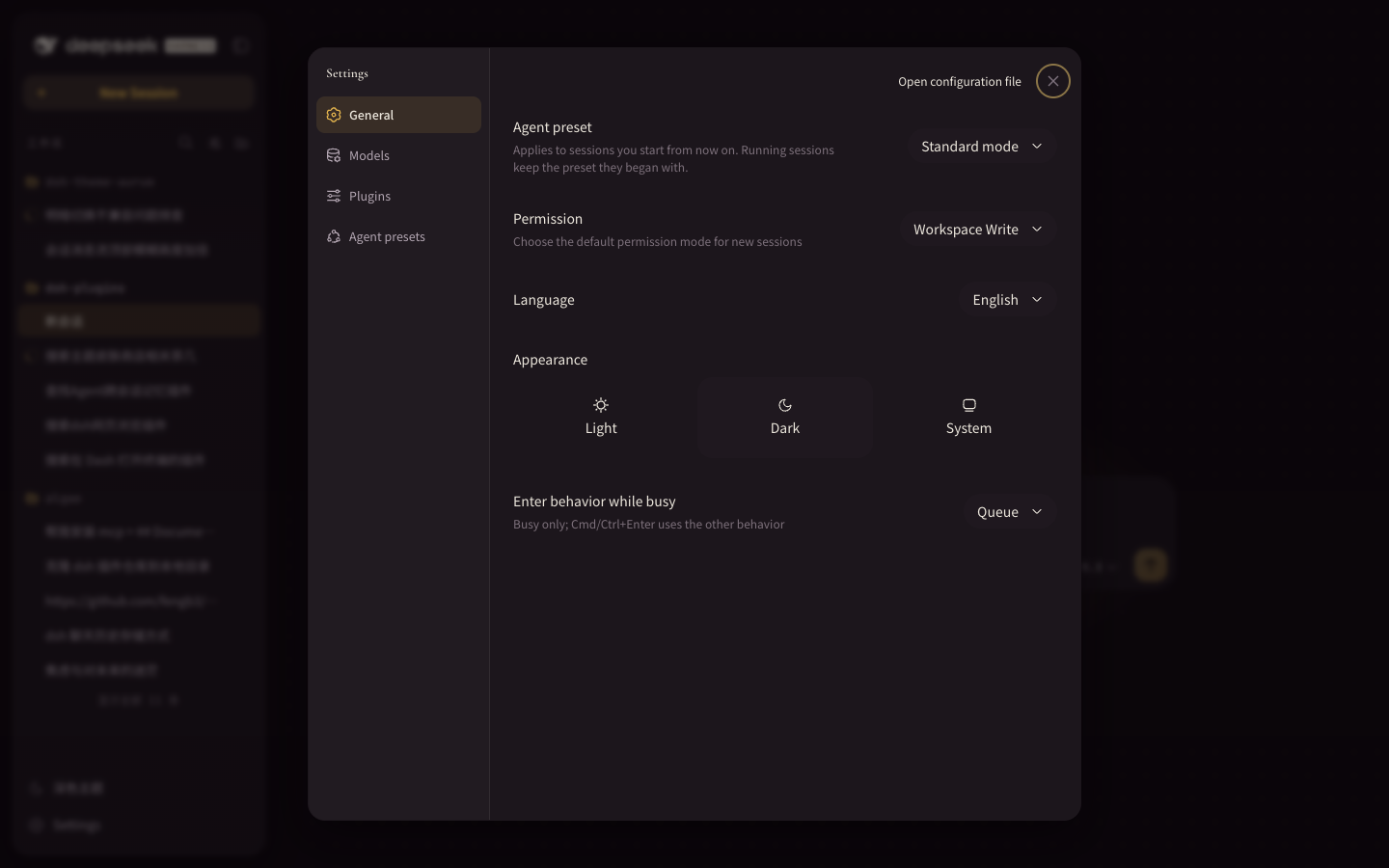
The default DSH Web interface is functional but visually flat, with dense components and little visual hierarchy. dsh-theme-aurum delivers a complete gilded theme that unifies every surface—sidebar cards, chat bubbles, tool cards, the input dock, and global overlays—under a single oklch gold-champagne palette with serif body text, while still honoring the official one-click light/dark toggle and system-preference follow.
Built on the official DSH client API with zero build steps, a pure-loader footprint, and no host-process overhead, all rendering stays in the browser. The sidebar gains expandable search, multi-view sorting, drag-to-reorder, and live session status slots; tool cards apply bespoke rendering to nine official tool types with a Sparkle-based fallback for unknowns; the input dock packs in a todo progress bar, a context ring, and a composition panel. Responsive breakpoints span 360 to 1920 px with a three-tier density reduction that guarantees zero horizontal scroll on small screens.
The plugin uses priority-based slot overrides instead of hard replacements, so every official registration is retained and the interface fully reverts when the plugin is stopped. It also hooks into the official sidebar.workspaces.row-menu extension point and exposes its own aurum.workspaces.menu-extra slot, letting multiple menu plugins coexist in one dropdown without conflict. A strong fit for DSH Web power users who value visual cohesion, want a single theme to cover every interactive layer, and run several workspace or menu plugins side by side.
Screenshots
Use Cases
- Transform the flat default DSH Web UI into a unified gold-champagne visual identity
- Run multiple workspace menu plugins side by side without slot collisions
- Maintain zero horizontal scroll across 360 to 1920 px responsive breakpoints
Best For
- DSH Web power users who value visual cohesion and a branded look
- Developers stacking multiple plugins and needing coexistable menu extension slots
- Lightweight-oriented users who prefer zero-build pure-frontend solutions with no host process
Related Plugins

whale-girl is a desktop pet in the DSH Web GUI (bottom-right for instant companionship) — draggable, feedable, playable; completed tasks, sessions and companionship time accrue into seniority levels, titles, and memories.

Renders your local Wallpaper Engine wallpapers as the DSH web background, supporting video, web, and scene wallpapers with a liquid-glass effect and rich customization.

A WebGPU ocean skin for DeepSeek Harness with five-wave Gerstner waves, translucent theme, day/night cycle, and quick controls, installable as plugin or extension.

A Galgame-style conversation view and visual scene editor for DSH web sessions, with a real-time editing mode.