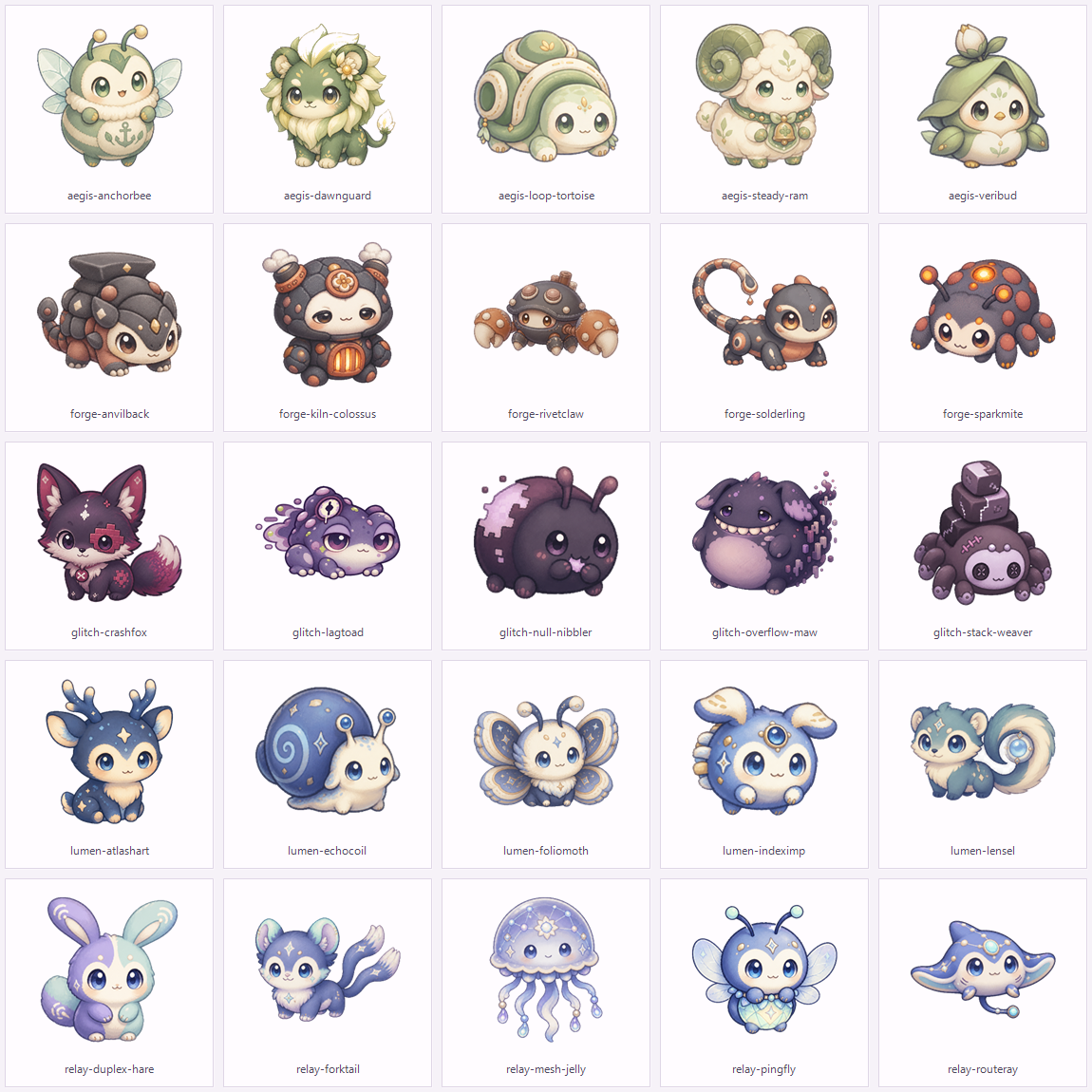
dsh-codekin
Run the following command in DeepSeek Harness:
dsh plugin install Nath-Vikky/dsh-codekin
Paste the following prompt into your AI chat to install this plugin:
Run dsh plugin install Nath-Vikky/dsh-codekin in your terminal to install the plugin; the source repository is at https://github.com/Nath-Vikky/dsh-codekin .
About this plugin
Routine DSH sessions often produce only log entries with no tangible sense of progress. Codekin turns those high-level runtime outcomes into local game events: a completed session may drop a capture core, a failed run may trigger a rare encounter. No changes to your prompts, tools, or agent behavior are needed; the plugin hooks into the background quietly.
The core loop revolves around five attributes (Compute, Compile, Network, Guard, Glitch). You command a three-member squad on an 8x8 match-three board, battling wild Codekin or Endless Stack Tower bosses in turn-based combat. Matching tiles trigger signal skills such as runtime repair, shared guard, compute sync, compile overclock, or glitch breach. Wins yield growth material; weakening an opponent opens a capture decision. You then manage up to seven residents on a 2D regional map, edit squads, level creatures to 100, and climb an endlessly scaling tower of bosses.
Codekin is aimed at users who want a lightweight collection-and-graduation loop alongside their daily DeepSeek Harness Web work. All progress persists in a local state.json file on disk; no prompt text, tool arguments, or conversation content is ever transmitted. Enable or pause the plugin with one click under DSH Settings, and your progress is always preserved.
Screenshots
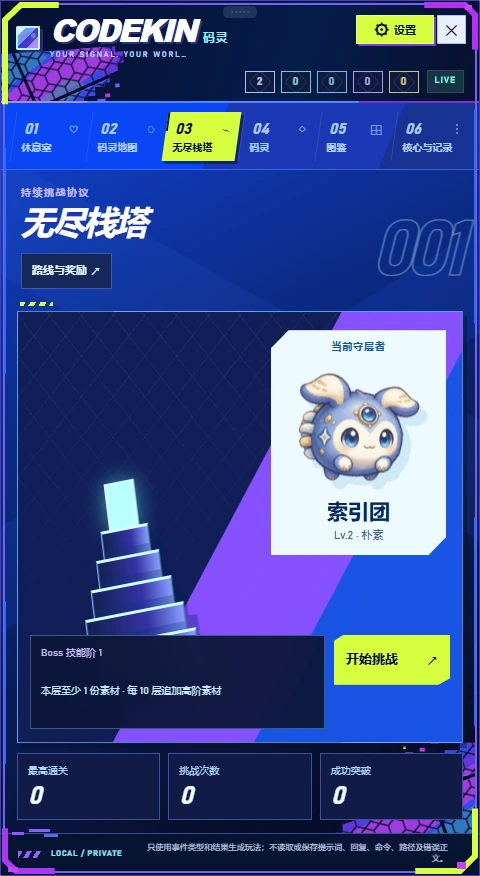
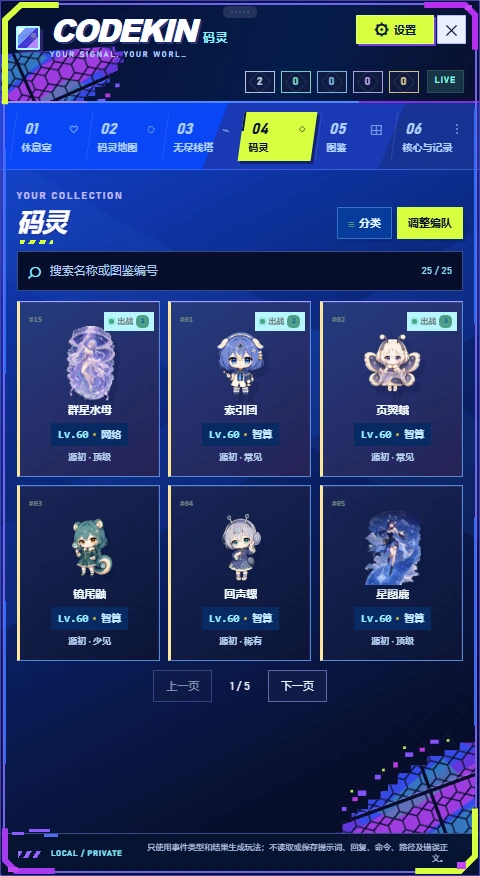

Use Cases
- Drop capture cores and trigger rare encounters after completing daily DSH tasks
- Command a three-member squad on an 8x8 match-three board against wild Codekin or tower bosses
- Manage up to seven residents on a 2D map, edit three squad slots, and level creatures to 100
Best For
- Users who want a lightweight collection and progression loop alongside daily DSH work
- Players who enjoy match-three or turn-based combat without leaving the DSH Web interface
- Users who value local data privacy and want zero prompt or tool-argument uploads
Related Plugins

whale-girl is a desktop pet in the DSH Web GUI (bottom-right for instant companionship) — draggable, feedable, playable; completed tasks, sessions and companionship time accrue into seniority levels, titles, and memories.

Renders your local Wallpaper Engine wallpapers as the DSH web background, supporting video, web, and scene wallpapers with a liquid-glass effect and rich customization.

A WebGPU ocean skin for DeepSeek Harness with five-wave Gerstner waves, translucent theme, day/night cycle, and quick controls, installable as plugin or extension.

A Galgame-style conversation view and visual scene editor for DSH web sessions, with a real-time editing mode.