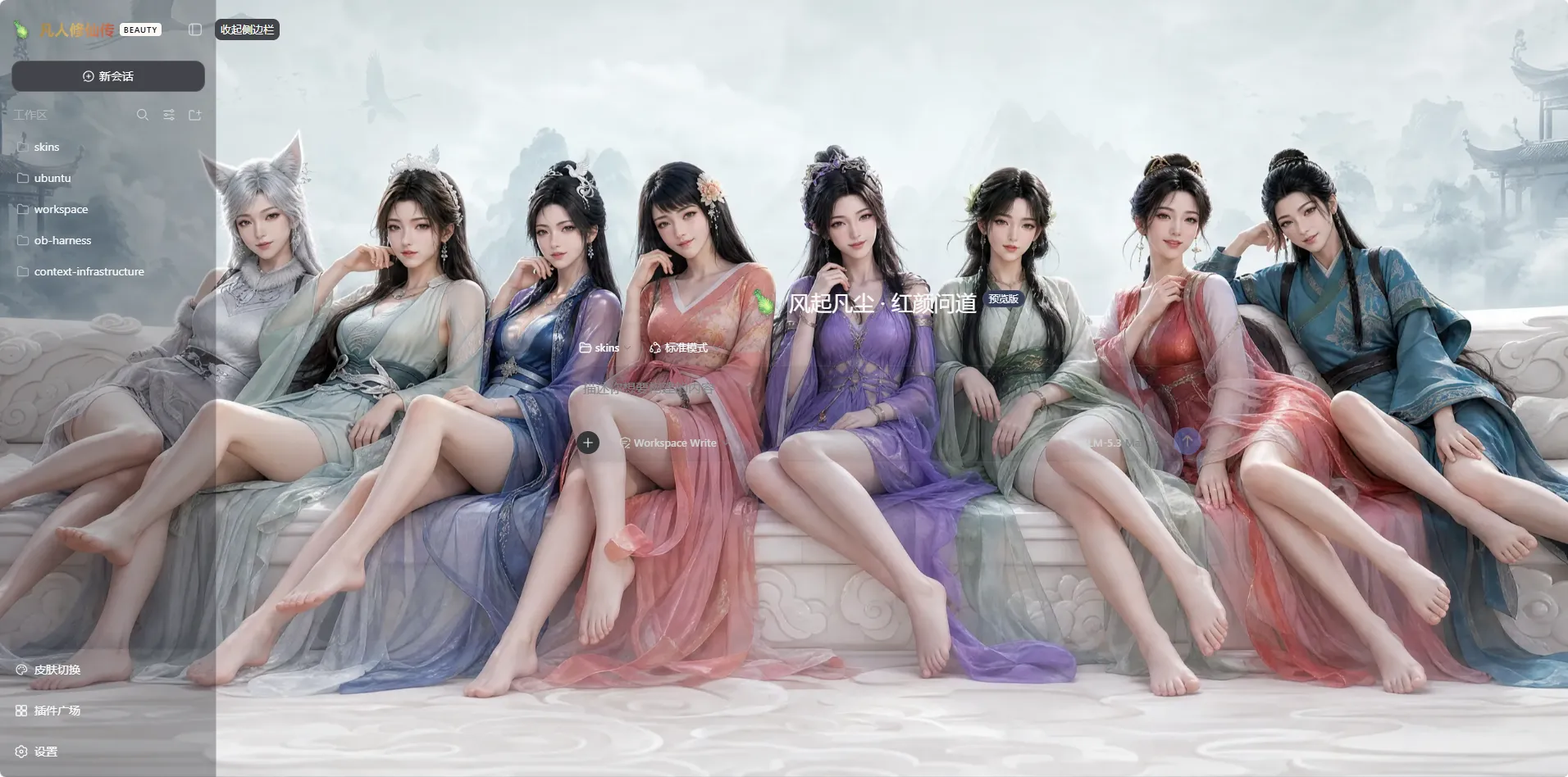
skins
Run the following command in DeepSeek Harness:
dsh plugin install iasiv5/skins
Paste the following prompt into your AI chat to install this plugin:
Run dsh plugin install iasiv5/skins in DeepSeek Harness to install this plugin; the source repository is available at https://github.com/iasiv5/skins
About this plugin
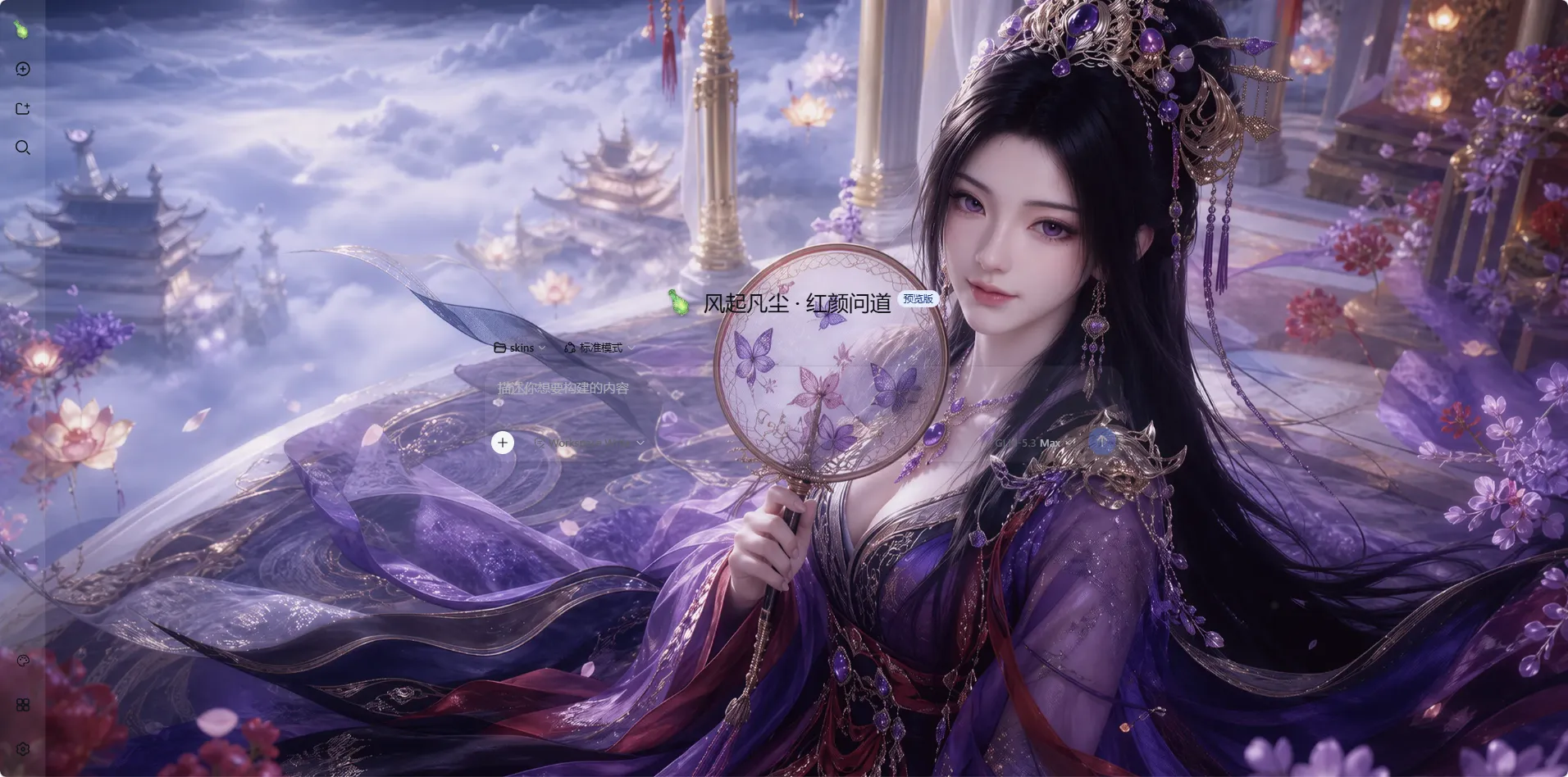
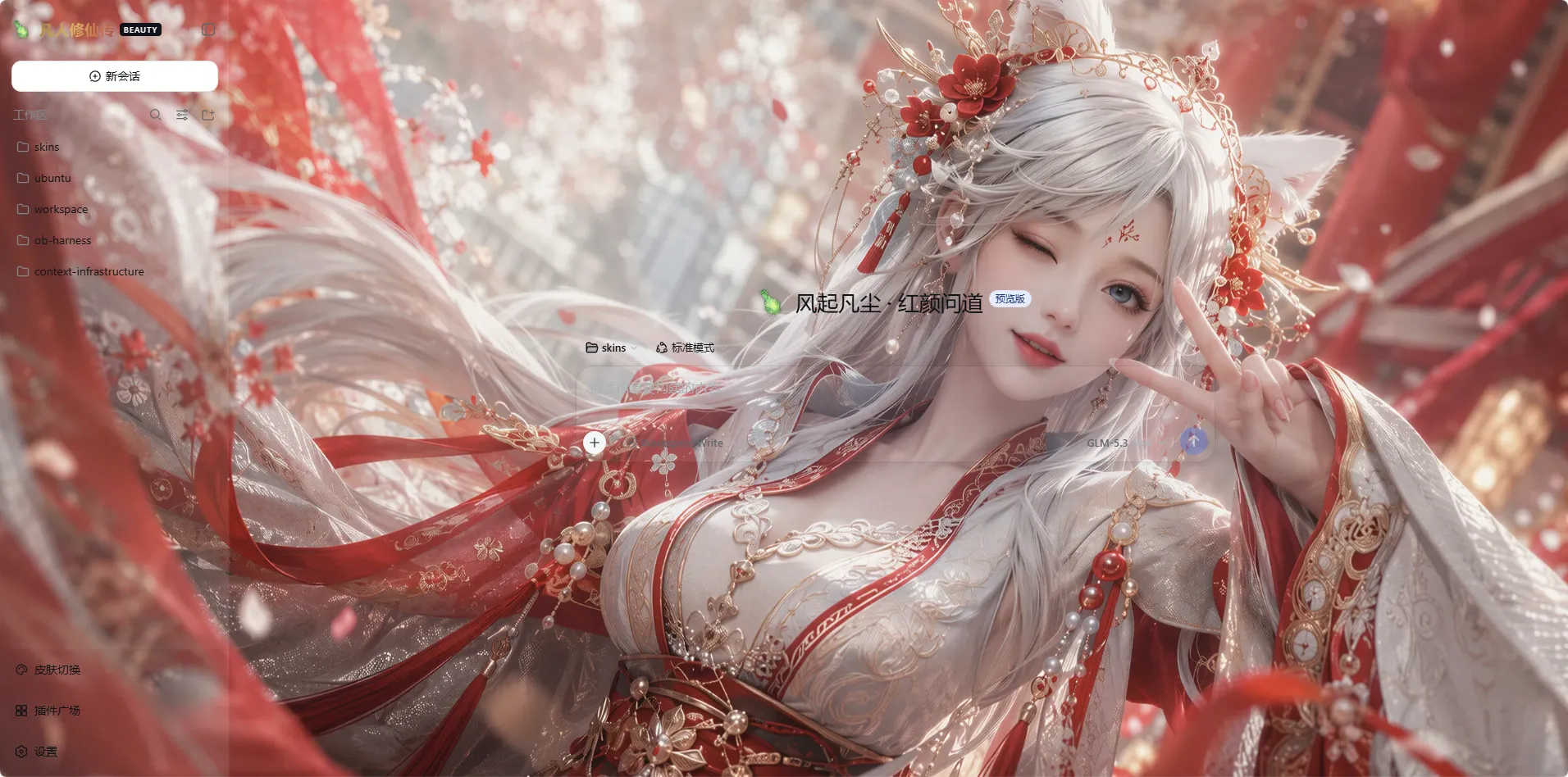
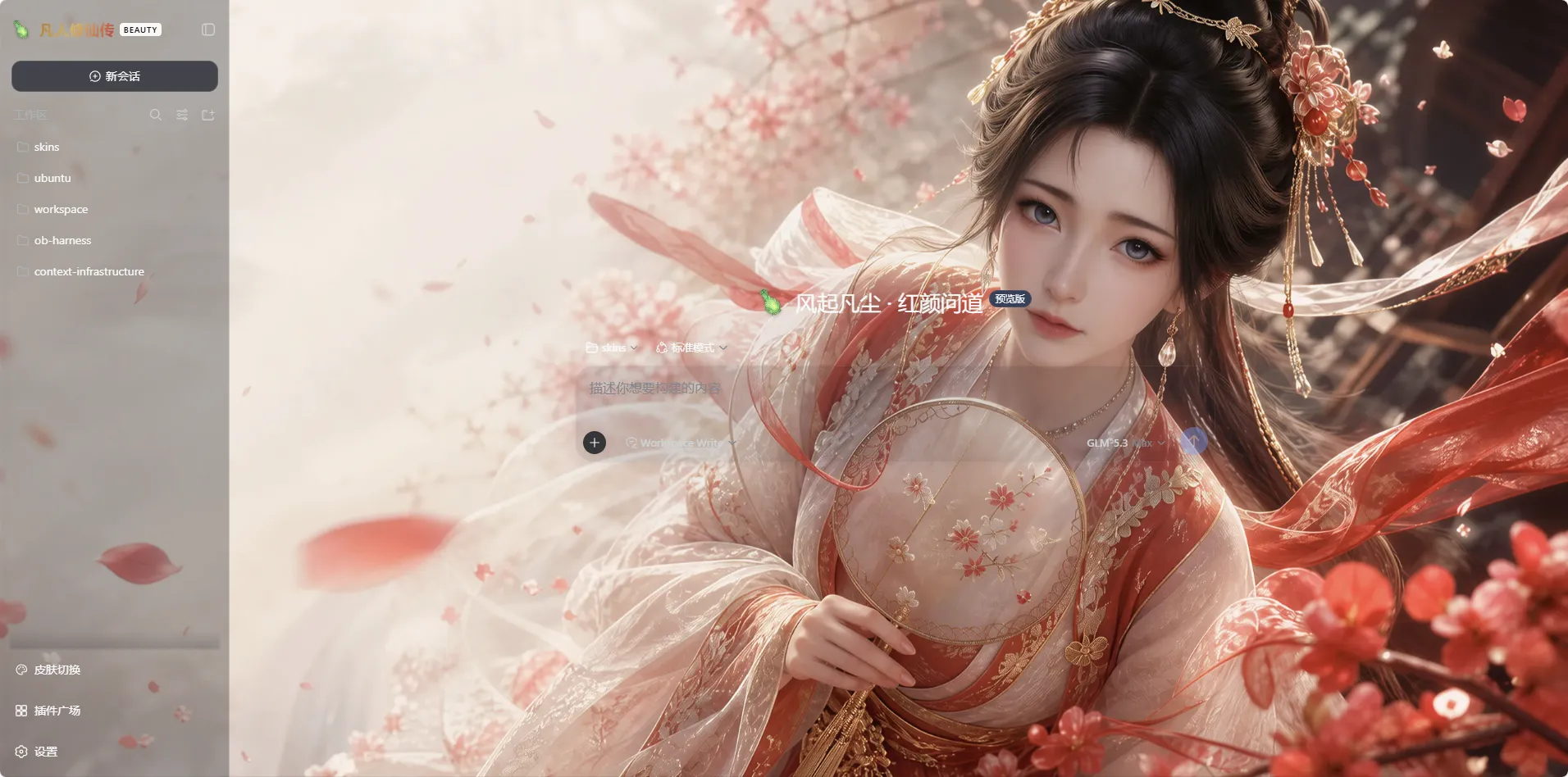
The default DSH Web UI is clean but static. After weeks of daily use it looks exactly the same as every other instance, with little room for brand identity or personal flair. dsh-skins fills that gap with five hot-swappable brand themes: a xianxia-inspired palette, a TCGF-inspired theme, OpenBMC Harness, UEFI Harness, and the official original for one-click revert. Each theme ships with light and dark variants that follow the system appearance, switchable from the sidebar or via a ?skin= URL parameter, and always one step away from the official UI.
Beyond reskinning, every theme exposes a personalization panel: pick from curated built-in wallpapers or upload your own images (PNG, JPEG, WebP, GIF, up to 20 MB each), edit bilingual taglines, and dial a 0-100% opacity slider that simultaneously drives panel tint, wallpaper overlay, and blur. Changes save in place with no explicit save button, sync across tabs in roughly a second, and the upload control disables itself when offline so nothing is silently lost. All settings and artwork live in a dedicated data directory physically separate from the plugin install folder, so upgrades, rollbacks, and one-click updates never touch user data.
The update pipeline is deliberately cautious: it only accepts strict semver tags, pins to a full 40-character commit SHA, cross-checks package name and version against the remote, and auto-reverts on any verification failure. This plugin is ideal for developers who want a fresh coat on their daily DSH instance, teams that need on-brand theming for OpenBMC or UEFI workflows, or anyone who simply enjoys curating a visual atmosphere around their terminal web UI.
Screenshots


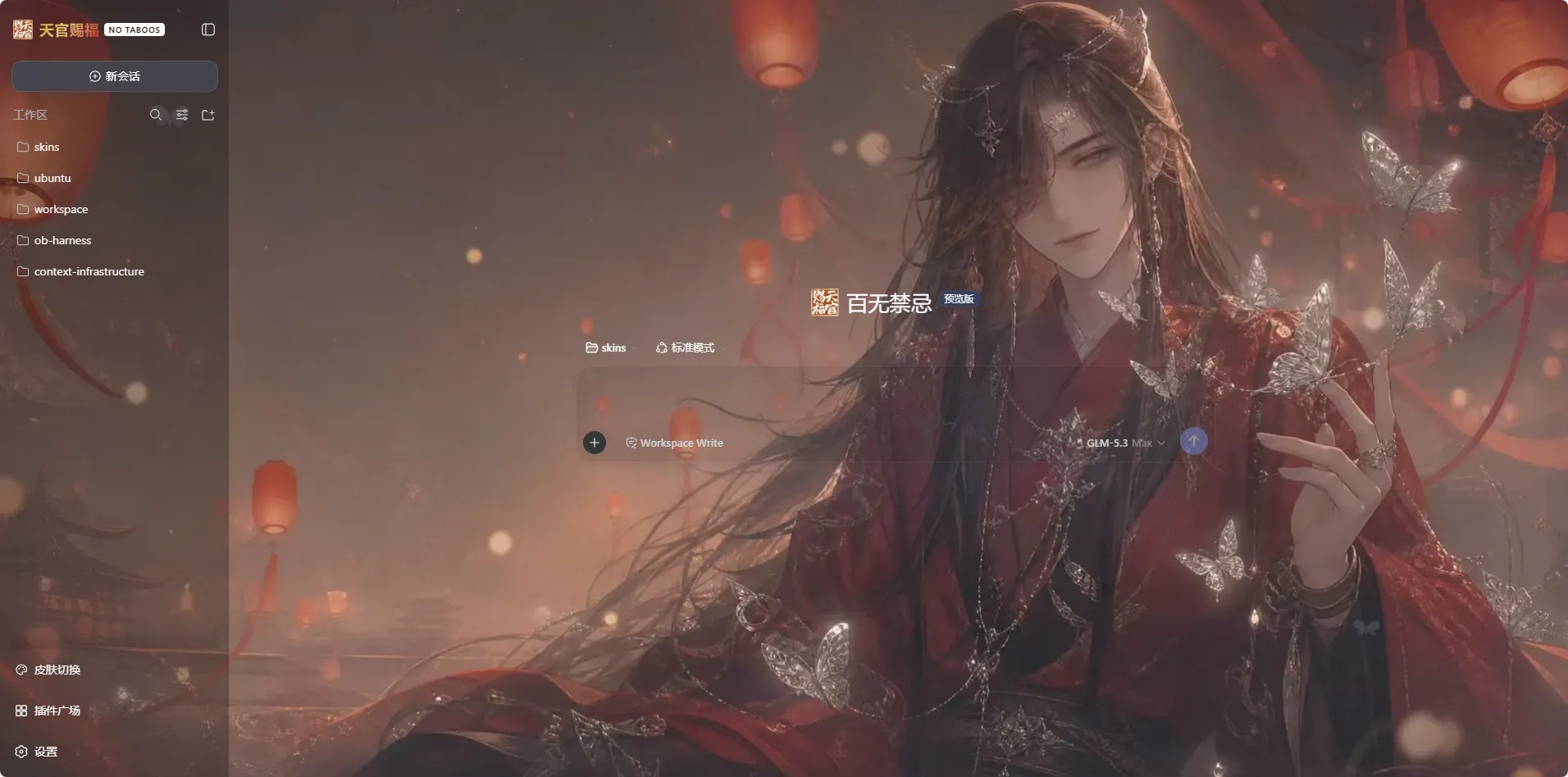
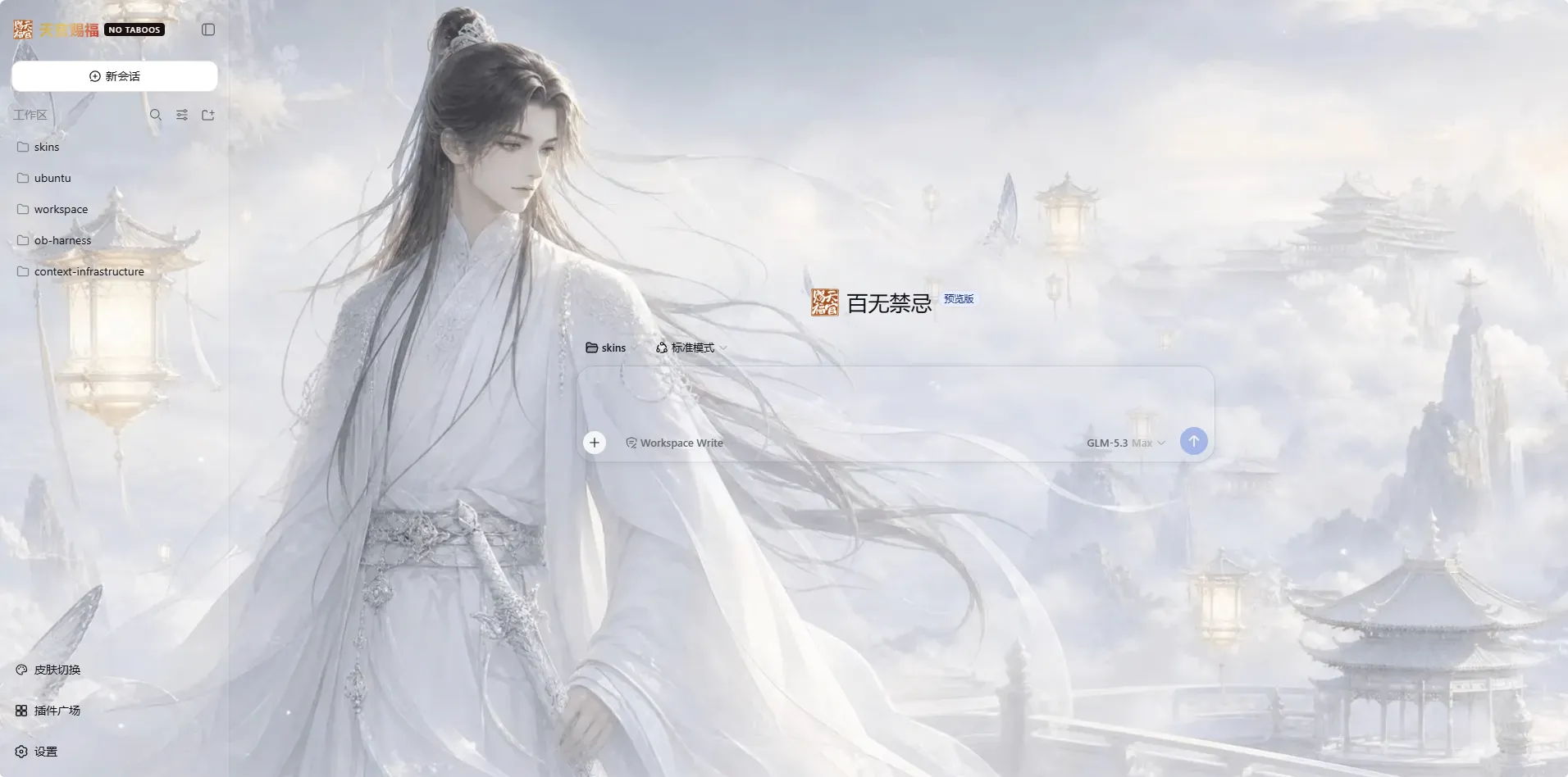
Use Cases
- Refreshing your daily DSH Web UI with an atmosphere-rich theme
- Matching your OpenBMC or UEFI workflow with a branded interface
- Uploading custom wallpapers and taglines to make your terminal web UI truly yours
Best For
- Independent developers tired of a one-size-fits-all DSH instance
- Teams that need brand-consistent theming for their workflows
- UI enthusiasts who enjoy curating a visual atmosphere around their tools
Related Plugins

whale-girl is a desktop pet in the DSH Web GUI (bottom-right for instant companionship) — draggable, feedable, playable; completed tasks, sessions and companionship time accrue into seniority levels, titles, and memories.

Renders your local Wallpaper Engine wallpapers as the DSH web background, supporting video, web, and scene wallpapers with a liquid-glass effect and rich customization.

A WebGPU ocean skin for DeepSeek Harness with five-wave Gerstner waves, translucent theme, day/night cycle, and quick controls, installable as plugin or extension.

A Galgame-style conversation view and visual scene editor for DSH web sessions, with a real-time editing mode.