
dsh-sm-context-piano
Run the following command in DeepSeek Harness:
dsh plugin install hjj345/dsh-sm-context-piano
Paste the following prompt into your AI chat to install this plugin:
Run dsh plugin install hjj345/dsh-sm-context-piano in DeepSeek Harness Web GUI to install the plugin; the source code is available at https://github.com/hjj345/dsh-sm-context-piano
About this plugin
Long-running agent sessions can pile up hundreds of messages in which tool invocations, edit logs, reasoning traces, and user instructions are all tangled together. A conventional scrollbar only tells you "you are at pixel 837" but never tells you "this is where the model revised the auth module for the third time." sm-context-piano paints a compact row of horizontal piano keys along the left edge of the chat pane, compressing the whole conversation into small, positionable semantic nodes. Hover a key to read a short summary, click it or press Enter to jump directly to the target paragraph, and stop wrestling with the scroll bar every time you need context back.
The keys represent nothing but user messages and visible model text. Tool calls, edits, reads, reasoning, and internal state never produce a key; they only serve as boundaries that split a model response into independent segments. Consecutive model text is merged into one key, while output from different phases stays separate. When the node count exceeds the configured limit, a fixed window centred on your current reading position is displayed, and selecting the topmost or bottommost key pages you to earlier or later content. During streaming, existing key DOM nodes are reused incrementally so the track never flickers or rebuilds from scratch.
This plugin is built for anyone who works in the DeepSeek Harness Web GUI with long conversations, multi-turn agent tasks, or code-collaboration sessions. It does not alter session content, trim model context, inject system prompts, or fire any network requests of its own. Hover previews are written as plain text via textContent, and a full unload tears down every DOM node, event listener, observer, and animation frame the plugin created, leaving zero residual side effects on the host page.
Screenshots
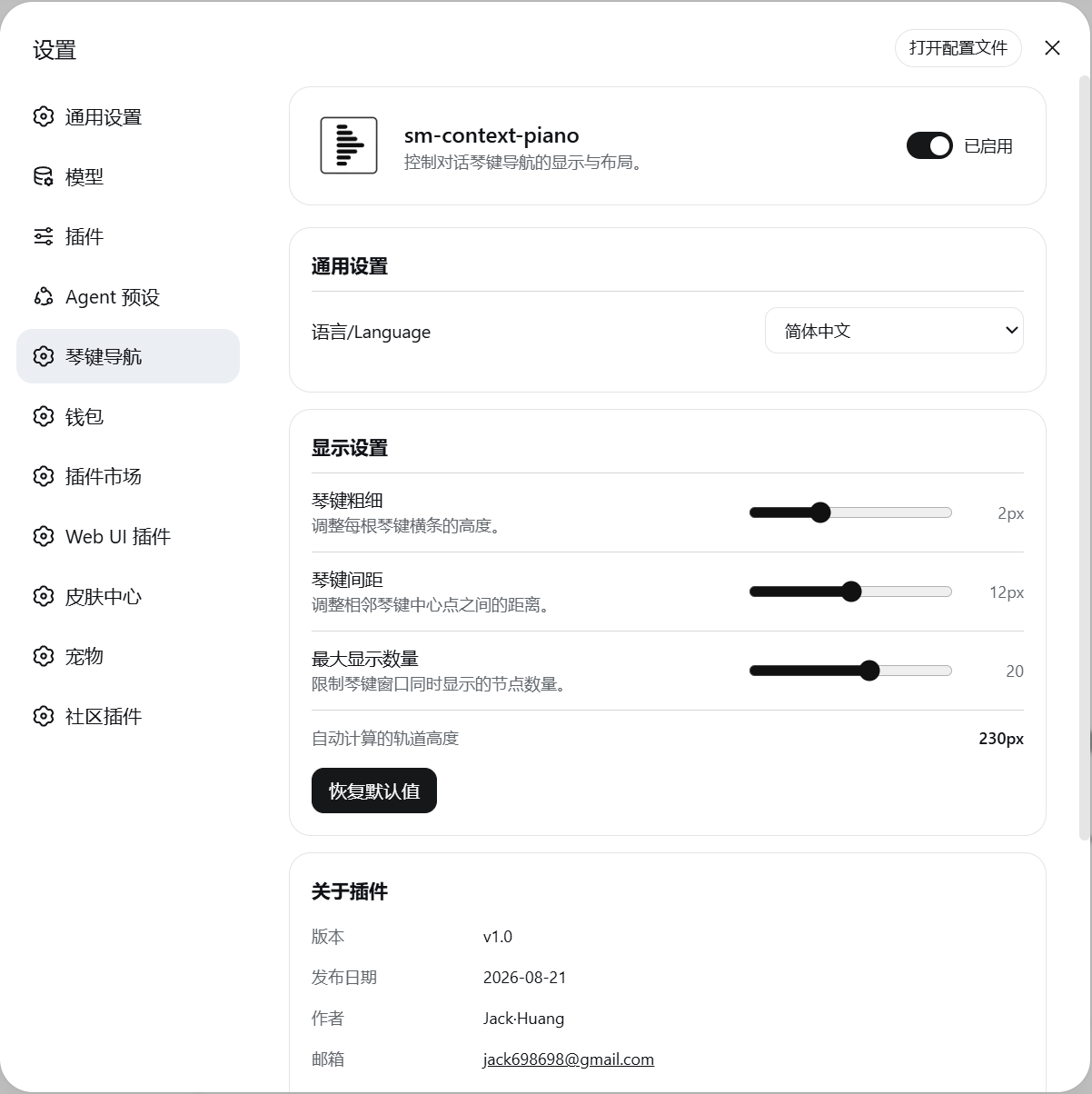
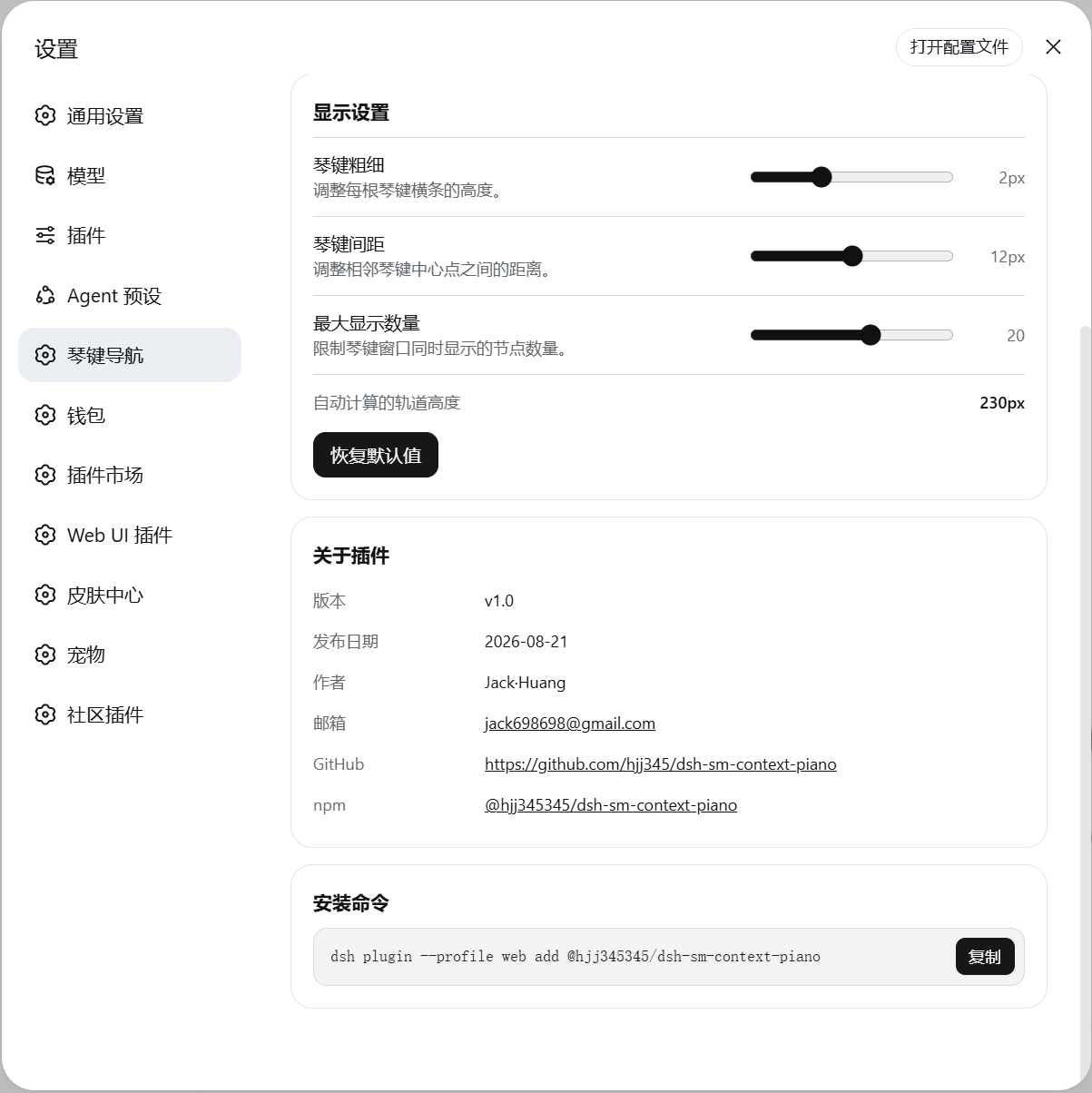
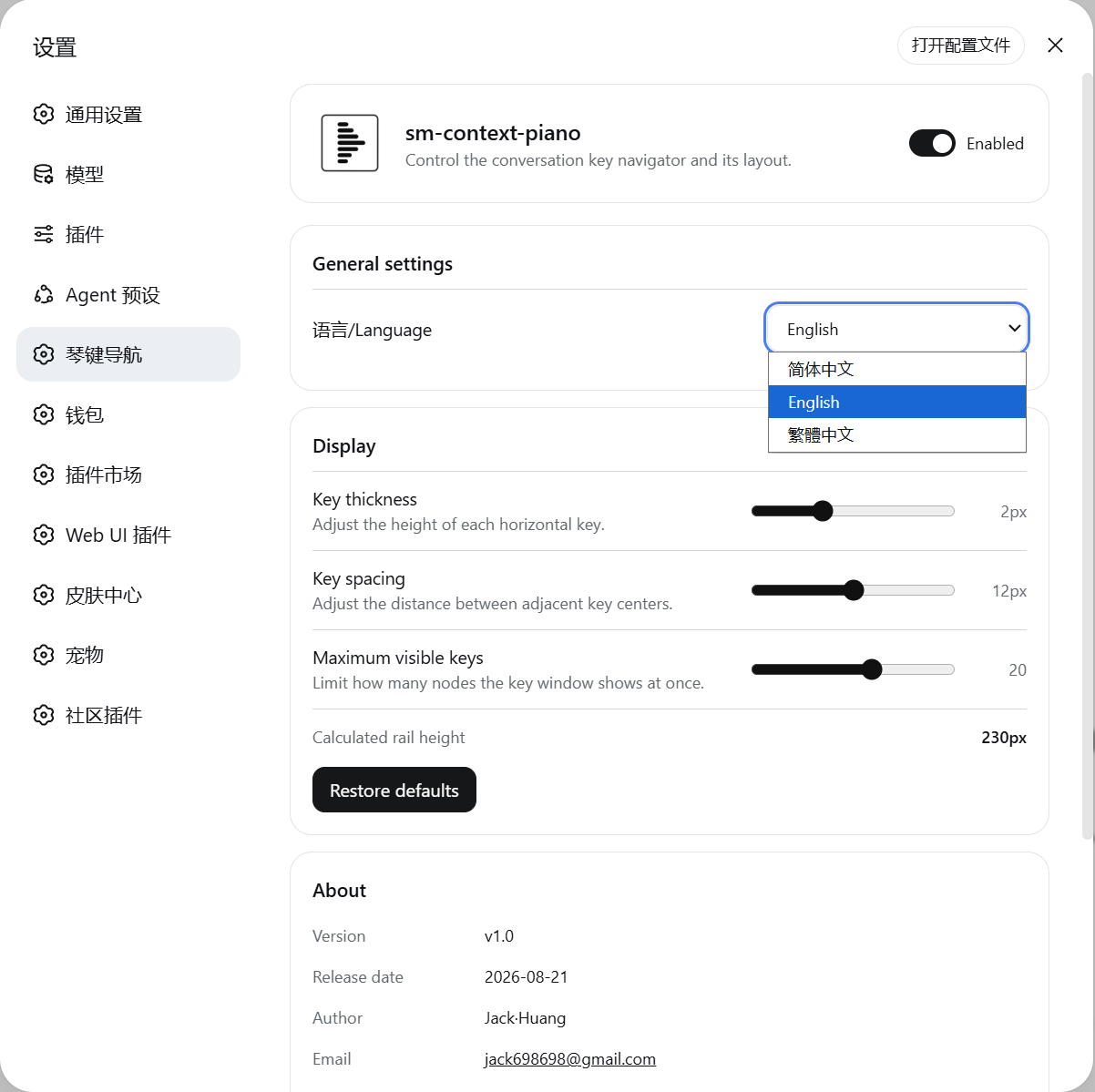
Use Cases
- Quickly locate a key paragraph in a conversation of hundreds of messages
- Browse the instruction-and-reply structure by semantic segments in multi-turn agent tasks
- Revisit discussion threads in code-collaboration sessions without repeatedly dragging the scroll bar
Best For
- Developers running multi-turn conversations in the DSH Web GUI
- Agent-workflow users who frequently revisit long-session context
- Users who prefer a visual piano-key overview of conversation structure
Related Plugins
A service-oriented sidebar framework for DSH, offering a full workbench with file explorer, embedded browser, real terminal, Git panel, and extensible plugin services.

A beautiful, practical Claude Code-style TUI plugin with pixel whale top bar, flowing glow title, real-time status line, streaming thought expansion, time rewind, context progress bar and TPS gauge — zero core changes.

The plugin market for DeepSeek Harness: browse/search/one-click install community plugins and themes, with updates, backup/restore, hot disable, diagnostics, and AI fix.

A persistent whale widget on the DSH web UI that shows DeepSeek balance, today's usage, and per-turn cost, with drag-and-snap and sound effects.