dsh-markdown-xyy
Run the following command in DeepSeek Harness:
dsh plugin install mengnanxyyyy/dsh-markdown-xyy
Paste the following prompt into your AI chat to install this plugin:
Run dsh plugin install mengnanxyyyy/dsh-markdown-xyy inside DeepSeek Harness to install this plugin; the source repository is available at https://github.com/mengnanxyyyy/dsh-markdown-xyy .
About this plugin
When you spend hours scrolling through long DeepSeek Harness conversations, the default Markdown styling tends to flatten everything—headings, code blocks, quotes, and key points all blend into a uniform wall of text. dsh-markdown-xyy applies a pure-CSS reading-aid theme to conversation Markdown, re-coloring titles, code, tables, blockquotes, links, and highlights with distinct light and dark variants that follow your system preference automatically, while the product's own explicit styles always take precedence so nothing conflicts with the base theme.
The plugin ships four visually distinct color themes (Strawberry Mocha, Cyber Titanium, High-Vis Clarity, and Pine-Smoke Ink), each with full light/dark pairs and complete syntax highlighting. Want something of your own? Drop a single CSS file into the designated directory, or create and edit a custom theme directly in the in-app live editor—paste anything an AI generates, hit save, and it is ready. No bundling, no plugin upgrades. Your theme choice persists via localStorage, stays in sync across tabs, and survives restarts. Every theme revision is recorded as an immutable version snapshot, so you can roll back to any previous state at will.
Ideal for Harness users who work through large volumes of conversational text daily and want to spot key information at a glance, as well as for anyone who wants a personalized reading feel without touching the product's base theme.
Screenshots
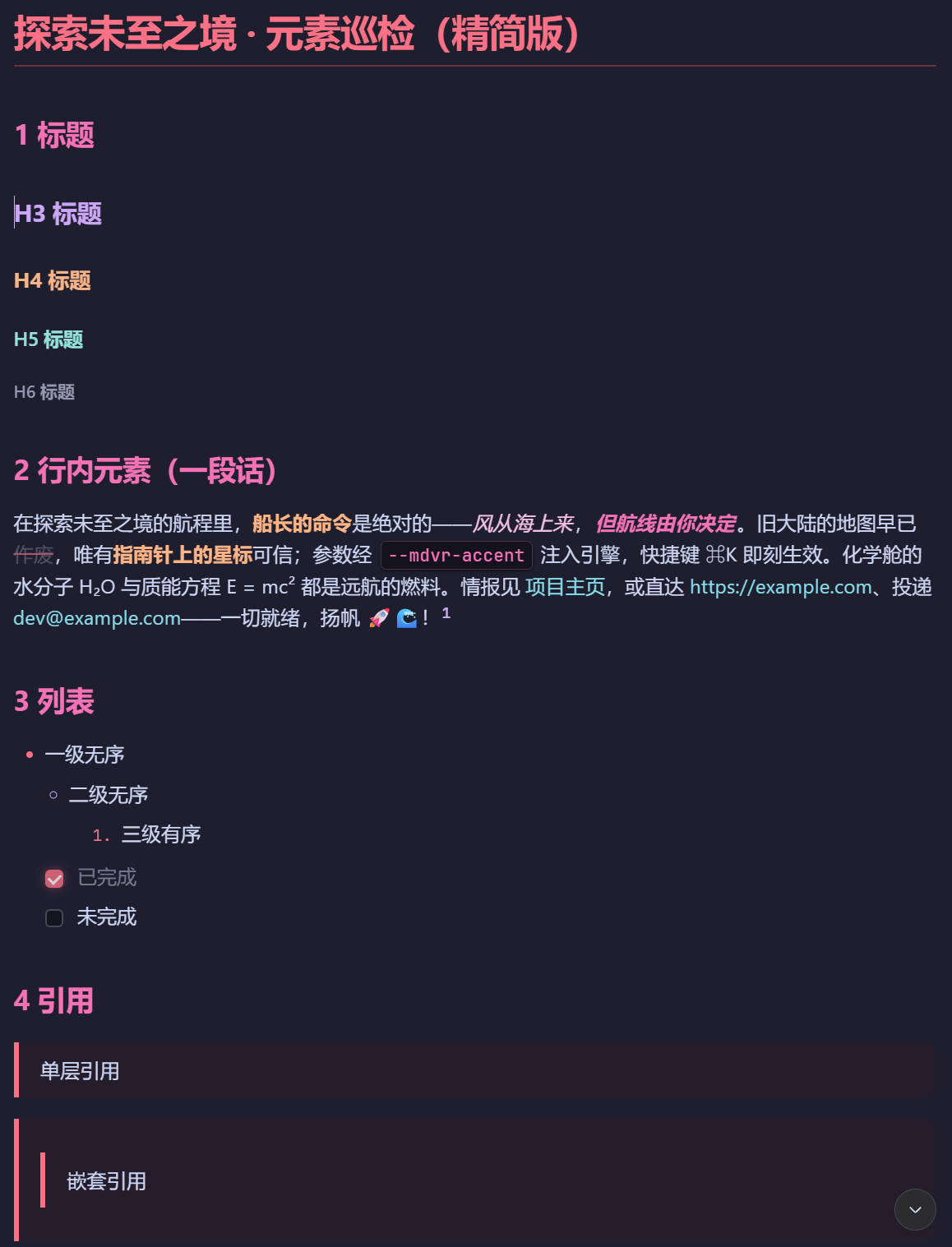
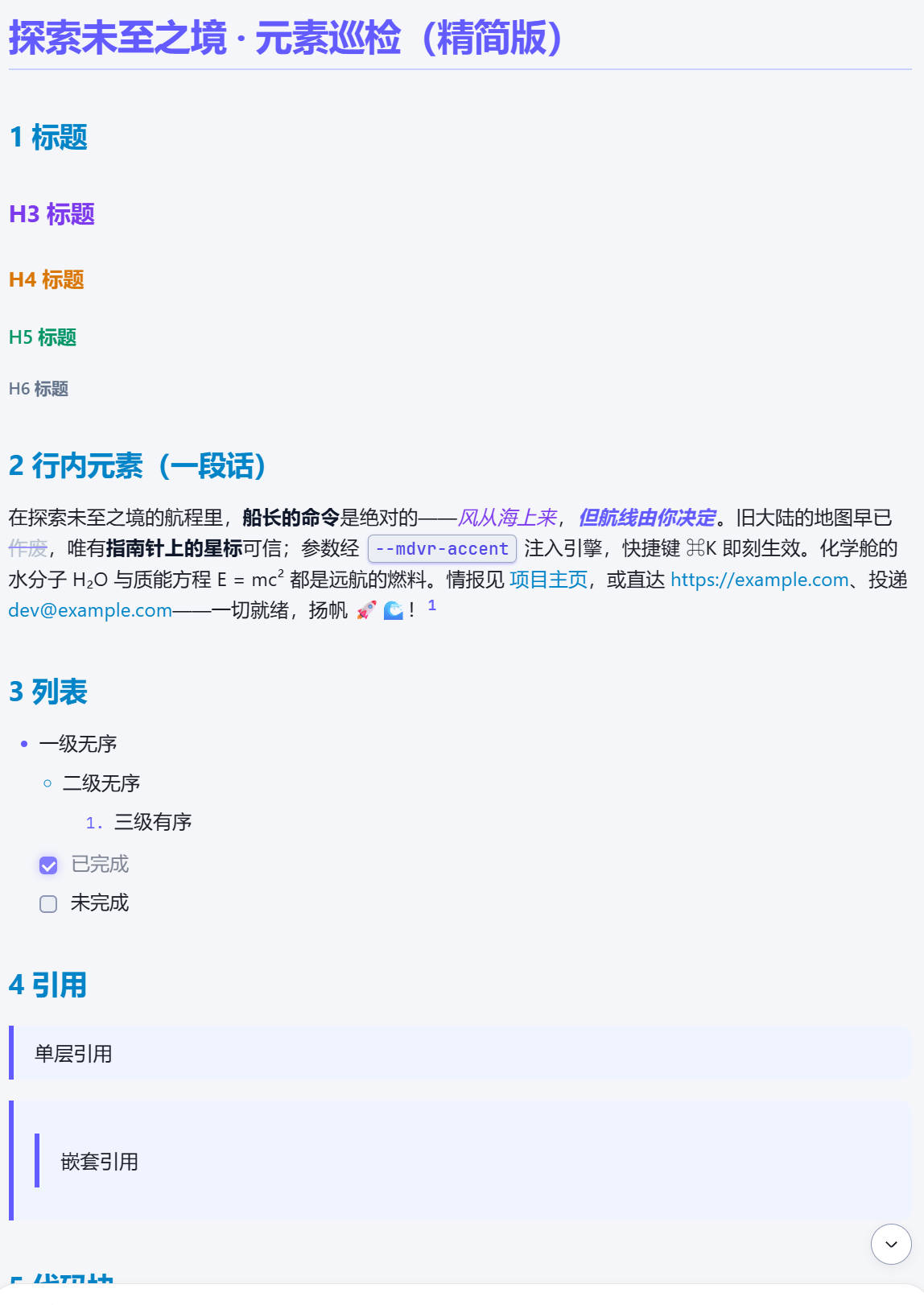
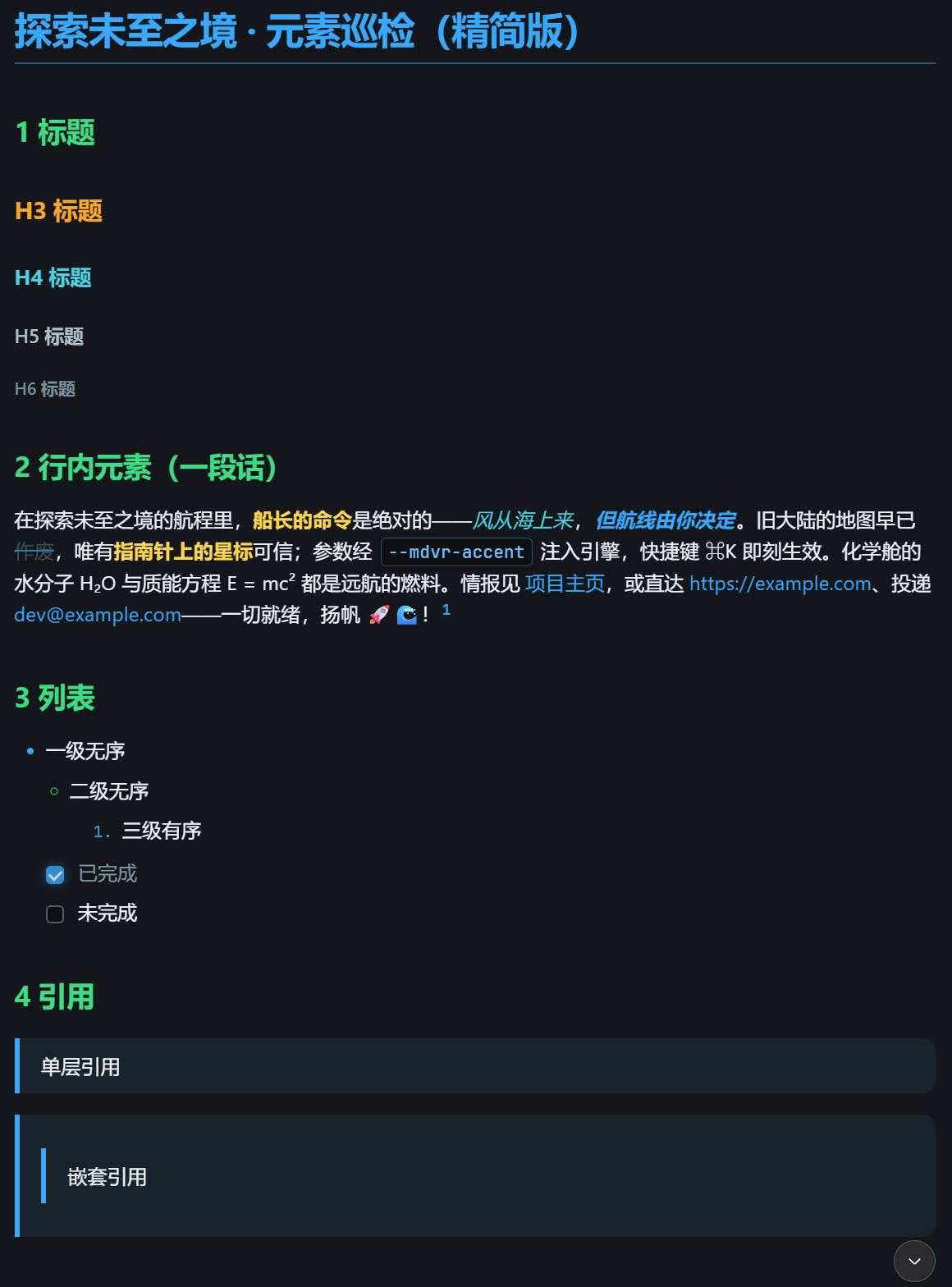
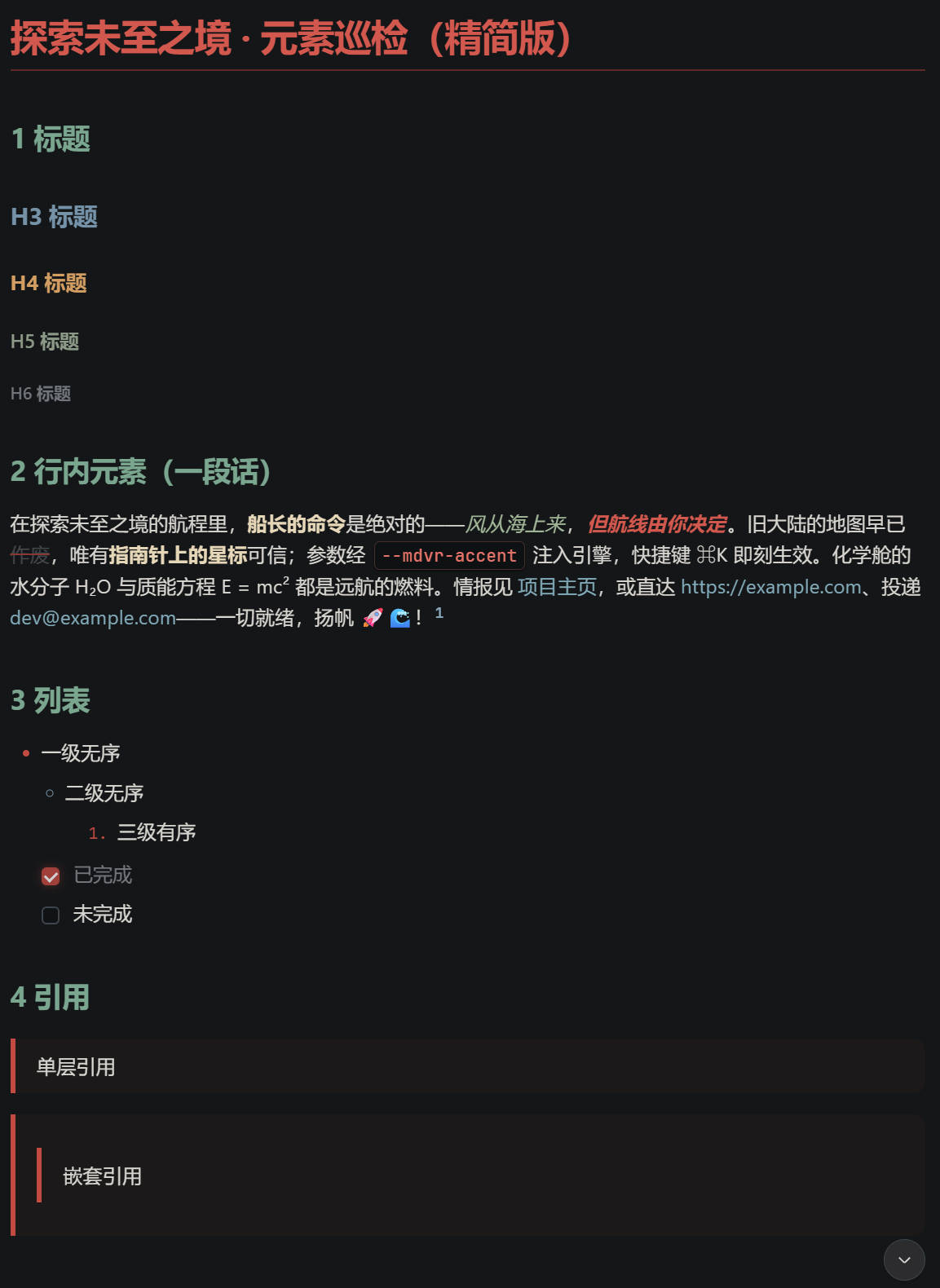
Use Cases
- Reading long conversations and wanting clear visual hierarchy for headings, code, and quotes
- Customizing conversation Markdown colors without modifying the product base theme
- Generating a custom theme CSS with AI and applying it with one click
Best For
- Heavy DeepSeek Harness users processing large volumes of conversational text daily
- Developers who value personalized reading experiences and enjoy theme customization
- Non-coders who want AI-assisted theming without writing code
Related Plugins

whale-girl is a desktop pet in the DSH Web GUI (bottom-right for instant companionship) — draggable, feedable, playable; completed tasks, sessions and companionship time accrue into seniority levels, titles, and memories.

Renders your local Wallpaper Engine wallpapers as the DSH web background, supporting video, web, and scene wallpapers with a liquid-glass effect and rich customization.

A WebGPU ocean skin for DeepSeek Harness with five-wave Gerstner waves, translucent theme, day/night cycle, and quick controls, installable as plugin or extension.

A Galgame-style conversation view and visual scene editor for DSH web sessions, with a real-time editing mode.