
dsh-sm-version-display
Run the following command in DeepSeek Harness:
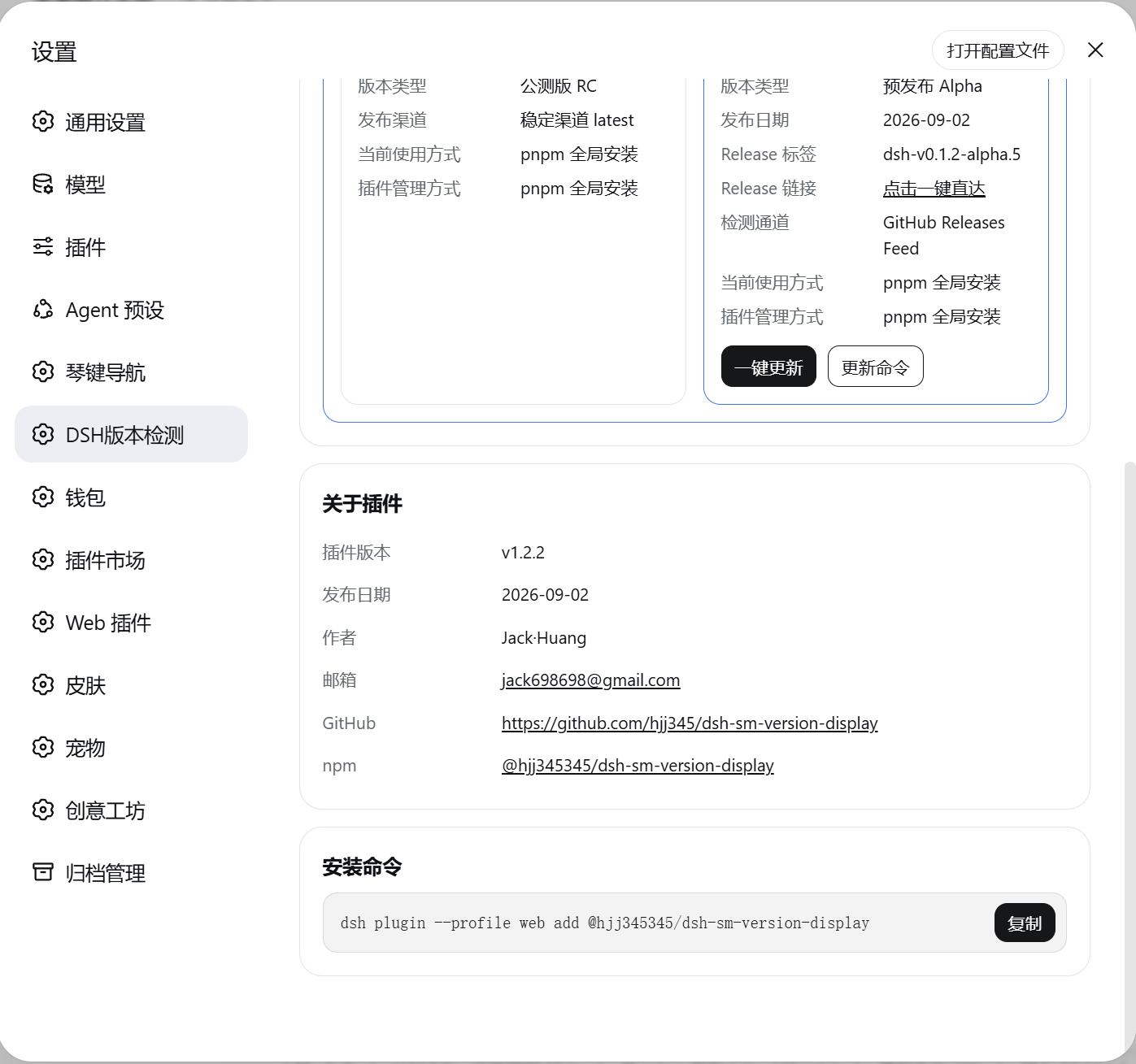
dsh plugin install hjj345/dsh-sm-version-display
Paste the following prompt into your AI chat to install this plugin:
Run dsh plugin install hjj345/dsh-sm-version-display in a terminal where DSH is installed; see the source at https://github.com/hjj345/dsh-sm-version-display
About this plugin
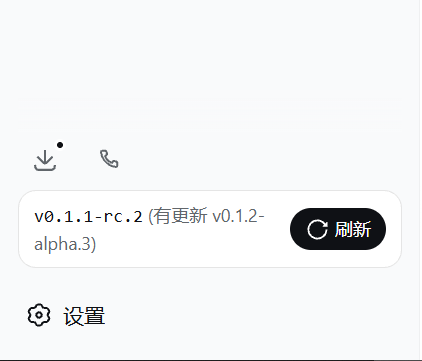
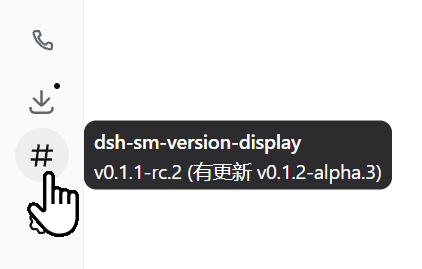
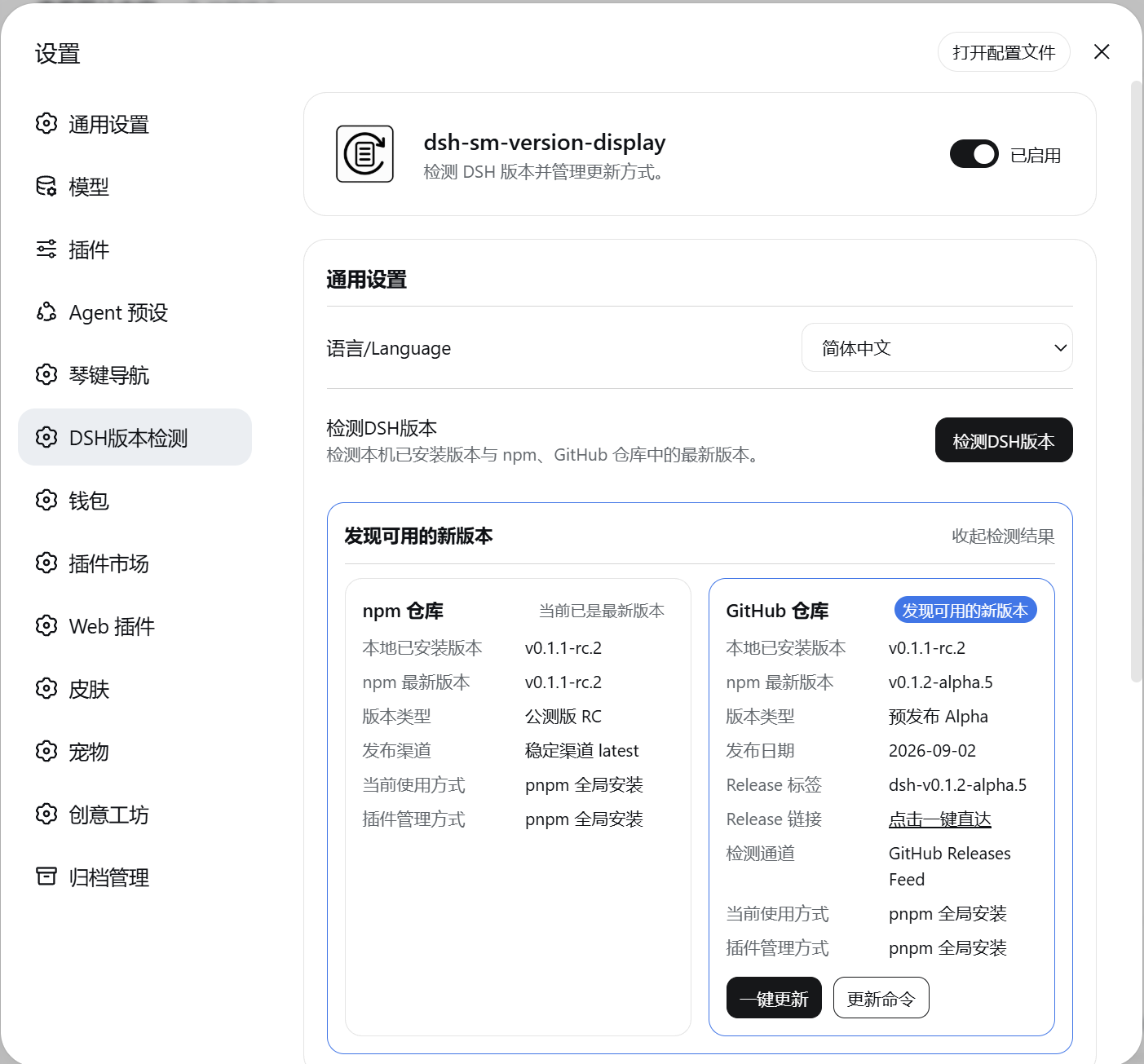
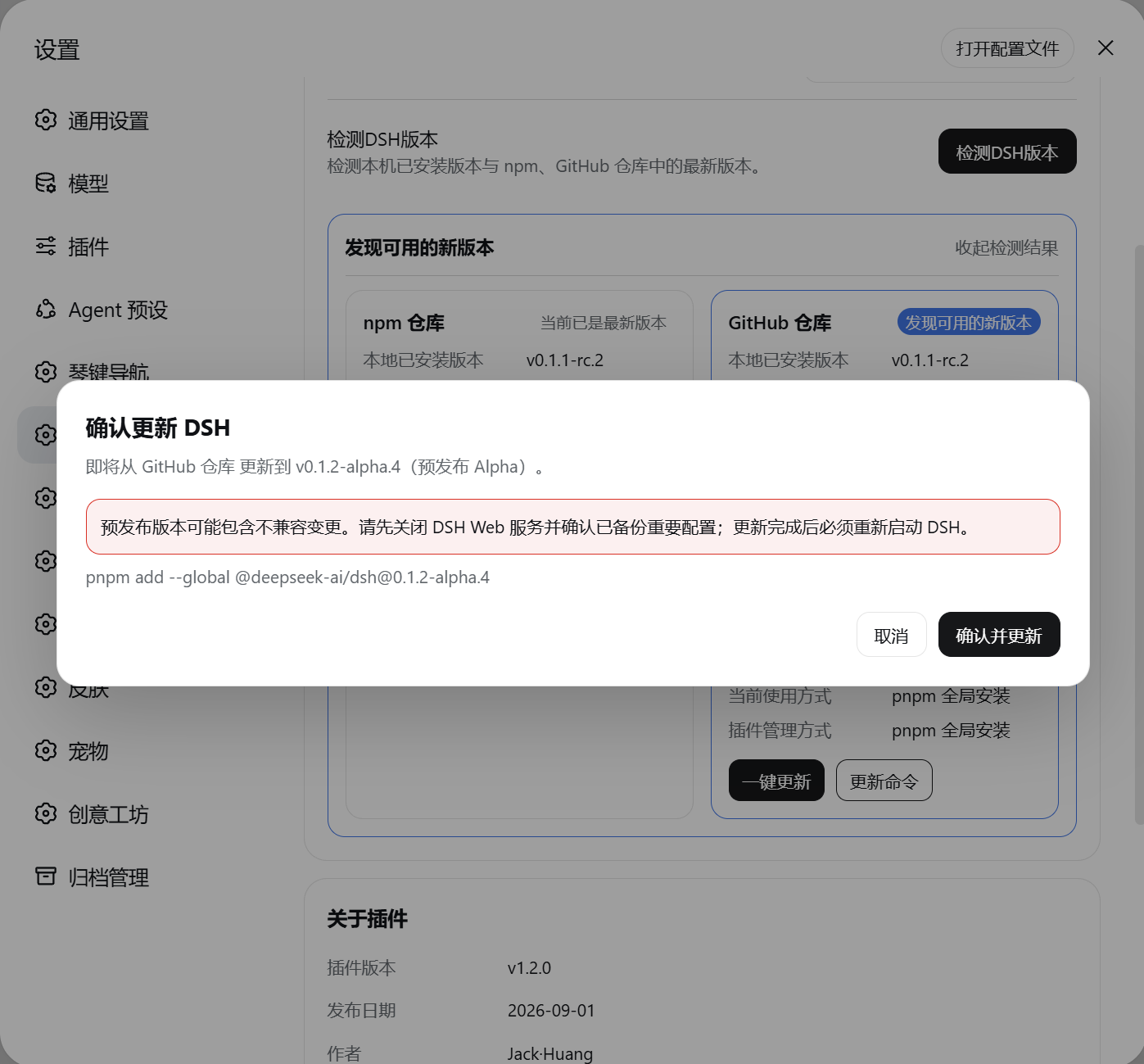
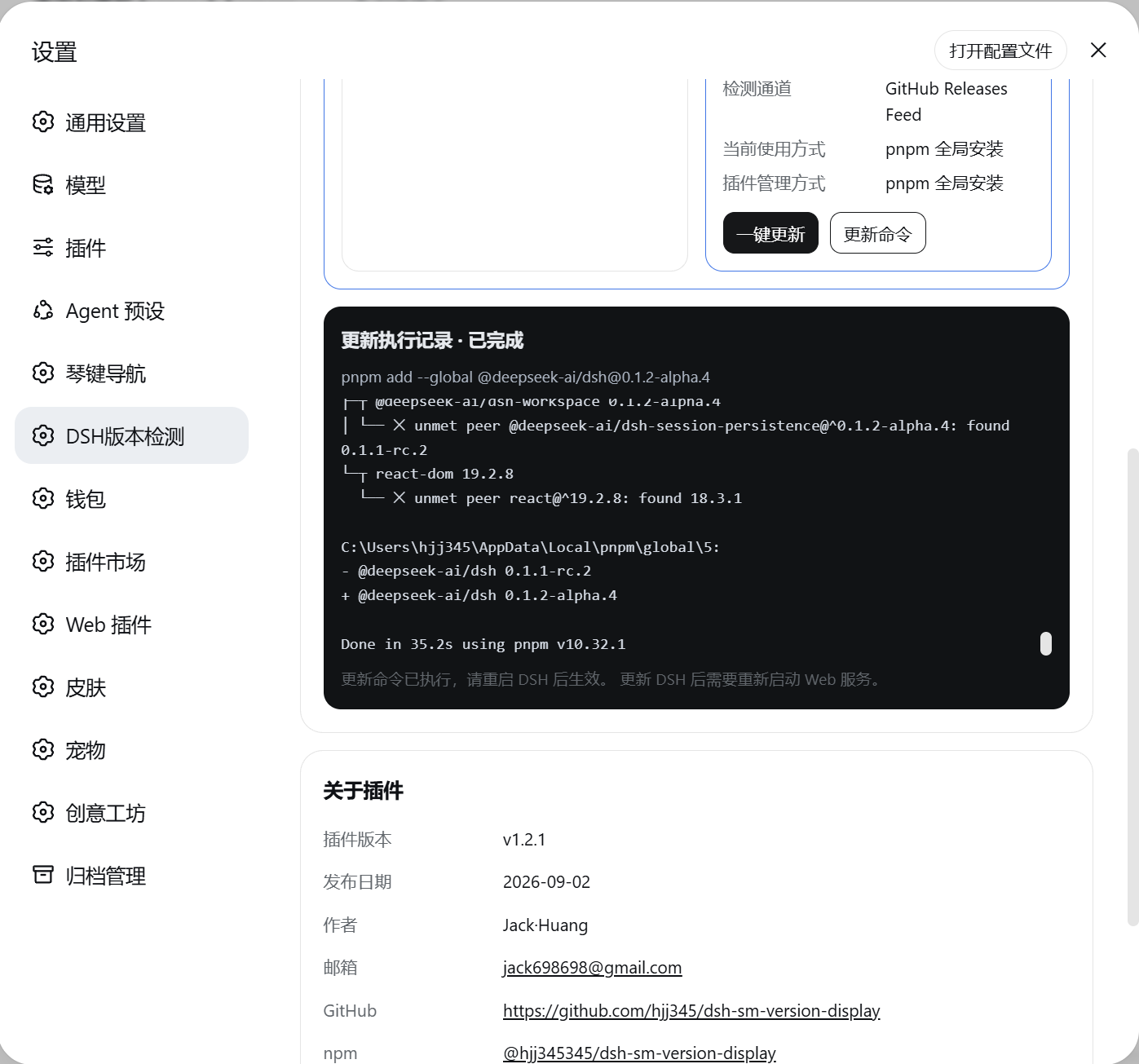
After installing DeepSeek Harness, most users only notice version changes by accident and have no quick way to check the running version or see whether a newer build is available on npm or GitHub. dsh-sm-version-display turns that into a first-class UI element: a rounded version card sits above the sidebar Settings button, reading the actually-installed DSH version and following it automatically after upgrades. The plugin also registers a top-level version-detection page in DSH Settings that queries both the npm Registry and official GitHub Releases in parallel, distinguishes Alpha, Beta, RC and stable tags, and caches results for the lifetime of the DSH process. When an update is available, the user sees the source, target version, release type and risk summary before confirming; the fixed, loopback-only command then runs with live output, while GitHub rate-limiting transparently falls back to the Atom Feed and source-only releases degrade to clear manual steps. Every request is restricted to the local machine, carries no login credentials, and never reads chat content. For developers who rely on the DSH web interface daily and want a glanceable version badge plus a safe, three-language, theme-aware update workflow without extra build tooling, this plugin installs and works out of the box.
Screenshots
Use Cases
- Glance at the sidebar card to confirm the running DSH version right after an upgrade
- Review release type and risk notes from npm and GitHub before deciding to update
- Align a team on DSH version status through the shared sidebar badge and settings page
Best For
- Developers who use the DSH web interface daily
- Project leads managing multiple DSH instances and aligning versions
- Cautious users who want a confirm-then-update flow with clear safety boundaries
Related Plugins
A service-oriented sidebar framework for DSH, offering a full workbench with file explorer, embedded browser, real terminal, Git panel, and extensible plugin services.

A beautiful, practical Claude Code-style TUI plugin with pixel whale top bar, flowing glow title, real-time status line, streaming thought expansion, time rewind, context progress bar and TPS gauge — zero core changes.

The plugin market for DeepSeek Harness: browse/search/one-click install community plugins and themes, with updates, backup/restore, hot disable, diagnostics, and AI fix.

A persistent whale widget on the DSH web UI that shows DeepSeek balance, today's usage, and per-turn cost, with drag-and-snap and sound effects.