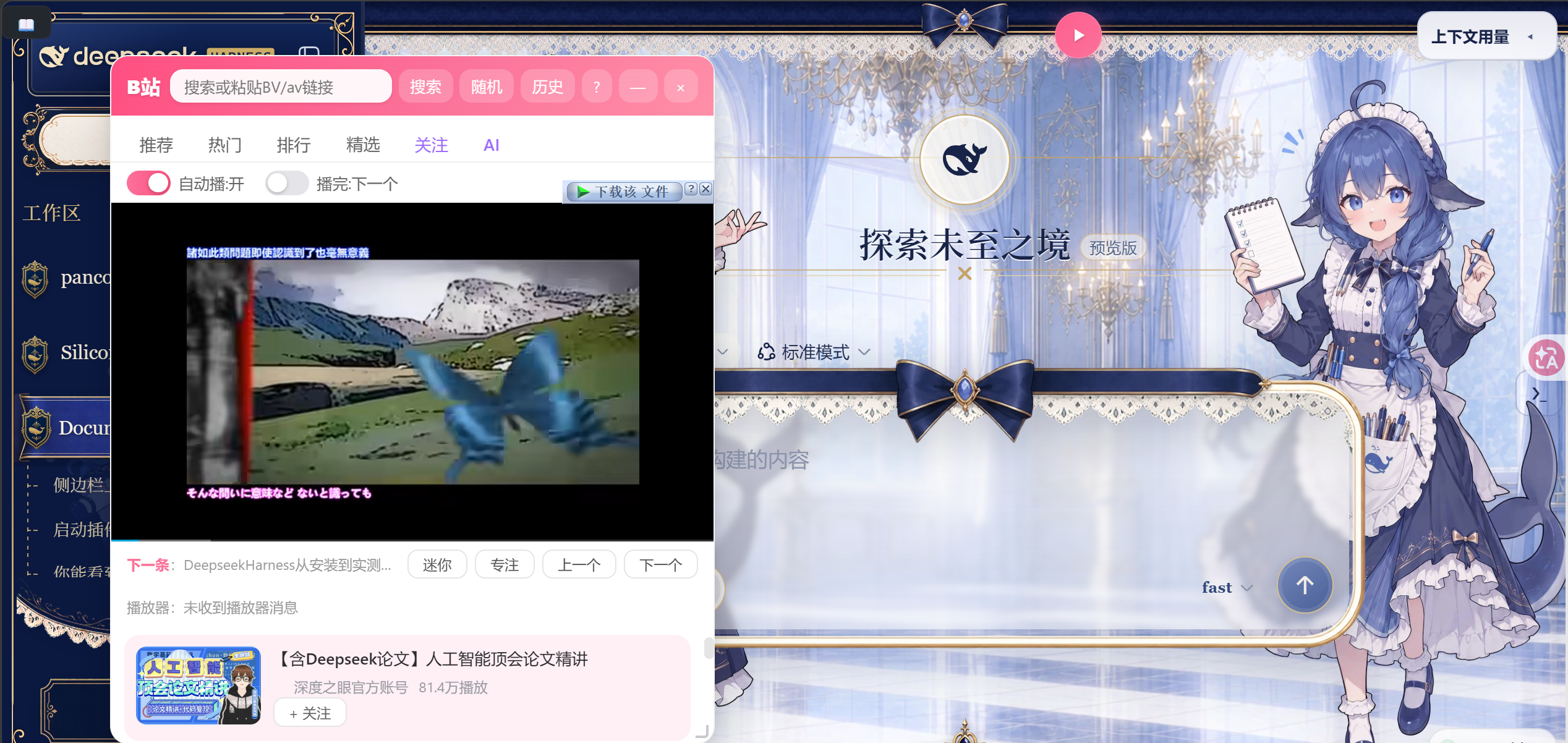
dsh-bili-widget
Run the following command in DeepSeek Harness:
dsh plugin install pyf2818/dsh-bili-widget
Paste the following prompt into your AI chat to install this plugin:
In the DeepSeek Harness chat, enter: Please install the plugin from https://github.com/pyf2818/dsh-bili-widget。
About this plugin
While coding, we often need to switch to a browser to watch tutorials or relax videos, but frequent window switching disrupts workflow and reduces productivity. The DSH Bilibili Widget plugin is designed to address this pain point. It allows you to embed a floating Bilibili window within the DeepSeek Harness client, keeping videos always on top. Whether you're writing code or performing other tasks, you can seamlessly watch content, truly achieving a balance between programming and leisure.
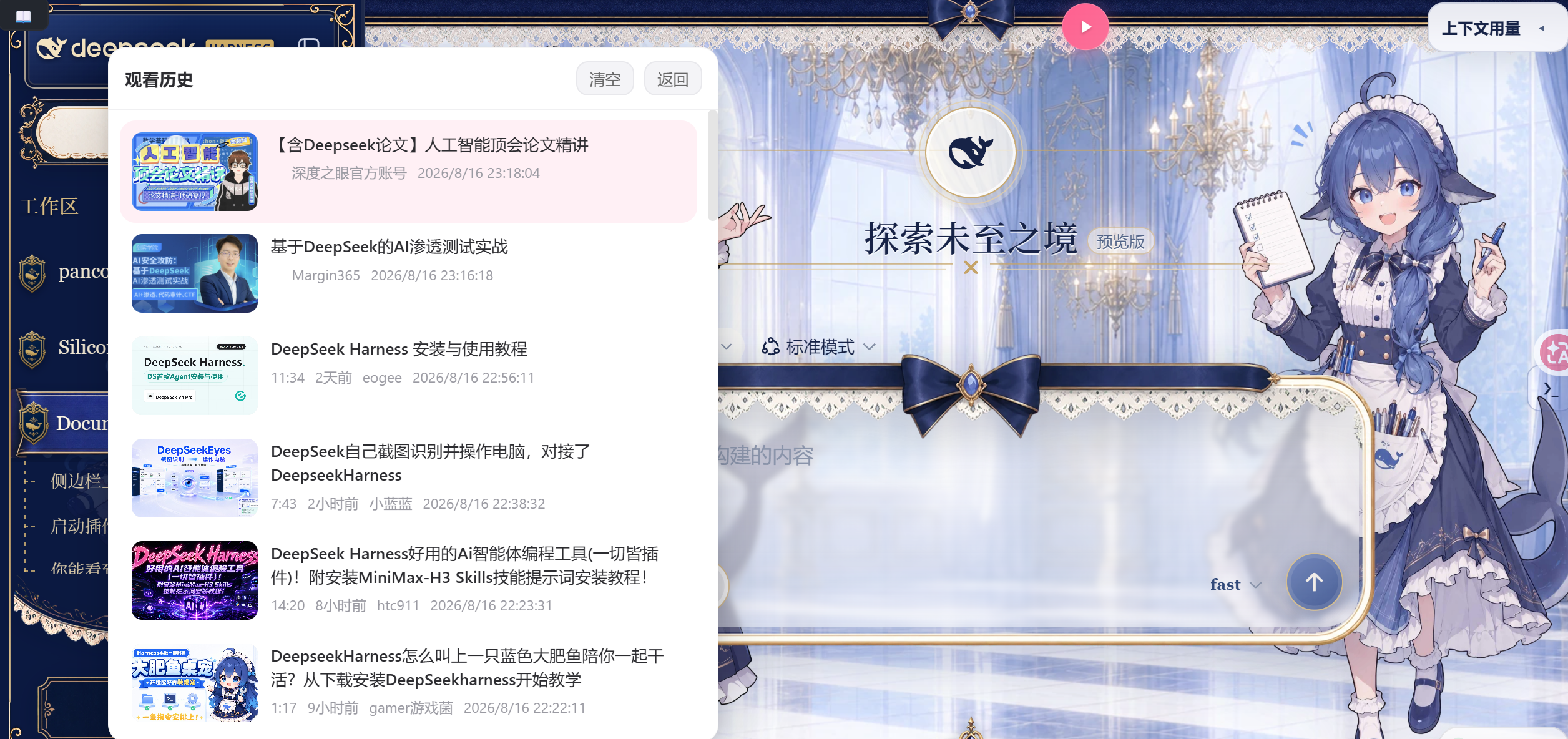
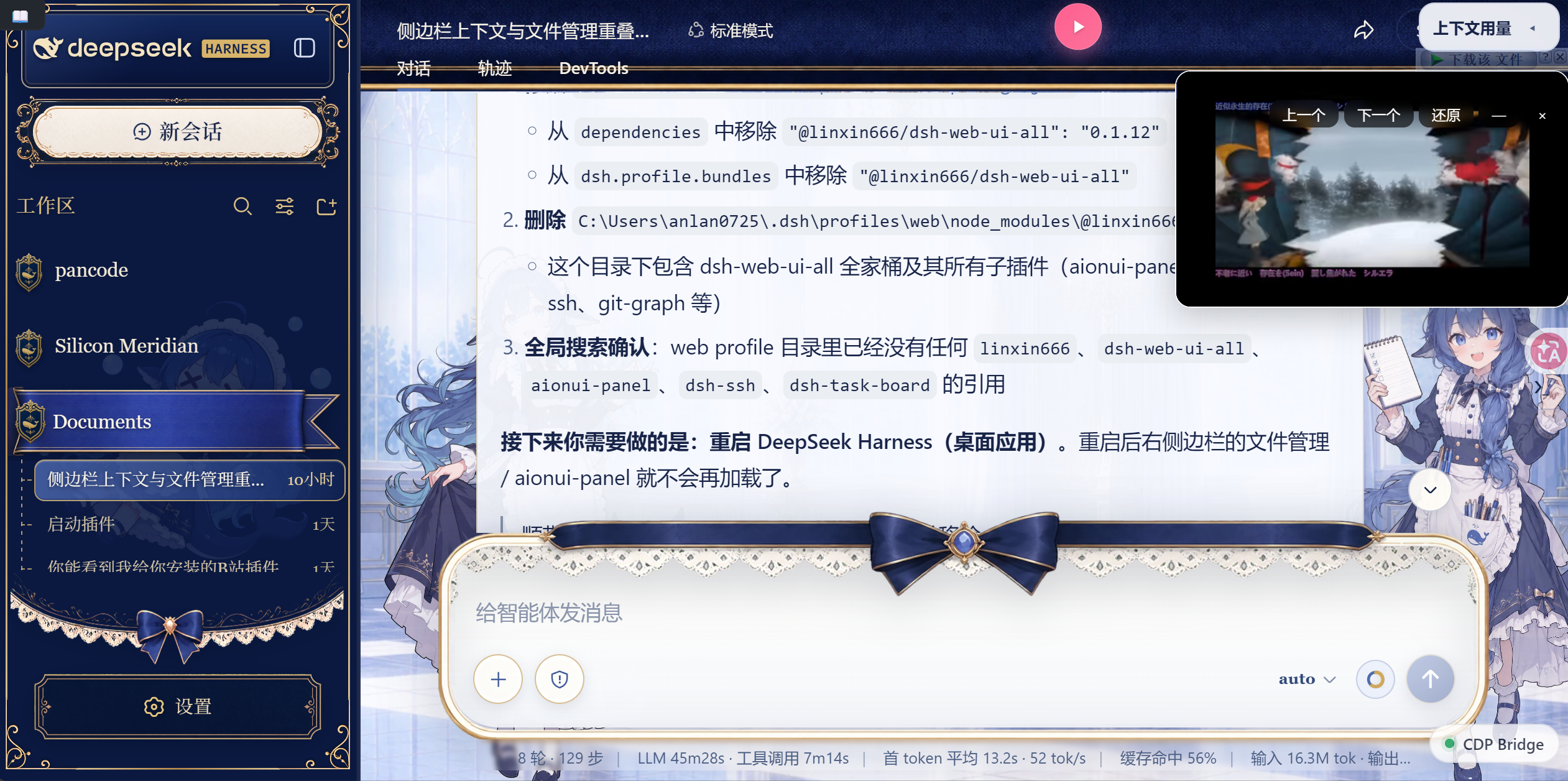
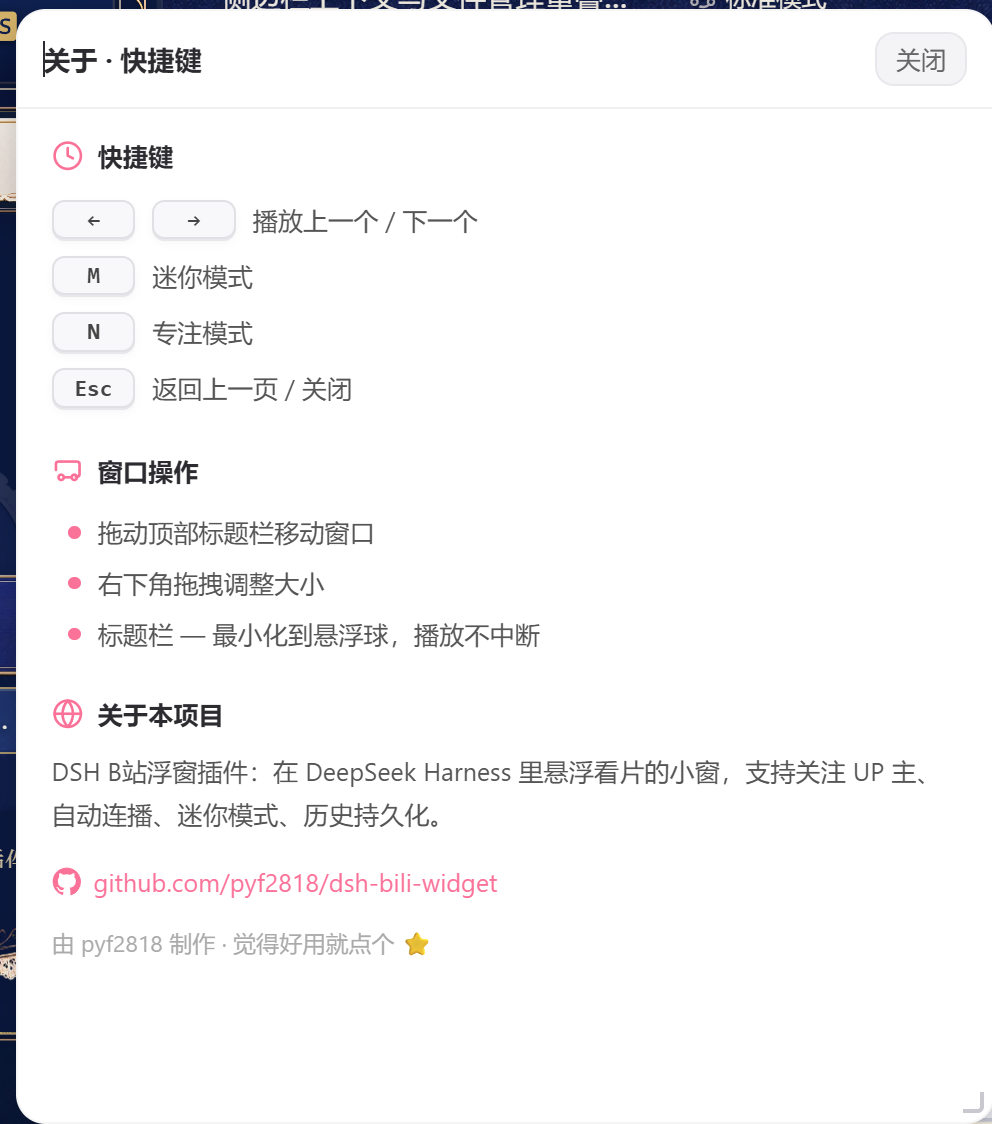
The plugin's core capabilities lie in its comprehensive feature integration. It supports six major Bilibili channels—Recommended, Hot, Ranking, Curated, Following, and AI—making content discovery effortless. Auto-play functionality ensures a smooth viewing experience without manual intervention. Mini and专注 modes offer flexible window management; mini mode shrinks the player to a draggable bubble that doesn't occupy screen space, while专注 mode provides a distraction-free playback environment. Additionally, data persistence saves your viewing history and followed lists, ensuring they persist even after restarting the application, for a more consistent experience.
This plugin is an ideal choice for users who love programming but also enjoy video content. Specifically, it suits programmers who use DSH for daily development and want to enhance efficiency while maintaining an entertaining pace. Whether you need background sound during long coding sessions or quick video browsing during short breaks, the DSH Bilibili Widget plugin perfectly fits into your workflow, becoming a handy assistant.
Screenshots
Use Cases
- Play background music or tutorial videos on Bilibili while coding for long hours.
- Search and watch Bilibili videos quickly without leaving the coding environment.
- Use mini mode to keep videos playing while focusing on work.
Best For
- Daily users of DeepSeek Harness, especially programmers.
- Developers and content creators who enjoy working with entertainment.
- Professionals who need efficient multitasking.
Related Plugins
A service-oriented sidebar framework for DSH, offering a full workbench with file explorer, embedded browser, real terminal, Git panel, and extensible plugin services.

A beautiful, practical Claude Code-style TUI plugin with pixel whale top bar, flowing glow title, real-time status line, streaming thought expansion, time rewind, context progress bar and TPS gauge — zero core changes.

The plugin market for DeepSeek Harness: browse/search/one-click install community plugins and themes, with updates, backup/restore, hot disable, diagnostics, and AI fix.

A persistent whale widget on the DSH web UI that shows DeepSeek balance, today's usage, and per-turn cost, with drag-and-snap and sound effects.