filestab
Run the following command in DeepSeek Harness:
dsh plugin install americanjeff/filestab
Paste the following prompt into your AI chat to install this plugin:
Run dsh plugin install americanjeff/filestab in your DeepSeek Harness to install this plugin; the full source is available at https://github.com/americanjeff/filestab
About this plugin
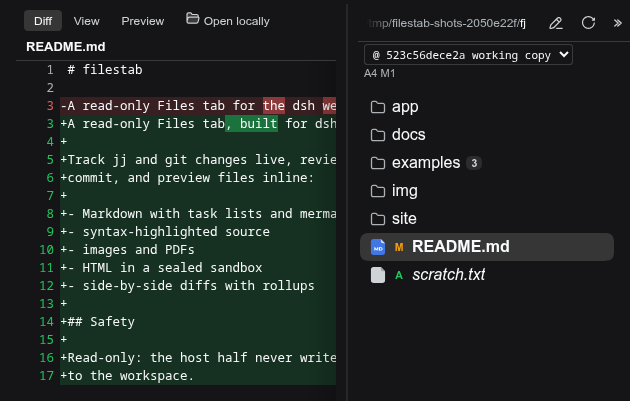
When you manage a project with jj or git, bouncing between your editor to read a diff and then a separate browser tab to preview a Markdown file breaks focus. filestab adds a read-only Files tab directly to the dsh web GUI so you can go from reviewing changes to previewing a rendered file without ever leaving the harness.
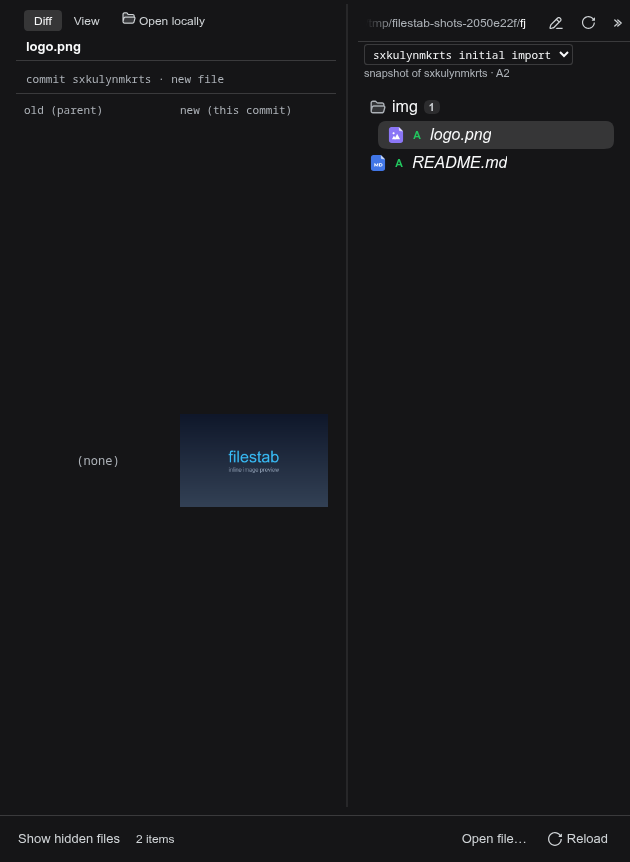
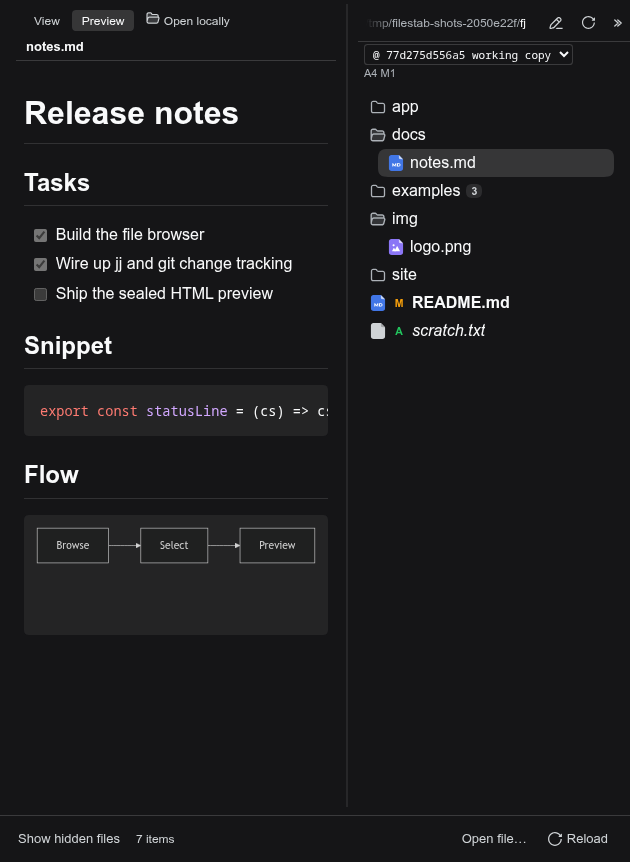
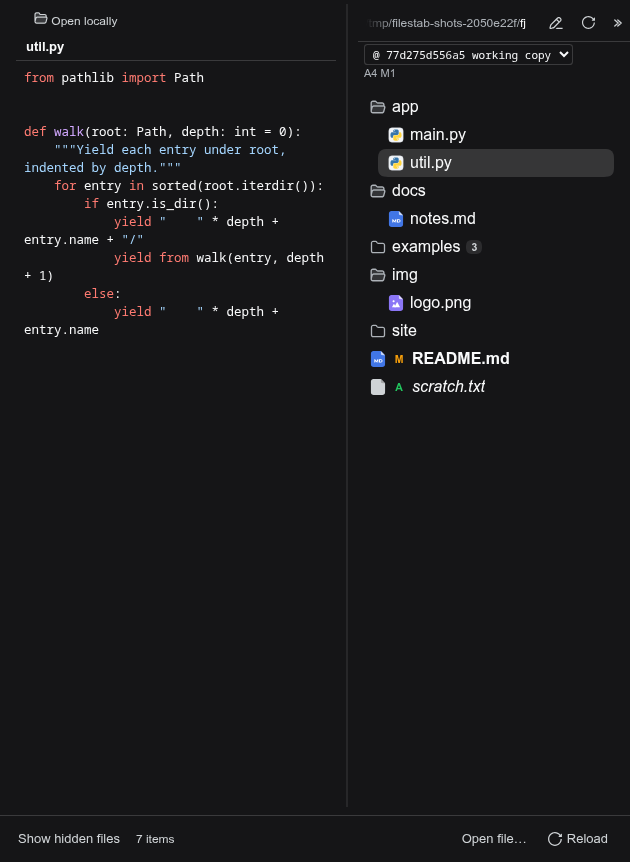
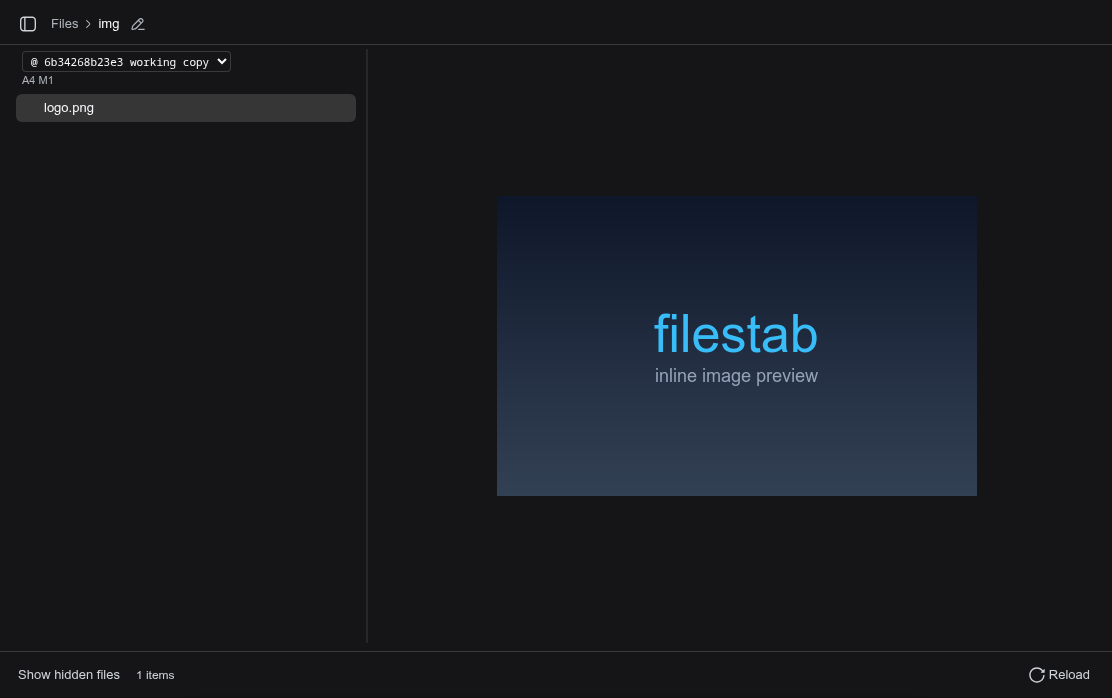
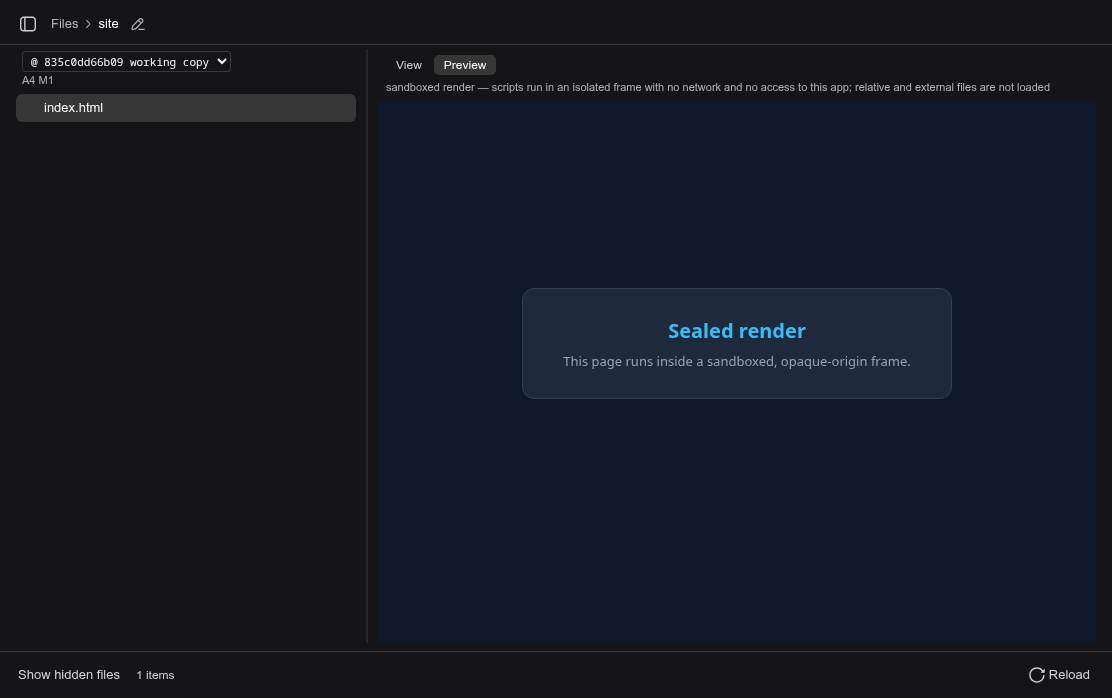
Three capabilities anchor the experience. Live change tracking covers both jj and git-only repos, rolling up modifications per folder and marking each file with M or A status. A side-by-side diff view lets you inspect any point in history; picking a commit renders its exact tree, with binary changes shown as compact cards. File preview handles Markdown (task lists, syntax-highlighted fences, mermaid diagrams), source code with highlighting, and HTML, images, or PDFs inside a sealed iframe.
It fits developers who spend a lot of time reviewing working-tree changes inside the harness, especially those who prefer jj local stacks and want diffs and previews in one place. The plugin is strictly read-only, and every file-derived render runs in an opaque-origin sandbox, so nothing in your workspace is ever modified.
Screenshots
Use Cases
- Review live jj or git repo changes at a glance with per-folder rollups and per-file M/A markers
- Jump to any historical commit to inspect its exact tree in side-by-side diff view
- Preview rendered Markdown, syntax-highlighted source, and sandboxed HTML/images without leaving the harness
Best For
- Developers who manage local stacks with jj and want diffs and previews in a single view
- Engineers working daily in the dsh web GUI who frequently inspect working-tree changes
- Users who value a strict read-only boundary and do not want any plugin modifying workspace files
Related Plugins
A service-oriented sidebar framework for DSH, offering a full workbench with file explorer, embedded browser, real terminal, Git panel, and extensible plugin services.

A beautiful, practical Claude Code-style TUI plugin with pixel whale top bar, flowing glow title, real-time status line, streaming thought expansion, time rewind, context progress bar and TPS gauge — zero core changes.

The plugin market for DeepSeek Harness: browse/search/one-click install community plugins and themes, with updates, backup/restore, hot disable, diagnostics, and AI fix.

A persistent whale widget on the DSH web UI that shows DeepSeek balance, today's usage, and per-turn cost, with drag-and-snap and sound effects.