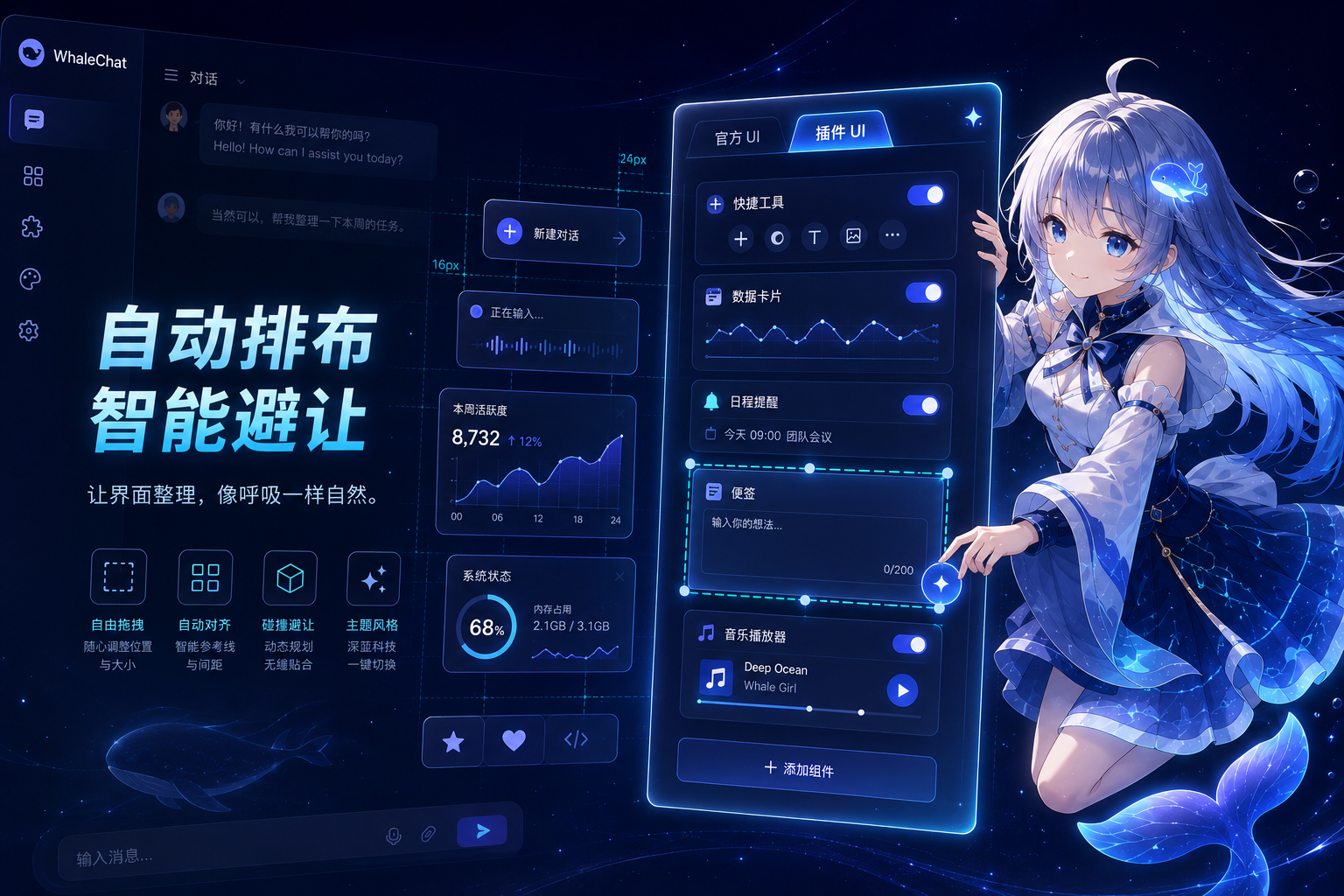
dsh-ui-hub
Run the following command in DeepSeek Harness:
dsh plugin install Han-1413141/dsh-ui-hub
Paste the following prompt into your AI chat to install this plugin:
In DeepSeek Harness, install the plugin using the command dsh plugin install Han-1413141/dsh-ui-hub, with the source code at https://github.com/Han-1413141/dsh-ui-hub.
About this plugin
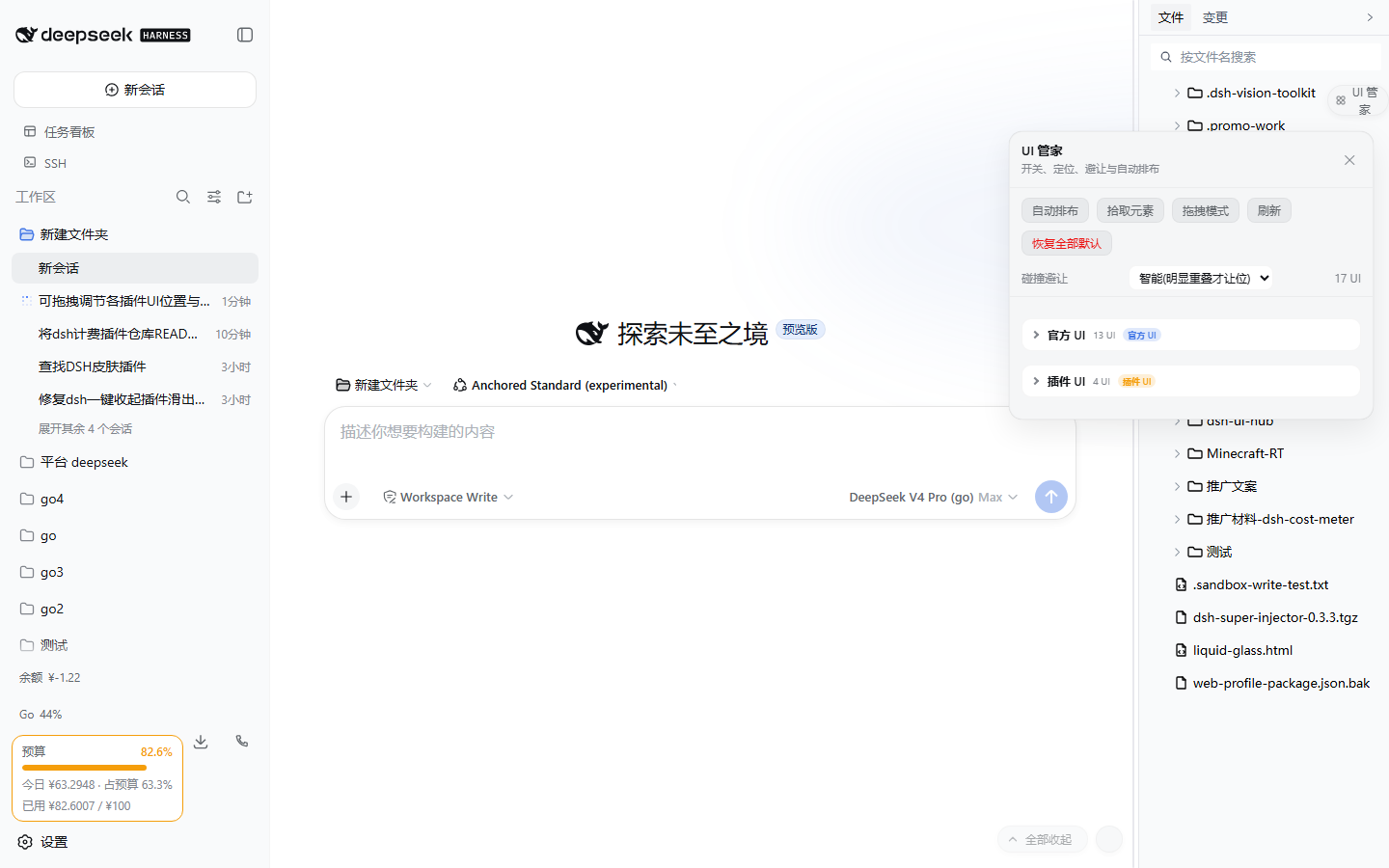
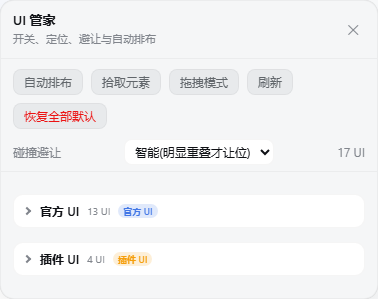
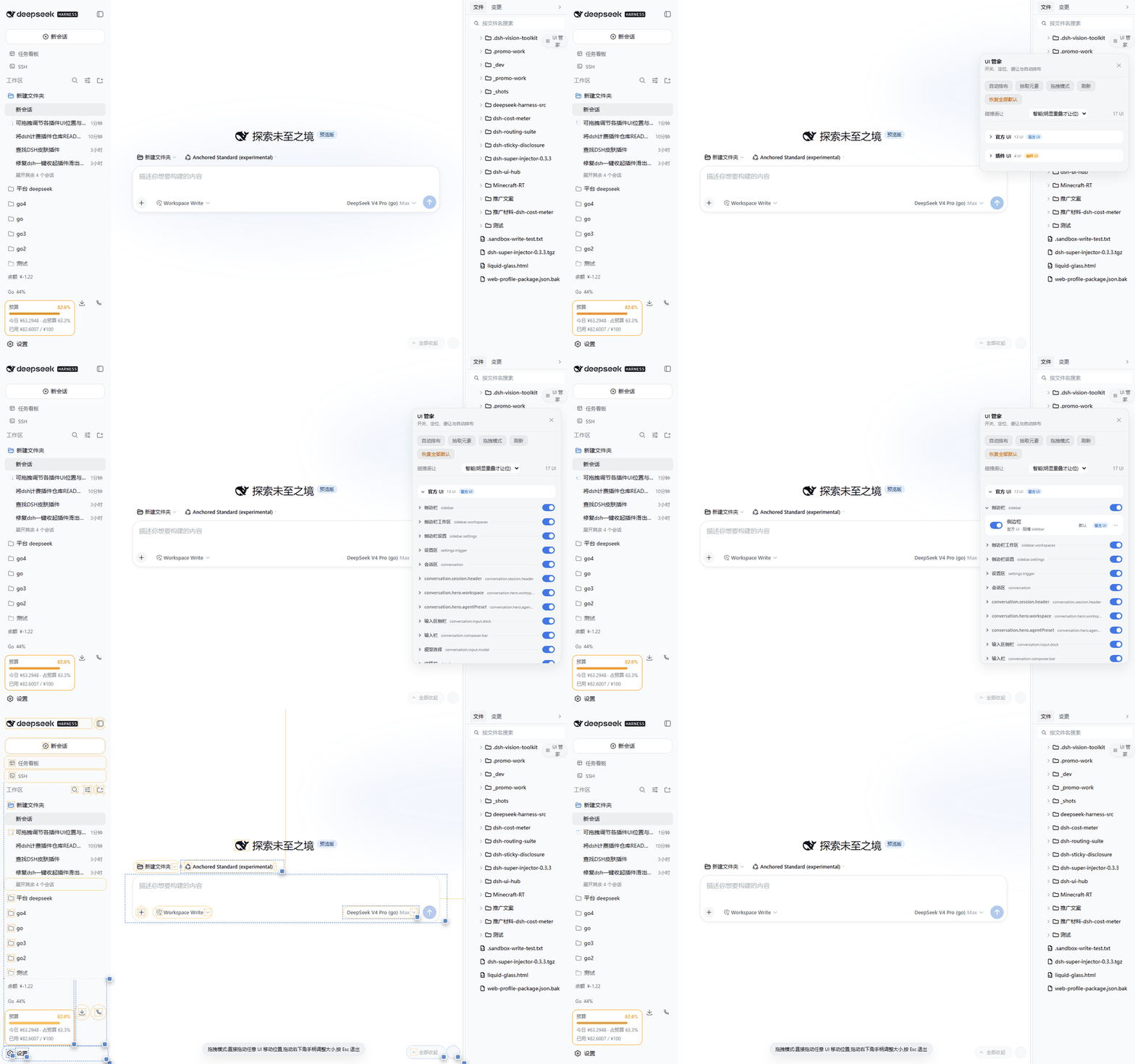
DSH is a plugin-driven platform where each plugin adds UI elements like buttons, panels, and charts to the page, but without coordination, these elements often overlap and clutter the interface, harming user experience. The dsh-ui-hub plugin, acting as a 'UI manager,' automatically discovers all UI elements from both official sources and plugins. It offers precise control with individual toggles, three positioning modes (default, fine-tune, and floating), along with collision avoidance and one-click auto-layout to keep the interface neat and organized. Additionally, the plugin provides persistence, saving user settings in the browser's local storage for automatic restoration after refresh, and it is non-intrusive, avoiding modifications to plugin code. It is ideal for users who have installed multiple DSH plugins, especially developers or those who value a clean interface, simplifying the management of complex UI layouts and enhancing productivity and usability.
Screenshots
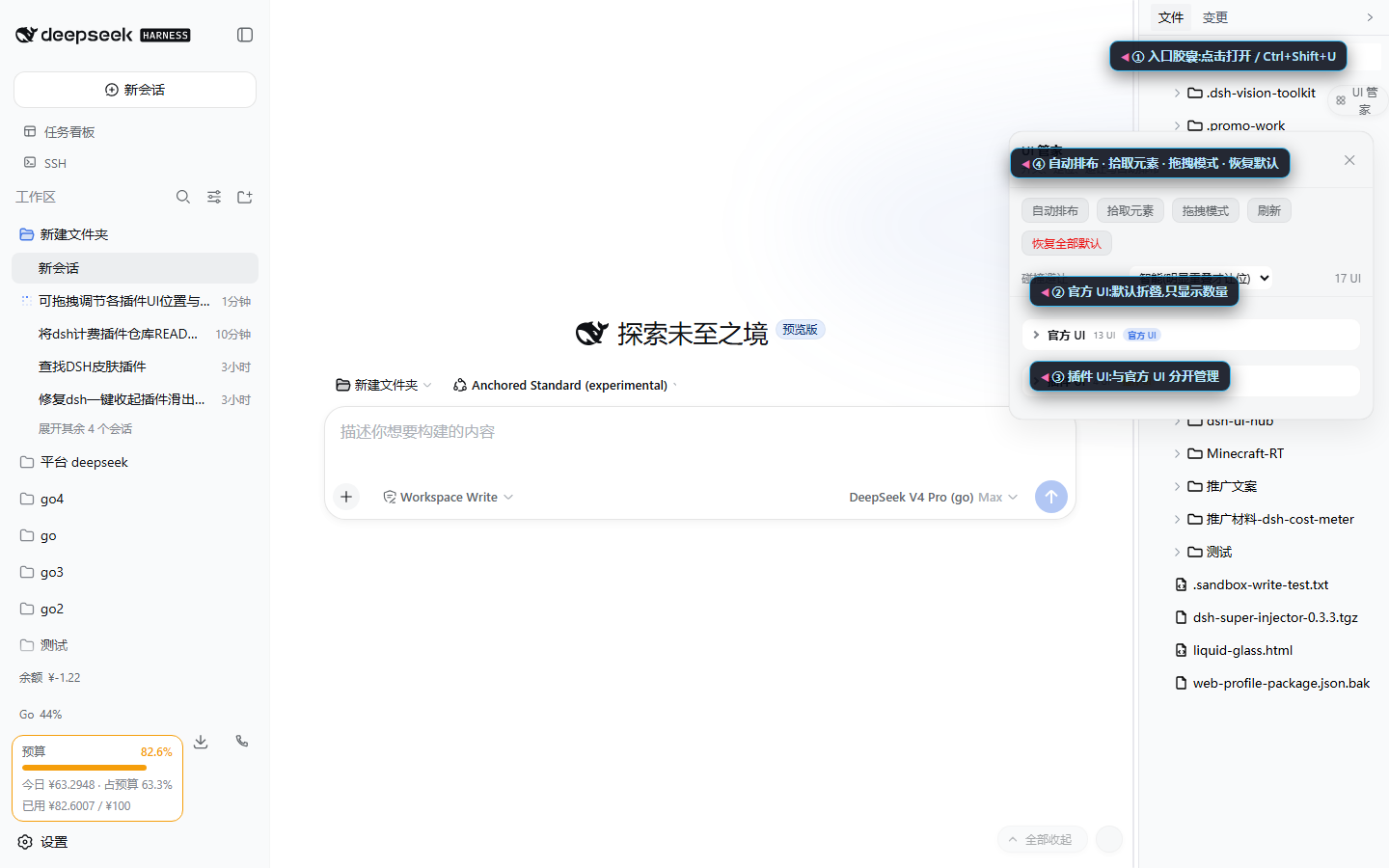
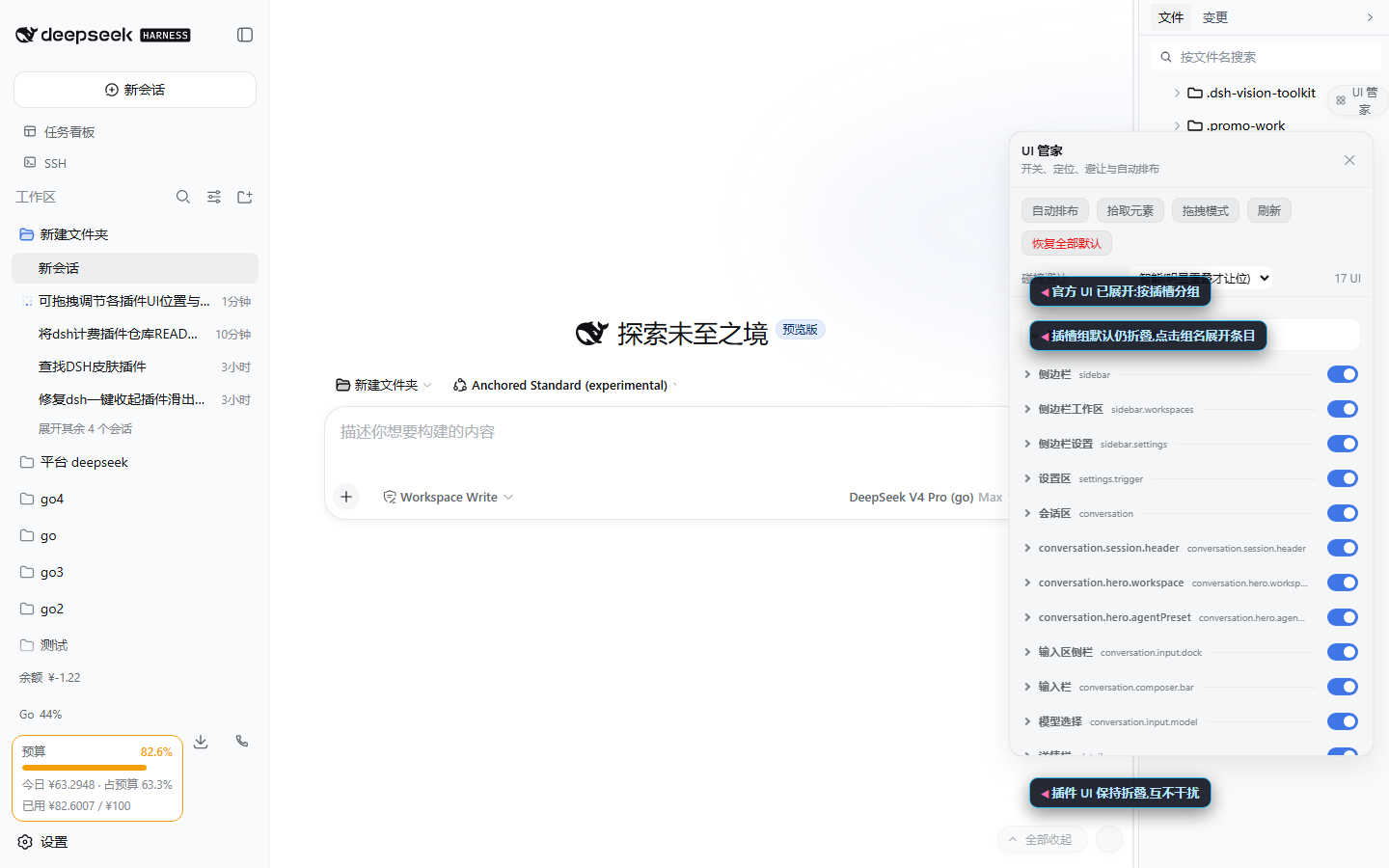
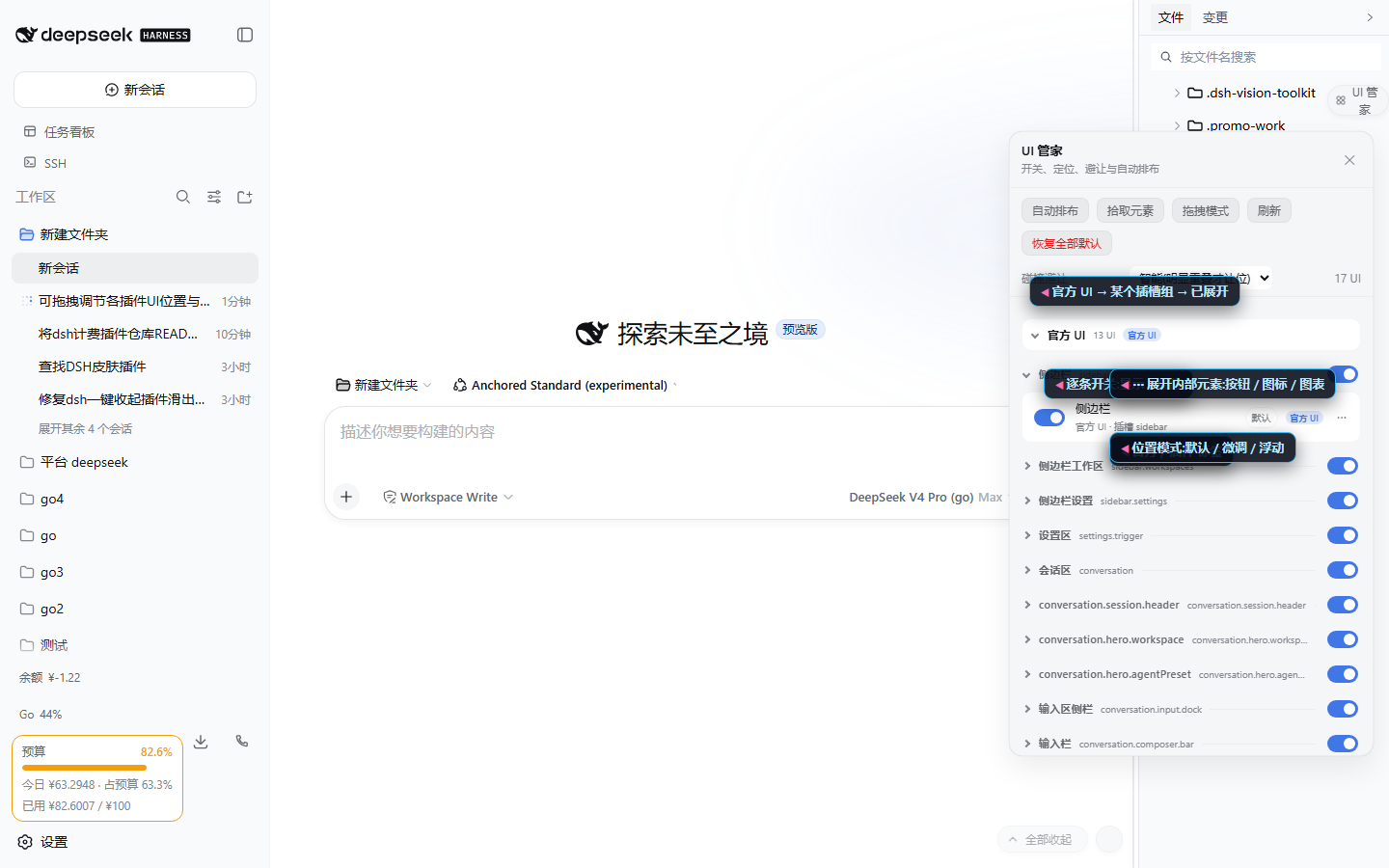
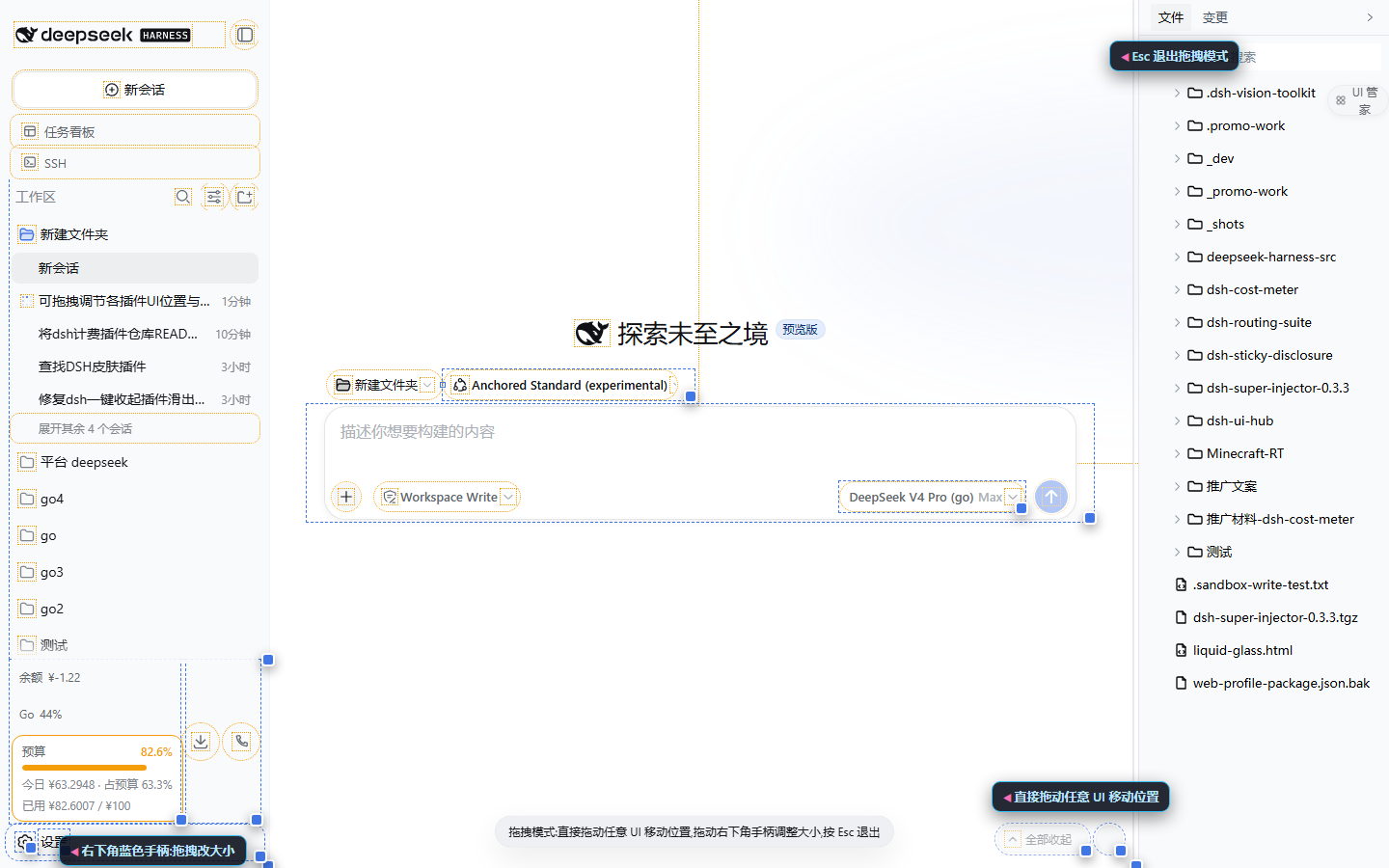
Use Cases
- When multiple plugins cause UI elements on the page to overlap, requiring management of interface elements.
- When needing to quickly adjust UI positions, avoid collisions, and maintain a tidy layout.
- When wishing to auto-layout floating controls with one click to improve interface aesthetics and operational efficiency.
Best For
- Users who have installed multiple DSH plugins and face interface clutter.
- Developers or professionals managing complex interfaces.
- General users who value interface cleanliness and wish to enhance the user experience.
Related Plugins
A service-oriented sidebar framework for DSH, offering a full workbench with file explorer, embedded browser, real terminal, Git panel, and extensible plugin services.

A beautiful, practical Claude Code-style TUI plugin with pixel whale top bar, flowing glow title, real-time status line, streaming thought expansion, time rewind, context progress bar and TPS gauge — zero core changes.

The plugin market for DeepSeek Harness: browse/search/one-click install community plugins and themes, with updates, backup/restore, hot disable, diagnostics, and AI fix.

A persistent whale widget on the DSH web UI that shows DeepSeek balance, today's usage, and per-turn cost, with drag-and-snap and sound effects.